1. పరిచయం
This manual provides essential information for the safe and efficient operation of your NEBULA by Anker Solar Portable 1080p Projector. Please read it thoroughly before using the device and retain it for future reference.

మూర్తి 1: ముందు view of the NEBULA Solar Portable 1080p Projector.
2. పెట్టెలో ఏముంది
క్రింద జాబితా చేయబడిన అన్ని వస్తువులు మీ ప్యాకేజీలో చేర్చబడ్డాయని ధృవీకరించండి:
- NEBULA Solar Portable Projector
- రిమోట్ కంట్రోల్
- త్వరిత ప్రారంభ గైడ్
- PD Charger (65W, output 20V/3.25A)
- USB-C నుండి USB-C కేబుల్
3. ఉత్పత్తి ముగిసిందిview
The NEBULA Solar Portable Projector is designed for versatile entertainment, offering a Full HD 1080p image with 400 ANSI lumens brightness. It supports 4K content and features autofocus and keystone correction for easy setup. The device runs on Android TV 9.0, providing access to over 5,000 applications.
ముఖ్య లక్షణాలు:
- ప్రదర్శన సాంకేతికత: 0.23DMD in 1080p DLP
- రిజల్యూషన్: 1920x1080 (పూర్తి HD)
- ప్రకాశం: 400 ANSI ల్యూమెన్స్
- ఆటో ఫోకస్: 3-second autofocus for clear images.
- కీస్టోన్ దిద్దుబాటు: Auto (vertical ±40°) and Manual (horizontal ±40°, Quadrilateral ±40°).
- ఆపరేటింగ్ సిస్టమ్: Android TV 9.0 with Google Play Store access.
- ఆడియో: Dual 3W speakers with Dolby Digital Plus support. Can function as a portable Bluetooth speaker.
- కనెక్టివిటీ: HDMI, USB-A, Type-C (Power Delivery charging), Wi-Fi (2.4/5GHz), Bluetooth 4.2.
- బ్యాటరీ లైఫ్: Up to 3 hours of video playtime (in battery mode).
- ఇంటిగ్రేటెడ్ స్టాండ్: Adjustable up to 13 degrees for optimal viewing కోణాలు.

Figure 2: Visual representation of the projector's 1080p image clarity at 400 ANSI lumens.
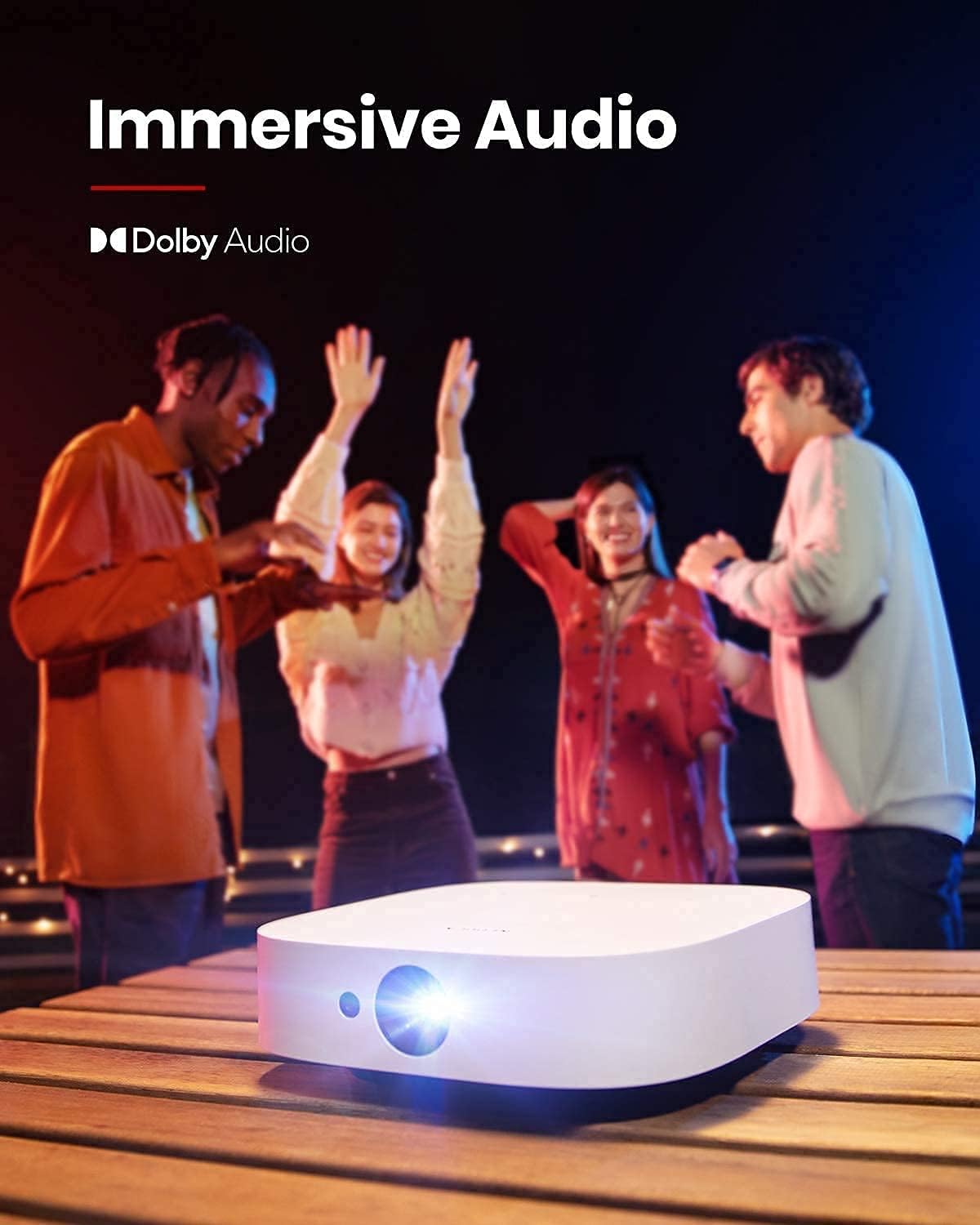
Figure 3: The projector in use for outdoor group viewing, highlighting its portability and battery life.
4. సెటప్
4.1 ప్రారంభ పవర్ ఆన్ మరియు ఛార్జింగ్
- Connect the provided PD charger to the Type-C port on the projector.
- Plug the charger into a power outlet. The projector can be used while charging.
- ప్రొజెక్టర్ లేదా రిమోట్ కంట్రోల్ని ఆన్ చేయడానికి దానిలోని పవర్ బటన్ను నొక్కి పట్టుకోండి.
Video 1: A short video demonstrating the charging process and initial power-on of the projector.
4.2 Adjusting Projection Angle
The projector features an integrated stand on its base, allowing for angle adjustments up to 13 degrees. Simply adjust the stand to achieve your desired projection height and angle.
Figure 4: The adjustable stand on the bottom of the projector for angle customization.
4.3 కనెక్టివిటీ పోర్ట్లు
The rear of the projector provides various ports for connecting external devices:
- HDMI: Connect to laptops, gaming consoles, or other HDMI-enabled devices.
- USB-A: For connecting USB flash drives or other USB accessories.
- టైప్-సి: Primarily for Power Delivery charging.

చిత్రం 5: పైగాview of the projector's input/output ports.
5. ఆపరేటింగ్ సూచనలు
5.1 Android TV 9.0 and App Access
The projector runs on Android TV 9.0, providing access to the Google Play Store. You can download and install a wide range of streaming applications and games directly onto the device.
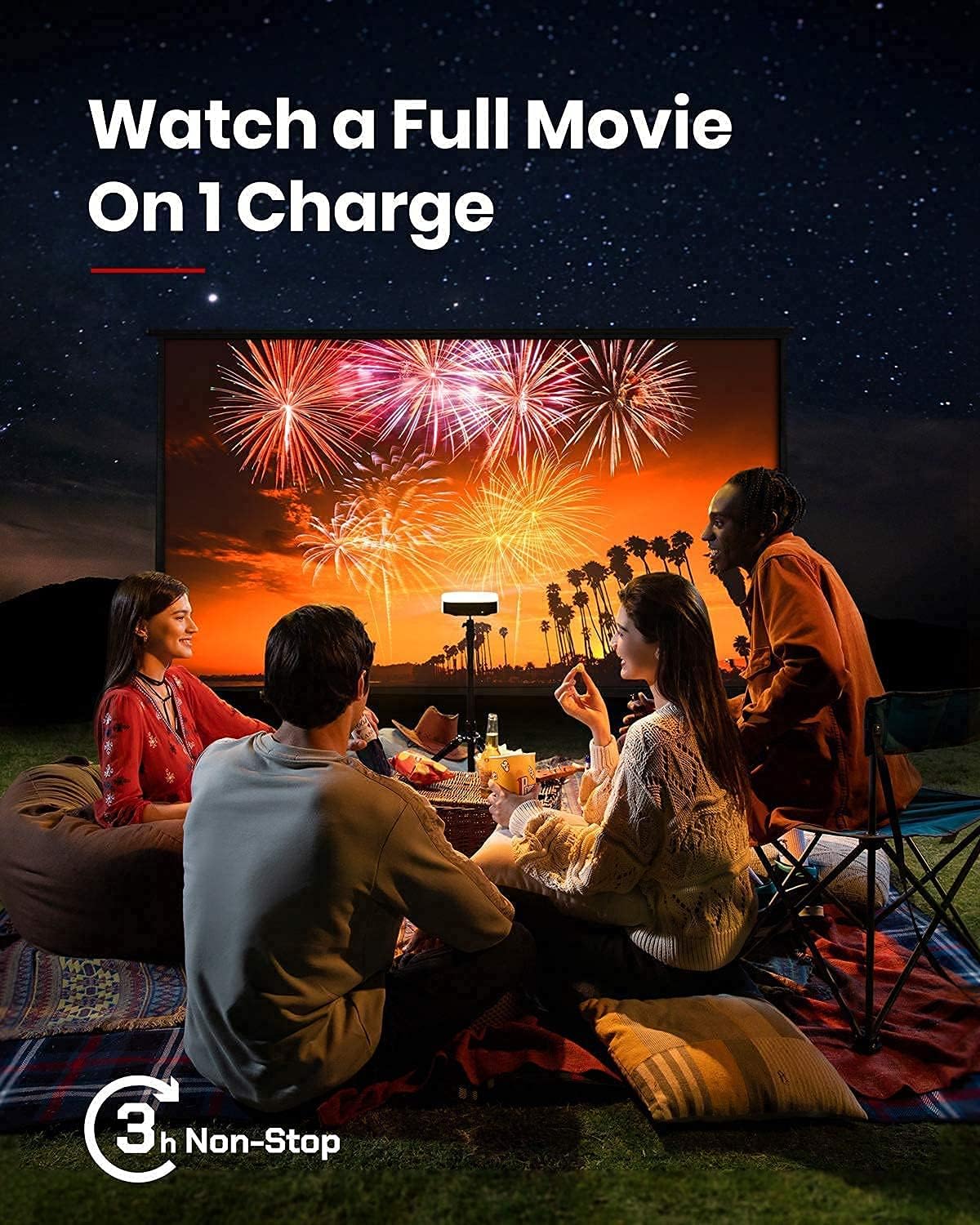
Figure 6: The Android TV 9.0 interface with access to various applications.
5.2 Installing Netflix
To install Netflix, navigate to the Google Play Store and install the "Nebula Manager" app. Within "Nebula Manager", you can then install Netflix. It is recommended to use the "Nebula Connect" app on your phone in mouse mode to control Netflix, as the remote control may have limited functionality with the mobile version of the Netflix app.
Video 2: Instructions on how to install and use Netflix on the projector.
5.3 Screen Mirroring (iOS Devices)
For iOS devices (iPhone, iPad, MacBook), install the "AirScreen" app from the Google Play Store on your projector. Ensure both your projector and iOS device are connected to the same Wi-Fi network. Then, use the "Screen Mirroring" function on your iOS device to connect to the projector.
Video 3: A guide on how to screen mirror and cast content from an iPhone to the projector.
5.4 USB Flash Drive Playback
To play movies or media from a USB flash drive, install a file management app (e.g., File Explorer, File Manager) and a video player from the Google Play Store. Insert your USB flash drive into the USB-A port and use the file manager to access and play your content.
5.5 Autofocus and Keystone Correction
The projector features 3-second autofocus. To trigger autofocus, slightly move the device or press the dedicated "focus" button on the remote. For keystone correction, the device supports auto vertical (±40°) and manual horizontal (±40°) and quadrilateral (±40°) adjustments. If the image is tilted, disable auto keystone correction via "Settings > Projector Settings > Keystone Correction" and manually adjust both vertical and horizontal keystone correction.

Figure 7: The autofocus feature ensures a clear image automatically.

Figure 8: Keystone correction allows for adjusting the image shape to be rectangular.
6. నిర్వహణ
To ensure the longevity and optimal performance of your projector, follow these maintenance guidelines:
- శుభ్రపరచడం: ప్రొజెక్టర్ బయటి భాగాన్ని శుభ్రం చేయడానికి మృదువైన, పొడి వస్త్రాన్ని ఉపయోగించండి. లెన్స్ కోసం, ప్రత్యేకమైన లెన్స్ శుభ్రపరిచే వస్త్రం మరియు ద్రావణాన్ని ఉపయోగించండి. రాపిడి క్లీనర్లను నివారించండి.
- నిల్వ: Store the projector in a cool, dry place away from direct sunlight and extreme temperatures. If storing for extended periods, ensure the battery is partially charged (around 50%) to maintain battery health.
- వెంటిలేషన్: Ensure the ventilation grilles are not obstructed during operation to prevent overheating.
7. ట్రబుల్షూటింగ్
This section addresses common issues you might encounter with your NEBULA Solar Portable Projector.
- Netflix App Control Issues: If the remote control has limited functionality with Netflix, use the "Nebula Connect" app on your smartphone in mouse mode for better navigation.
- iOS Screen Mirroring Failure: Ensure both the projector (with "AirScreen" installed) and your iOS device are connected to the same Wi-Fi network. Some protected content may not mirror due to DRM restrictions.
- Image Tilted/Distorted: If the projected image is tilted, turn off auto keystone correction via "Settings > Projector Settings > Keystone Correction" and manually adjust both vertical and horizontal keystone correction.
- బ్యాటరీ త్వరగా అయిపోతుంది: The projector offers different brightness modes. "Battery Mode" (80% volume, Wi-Fi off) provides up to 3 hours. "Standard Mode" offers 2 hours. Ensure the device is fully shut down (hold power button and select "Shut down") rather than just standby to prevent battery drain.
- ఫ్యాన్ శబ్దం: In "Normal Brightness Mode," the fan may be noticeable. For quieter operation, use the less-bright "Battery Mode."
- యాప్ అనుకూలత/పనితీరు: Some apps may experience issues due to the Android TV 9.0 version. Ensure apps are updated to their latest versions.
8. స్పెసిఫికేషన్లు
| ఫీచర్ | వివరాలు |
|---|---|
| ఉత్పత్తి కొలతలు | 7.56 x 7.57 x 2.15 అంగుళాలు |
| వస్తువు బరువు | 2.77 పౌండ్లు |
| అంశం మోడల్ సంఖ్య | D2131 |
| బ్యాటరీలు | 1 లిథియం అయాన్ బ్యాటరీ (చేర్చబడింది) |
| ప్రదర్శన సాంకేతికత | 0.23DMD in 1080p DLP |
| రిజల్యూషన్ | 1920x1080 |
| ప్రకాశం | 400 ANSI ల్యూమెన్స్ |
| LED లైఫ్ | 30,000 గంటలు |
| త్రో నిష్పత్తి | 1.2 |
| దృష్టి సర్దుబాటు | 3-second autofocus |
| కీస్టోన్ దిద్దుబాటు | Auto (vertical ±40°), Manual (horizontal ±40°, Quadrilateral ±40°) |
| HDMI | x 1 |
| USB-A | x 1 |
| టైప్-సి | x 1 (Power Delivery charging) |
| RAM | 2GB DDR |
| ROM | 8GB eMMC |
| బ్యాటరీ | 20,000mAh / 3.7v |
| స్పీకర్ | 2×3W |
| Wi-Fi | Dual Frequency 2.4/5GHz |
| బ్లూటూత్ | BT4.2 |
| ఫ్యాన్ శబ్దం | <30dB |
| OS | ఆండ్రాయిడ్ టీవీ 9.0 |
| Chromecast | మద్దతు ఇచ్చారు |
| వర్కింగ్ మోడ్లు | Projector Mode, Bluetooth Speaker Mode |
| యాప్ స్టోర్ | Google Play |
| Video Playtime | 3 hours (battery mode); 2 hours (standard mode) |
| ఛార్జింగ్ సమయం | 3 hours with Power Delivery 20V-3.25A |
| ఆడియో డీకోడ్ | Dolby supported |
| వీడియో డీకోడ్ | HDR10 |
9. వారంటీ మరియు మద్దతు
Your NEBULA Solar Portable Projector is covered by a manufacturer's warranty. For detailed warranty information, technical support, or service inquiries, please visit the official NEBULA brand store or contact customer support.
Official NEBULA Store: https://www.amazon.com/stores/Nebula/page/A836DB9B-3AD4-4696-A071-A0A11B4E59A2


