1. పరిచయం
Thank you for choosing the TECKNET TK-MS007 Ergonomic Rechargeable Vertical Wireless Mouse. This manual provides essential information for setting up, operating, and maintaining your new mouse. Designed with user comfort in mind, this vertical mouse promotes a natural hand position to reduce wrist strain during extended use.

2. ప్యాకేజీ విషయాలు
- TECKNET TK-MS007 Vertical Mouse
- USB-A రిసీవర్
- వినియోగదారు మాన్యువల్
- టైప్-సి ఛార్జ్ కేబుల్
3. ఉత్పత్తి లక్షణాలు
3.1 ఎర్గోనామిక్ డిజైన్
The TECKNET ergonomic mouse features a vertical design that aligns with the natural structure of your hand, creating a 52-degree angle with the horizontal plane. This design reduces hand movement distance and decreases hand muscle activity by 10%, allowing your arm and wrist to rest comfortably and minimize fatigue.

3.2 పునర్వినియోగపరచదగిన బ్యాటరీ
Equipped with a built-in 600mAh rechargeable battery, eliminating the need for disposable batteries. A full charge takes approximately 1.5 hours and can provide 1-3 months of working time, depending on usage habits. The mouse charges via a Type-C interface.

3.3 Stable Wireless Connection
The mouse utilizes advanced 2.4GHz wireless technology, ensuring a stable and quick connection within a 10-meter range without interference. It supports plug-and-play functionality; simply connect the included USB receiver to your computer's USB-A port.

3.4 Multifunction Buttons
The mouse includes dedicated "Forward Button" and "Backward Button" for convenient web page browsing. The left and right click buttons are designed for silent operation, reducing clicking noise by over 90%. Note: The scroll wheel, DPI button, and forward/back buttons are not silent. Side buttons are unavailable on Mac OS systems.

3.5 సర్దుబాటు DPI
The vertical mouse features optical tracking technology with 5 adjustable DPI levels: 800, 1600, 2400, 3200, and 4800. This allows for precise tracking and sensitivity adjustment to suit various tasks, from general office work to gaming or design.

3.6 సార్వత్రిక అనుకూలత
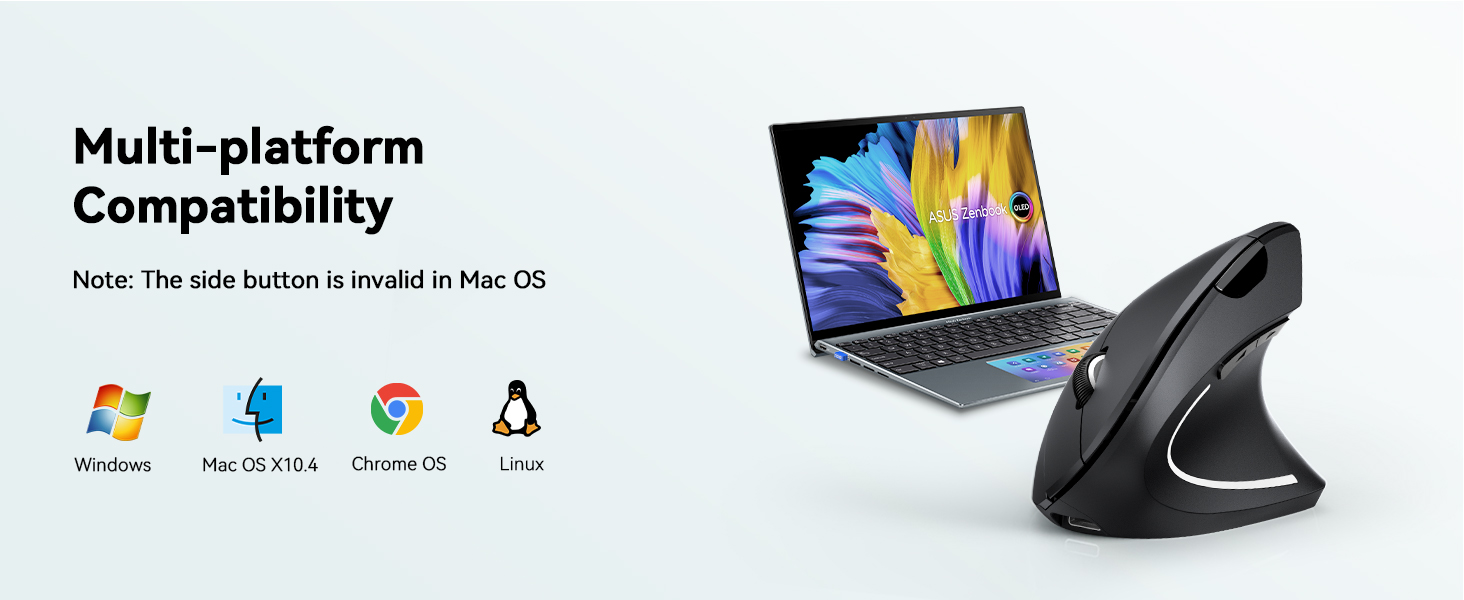
The TECKNET mouse is compatible with a wide range of operating systems, including Windows, Mac OS X 10.4 and above (note: side buttons are invalid on Mac OS), Chrome OS, and Linux. It connects via a USB-A port, making it suitable for most desktops, laptops, and PCs.
3.7 Recommended Hand Size
This ergonomic mouse is ideal for medium to large hands. Please refer to the size guide below for reference.

4. సెటప్ సూచనలు
- USB రిసీవర్ని చొప్పించండి: Locate the USB-A receiver stored in the bottom of the mouse. Plug this receiver into an available USB-A port on your computer. No additional drivers are needed for installation.
- పవర్ ఆన్: Flip the On/Off switch located on the bottom of the mouse to the "On" position. The mouse is now ready for use.
- ప్రారంభ ఛార్జ్: For optimal performance, it is recommended to fully charge the mouse before first use. Connect the provided Type-C charge cable to the charging port on the front of the mouse and to a USB power source.
5. ఆపరేటింగ్ సూచనలు
- ప్రాథమిక నావిగేషన్: Use the left and right click buttons for standard mouse functions. The scroll wheel allows for vertical scrolling through documents and web పేజీలు.
- ముందుకు/వెనుకకు బటన్లు: Utilize the dedicated forward and backward buttons on the side of the mouse for quick navigation in web బ్రౌజర్లు మరియు file explorers. (Note: These buttons are not functional on Mac OS systems).
- DPI సర్దుబాటు: Press the DPI switch button (located near the scroll wheel) to cycle through the 5 available DPI settings (800/1600/2400/3200/4800). Select the sensitivity that best suits your current task.
6. నిర్వహణ
- ఛార్జింగ్: When the battery indicator light turns red, connect the mouse to a power source using the provided Type-C cable. The light will turn green when fully charged.
- పవర్-పొదుపు మోడ్: The mouse enters a power-saving sleep mode after 8 minutes of inactivity. To wake it up, simply press the left or right mouse button.
- శుభ్రపరచడం: మౌస్ను శుభ్రం చేయడానికి మృదువైన, పొడి వస్త్రాన్ని ఉపయోగించండి. కఠినమైన రసాయనాలు లేదా రాపిడి పదార్థాలను ఉపయోగించకుండా ఉండండి.
7. ట్రబుల్షూటింగ్
- మౌస్ స్పందించడం లేదు: Ensure the mouse is powered on and the USB receiver is securely plugged into your computer. If the mouse is in sleep mode, press the left or right button to wake it. Check battery level and charge if necessary.
- కనెక్టివిటీ సమస్యలు: Try plugging the USB receiver into a different USB-A port. Ensure there are no significant obstructions or sources of interference between the mouse and the receiver.
- Side buttons not working on Mac OS: This is a known limitation. The forward/backward buttons are not supported on Mac OS systems.
- Missing parts or damage: If you received the product with missing parts or damage, please contact the seller for assistance.
8. స్పెసిఫికేషన్లు
| ఫీచర్ | వివరాలు |
|---|---|
| మోడల్ సంఖ్య | TK-MS007 |
| ఉత్పత్తి కొలతలు | 4.7 x 2.5 x 0.04 అంగుళాలు |
| వస్తువు బరువు | 4.2 ఔన్సులు |
| కనెక్టివిటీ టెక్నాలజీ | 2.4GHz USB, Wireless |
| మూవ్మెంట్ డిటెక్షన్ టెక్నాలజీ | ఆప్టికల్ |
| సర్దుబాటు చేయగల DPI స్థాయిలు | 800/1600/2400/3200/4800 |
| బ్యాటరీ కెపాసిటీ | 600mAh (రీఛార్జబుల్) |
| రంగు | నలుపు |
9. వారంటీ మరియు మద్దతు
TECKNET products are designed for reliability and performance. If you encounter any issues, have questions, or require support, please refer to the contact information provided with your purchase or visit the official TECKNET website for customer service. For missing parts or damage upon receipt, kindly contact the seller directly for resolution.


