పరిచయం
The Ring Video Doorbell Wired provides 1080p HD video surveillance for your front door, offering advanced motion detection, two-way talk, and real-time alerts. This device requires existing doorbell wiring for continuous power and operates on a 2.4 GHz Wi-Fi connection. It integrates seamlessly with the Ring app and compatible Alexa devices to enhance your home security and convenience.
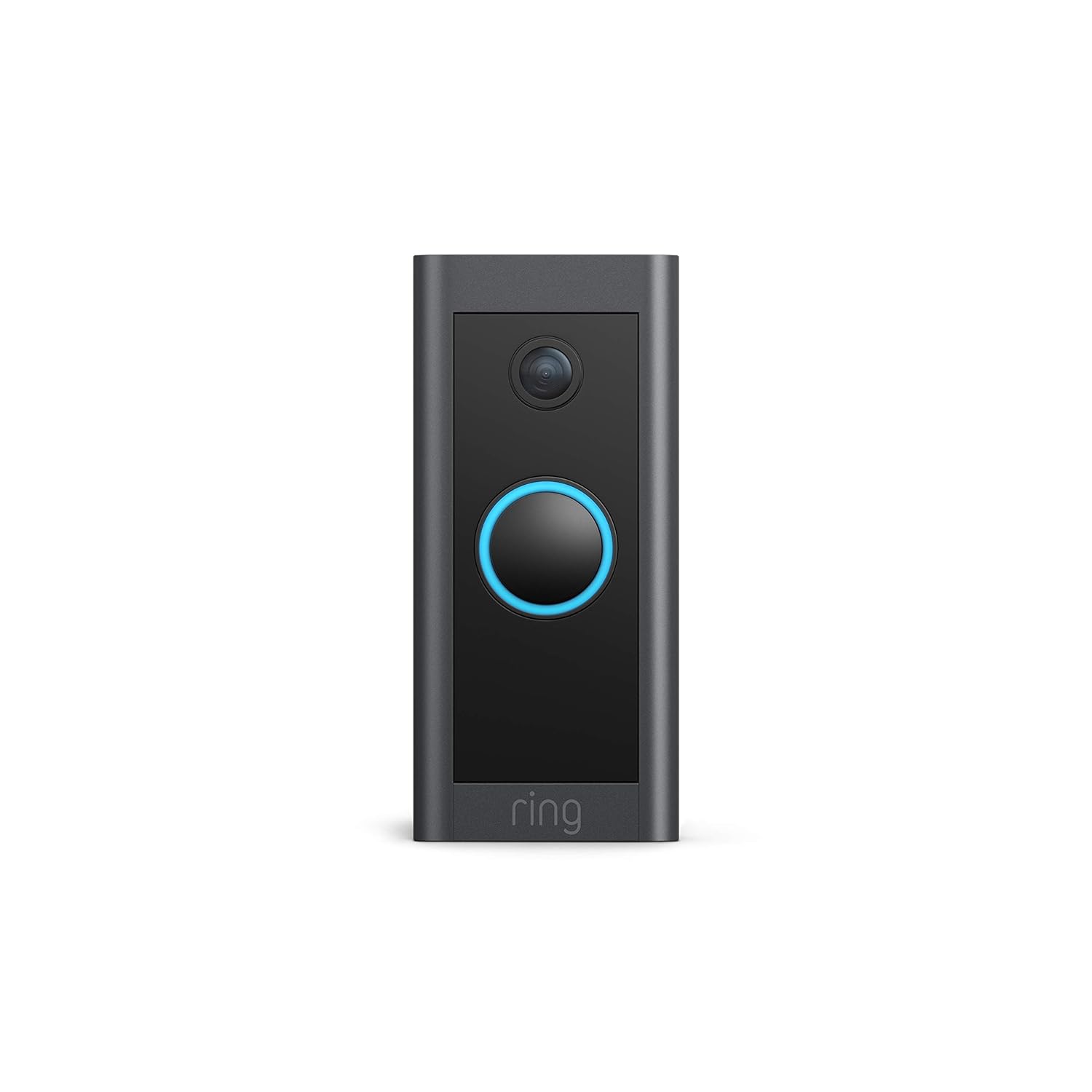
Image: The Ring Video Doorbell Wired, a sleek black device with a blue illuminated button, mounted on a door frame, ready for use.
ఏమి చేర్చబడింది
Your Ring Video Doorbell Wired package contains the following items:
- రింగ్ వీడియో డోర్బెల్ వైర్డ్ యూనిట్
- ఇన్స్టాలేషన్ సాధనాలు మరియు స్క్రూలు
- వినియోగదారు మాన్యువల్ (ఈ పత్రం)
- త్వరిత ప్రారంభ గైడ్
- భద్రతా స్టిక్కర్లు
సెటప్ మరియు ఇన్స్టాలేషన్
The average installation time for the Ring Video Doorbell Wired is approximately 15 minutes. This device requires hardwiring to an existing doorbell system or a compatible transformer.
శక్తి అవసరాలు:
- Existing doorbell system (10-24 VAC, 40VA max, 50/60Hz)
- Ring plug-in adapter
- Compatible transformer (24VDC, 0.5A, 12W)
Note: Halogen or garden-lighting transformers are not compatible. The doorbell will bypass your existing indoor chime; a Ring Chime or compatible Alexa device is required for in-home audio notifications.
ఇన్స్టాలేషన్ దశలు:
- పవర్ ఆఫ్ చేయండి: ప్రారంభించడానికి ముందు, బ్రేకర్ వద్ద మీ ప్రస్తుత డోర్బెల్ సిస్టమ్కు పవర్ ఆఫ్ చేయబడిందని నిర్ధారించుకోండి.
- ఇప్పటికే ఉన్న డోర్బెల్ను తీసివేయండి: Carefully detach your old doorbell button from the wall.
- వైరింగ్ కనెక్ట్ చేయండి: Connect the existing doorbell wires to the terminals on the back of the Ring Video Doorbell Wired using the provided tools. Ensure a secure connection.
- డోర్బెల్ను అమర్చండి: Secure the Ring Video Doorbell Wired to your wall using the included screws and anchors.
- శక్తిని పునరుద్ధరించండి: బ్రేకర్ వద్ద పవర్ను తిరిగి ఆన్ చేయండి.
- యాప్లో సెటప్: Download the Ring app, create an account (if you don't have one), and follow the on-screen instructions to connect your doorbell to your 2.4 GHz Wi-Fi network.

Image: A person's hands are shown connecting red and white wires to the terminals on the back of the Ring Video Doorbell Wired, illustrating the hardwiring process.
ఆపరేటింగ్ సూచనలు
The Ring Video Doorbell Wired offers a range of features to monitor your front door effectively.
ముఖ్య లక్షణాలు:
- 1080p HD వీడియో: Enjoy clear, high-definition video of your doorstep, day or night.
- ప్రత్యక్షం View: Access a real-time video feed from your doorbell at any time via the Ring app.
- ద్విముఖ చర్చ: Speak to visitors at your door from anywhere using your smartphone or a compatible Alexa device.
- అధునాతన చలన గుర్తింపు: Customize motion zones to receive alerts when activity is detected in specific areas.
- రాత్రి దృష్టి: The doorbell provides sharp contrast night vision, ensuring clear video even in low-light conditions.
- నిజ-సమయ హెచ్చరికలు: Receive instant notifications on your phone when someone rings the doorbell or motion is detected.
- అలెక్సా ఇంటిగ్రేషన్: Connect with Alexa to hear motion alerts on compatible Echo devices or view ఎ లైవ్ View on Echo Show, Fire TV, or Fire Tablet. You can also initiate two-way talk via Alexa commands.
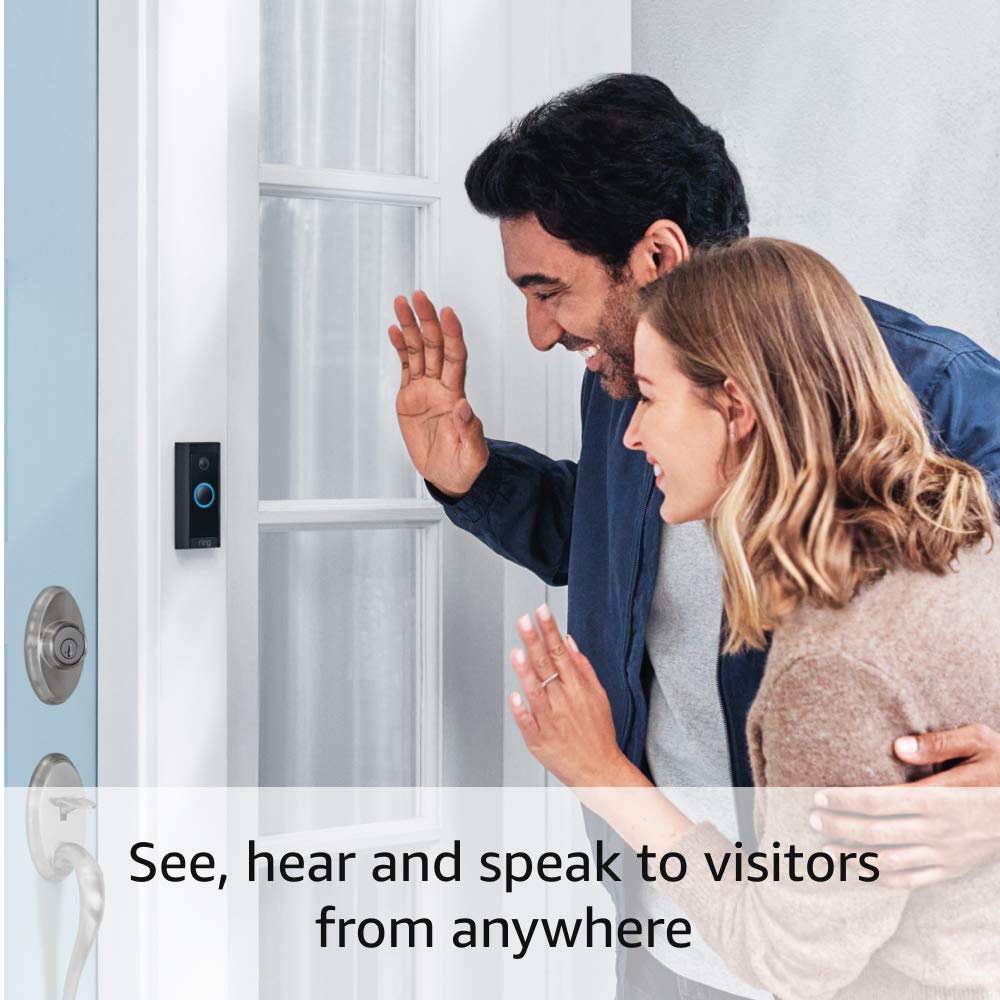
Image: A man and a woman are shown waving at the Ring Video Doorbell Wired, demonstrating the two-way talk feature where users can interact with visitors.
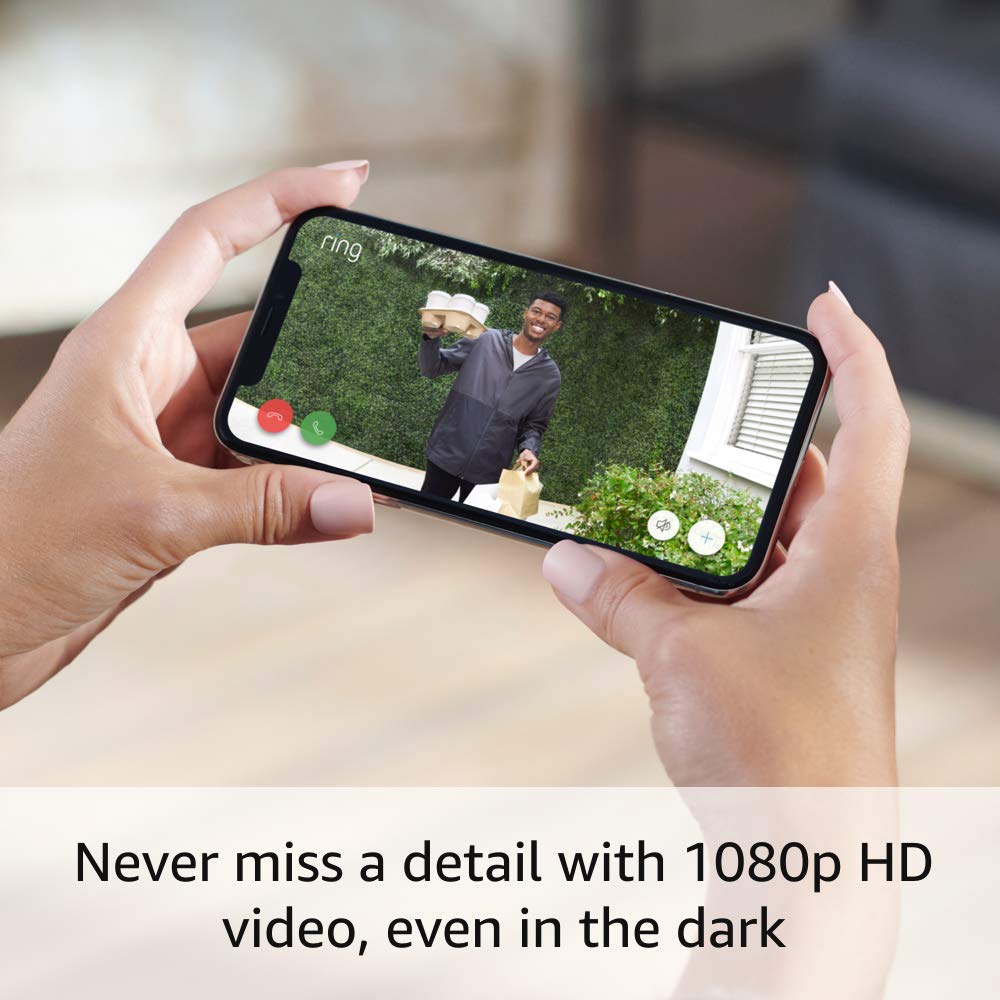
Image: A smartphone screen displays a clear 1080p HD video feed from the Ring doorbell, showing a person holding packages, highlighting the video quality.

Image: An Amazon Echo Show device displays a live video feed from the Ring doorbell, with a text bubble stating "Alexa, talk to the front door.", illustrating Alexa integration.
Ring App Functionality:
The Ring app is your central hub for managing your doorbell. It allows you to:
- View live video and recorded events (with Ring Protect subscription).
- Adjust motion detection settings and privacy zones.
- Manage device settings and user access.
- Arm and disarm your Ring system (with eligible Ring Home subscription).

Image: A smartphone screen displays the Ring App interface, showing options like 'Disarmed', 'Home', 'Away', and quick access buttons for 'Front Door', 'Lights', and 'History'.
నిర్వహణ
మీ రింగ్ వీడియో డోర్బెల్ వైర్డ్ యొక్క ఉత్తమ పనితీరు మరియు దీర్ఘాయువును నిర్ధారించడానికి, ఈ క్రింది నిర్వహణ చిట్కాలను పరిగణించండి:
- రెగ్యులర్ క్లీనింగ్: కాలానుగుణంగా కెమెరా లెన్స్ మరియు డోర్బెల్ యొక్క బాహ్య భాగాన్ని మృదువైన, d తో తుడవండిamp దుమ్ము మరియు ధూళిని తొలగించడానికి వస్త్రం. రాపిడి క్లీనర్లను నివారించండి.
- ఫర్మ్వేర్ నవీకరణలు: Ensure your device's firmware is up to date through the Ring app. Updates often include performance improvements and security enhancements.
- వాతావరణ నిరోధకత: The doorbell is weather-resistant, designed to operate in temperatures from -4°F to 104°F (-20°C to 40°C). However, extreme weather conditions may temporarily affect performance.
- Wi-Fi సిగ్నల్ బలం: Regularly check your Wi-Fi signal strength in the Ring app to ensure a stable connection. A weak signal can impact video quality and alert delivery.
ట్రబుల్షూటింగ్
If you encounter issues with your Ring Video Doorbell Wired, try the following solutions:
- No Power/Device Offline:
- బ్రేకర్ వద్ద మీ డోర్బెల్ సిస్టమ్కు పవర్ ఆన్లో ఉందని ధృవీకరించండి.
- Check the wiring connections at the back of the doorbell to ensure they are secure.
- మీ పవర్ సోర్స్ అవసరమైన స్పెసిఫికేషన్లకు (10-24 VAC, 40VA max, 50/60Hz, లేదా 24VDC, 0.5A, 12W) అనుగుణంగా ఉందని నిర్ధారించుకోండి.
- Poor Video Quality/Connectivity Issues:
- Ensure your Wi-Fi router is within a reasonable range of the doorbell. Obstructions like thick walls can weaken the signal.
- Check your internet speed. A high-speed internet connection is required for optimal performance.
- Restart your Wi-Fi router and the Ring doorbell (by turning off power at the breaker for a few seconds).
- Confirm your doorbell is connected to a 2.4 GHz Wi-Fi network.
- Motion Detection Not Working/Too Sensitive:
- Adjust motion sensitivity and customize motion zones within the Ring app.
- Ensure there are no obstructions blocking the doorbell's field of view.
- No In-Home Chime Sound:
- The Ring Video Doorbell Wired bypasses existing mechanical chimes. You need a Ring Chime or a compatible Alexa device for in-home audio alerts.
- Ensure your Ring Chime or Alexa device is properly set up and linked to your doorbell in the Ring app.
స్పెసిఫికేషన్లు
| వీడియో | 1080p HD వీడియో, ప్రత్యక్ష ప్రసారం View, రాత్రి దృష్టి |
| ఫీల్డ్ View | 155 ° అడ్డంగా, 90 ° నిలువుగా |
| మోషన్ డిటెక్షన్ | అనుకూలీకరించదగిన మోషన్ జోన్లతో అధునాతన మోషన్ డిటెక్షన్ |
| ఆడియో | నాయిస్ క్యాన్సిలేషన్తో టూ-వే ఆడియో |
| శక్తి | హార్డ్వైర్డ్ (10-24 VAC, 40VA గరిష్టంగా, 50/60Hz, లేదా 24VDC, 0.5A, 12W) |
| ఇంటర్నెట్ అవసరాలు | హై-స్పీడ్ ఇంటర్నెట్ |
| కనెక్టివిటీ | 802.11 b/g/n Wi-Fi కనెక్షన్ @ 2.4 GHz |
| ఆపరేటింగ్ పరిస్థితులు | -4°F నుండి 104°F (-20°C నుండి 40°C), వాతావరణ నిరోధకత |
| కొలతలు | 3.98 in x 1.81 in x 0.88 in (101mm x 45.7mm x 22.4mm) |
| తరం | రింగ్ వీడియో డోర్బెల్ వైర్డ్ 1వ తరం – 2021 విడుదల |
వారంటీ మరియు మద్దతు
వారంటీ:
The Ring Video Doorbell Wired comes with a 1-సంవత్సరం పరిమిత వారంటీ. Use of the Ring Video Doorbell is subject to the terms found on the official Ring webసైట్.
Software Security Updates:
This device receives guaranteed software security updates until at least four years after the device is last available for purchase as a new unit on Ring's websites. For specific information regarding your device, visit the Software Security Updates section in the Ring Control Center.
మద్దతు:
For additional information, troubleshooting guides, and customer assistance, please visit the official Ring Video Doorbell Wired support page on the Ring website. You can typically find this by searching for "Ring Video Doorbell Wired support" online.


