పరిచయం
Thank you for choosing BESTISAN SR02 Bluetooth 5.0 Powered Bookshelf Speakers. These speakers are designed to deliver high-quality audio with versatile connectivity options, including advanced Bluetooth 5.0 and dual RCA inputs. This manual provides detailed instructions for setting up, operating, and maintaining your speakers to ensure optimal performance and longevity.
ప్యాకేజీ విషయాలు
అన్ని అంశాలు ఉన్నాయని నిర్ధారించుకోవడానికి దయచేసి కంటెంట్ బాక్స్ను ఎంచుకోండి:

ఒక పేలింది view diagram detailing all items included in the product package: two bookshelf speakers, 3.5mm-RCA cable, RCA-RCA cable, speaker connecting cable, power adapter, and user manual.
- 2 x BESTISAN SR02 Bookshelf Speakers (one active, one passive)
- 1 x 3.5mm-RCA Audio Cable (1.5M / 5ft)
- 1 x RCA to RCA Audio Cable (1.5M / 5ft)
- 1 x Speaker Connecting Cable (2.5M / 8.2ft)
- 1 x పవర్ అడాప్టర్
- 1 x వినియోగదారు మాన్యువల్
కీ ఫీచర్లు
- హై-ఫిడిలిటీ ఆడియో: Equipped with 4-inch deep bass drivers and 1.25-inch silk dome tweeters, delivering 50W of continuous power for rich, distortion-free sound, deep bass, and clear mid-range.
- అధునాతన బ్లూటూత్ 5.0: Provides a stable and long-range wireless connection for seamless audio streaming from your smartphone, tablet, Mac, or laptop.
- Versatile Wired Connectivity: Features dual RCA line inputs for convenient connection to any device with a 3.5mm headphone output or dual RCA output.
- Modern Wooden Enclosure: Crafted from high-quality wood, these speakers offer an enhanced tonal balance and clarity, blending seamlessly into any room decor.

An illustration showing the dimensions of the BESTISAN SR02 speakers, emphasizing their 4-inch deep bass driver and 1.25-inch silk dome tweeter for powerful sound.
సెటప్ మరియు ఇన్స్టాలేషన్
- స్పీకర్ ప్లేస్మెంట్: Place the active speaker (with controls and inputs) on one side and the passive speaker on the other. For optimal stereo imaging, position them at an equal distance from your listening position, forming an equilateral triangle. Ensure they are on a stable, flat surface.
- స్పీకర్లను కనెక్ట్ చేస్తోంది: Use the provided speaker connecting cable to link the active speaker to the passive speaker. Connect the red terminal on the active speaker to the red terminal on the passive speaker, and the black terminal to the black terminal.
- పవర్ కనెక్షన్: Connect the power adapter to the DC IN port on the back of the active speaker, then plug the adapter into a wall outlet.

This image displays the two BESTISAN SR02 bookshelf speakers along with the 3.5mm to RCA audio cable and the RCA to RCA audio cable that come with the product.
ఆపరేటింగ్ సూచనలు
నియంత్రణలు మరియు సూచికలు

This image highlights the top-mounted volume and bass control knobs, along with the LED indicators that show the current input mode (Line 1, Line 2, Bluetooth, Standby).
- వాల్యూమ్ నాబ్: వాల్యూమ్ పెంచడానికి సవ్యదిశలో తిప్పండి, తగ్గించడానికి అపసవ్యదిశలో తిప్పండి.
- బాస్ నాబ్: బాస్ స్థాయిని సర్దుబాటు చేస్తుంది.
- మోడ్ బటన్: Press to cycle through input modes: Bluetooth, Line In 1, Line In 2.
- LED సూచికలు:
- ఎరుపు: స్టాండ్బై
- నీలం: బ్లూటూత్
- Light Blue: Line In 1
- Orange: Line In 2
పవర్ ఆన్/ఆఫ్
The speakers will power on automatically when connected to power. To put them in standby mode, press and hold the Mode button until the LED turns red.
బ్లూటూత్ కనెక్షన్
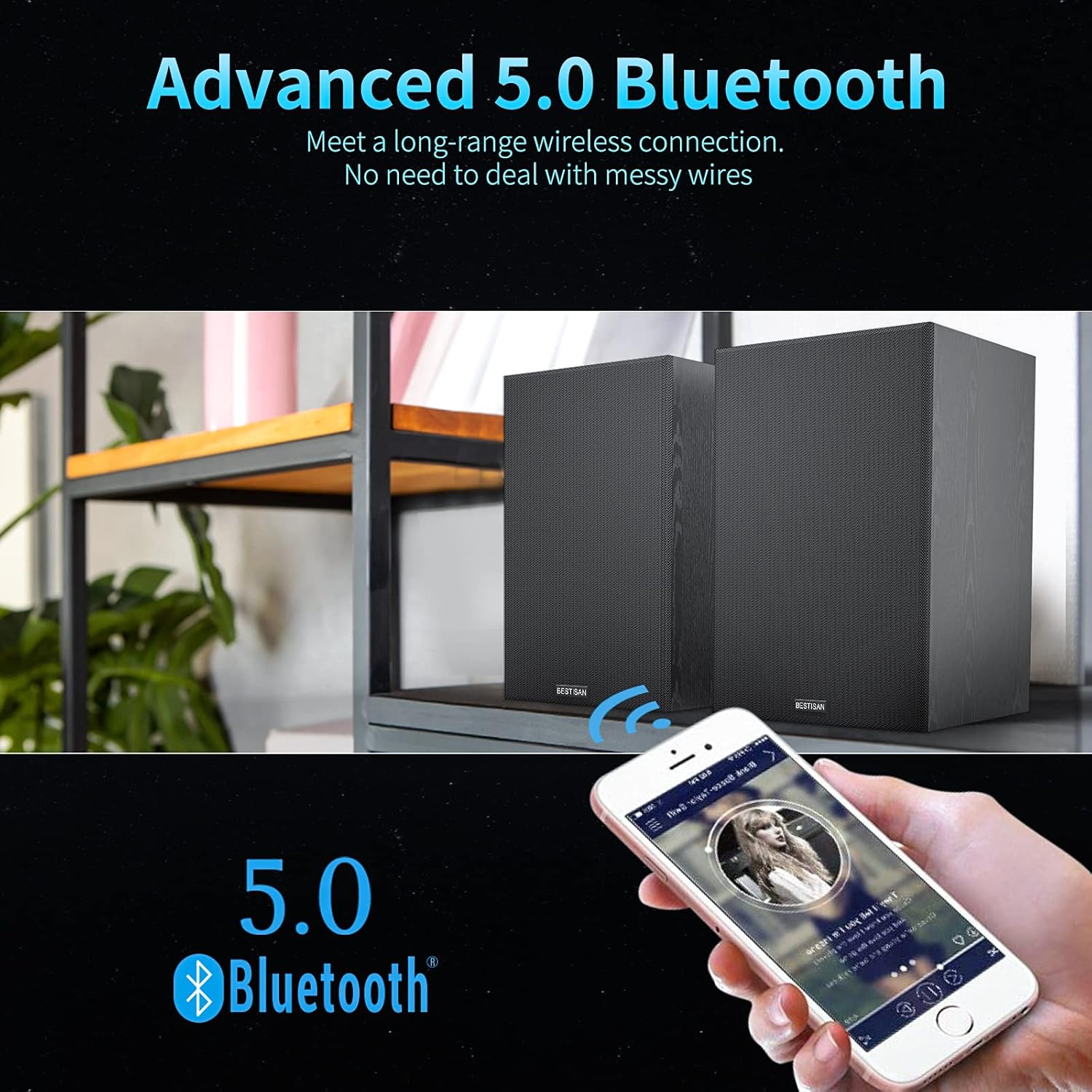
This image demonstrates the advanced Bluetooth 5.0 connectivity of the BESTISAN SR02 speakers, allowing for wireless audio streaming from devices like smartphones.
- Press the Mode button on the active speaker until the LED indicator turns blue, indicating Bluetooth mode.
- On your audio device (smartphone, tablet, computer), enable Bluetooth and search for new devices.
- Select "BESTISAN SR02" from the list of available devices to pair.
- Once successfully paired, the LED indicator will remain solid blue. You can now play audio wirelessly through the speakers.
Wired Connection (RCA)

ఒక వివరణాత్మక view of the speaker's rear panel, illustrating the various wired connection options including RCA inputs for connecting to PCs, notebooks, tablets, and phones.
- Identify the audio output ports on your source device (e.g., PC, TV, DVD player).
- Use the provided RCA to RCA cable or 3.5mm to RCA cable to connect your device to either the "LINE IN 1" or "LINE IN 2" ports on the back of the active speaker.
- Press the Mode button on the active speaker to select the corresponding input (Light Blue for Line In 1, Orange for Line In 2).
- Ensure the volume on both the speakers and your source device is at a moderate level before playing audio.

జీవనశైలి చిత్ర ప్రదర్శనasing the BESTISAN SR02 bookshelf speakers integrated into a home entertainment setup, emphasizing their classic design and ease of placement.
నిర్వహణ
- శుభ్రపరచడం: Use a soft, dry cloth to clean the speaker cabinets. Do not use abrasive cleaners, waxes, or solvents.
- దుమ్ము: Regularly dust the speaker grilles and surfaces to prevent buildup.
- పర్యావరణం: స్పీకర్లను ప్రత్యక్ష సూర్యకాంతిలో, ఉష్ణ వనరుల దగ్గర లేదా అధిక తేమ ఉన్న ప్రదేశాలలో ఉంచకుండా ఉండండి. స్పీకర్ల చుట్టూ తగినంత వెంటిలేషన్ ఉండేలా చూసుకోండి.
- నిర్వహణ: స్పీకర్లను జాగ్రత్తగా నిర్వహించండి. వాటిని పడవేయడం లేదా బలమైన ప్రభావాలకు గురిచేయడం మానుకోండి.
ట్రబుల్షూటింగ్
| సమస్య | సాధ్యమైన కారణం | పరిష్కారం |
|---|---|---|
| శబ్దం లేదు | విద్యుత్తు కనెక్ట్ కాలేదు; తప్పు ఇన్పుట్ ఎంచుకోబడింది; వాల్యూమ్ చాలా తక్కువగా ఉంది; కేబుల్స్ వదులుగా ఉన్నాయి. | Ensure power adapter is plugged in; Press Mode button to select correct input; Increase volume on speakers and source device; Check all cable connections. |
| బ్లూటూత్ కనెక్ట్ కావడం లేదు | Speakers not in Bluetooth mode; Device not in pairing mode; Speakers already paired to another device; Out of range. | Press Mode button until LED is blue; Ensure Bluetooth is enabled on your device and it's searching; Disconnect from other devices; Move device closer to speakers (within 10 meters). |
| వక్రీకరించిన ధ్వని | Volume too high; Source audio quality is poor; Loose cable connection. | Reduce volume on speakers and source device; Try a different audio source; Check all cable connections. |
| రిమోట్ కంట్రోల్ పనిచేయడం లేదు | Battery depleted; Obstruction between remote and speaker; Remote not pointed at sensor. | Replace battery; Remove any obstructions; Point remote directly at the speaker's sensor. |
స్పెసిఫికేషన్లు
| ఫీచర్ | స్పెసిఫికేషన్ |
|---|---|
| బ్రాండ్ | బెస్టిసాన్ |
| మోడల్ సంఖ్య | SR02 |
| స్పీకర్ రకం | పుస్తకాల అర |
| కనెక్టివిటీ టెక్నాలజీ | బ్లూటూత్, RCA |
| బ్లూటూత్ వెర్షన్ | 5.0 |
| గరిష్ట స్పీకర్ అవుట్పుట్ పవర్ | 50 వాట్స్ |
| ఆడియో అవుట్పుట్ మోడ్ | స్టీరియో |
| సరౌండ్ సౌండ్ ఛానెల్ కాన్ఫిగరేషన్ | 2.0 |
| కంట్రోలర్ రకం | రిమోట్ కంట్రోల్ |
| రంగు | నలుపు |
| ఉత్పత్తి కొలతలు (L x W x H) | 15.19 x 16.38 x 24.69 సెం.మీ (5.98 x 6.45 x 9.72 అంగుళాలు) |
| వస్తువు బరువు | 4.63 కిలోగ్రాములు (10.2 పౌండ్లు) |
| గరిష్ట వైర్లెస్ పరిధి | 10 మీటర్లు |
| సిఫార్సు చేసిన ఉపయోగాలు | సంగీతం |
| అనుకూల పరికరాలు | Laptop, Phones, Smartphone, Tablet |
వారంటీ సమాచారం
Warranty information for this product is not available in the provided data. Please refer to the product packaging or contact BESTISAN customer support for details regarding warranty coverage.
కస్టమర్ మద్దతు
Specific customer support contact information is not available in the provided data. For technical assistance, troubleshooting, or service inquiries, please visit the official BESTISAN webఉత్పత్తిని కొనుగోలు చేసిన రిటైలర్ ద్వారా వారి కస్టమర్ సర్వీస్ విభాగాన్ని సైట్లో లేదా సంప్రదించండి.


