పరిచయం
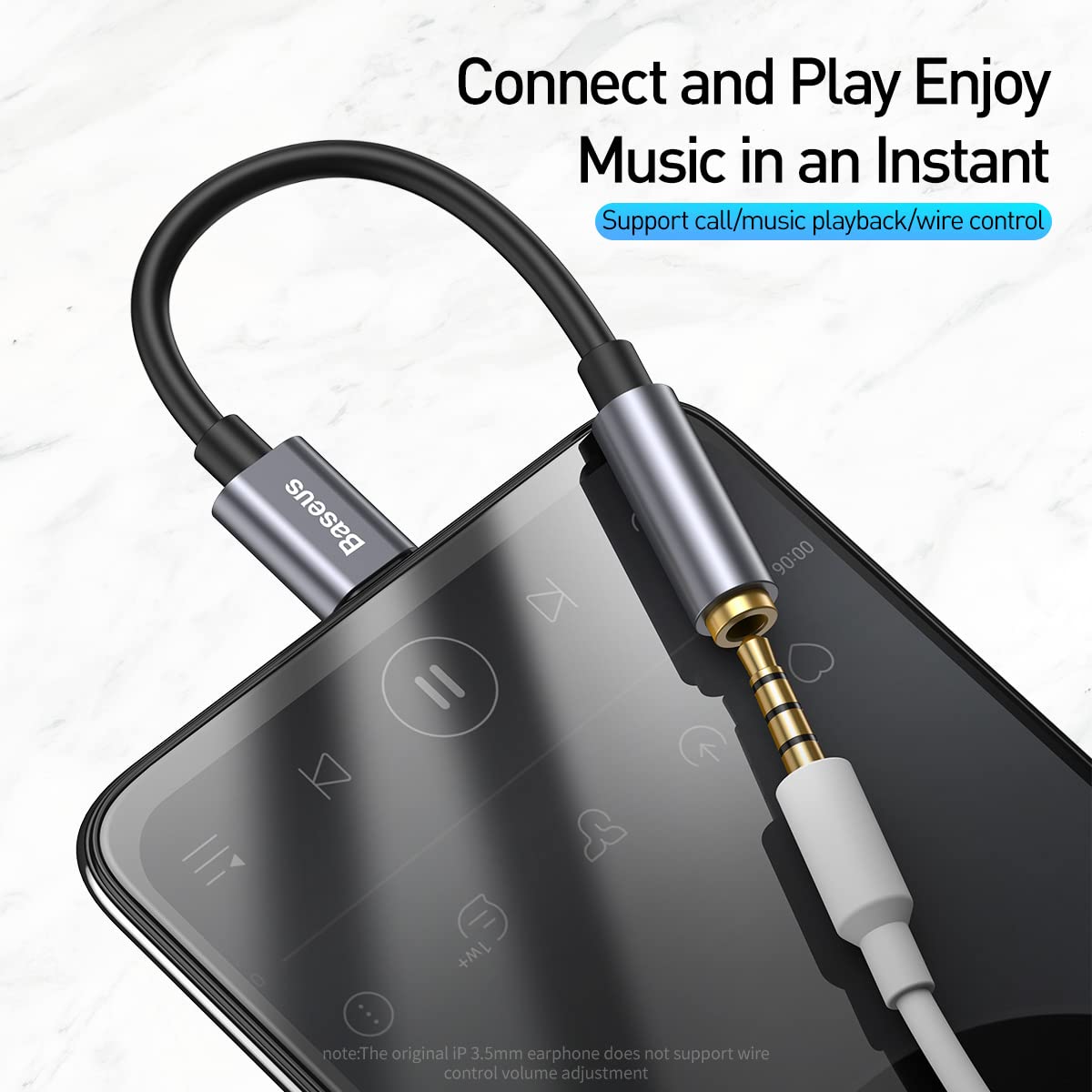
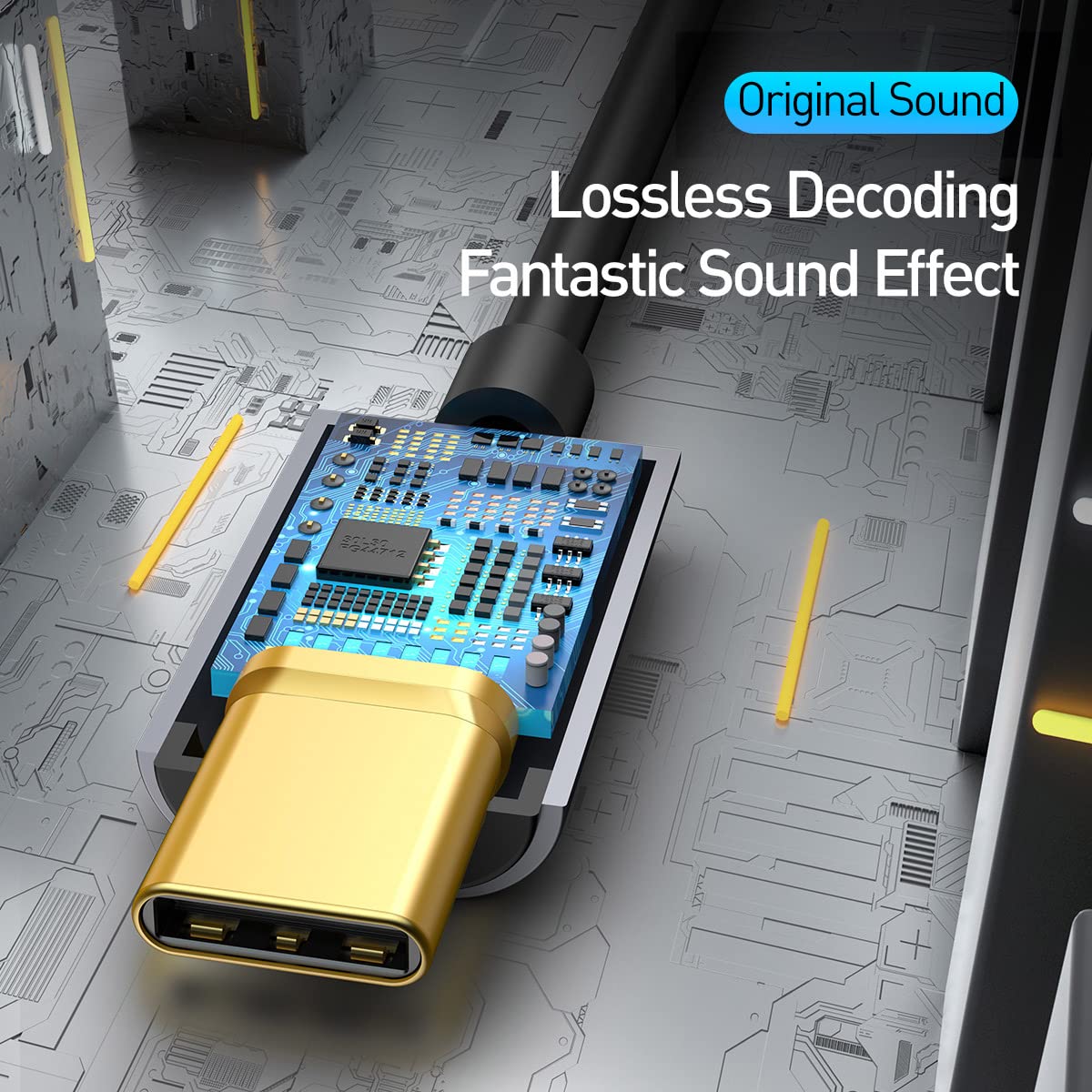
This manual provides instructions for the Baseus Type C to 3.5 mm Female Adapter L54. This adapter allows you to connect 3.5mm audio devices, such as headphones, to your Type-C enabled mobile phone or other compatible devices. It features a built-in Digital-to-Analog Converter (DAC) for lossless audio decoding and supports call and music playback with wire control.

సెటప్ సూచనలు
Follow these steps to set up your Baseus Type C to 3.5 mm Female Adapter L54:
- Identify the Type-C port on your mobile phone or device.
- Insert the Type-C male connector of the adapter into your device's Type-C port. Ensure a secure connection.
- Connect your 3.5mm headphones or audio device into the 3.5mm female jack of the adapter.
- Your device should now recognize the connected audio accessory.

ఆపరేటింగ్ సూచనలు
The Baseus Type C to 3.5 mm Female Adapter L54 is designed for straightforward operation:
- ఆడియో ప్లేబ్యాక్: Once connected, audio from your Type-C device will be routed through the 3.5mm port to your headphones. The adapter supports 24bit/48KHz high-definition sampling rate for clear audio.
- కాల్ ఫంక్షనాలిటీ: The adapter supports call functionality and music playback with wire control, depending on your connected 3.5mm headphones and device compatibility.
- లాస్లెస్ డీకోడింగ్: The built-in DAC chip ensures lossless audio decoding, providing high-fidelity sound output.

నిర్వహణ
To ensure the longevity and optimal performance of your adapter, follow these maintenance guidelines:
- Keep the adapter clean and free from dust and moisture. Use a soft, dry cloth for cleaning.
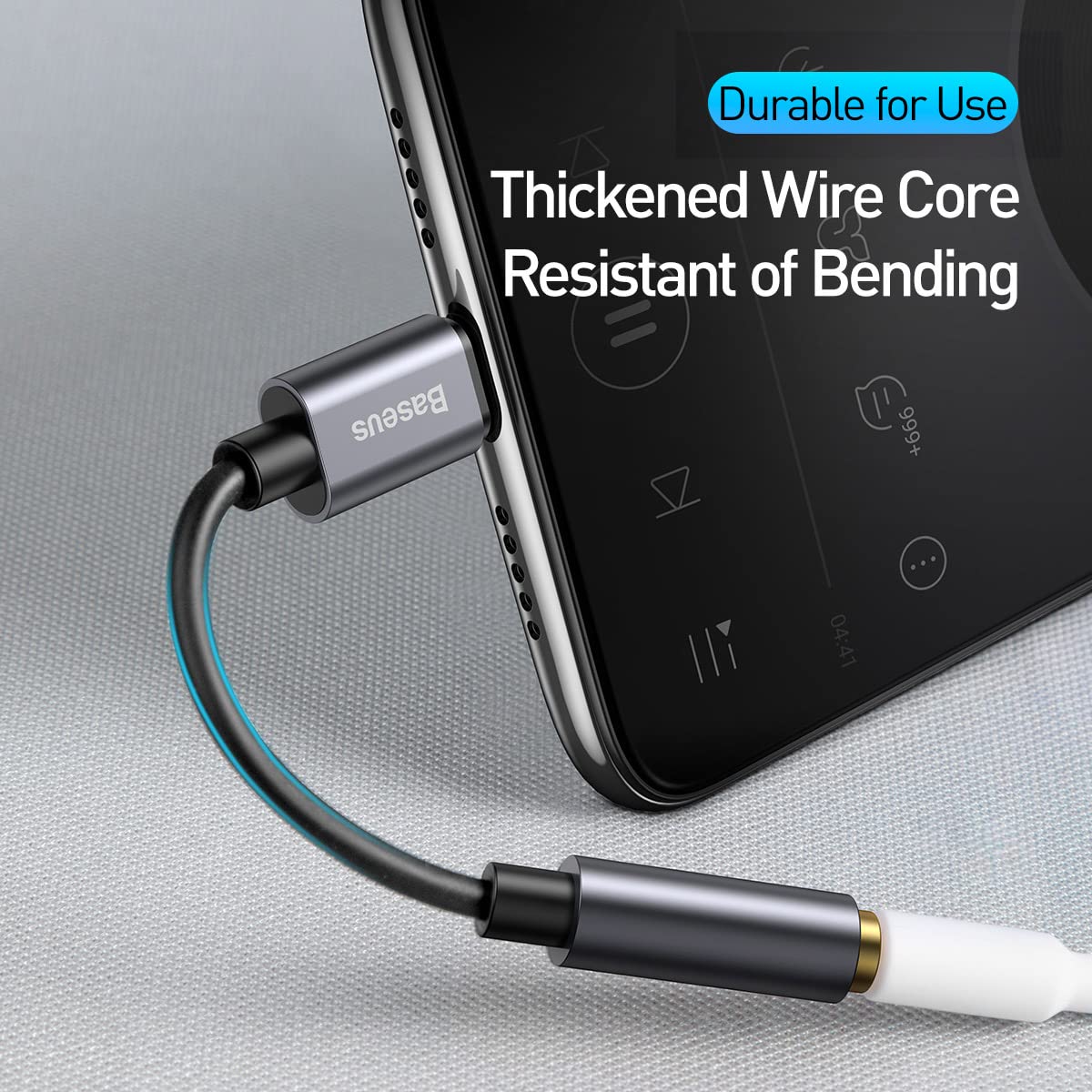
- Avoid bending the cable excessively to prevent internal damage. The adapter features a thickened wire core for enhanced durability.
- ఉపయోగంలో లేనప్పుడు అడాప్టర్ను చల్లని, పొడి ప్రదేశంలో నిల్వ చేయండి.
ట్రబుల్షూటింగ్
If you encounter issues with your Baseus Type C to 3.5 mm Female Adapter L54, refer to the following common problems and solutions:
- ఆడియో అవుట్పుట్ లేదు:
- Ensure both the Type-C connector and the 3.5mm jack are fully inserted. Check your device's volume settings. Verify that your device supports audio output via its Type-C port. Some devices may require specific settings or may not support audio output through Type-C.
- Low audio volume:
- Adjust the volume on your connected device and headphones. Note that output volume can vary by device and headphone impedance.
- Sound quality issues (e.g., white noise):
- Ensure all connections are secure. Test with different headphones or audio devices to rule out issues with the peripherals. While the adapter features noise cancellation, minor white noise at very low volumes has been reported by some users.
- Adapter heats up during use:
- It is normal for electronic devices to generate some heat during operation. If the adapter becomes excessively hot or causes unusual battery drainage, discontinue use and contact support.
- Microphone/Call function not working:
- Confirm your headphones have a microphone and that your device supports microphone input through the Type-C adapter. Some original 3.5mm earphones may not support wire control or microphone functions through adapters.
స్పెసిఫికేషన్లు
| ఫీచర్ | వివరాలు |
|---|---|
| బ్రాండ్ | బేసియస్ |
| మోడల్ సంఖ్య | CATL54-01-0G |
| కనెక్టర్ రకం | USB Type C Male to 3.5mm Female |
| ఆడియో ఎస్ampలింగ్ రేటు | 24bit/48KHz HD |
| డీకోడింగ్ చిప్ | అంతర్నిర్మిత DAC |
| మెటీరియల్ | అల్యూమినియం మిశ్రమం షెల్ |
| అనుకూల పరికరాలు | Cellular Phones, Headphones with 3.5mm jack |
| వస్తువు బరువు | 10 గ్రా |
| ప్యాకేజీ కొలతలు | 12.3 x 6.2 x 1.2 సెం.మీ |
| మూలం దేశం | చైనా |

వారంటీ మరియు మద్దతు
This product comes with a standard manufacturer's warranty. Please refer to the warranty card included in the packaging for specific terms and conditions.
For technical support or further inquiries, please visit the official Baseus webసైట్ లేదా వారి కస్టమర్ సేవను సంప్రదించండి.
You can also scan the QR code on the product packaging for additional information or support: http://weixin.qq.com/r/JnXp8RfE6kqVrVOS9yA0


