పరిచయం
This manual provides comprehensive instructions for the Doro 5860 4G mobile phone, designed for ease of use, especially for seniors. It covers everything from initial setup to advanced features, maintenance, and troubleshooting.
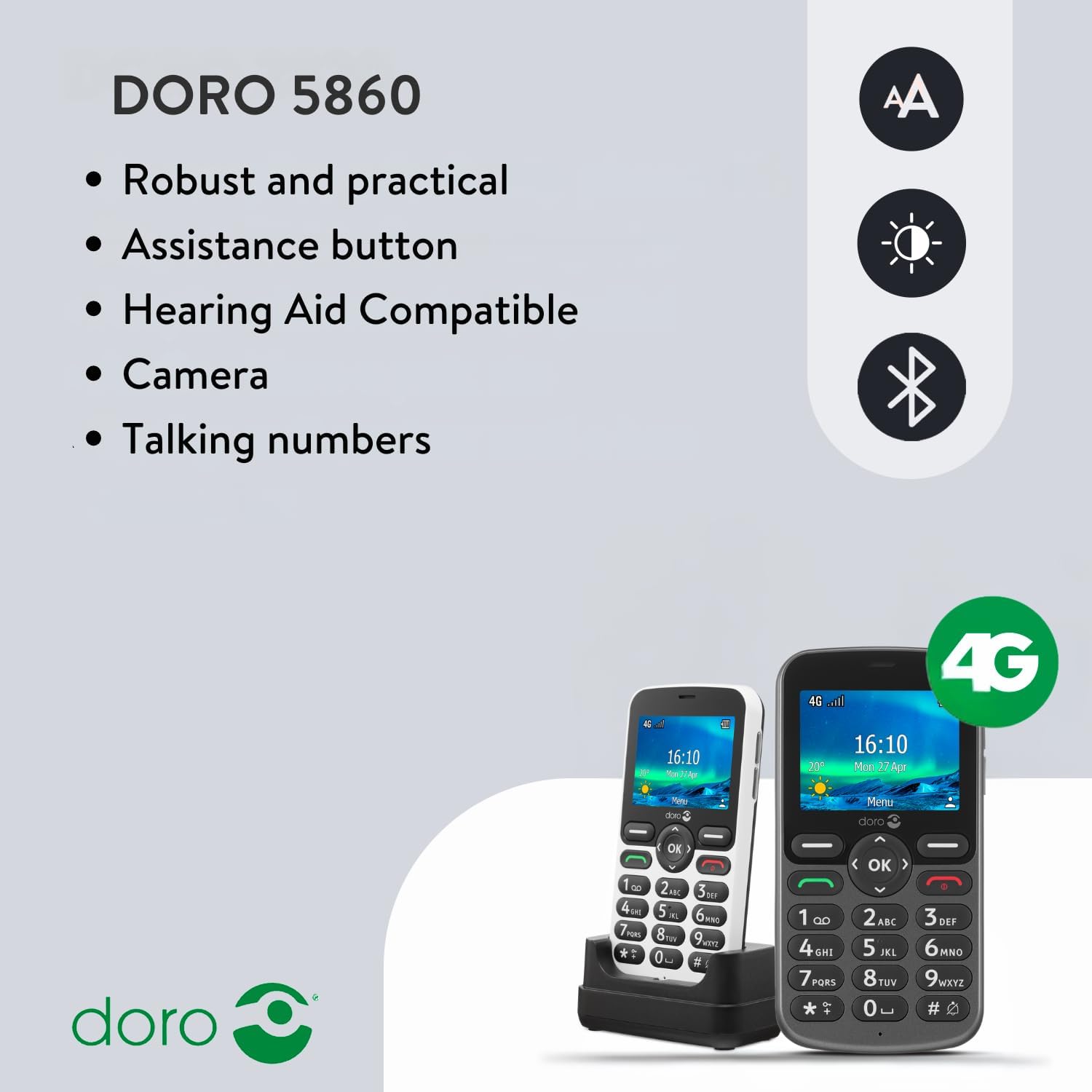
The Doro 5860 is a 4G feature phone with a large 2.4-inch color screen, large, well-spaced buttons, and a clear display. Key features include an assistance button for emergencies, a 2 MP camera, talking numbered keys, and compatibility with hearing aids (HAC).

మూర్తి 1: ముందు view of the Doro 5860 4G Mobile Phone, showing the large screen, clear buttons, and simple interface.
సెటప్
1. అన్ప్యాకింగ్ మరియు ప్రారంభ తనిఖీ
Carefully unpack all components from the box. Ensure the phone, battery, charging cradle, and power adapter are present. Inspect the phone for any visible damage.
2. Inserting the Battery and SIM Card
Locate the battery compartment cover on the back of the phone. Gently remove it. Insert the provided Lithium-ion battery (1000 mAh) into its slot, ensuring the contacts align. If using a Micro SIM card, insert it into the designated SIM card slot. The phone also supports a Micro SD card up to 128 GB for additional storage.
చిత్రం 2: వెనుక view of the Doro 5860, illustrating the location of the battery compartment and SIM card slot.
3. ప్రారంభ ఛార్జింగ్
Before first use, fully charge the phone. Connect the power adapter to the charging cradle and place the phone in the cradle. The charging indicator on the phone will show charging status. A full charge provides up to 7 hours of talk time and up to 380 hours of standby time.
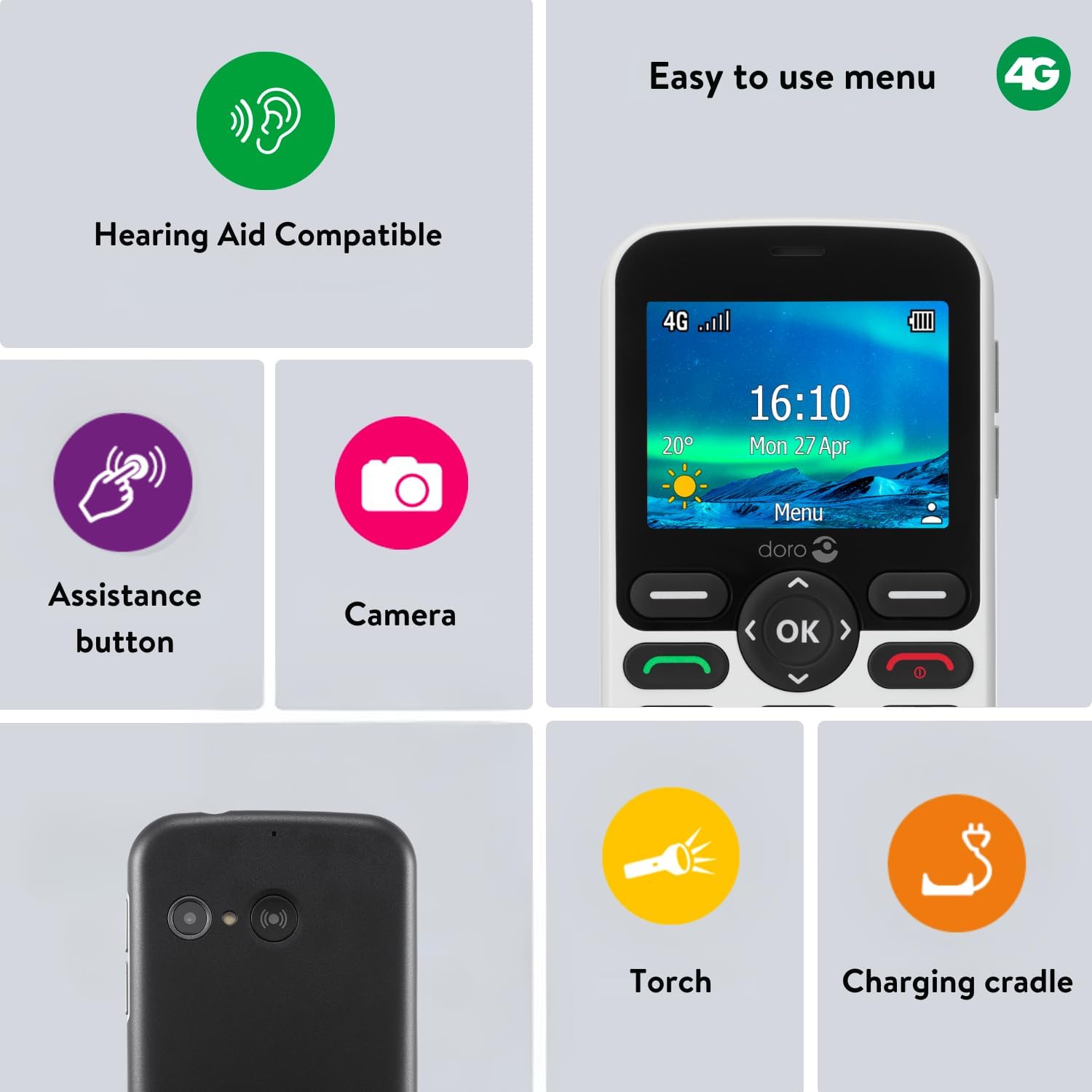
Figure 3: The Doro 5860 placed in its convenient charging cradle.
ఆపరేటింగ్ సూచనలు
1. పవర్ చేయడం ఆన్/ఆఫ్
To power on, press and hold the red end call/power button until the screen lights up. To power off, press and hold the same button and follow the on-screen prompts.
2. కాల్స్ చేయడం మరియు స్వీకరించడం
- కాల్ చేయడం: Enter the phone number using the large, well-spaced numeric keys. The talking keys feature will announce each number as you press it. Press the green call button to initiate the call.
- కాల్ స్వీకరించడం: ఫోన్ రింగ్ అయినప్పుడు, సమాధానం ఇవ్వడానికి ఆకుపచ్చ కాల్ బటన్ను నొక్కండి.
- కాల్ని ముగించడం: ఎరుపు రంగు ఎండ్ కాల్ బటన్ను నొక్కండి.
- హ్యాండ్స్-ఫ్రీ మోడ్: During a call, activate hands-free mode for speakerphone functionality.
3. Sending Text Messages (SMS)
Navigate to the Messaging menu. Select "New Message" and enter your recipient's number and your message. The phone supports adjustable font sizes for better readability.
4. Using the Assistance Button
The Doro 5860 features a dedicated assistance button on the back. In case of an emergency, press and hold this button. The phone will automatically call and send an alarm SMS to your pre-selected emergency contacts. Ensure your emergency contacts are set up in the phone's settings.

Figure 4: The assistance button located on the rear of the Doro 5860, designed for quick access in emergencies.
5. కెమెరా పనితనం
The phone is equipped with a 2 MP camera with flash. Access the camera from the main menu to capture photos and record videos. Photos and videos can be stored on the phone's internal memory or on an inserted Micro SD card.
6. ఇతర ఫీచర్లు
- Talking Numeric Keys: Numbers are spoken aloud when pressed, aiding users with visual impairments.
- HD వాయిస్: Ensures clear conversations even in noisy environments.
- వినికిడి సహాయ అనుకూలత (HAC): Rated T4/M4 for excellent compatibility with hearing aids.
- బ్లాక్లిస్ట్: Block unwanted calls and SMS messages from specific numbers.
- ఫ్లాష్లైట్: A built-in flashlight for convenience.
- Daily Reminder: Set reminders for important tasks or appointments.
- బ్లూటూత్: Connect to compatible Bluetooth devices.
- ఆటలు: Basic games are included for entertainment.
- LED సూచిక: Provides visual notifications for calls, messages, and charging status.
నిర్వహణ
To ensure the longevity and optimal performance of your Doro 5860, follow these maintenance guidelines:
- శుభ్రపరచడం: ఫోన్ బాహ్య భాగాన్ని శుభ్రం చేయడానికి మృదువైన, పొడి వస్త్రాన్ని ఉపయోగించండి. ద్రవ క్లీనర్లు లేదా రాపిడి పదార్థాలను ఉపయోగించకుండా ఉండండి.
- నిల్వ: ఫోన్ను చల్లని, పొడి ప్రదేశంలో నిల్వ చేయండి, ప్రత్యక్ష సూర్యకాంతి మరియు తీవ్రమైన ఉష్ణోగ్రతలు లేకుండా ఉంచండి.
- బ్యాటరీ సంరక్షణ: Avoid fully discharging the battery frequently. Charge the phone regularly, especially if it will not be used for an extended period.
- రక్షణ: Consider using a protective case to prevent scratches and minor impacts.
ట్రబుల్షూటింగ్
If you encounter issues with your Doro 5860, try the following solutions before seeking professional assistance:
| సమస్య | సాధ్యమైన కారణం | పరిష్కారం |
|---|---|---|
| ఫోన్ ఆన్ చేయలేదు | Low battery; Battery not inserted correctly | Charge the battery; Re-insert the battery ensuring proper contact. |
| కాల్స్ చేయలేరు/స్వీకరించలేరు | No network signal; SIM card not inserted; SIM card faulty | Move to an area with better signal; Re-insert SIM card; Contact your service provider. |
| పేలవమైన కాల్ నాణ్యత | Weak signal; Interference | Move to an area with stronger signal; Ensure no obstructions. |
| సహాయ బటన్ పనిచేయడం లేదు | Emergency contacts not set up; Button malfunction | Verify emergency contact settings; If issue persists, contact support. |
స్పెసిఫికేషన్లు
Detailed technical specifications for the Doro 5860 mobile phone:
| ఫీచర్ | వివరాలు |
|---|---|
| బ్రాండ్ | డోరో |
| మోడల్ పేరు | డోరో 5860 |
| మోడల్ సంఖ్య | 8204 |
| రంగు | తెలుపు |
| ఉత్పత్తి రకం | బార్ ఫోన్ |
| ఆపరేటింగ్ సిస్టమ్ | Mocor |
| స్క్రీన్ పరిమాణం | 2.4 సెంటీమీటర్లు |
| కనెక్టివిటీ | బ్లూటూత్, సెల్యులార్ (4G) |
| కెమెరా రిజల్యూషన్ | 2 మెగాపిక్సెల్స్ |
| RAM పరిమాణం | 32 MB |
| నిల్వ సామర్థ్యం | 128 MB (expandable up to 128 GB with Micro SD) |
| బ్యాటరీ రకం | లిథియం-అయాన్ (1000 mAh) |
| టాక్ టైమ్ | 7 గంటల వరకు |
| స్టాండ్బై సమయం | 380 గంటల వరకు |
| వినికిడి సహాయం అనుకూలత | T4/M4 |
| ప్రత్యేక లక్షణాలు | 4G, 2 MP Camera, Bluetooth 5.0, SOS Button, Calculator, HAC, Speakerphone, Games, Flashlight, Blacklist, Daily Reminder, Talking Numbered Keys |
వారంటీ మరియు మద్దతు
Information regarding product warranty and availability of spare parts was not provided in the available data. For specific warranty details or support inquiries, please refer to the documentation included with your product or visit the official Doro webసైట్.
For further assistance, you may also contact Doro customer service directly. Contact information is typically available on the manufacturer's webసైట్ లేదా ఉత్పత్తి ప్యాకేజింగ్లో.


