పరిచయం
This manual provides detailed instructions for the setup, operation, maintenance, and troubleshooting of your Altec Lansing Nanophones ANC Bluetooth Wireless Active Noise Cancelling Headphones. Please read this manual thoroughly before using the product to ensure proper functionality and to maximize your listening experience.
ఉత్పత్తి ముగిసిందిview
The Altec Lansing Nanophones ANC are on-ear Bluetooth wireless headphones featuring Active Noise Cancelling technology, a detachable microphone, and a 12-hour battery life. They are designed for comfortable use during work, learning, and leisure activities.

చిత్రం: ముందు భాగం view of the Altec Lansing Nanophones ANC headphones in Icy color, showcasing the on-ear design and overall aesthetic.
ప్యాకేజీ విషయాలు
ప్యాకేజీలో అన్ని అంశాలు ఉన్నాయని నిర్ధారించుకోండి:
- Altec Lansing Nanophones ANC Headphones
- వేరు చేయగలిగిన మైక్రోఫోన్
- USB-C ఛార్జింగ్ కేబుల్
- వినియోగదారు మాన్యువల్ (ఈ పత్రం)
నియంత్రణలు మరియు సూచికలు
Familiarize yourself with the location and function of the controls on your Nanophones ANC headphones:

చిత్రం: వైపు view of the Altec Lansing Nanophones ANC headphones, highlighting the control buttons and ports on the earcups.
- పవర్ బటన్: పవర్ ఆన్/ఆఫ్ చేయడానికి నొక్కి పట్టుకోండి.
- వాల్యూమ్ అప్/తదుపరి ట్రాక్: వాల్యూమ్ పెంచడానికి షార్ట్ ప్రెస్ చేయండి, తదుపరి ట్రాక్ కోసం లాంగ్ ప్రెస్ చేయండి.
- వాల్యూమ్ డౌన్/మునుపటి ట్రాక్: వాల్యూమ్ తగ్గించడానికి షార్ట్ ప్రెస్ చేయండి, మునుపటి ట్రాక్ కోసం లాంగ్ ప్రెస్ చేయండి.
- మల్టీ-ఫంక్షన్ బటన్ (MFB): Play/Pause, Answer/End Call, Activate Voice Assistant.
- ANC బటన్: Toggle Active Noise Cancelling on/off.
- USB-C ఛార్జింగ్ పోర్ట్: హెడ్ఫోన్లను ఛార్జ్ చేయడానికి.
- మైక్రోఫోన్ పోర్ట్: వేరు చేయగలిగిన మైక్రోఫోన్ను కనెక్ట్ చేయడానికి.
- LED సూచిక: Displays power, charging, and Bluetooth status.
సెటప్
1. హెడ్ఫోన్లను ఛార్జ్ చేయడం
Before first use, fully charge your Nanophones ANC headphones.
- సరఫరా చేయబడిన USB-C ఛార్జింగ్ కేబుల్ను హెడ్ఫోన్లలోని USB-C పోర్ట్కి కనెక్ట్ చేయండి.
- కేబుల్ యొక్క మరొక చివరను USB పవర్ సోర్స్కి కనెక్ట్ చేయండి (ఉదా. కంప్యూటర్ USB పోర్ట్, USB వాల్ అడాప్టర్).
- LED సూచిక ఛార్జింగ్ స్థితిని చూపుతుంది (ఉదాహరణకు, ఛార్జింగ్ చేస్తున్నప్పుడు ఎరుపు, పూర్తిగా ఛార్జ్ అయినప్పుడు ఆఫ్ లేదా నీలం).
- A full charge takes approximately 2-3 hours and provides up to 12 hours of playtime.
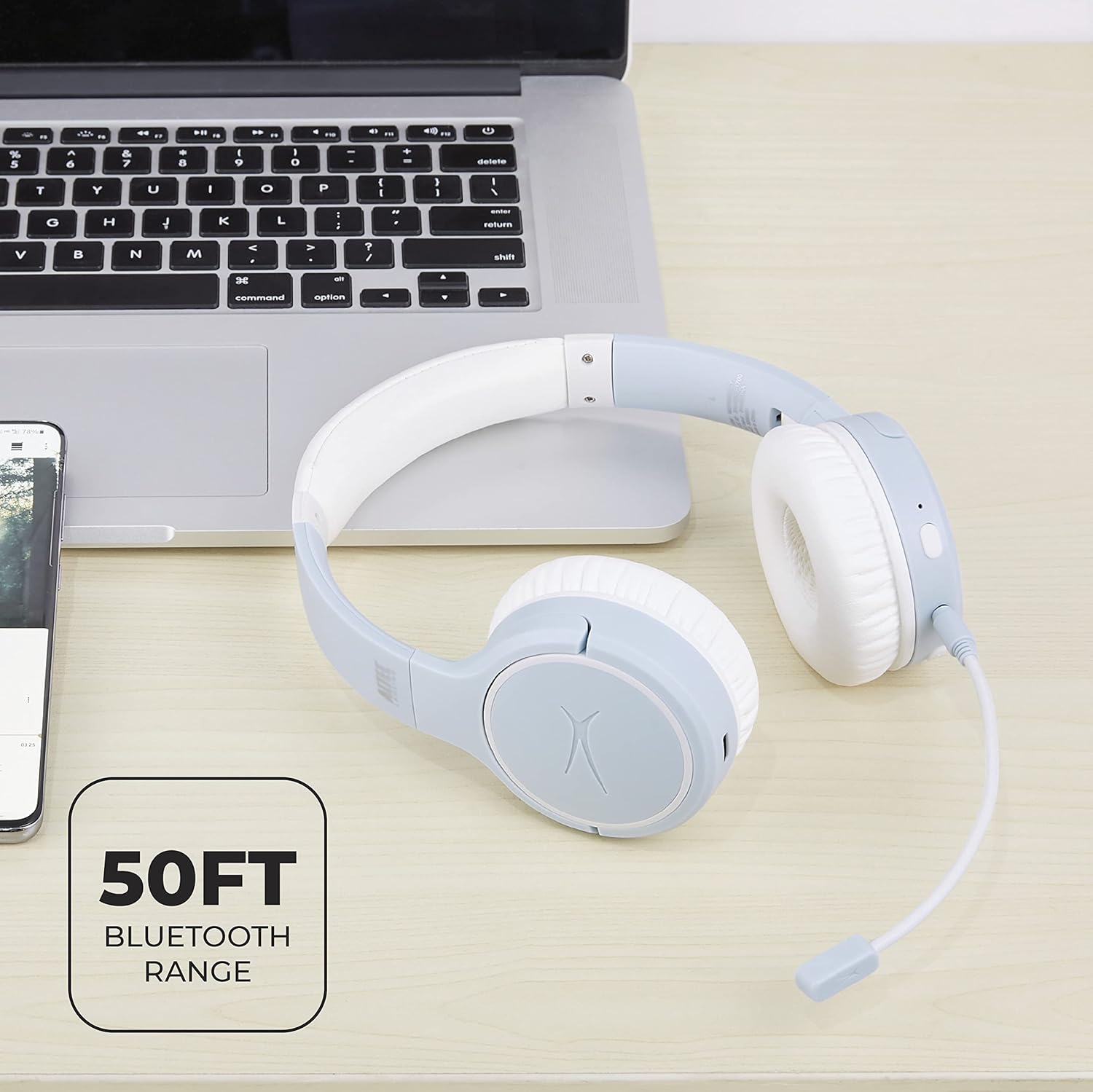
Image: Close-up of the Altec Lansing Nanophones ANC headphones showing the USB-C charging port.
2. పవర్ చేయడం ఆన్/ఆఫ్
- పవర్ ఆన్ చేయడానికి: Press and hold the Power Button for 3 seconds until the LED indicator flashes blue.
- పవర్ ఆఫ్ చేయడానికి: Press and hold the Power Button for 3 seconds until the LED indicator turns off.
3. బ్లూటూత్ పెయిరింగ్
Pair your headphones with a Bluetooth-enabled device:
- హెడ్ఫోన్లు పవర్ ఆఫ్లో ఉన్నాయని నిర్ధారించుకోండి.
- Press and hold the Power Button for 5-7 seconds until the LED indicator flashes red and blue alternately. This indicates pairing mode.
- మీ పరికరంలో (స్మార్ట్ఫోన్, టాబ్లెట్, కంప్యూటర్), బ్లూటూత్ను ప్రారంభించి, అందుబాటులో ఉన్న పరికరాల కోసం శోధించండి.
- Select "Altec Lansing Nanophones ANC" from the list.
- Once successfully paired, the LED indicator will flash blue slowly.
గమనిక: హెడ్ఫోన్లు పవర్ ఆన్ చేసినప్పుడు చివరిగా జత చేసిన పరికరానికి స్వయంచాలకంగా తిరిగి కనెక్ట్ అవ్వడానికి ప్రయత్నిస్తాయి.
ఆపరేటింగ్ సూచనలు
మ్యూజిక్ ప్లేబ్యాక్
- ప్లే/పాజ్: MFBని ఒకసారి నొక్కండి.
- తదుపరి ట్రాక్: వాల్యూమ్ అప్ బటన్ను ఎక్కువసేపు నొక్కండి.
- మునుపటి ట్రాక్: వాల్యూమ్ డౌన్ బటన్ను ఎక్కువసేపు నొక్కండి.
- ధ్వని పెంచు: వాల్యూమ్ అప్ బటన్ను చిన్నగా నొక్కండి.
- వాల్యూమ్ డౌన్: వాల్యూమ్ డౌన్ బటన్ను చిన్నగా నొక్కండి.
కాల్ నిర్వహణ
To use the microphone for calls, ensure the detachable microphone is securely plugged into its port on the left earcup.
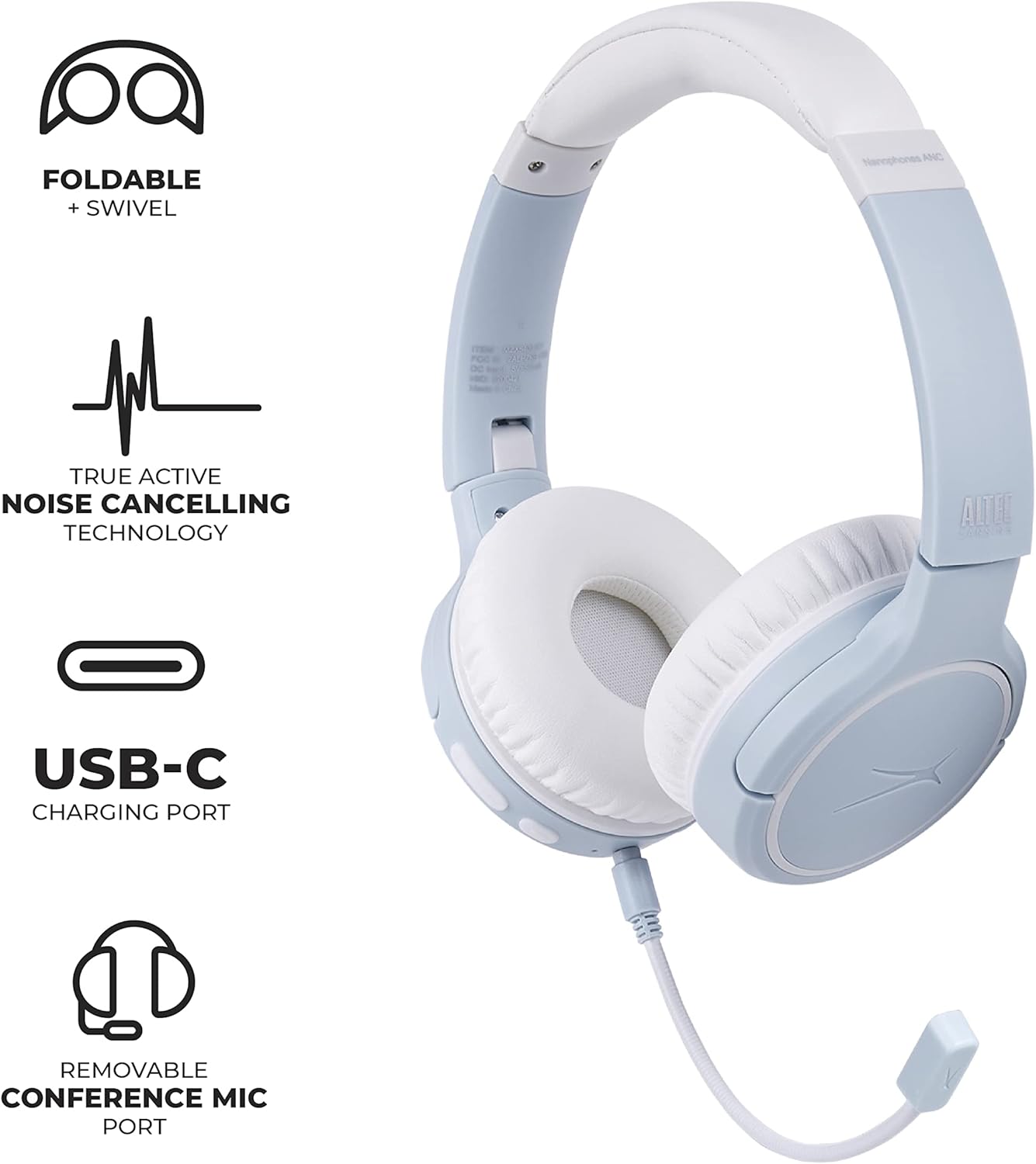
Image: Altec Lansing Nanophones ANC headphones with the detachable microphone connected, illustrating its use for communication.
- సమాధానం/ముగింపు కాల్: MFBని ఒకసారి నొక్కండి.
- కాల్ని తిరస్కరించండి: MFBని 2 సెకన్ల పాటు నొక్కి పట్టుకోండి.
యాక్టివ్ నాయిస్ క్యాన్సిలింగ్ (ANC)
The ANC feature reduces ambient noise for a more immersive listening experience.
- ANC ని యాక్టివేట్/డియాక్టివేట్ చేయండి: Press the ANC button once. The LED indicator will change color (e.g., green for ANC on).
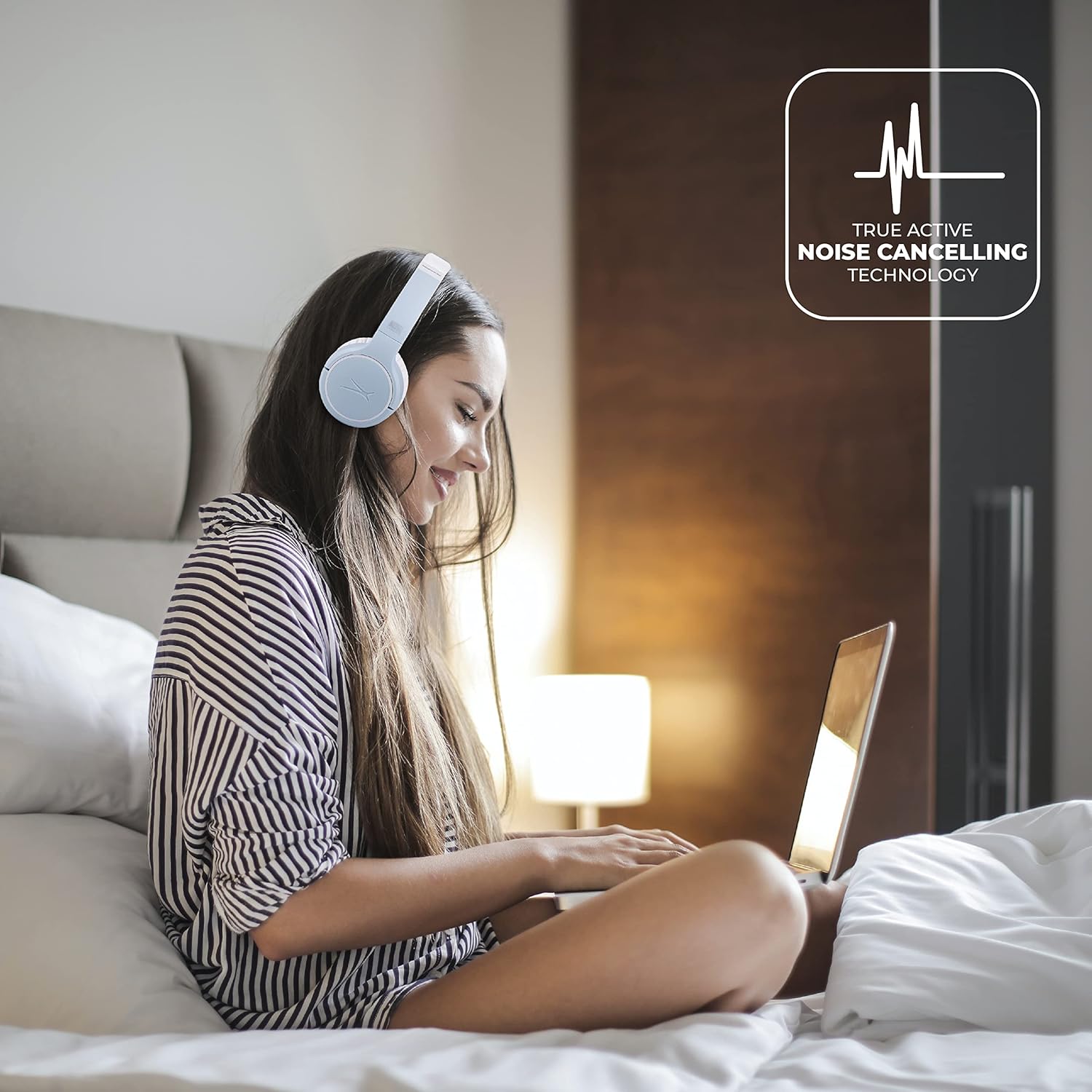
Image: A person wearing the Altec Lansing Nanophones ANC headphones while working on a laptop, illustrating the use of Active Noise Cancelling technology.
వాయిస్ అసిస్టెంట్ యాక్సెస్
- వాయిస్ అసిస్టెంట్ను సక్రియం చేయండి: Double-press the MFB to activate your device's voice assistant (Siri, Google Assistant, Alexa, etc.).
నిర్వహణ
- శుభ్రపరచడం: హెడ్ఫోన్లను శుభ్రం చేయడానికి మృదువైన, పొడి వస్త్రాన్ని ఉపయోగించండి. రాపిడి క్లీనర్లు లేదా ద్రావకాలను ఉపయోగించవద్దు.
- నిల్వ: When not in use, store the headphones in a cool, dry place. The headphones feature foldable earcups for compact storage.

Image: The Altec Lansing Nanophones ANC headphones shown in their folded position, demonstrating their compact design for easy storage and portability.
- బ్యాటరీ సంరక్షణ: బ్యాటరీ జీవితకాలాన్ని కాపాడుకోవడానికి, హెడ్ఫోన్లను తరచుగా పూర్తిగా డిశ్చార్జ్ చేయకుండా ఉండండి. నిరంతరం ఉపయోగంలో లేకపోయినా, వాటిని క్రమం తప్పకుండా ఛార్జ్ చేయండి.
ట్రబుల్షూటింగ్
| సమస్య | సాధ్యమైన కారణం | పరిష్కారం |
|---|---|---|
| హెడ్ఫోన్లు పవర్ ఆన్ చేయవు. | తక్కువ బ్యాటరీ. | అందించిన USB-C కేబుల్ ఉపయోగించి హెడ్ఫోన్లను పూర్తిగా ఛార్జ్ చేయండి. |
| పరికరంతో జత చేయడం సాధ్యం కాదు. | హెడ్ఫోన్లు జత చేసే మోడ్లో లేవు; పరికరం బ్లూటూత్ ఆఫ్లో ఉంది; పరికరం నుండి చాలా దూరంలో ఉంది. | Ensure headphones are in pairing mode (flashing red/blue). Turn on Bluetooth on your device. Move headphones closer to the device (within 50ft/15m). |
| శబ్దం లేదు లేదా తక్కువ వాల్యూమ్ ఉంది. | హెడ్ఫోన్లు లేదా పరికరంలో వాల్యూమ్ చాలా తక్కువగా ఉంది; సరిగ్గా కనెక్ట్ కాలేదు. | హెడ్ఫోన్లు మరియు పరికరం రెండింటిలోనూ వాల్యూమ్ను పెంచండి. హెడ్ఫోన్లను తిరిగి జత చేయండి. |
| ANC సమర్థవంతంగా పనిచేయడం లేదు. | ANC feature is off; environmental noise is too high. | Press the ANC button to activate. Ensure earcups fit snugly over your ears. |
| మైక్రోఫోన్ పనిచేయడం లేదు. | మైక్రోఫోన్ సరిగ్గా కనెక్ట్ కాలేదు; పరికర సెట్టింగ్లు. | Ensure the detachable microphone is fully inserted. Check microphone input settings on your device. |
స్పెసిఫికేషన్లు
- మోడల్ పేరు: MZX5400-ICY
- కనెక్టివిటీ టెక్నాలజీ: వైర్లెస్ (బ్లూటూత్ 5.0)
- చెవి ప్లేస్మెంట్: చెవి మీద
- శబ్ద నియంత్రణ: యాక్టివ్ నాయిస్ రద్దు
- బ్యాటరీ లైఫ్: 12 గంటల వరకు
- ఛార్జింగ్ పోర్ట్: USB-C
- ఫ్రీక్వెన్సీ పరిధి: 20 హెర్ట్జ్ - 20,000 హెర్ట్జ్
- నియంత్రణ పద్ధతి: టచ్, వాయిస్
- వస్తువు బరువు: 1.98 పౌండ్లు
- కొలతలు: 9.65 x 8.11 x 2.52 అంగుళాలు (ప్యాకేజీ)
వారంటీ మరియు మద్దతు
వారంటీ సమాచారం మరియు కస్టమర్ మద్దతు కోసం, దయచేసి అధికారిక Altec Lansing ని చూడండి. webసైట్లో లేదా వారి కస్టమర్ సర్వీస్ను నేరుగా సంప్రదించండి. వారంటీ క్లెయిమ్ల కోసం కొనుగోలు రుజువుగా మీ కొనుగోలు రసీదును ఉంచండి.
ఆల్టెక్ లాన్సింగ్ అధికారికం Webసైట్: alteclansing.com


