1. పరిచయం
The OtterBox Wireless Power Bank for MagSafe provides portable power for your compatible devices. Designed for seamless interaction with iPhones featuring MagSafe technology, this 3K mAh power bank offers convenient wireless charging and can also function as a standalone power source for other devices via its USB-C port.
This manual will guide you through the setup, operation, and maintenance of your power bank to ensure optimal performance and longevity.
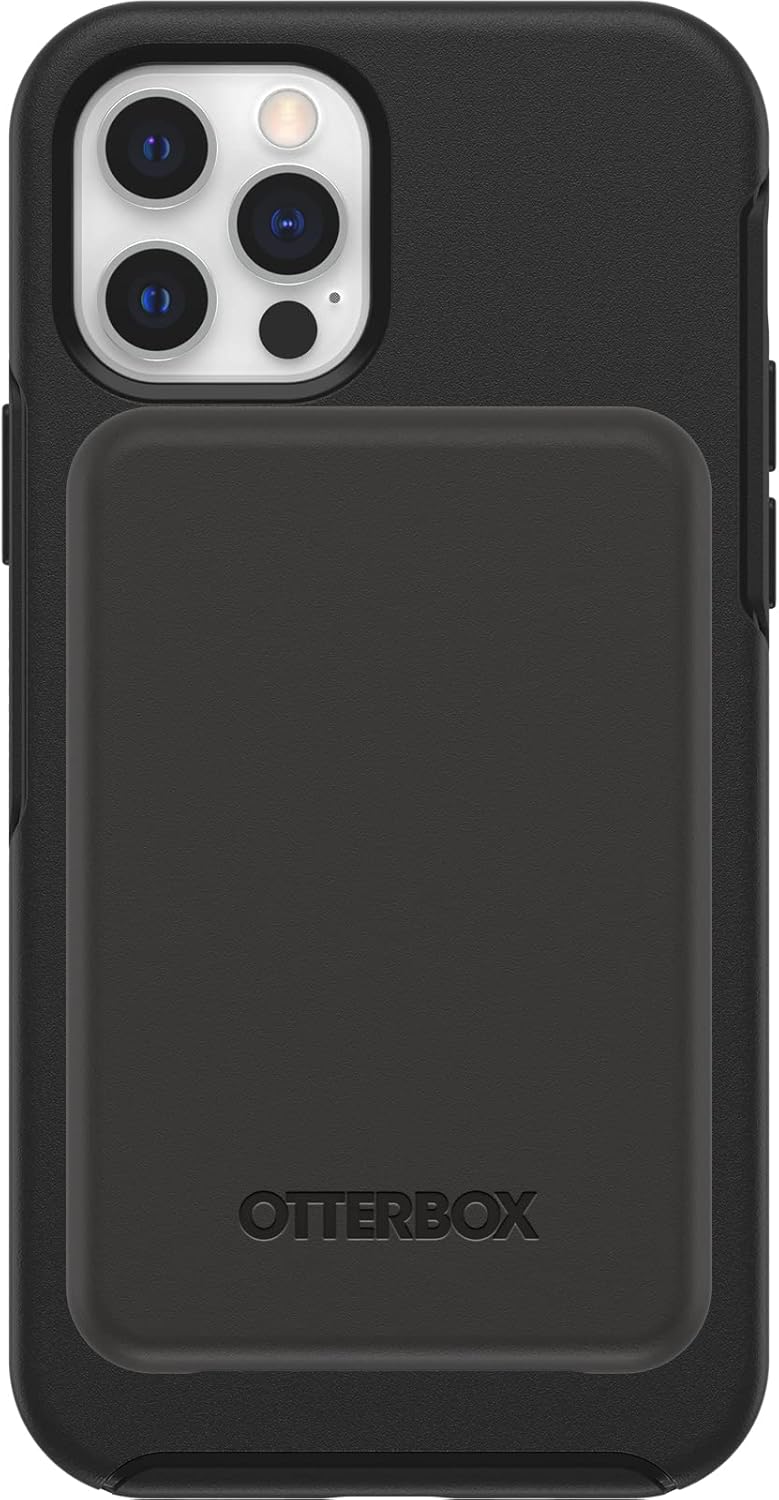
Image 1.1: The OtterBox Wireless Power Bank magnetically attached to the back of an iPhone, providing a sleek and integrated charging solution.
2. పెట్టెలో ఏముంది
మీ ఉత్పత్తి ప్యాకేజింగ్లో అన్ని అంశాలు ఉన్నాయని నిర్ధారించుకోండి:
- OtterBox Wireless Power Bank (3K mAh)
- 6-inch USB-C to USB-C Cable

Image 2.1: The product packaging displaying the OtterBox Wireless Power Bank and its included USB-C to USB-C cable.
3. సెటప్
3.1 ప్రారంభ ఛార్జ్
Before first use, fully charge your OtterBox Wireless Power Bank. This ensures optimal battery performance and accuracy of the LED indicators.
- చేర్చబడిన USB-C నుండి USB-C కేబుల్ను పవర్ బ్యాంక్లోని USB-C పోర్ట్కు కనెక్ట్ చేయండి.
- Connect the other end of the cable to a compatible USB-C power adapter (not included).
- The LED indicators on the power bank will illuminate to show charging progress. All four LEDs will be solid white when fully charged.
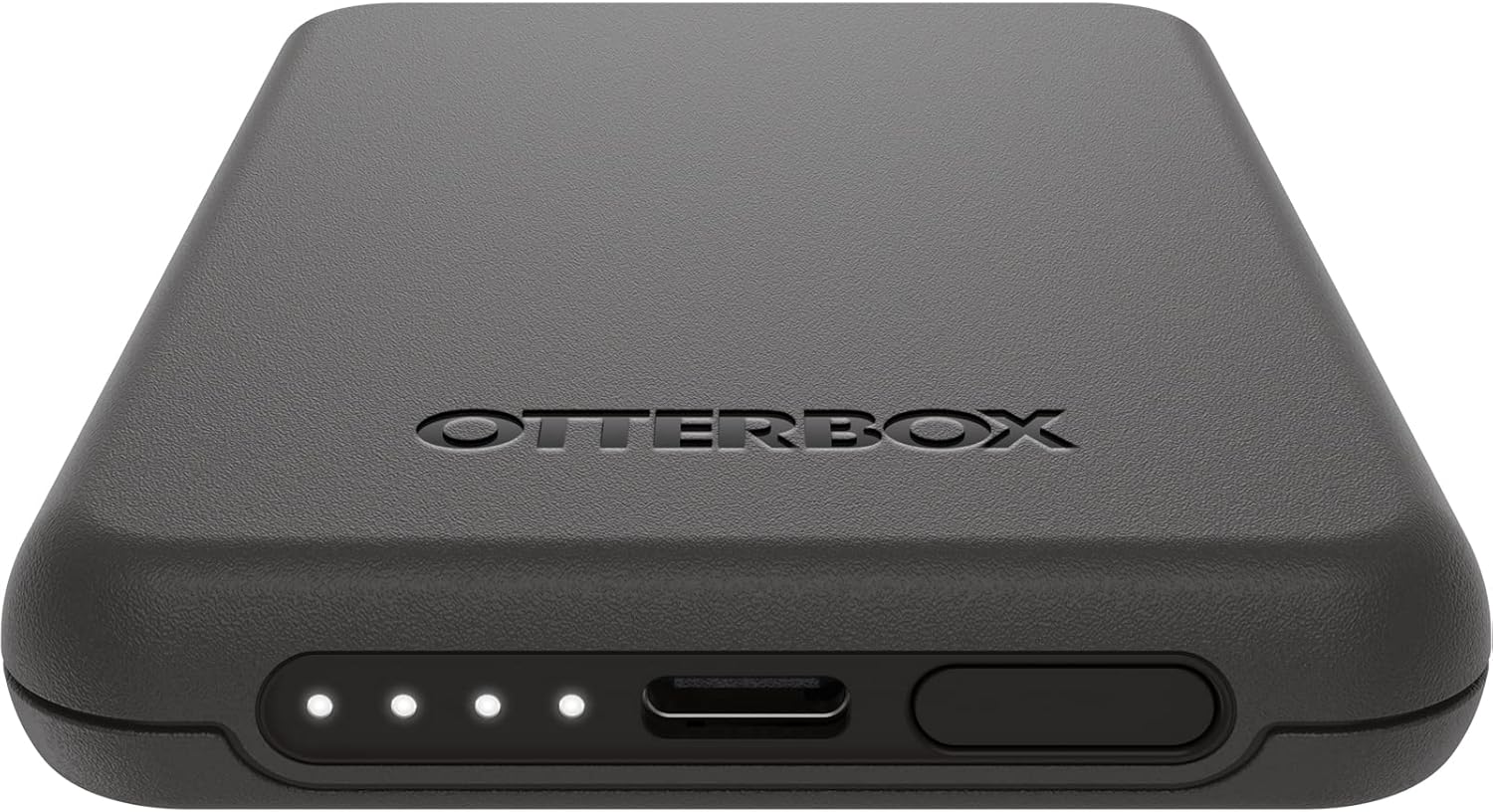
చిత్రం 3.1: వివరణాత్మక view of the power bank's bottom edge, showing the USB-C charging port and the four LED battery status indicators.
3.2 మాగ్సేఫ్ అనుకూలత
For wireless charging, ensure your iPhone is MagSafe compatible (iPhone 12 series or newer) or is housed in an OtterBox case designed for MagSafe.
4. ఆపరేటింగ్ సూచనలు
4.1 Charging Your Device Wirelessly (MagSafe)
- Align the OtterBox Wireless Power Bank with the MagSafe area on the back of your iPhone or MagSafe-compatible case.
- The power bank will magnetically attach and begin charging your device.
- The LED indicators on the power bank will show its remaining charge.

Image 4.1: The power bank is shown attached to the back of an iPhone, illustrating the magnetic connection for wireless charging.
4.2 Charging Other Devices (USB-C)
The power bank can also charge other devices, such as AirPods or other smartphones, using the USB-C port.
- USB-C కేబుల్ (లేదా మీ పరికరానికి తగిన కేబుల్) యొక్క ఒక చివరను పవర్ బ్యాంక్లోని USB-C పోర్ట్కు కనెక్ట్ చేయండి.
- కేబుల్ యొక్క మరొక చివరను మీ పరికరానికి కనెక్ట్ చేయండి.
- The power bank will begin charging the connected device.
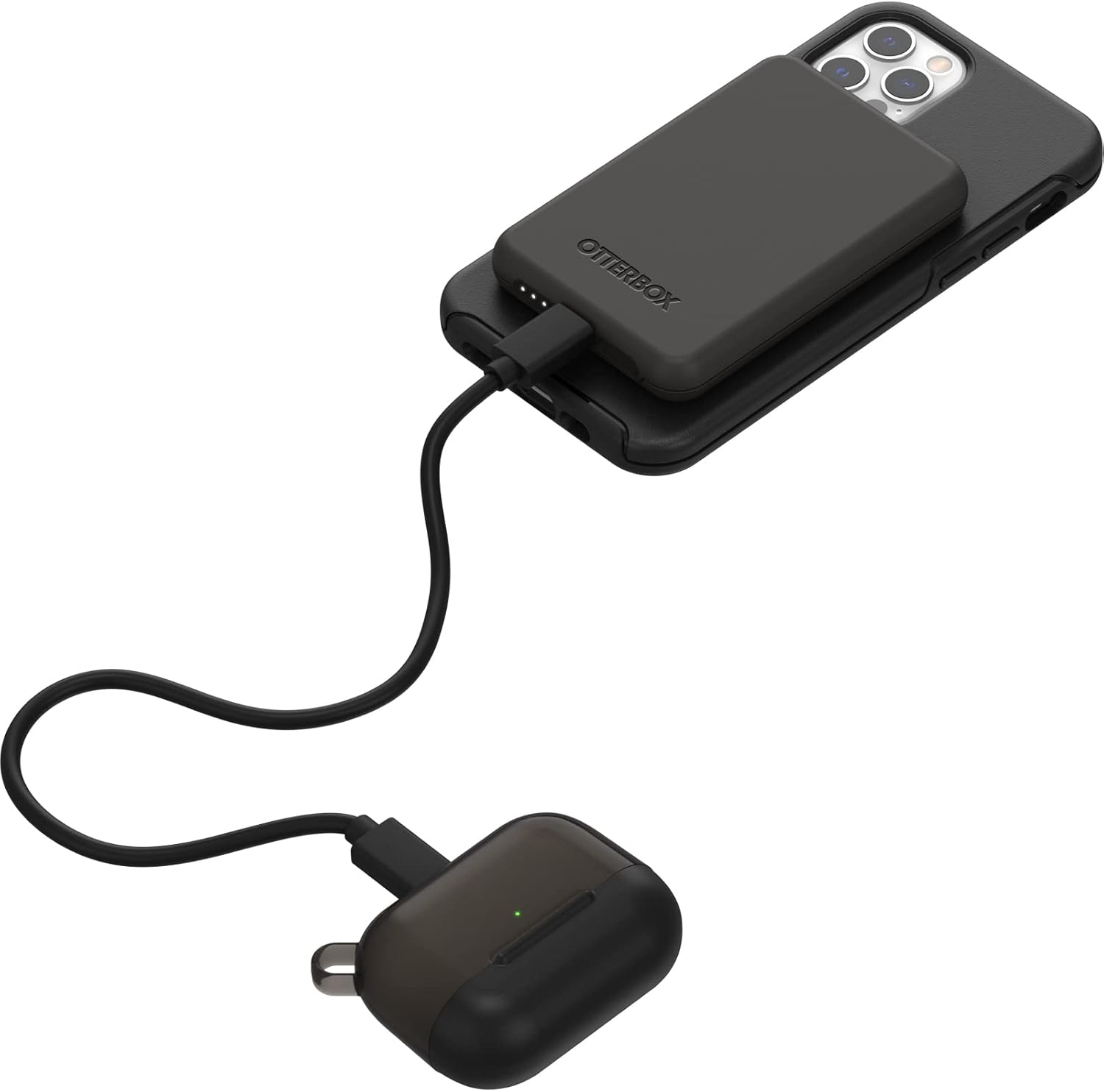
Image 4.2: The power bank is connected via a USB-C cable to a pair of AirPods, demonstrating its capability to charge other devices.
4.3 LED Power Indicators
The four LED lights on the power bank indicate the remaining battery charge and charging status:
- Solid White LEDs: Indicate remaining battery capacity. Each LED represents approximately 25% charge.
- Flashing White LEDs: Indicate the power bank is currently charging.
- LED లు లేవు: The power bank is either fully discharged or not actively charging/discharging.
5. నిర్వహణ
- శుభ్రపరచడం: Use a soft, dry cloth to clean the surface of the power bank. Avoid abrasive cleaners or solvents.
- నిల్వ: పవర్ బ్యాంక్ను ప్రత్యక్ష సూర్యకాంతి మరియు తీవ్రమైన ఉష్ణోగ్రతలు లేకుండా చల్లని, పొడి ప్రదేశంలో నిల్వ చేయండి.
- బ్యాటరీ సంరక్షణ: To prolong battery life, avoid fully discharging the power bank frequently. Recharge it when the charge is low.
- డ్రాప్ ప్రొటెక్షన్: The power bank is engineered with durable design and drop protection. However, avoid unnecessary drops or impacts to prevent damage.
6. ట్రబుల్షూటింగ్
| సమస్య | సాధ్యమైన కారణం | పరిష్కారం |
|---|---|---|
| పవర్ బ్యాంక్ పరికరాన్ని వైర్లెస్గా ఛార్జ్ చేయడం లేదు. |
|
|
| Power bank not charging via USB-C. |
|
|
| LED indicators are not lighting up. |
|
|
| బలహీనమైన అయస్కాంత అటాచ్మెంట్. |
|
|
7. స్పెసిఫికేషన్లు
| మోడల్ సంఖ్య | OBFTC-0090-A |
| కెపాసిటీ | 3K mAh |
| వైర్లెస్ ఛార్జింగ్ అవుట్పుట్ | 7.5W |
| కనెక్టివిటీ | MagSafe, USB-C |
| కొలతలు | 3.84 x 2.56 x 0.47 అంగుళాలు |
| బరువు | 3.84 ఔన్సులు |
| అనుకూల పరికరాలు | iPhone 12/12 Pro, iPhone 13, iPhone 13 Pro, iPhone 13 and 12 Pro Max, iPhone 13 mini (MagSafe compatible devices) |
| మెటీరియల్ | Magnets, Silicone |
8. వారంటీ మరియు మద్దతు
పరిమిత జీవితకాల వారంటీ: OtterBox products are backed by a limited lifetime warranty covering material and workmanship defects. This ensures quality and customer satisfaction.
For warranty claims, technical support, or further assistance, please visit the official OtterBox webసైట్ లేదా వారి కస్టమర్ సర్వీస్ విభాగాన్ని సంప్రదించండి. వారంటీ ధ్రువీకరణ కోసం మీ కొనుగోలు రుజువును ఉంచండి.
Note: Warranty terms may vary by region. Refer to the official OtterBox webఅత్యంత తాజా మరియు వివరణాత్మక వారంటీ సమాచారం కోసం సైట్.
9. భద్రతా సమాచారం
Please read all safety instructions before using this product to prevent injury or damage.
- Do not expose the power bank to extreme temperatures (above 45°C / 113°F or below -10°C / 14°F).
- పవర్ బ్యాంక్ను విడదీయవద్దు, సవరించవద్దు లేదా మరమ్మతు చేయడానికి ప్రయత్నించవద్దు.
- పవర్ బ్యాంక్ను నీరు, తేమ మరియు మండే పదార్థాలకు దూరంగా ఉంచండి.
- పవర్ బ్యాంక్ను పడవేయడం లేదా తీవ్ర ప్రభావాలకు గురిచేయడం మానుకోండి.
- స్థానిక నిబంధనల ప్రకారం పవర్ బ్యాంక్ను బాధ్యతాయుతంగా పారవేయండి. గృహ వ్యర్థాలలో దానిని పారవేయవద్దు.
- పిల్లలకు దూరంగా ఉంచండి.
- Discontinue use if the power bank becomes excessively hot, emits odor, or shows signs of damage.


