1. ఉత్పత్తి ముగిసిందిview
The threesheep GTS2 Smart Watch is a versatile fitness tracker designed for both men and women, offering comprehensive health and activity monitoring. It features an IP68 waterproof rating, heart rate and sleep monitoring, blood pressure and blood oxygen tracking, and is compatible with Android and iPhone iOS devices. This manual provides detailed instructions for setting up, operating, and maintaining your smart watch to ensure optimal performance.

Figure 1.1: threesheep GTS2 Smart Watch. This image displays the main view of the smart watch, highlighting its sleek design and digital display showing current time, date, battery level, heart rate, and activity metrics like steps and calories burned.
2. ప్రారంభించడం
2.1. పరికరాన్ని ఛార్జ్ చేస్తోంది
Before first use, fully charge your smart watch. Use the provided magnetic charging cable. Align the magnetic pins of the charger with the charging contacts on the back of the watch. The watch screen will indicate charging status.
- Connect the USB end of the charging cable to a USB power adapter (5V/1A recommended) or a computer USB port.
- Place the magnetic end of the cable onto the charging contacts on the back of the watch. It will snap into place.
- A full charge typically takes about 2-3 hours.
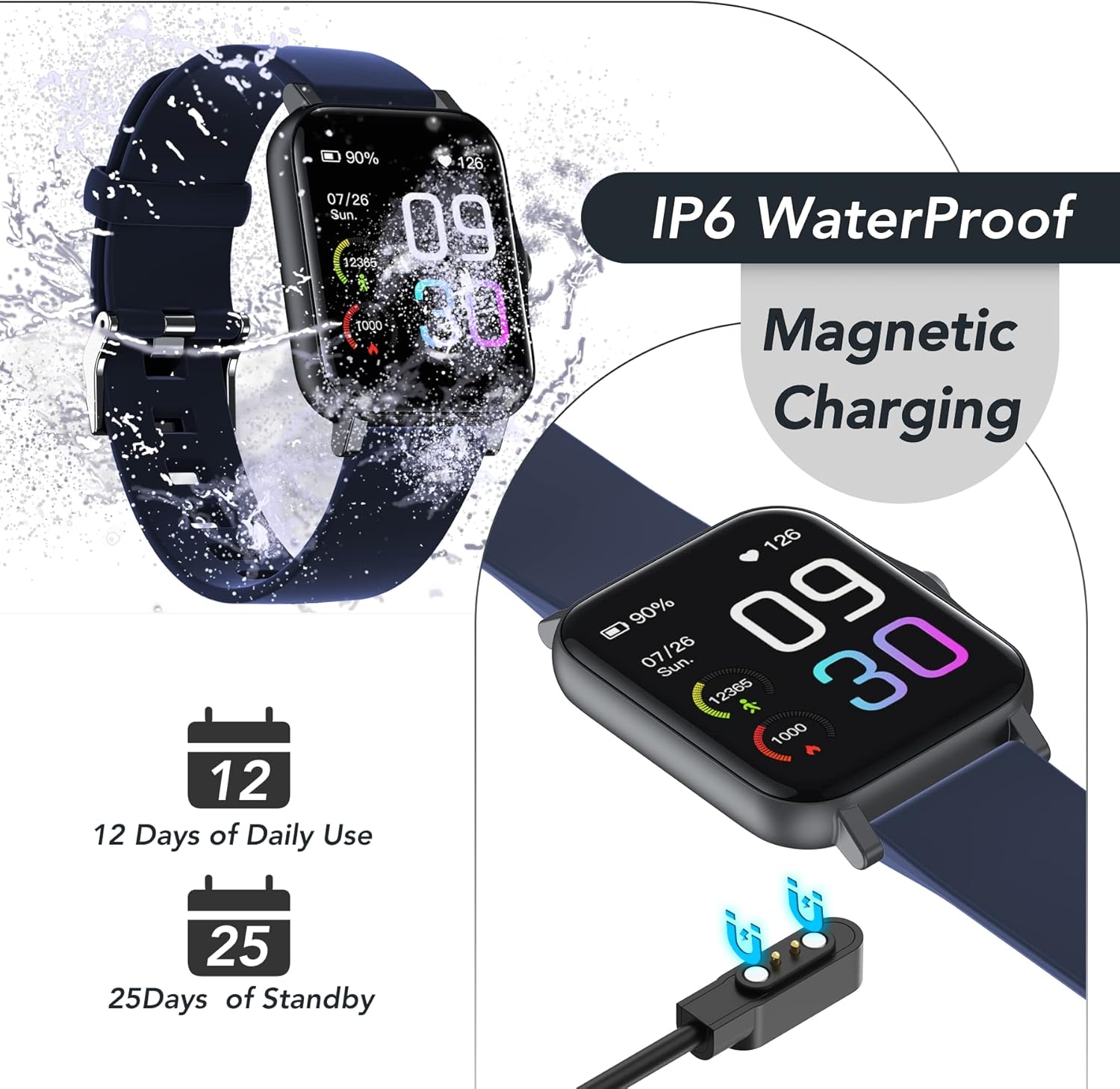
Figure 2.1: Magnetic Charging. This image illustrates the magnetic charging mechanism of the smart watch, showing the cable attaching securely to the back of the device.
2.2. యాప్ ఇన్స్టాలేషన్ మరియు జత చేయడం
To unlock all features, download the companion app and pair your smart watch with your smartphone.
- Scan the QR code in the watch manual or search for the app name (usually mentioned in the watch packaging or quick start guide) in your phone's app store (App Store for iOS, Google Play Store for Android).
- మీ స్మార్ట్ఫోన్లో యాప్ను ఇన్స్టాల్ చేయండి.
- మీ ఫోన్లో బ్లూటూత్ ప్రారంభించబడిందని నిర్ధారించుకోండి.
- ఖాతాను సృష్టించడానికి లేదా లాగిన్ చేయడానికి యాప్ని తెరిచి, స్క్రీన్పై సూచనలను అనుసరించండి.
- In the app, navigate to the device pairing section and select your smart watch from the list of available devices.
- ప్రాంప్ట్ చేయబడితే మీ ఫోన్ మరియు వాచ్ రెండింటిలోనూ జత చేసే అభ్యర్థనను నిర్ధారించండి.

Figure 2.2: App Interface. This image shows the smartphone app interface, demonstrating how the watch connects to the phone and displays various health and activity data.
3. స్మార్ట్ వాచ్ను ఆపరేట్ చేయడం
3.1. కార్యాచరణ ట్రాకింగ్
The smart watch automatically tracks your daily activities, including steps, distance, and calories burned. View your progress directly on the watch face or in the companion app for detailed insights.

Figure 3.1: Daily Sports Tracking. This image illustrates the watch's ability to track daily activities, showing a person walking and the watch displaying steps, distance, and calories.
3.2. స్పోర్ట్స్ మోడ్లు
The GTS2 Smart Watch supports up to 100 sports modes, allowing you to track specific workouts with precision. Select your desired sport mode from the watch menu to begin tracking.
- Indoor/Outdoor Running: Tracks distance, pace, and calories for your runs.
- సైక్లింగ్: Monitors speed, distance, and duration for indoor and outdoor cycling.
- నడక: Records steps, distance, and time for casual walks.
- Football, Badminton, Tennis: Specific modes for various sports activities.
- Yoga, Strength Training, Trekking: And many more customizable options.
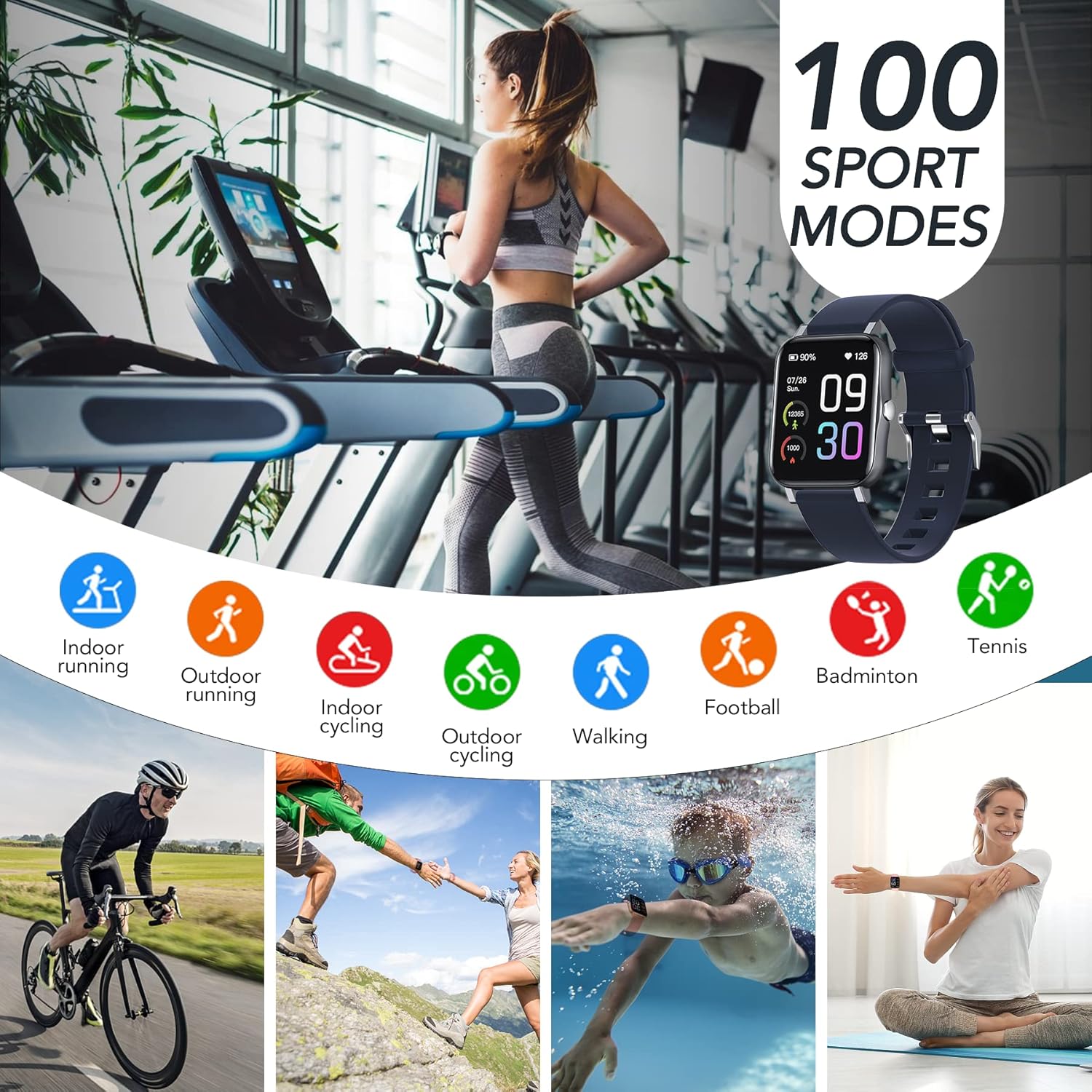
Figure 3.2: 100 Sport Modes. This image showcases the wide array of sport modes available on the smart watch, with icons representing different activities and people performing them.
3.3. ఆరోగ్య పర్యవేక్షణ
The smart watch is equipped with advanced sensors to monitor your health metrics in real-time.
- హార్ట్ రేట్ మానిటర్: Automatically monitors your heart rate throughout the day. Access historical data in the app.
- స్లీప్ మానిటర్: Tracks your sleep patterns, including deep sleep, light sleep, and awake time, providing insights into your sleep quality.
- Blood Pressure & Blood Oxygen Tracking: Provides estimates of blood pressure and blood oxygen levels. These measurements are for reference only and should not be used for medical diagnosis.
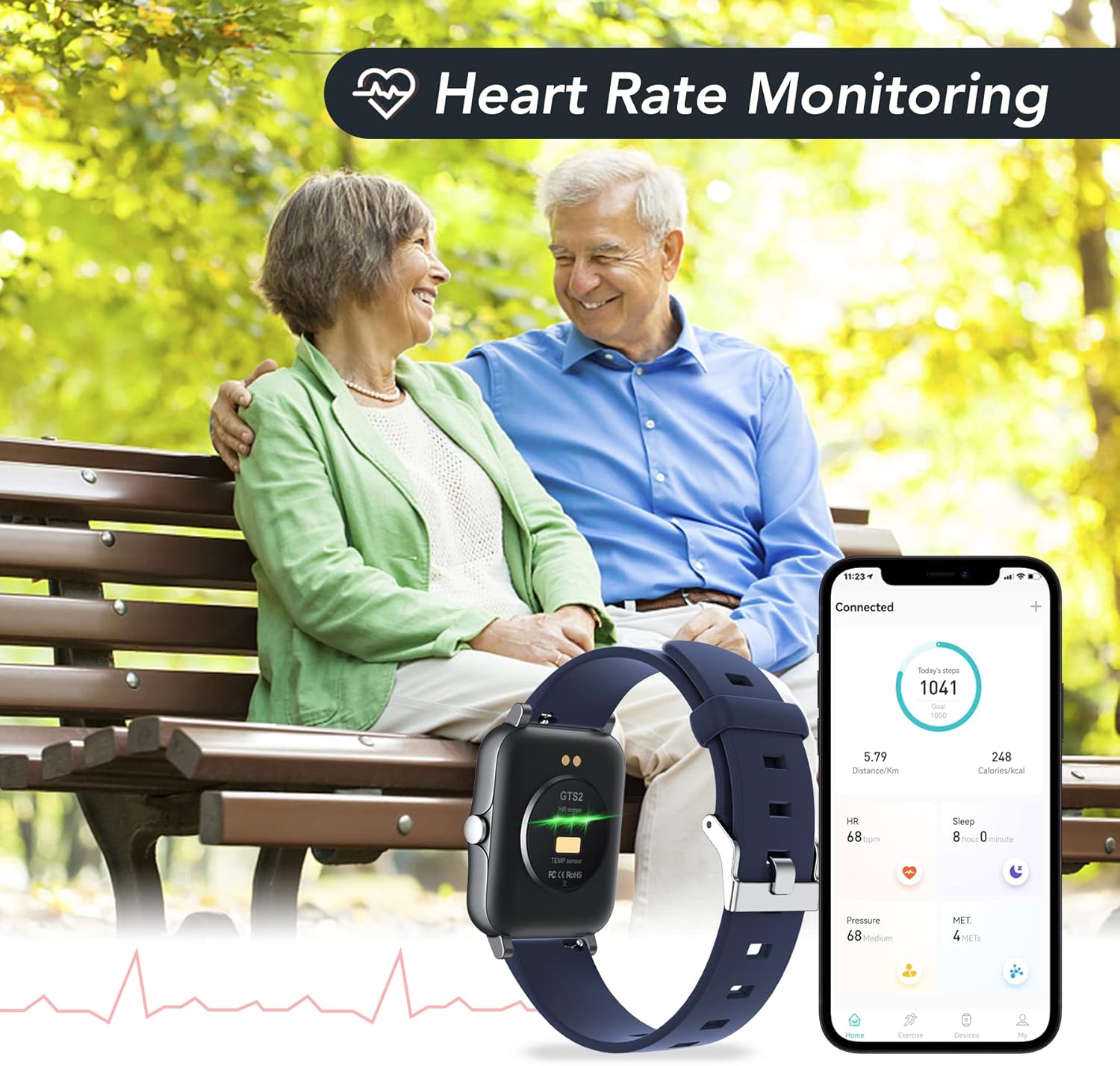
Figure 3.3: Heart Rate Monitoring. This image depicts the heart rate monitoring feature, showing the watch displaying heart rate data and a connected smartphone app with detailed graphs.

Figure 3.4: Automatic Sleep Monitoring. This image visually explains the sleep tracking capabilities, showing a person sleeping and icons representing different sleep stages.
3.4. Notifications and Smart Functions
Stay connected with smart notifications and control features directly from your wrist.
- Message & Call Notifications: Receive alerts for incoming calls, SMS messages, and notifications from social media apps (e.g., Facebook, Twitter, WhatsApp) directly on your watch.
- సంగీత నియంత్రణ: Control music playback on your smartphone (play, pause, skip tracks) from the watch.
- కెమెరా రిమోట్: మీ ఫోన్ కెమెరాకు మీ గడియారాన్ని రిమోట్ షట్టర్గా ఉపయోగించండి.
- సెడెంటరీ రిమైండర్లు: మీరు చాలా సేపు క్రియారహితంగా ఉంటే, తరలించడానికి హెచ్చరికలను పొందండి.
- అలారం గడియారం & స్టాప్వాచ్: అలారాలను సెట్ చేయండి మరియు స్టాప్వాచ్ ఫంక్షన్ను ఉపయోగించండి.
- వాతావరణం: View ప్రస్తుత వాతావరణ పరిస్థితులు.
- మీ ఫోన్ను కనుగొనండి: మీ జత చేసిన స్మార్ట్ఫోన్ను రింగ్ చేయడం ద్వారా గుర్తించండి.
3.5 అనుకూలీకరణ
Personalize your smart watch experience with customizable watch faces.
- Choose from a variety of pre-installed watch faces.
- Download additional watch faces through the companion app.
- Create custom watch faces using your own photos.

Figure 3.5: Personalized Watch Faces. This image demonstrates the variety of watch faces available and the ability to customize the watch's display.
4. సంరక్షణ మరియు నిర్వహణ
4.1. నీటి నిరోధకత (IP68)
The threesheep GTS2 Smart Watch is IP68 water-resistant, meaning it can withstand dust, dirt, and sand, and is resistant to submersion up to a maximum depth of 1.5m underwater for up to 30 minutes. It is suitable for daily use, such as washing hands, showering, or swimming in shallow water. However, it is not recommended for hot baths, saunas, or diving.
- గడియారాన్ని వేడి నీరు లేదా ఆవిరికి గురిచేయకుండా ఉండండి.
- నీటి అడుగున ఎలాంటి బటన్లను నొక్కవద్దు.
- నీటికి గురైన తర్వాత గడియారాన్ని పూర్తిగా ఆరబెట్టండి.
Figure 4.1: IP68 Waterproof. This image visually confirms the watch's IP68 water resistance, showing it being splashed with water.
4.2. బ్యాటరీ లైఫ్
The smart watch offers approximately 7 days of working time and up to 25 days in standby mode on a single charge. Actual battery life may vary based on usage and settings.
4.3. శుభ్రపరచడం
To keep your watch clean and functioning properly:
- గడియారం మరియు పట్టీని మృదువైన, d వస్త్రంతో క్రమం తప్పకుండా తుడవండి.amp గుడ్డ.
- కఠినమైన రసాయనాలు లేదా రాపిడి క్లీనర్లను ఉపయోగించడం మానుకోండి.
- ఛార్జింగ్ చేసే ముందు ఛార్జింగ్ కాంటాక్ట్లు శుభ్రంగా మరియు పొడిగా ఉన్నాయని నిర్ధారించుకోండి.
5. ట్రబుల్షూటింగ్
- Q: The watch does not turn on or charge.
- A: Ensure the charging cable is properly connected to both the watch and a power source. Check if the power adapter is working. Allow the watch to charge for at least 10 minutes before attempting to turn it on.
- Q: Cannot pair the watch with my smartphone.
- A: Make sure Bluetooth is enabled on your phone and the watch is within range. Restart both your phone and the watch. Ensure the correct app is installed and updated. If issues persist, try unpairing and re-pairing the device through the app settings.
- ప్ర: ఆరోగ్య పర్యవేక్షణ డేటా తప్పుగా కనిపిస్తోంది.
- A: Ensure the watch is worn snugly on your wrist, not too tight or too loose. Clean the sensor on the back of the watch. Avoid excessive movement during measurements. Remember that these measurements are for reference and not for medical use.
- Q: Notifications are not appearing on the watch.
- A: Check the app settings to ensure notification permissions are granted for the watch. Verify that notifications are enabled for specific apps on your phone. Ensure the watch is connected via Bluetooth and the app is running in the background.
6. సాంకేతిక లక్షణాలు
| ఫీచర్ | స్పెసిఫికేషన్ |
|---|---|
| బ్రాండ్ | threesheep |
| స్క్రీన్ పరిమాణం | 1.69 అంగుళాలు |
| నీటి నిరోధకత | IP68 |
| ఆపరేటింగ్ సిస్టమ్ | Wear OS (Compatible with iOS 10.0+/Android OS 4.4+) |
| కనెక్టివిటీ టెక్నాలజీ | బ్లూటూత్ |
| బ్యాటరీ సెల్ కంపోజిషన్ | లిథియం పాలిమర్ |
| ప్రత్యేక లక్షణాలు | Heart Rate Monitor, Sleep Monitor, Blood Pressure, Blood Oxygen, Activity Tracker, 100 Sports Modes, Notifications, Music/Camera Control |
| రంగు | Blue (as per product data, other colors may be available) |
| అంశం ప్యాకేజీ కొలతలు | 10.63 x 3.78 x 0.71 అంగుళాలు |
| ప్యాకేజీ బరువు | 0.1 కిలోలు |
7. అధికారిక ఉత్పత్తి వీడియో
Video 7.1: GTS2 Smart Watch Overview. This official product video provides a visual demonstration of the threesheep GTS2 Smart Watch, highlighting its design, various color options, activity tracking features, health monitoring capabilities, and magnetic charging process. The video is 37 seconds long.
8. వారంటీ మరియు మద్దతు
The threesheep GTS2 Smart Watch comes with a limited warranty. For specific warranty terms and conditions, please refer to the warranty card included in your product packaging or contact threesheep customer support.
For technical support, troubleshooting assistance, or any inquiries regarding your product, please visit the official threesheep webమీ ఉత్పత్తి డాక్యుమెంటేషన్లో అందించిన సంప్రదింపు సమాచారం ద్వారా వారి కస్టమర్ సేవా బృందాన్ని సైట్లో సంప్రదించండి లేదా సంప్రదించండి.
మీరు కూడా సందర్శించవచ్చు threesheep Store on Amazon మరింత సమాచారం మరియు మద్దతు వనరుల కోసం.


