1. పరిచయం
The EIGHTREE Smart Plug is designed to transform your traditional home appliances into smart devices, allowing for convenient control from anywhere. This manual provides detailed instructions for setting up, operating, and maintaining your smart plugs, ensuring seamless integration with your smart home ecosystem.

పైగాview of EIGHTREE Smart Plug features and compatibility.

Compact design ensures the second outlet remains accessible.
2. ప్యాకేజీ విషయాలు
ప్యాకేజీని తెరిచిన తర్వాత, మీరు ఈ క్రింది అంశాలను కనుగొనాలి:
- EIGHTREE Smart Plug (4-pack)
- వినియోగదారు మాన్యువల్ (ఈ పత్రం)

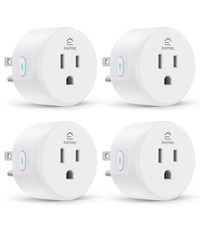
Four EIGHTREE Smart Plugs included in the package.
3. భద్రతా సమాచారం
For safe and optimal use of your EIGHTREE Smart Plug, please adhere to the following guidelines:
- గరిష్ట కరెంట్ రేటింగ్ 10ని మించకూడదు Amps.
- ఆపరేటింగ్ వాల్యూమ్ నిర్ధారించుకోండిtagఇ 120 వోల్ట్లు.
- Use in dry indoor locations only.
- నీరు మరియు అధిక తేమ నుండి దూరంగా ఉంచండి.
- పరికరాన్ని విడదీయవద్దు లేదా మరమ్మత్తు చేయడానికి ప్రయత్నించవద్దు.
- The smart plug is constructed with fireproof material for enhanced safety.
- Features over-current protection to prevent damage to connected devices.

Safety features of the EIGHTREE Smart Plug.
4. స్పెసిఫికేషన్లు
| గుణం | వివరాలు |
|---|---|
| మోడల్ సంఖ్య | ET01 |
| ఉత్పత్తి కొలతలు | 1.96 x 1.96 x 2.03 అంగుళాలు |
| వస్తువు బరువు | 1.92 ఔన్సులు |
| ఆపరేషన్ మోడ్ | ఆటోమేటిక్ |
| ప్రస్తుత రేటింగ్ | 10 Amps |
| ఆపరేటింగ్ వాల్యూమ్tage | 120 వోల్ట్లు |
| కనెక్టర్ రకం | ప్లగ్ ఇన్ చేయండి |
| వైర్లెస్ కనెక్టివిటీ | 2.4GHz వైఫై మాత్రమే |
| ధృవపత్రాలు | ETL, FCC |
| మూలం దేశం | చైనా |
5. సెటప్ గైడ్
Follow these steps to set up your EIGHTREE Smart Plug and connect it to your smart home system.
5.1. యాప్ ఇన్స్టాలేషన్ మరియు పరికర జత చేయడం
- స్మార్ట్ లైఫ్ యాప్ని డౌన్లోడ్ చేయండి: కోసం వెతకండి "Smart Life" in your smartphone's app store (iOS or Android) and download it.
- నమోదు/లాగిన్: Open the Smart Life App and register for a new account or log in if you already have one.
- స్మార్ట్ ప్లగ్ను ప్లగ్ ఇన్ చేయండి: Insert the EIGHTREE Smart Plug into a standard wall outlet.
- స్వయంచాలక గుర్తింపు: Ensure your phone's Bluetooth is enabled. The Smart Life App should automatically detect the new device. Tap "Add" to proceed.
- 2.4GHz Wi-Fiకి కనెక్ట్ చేయండి: Select your 2.4GHz Wi-Fi network and enter the password. The smart plug only supports 2.4GHz Wi-Fi.
- జత చేయడాన్ని నిర్ధారించండి: Once connected, the app will confirm successful pairing. You can then name your device (e.g., "Living Room Lamp").

Easy setup process with 2.4GHz WiFi and Bluetooth detection.

Step-by-step guide for initial device pairing via the Smart Life App.
5.2. Connecting to Voice Assistants
After successfully adding your smart plug to the Smart Life App, you can link it with voice assistants like Alexa, Google Home, or SmartThings.

EIGHTREE Smart Plugs are compatible with major smart home platforms.
5.2.1. అమెజాన్ అలెక్సా
- Open the Smart Life App, go to the "Me" tab, and select "Third-Party Services".
- Choose "Alexa" and follow the on-screen instructions to link your Smart Life account with Alexa.
- Once linked, discover devices in the Alexa app.

Steps to link your Smart Life account with Amazon Alexa.
5.2.2. Google హోమ్
- Open the Smart Life App, go to the "Me" tab, and select "Third-Party Services".
- Choose "Google Assistant" and follow the instructions to link your Smart Life account.
- Select the devices you wish to connect.
Steps to link your Smart Life account with Google Home.
5.2.3. స్మార్ట్ థింగ్స్
- Launch the SmartThings App and tap "Add device".
- Tap "Partner devices" and then search for "Smart Life".
- Follow the instructions to link your Smart Life account to SmartThings.
Steps to link your Smart Life account with SmartThings.
6. ఆపరేటింగ్ సూచనలు
6.1. యాప్ ద్వారా రిమోట్ కంట్రోల్
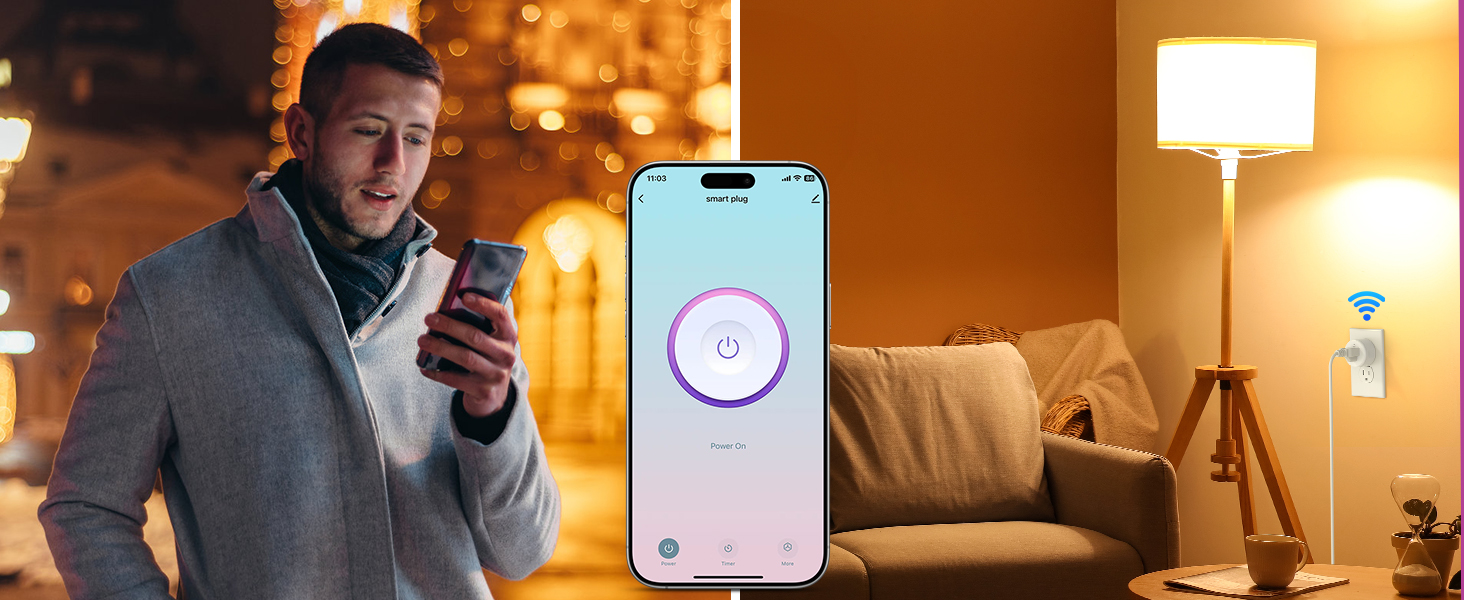
Control your home devices from anywhere using the Smart Life App on your smartphone.
- Open the Smart Life App.
- Tap on the desired smart plug to toggle its power on/off.
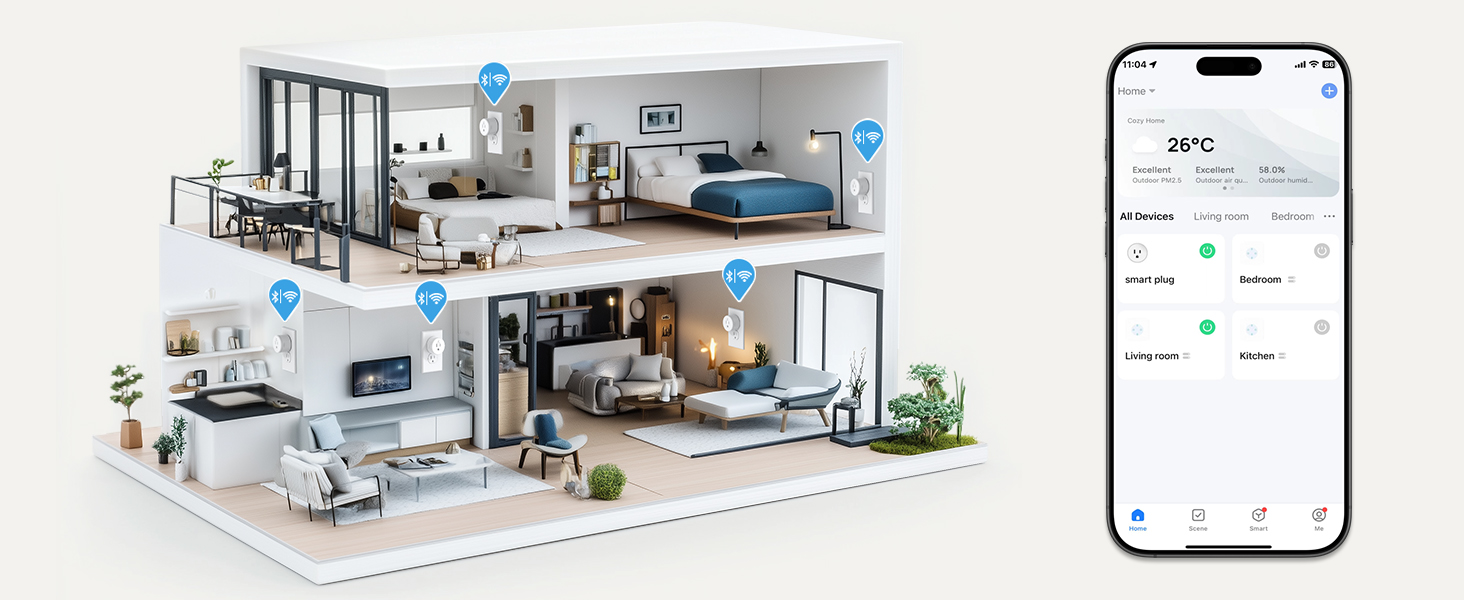
- Group multiple plugs for simultaneous control.
Control your devices remotely using the Smart Life App.

Manage your home appliances from anywhere, anytime.
Visualize and control all your smart devices across different rooms.
6.2. వాయిస్ నియంత్రణ
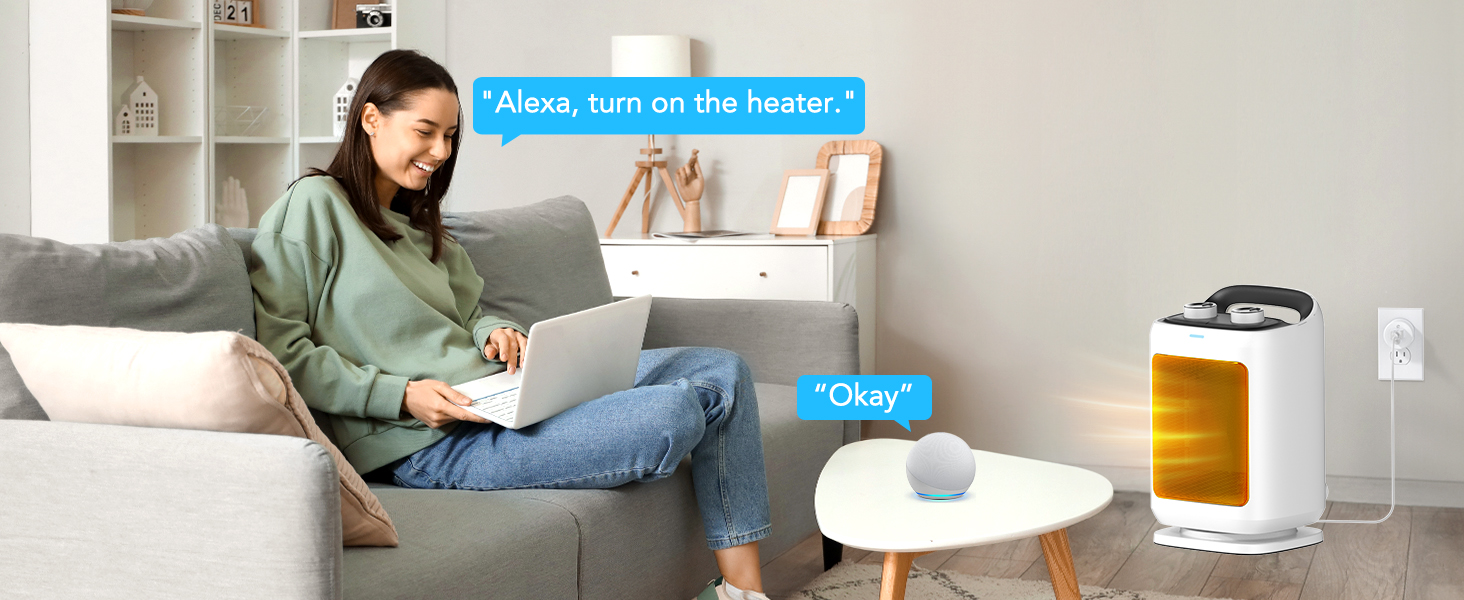
Use simple voice commands with Alexa or Google Home Assistant to operate your smart plugs.
- Example: "Alexa, turn on the fan."
- Example: "Hey Google, turn off the coffee maker."

Control your appliances hands-free using voice commands.
Conveniently activate devices with voice commands.
6.3. Schedule & Timer Function
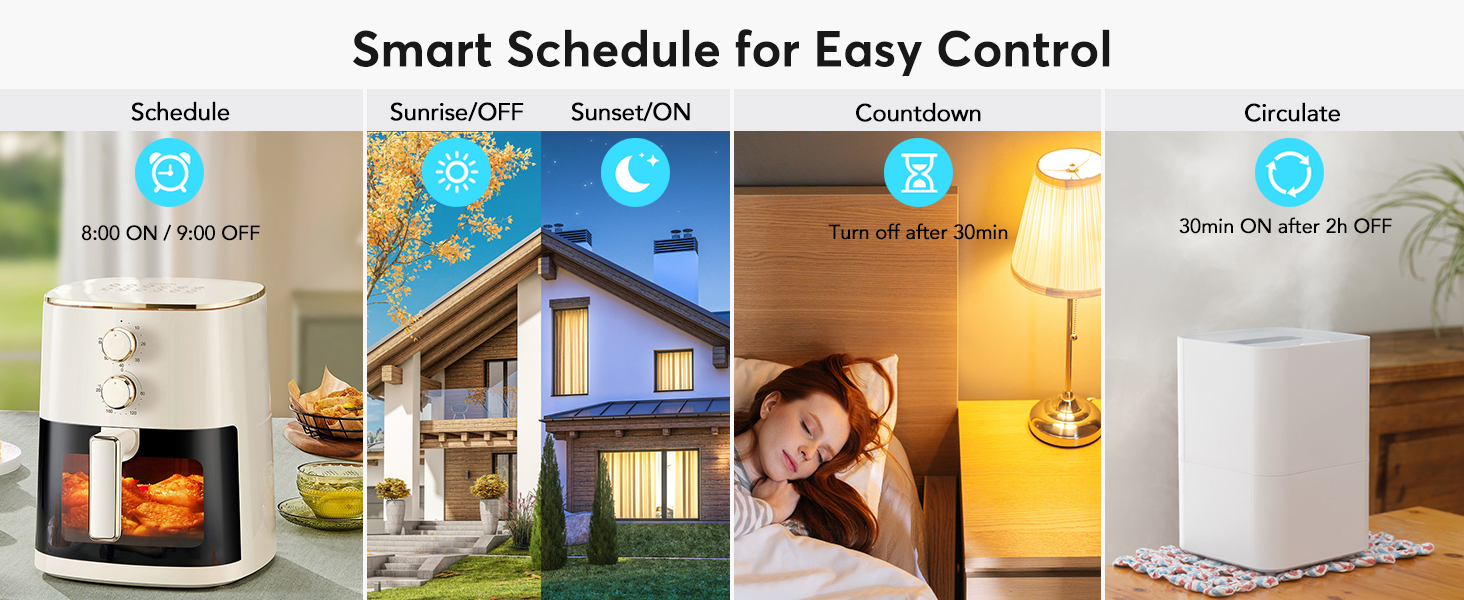
Automate your devices by setting schedules, countdowns, cycles, or random schedules through the Smart Life App.
- షెడ్యూల్: Set specific on/off times (e.g., turn on coffee maker at 8 AM, turn off lights at 10 PM).
- కౌంట్డౌన్: Set a timer for a device to turn off after a specified duration.
- సర్క్యులేట్: Program devices to cycle on and off at regular intervals.
- సూర్యోదయం సూర్యాస్తమయం: Automate lights based on local sunrise and sunset times.

Set your appliances to turn on/off according to your needs.
Various smart schedule options for automated control.
6.4. పరికర భాగస్వామ్యం
Share control of your smart plugs with family members through the Smart Life App.
- In the Smart Life App, navigate to the device settings.
- Select "Share Device" and invite family members to access and configure the smart plug.

Easily share control of your smart plugs with family members.
7. నిర్వహణ
The EIGHTREE Smart Plug requires minimal maintenance. To ensure its longevity and proper function:
- Wipe the exterior with a soft, dry cloth as needed.
- కఠినమైన రసాయనాలు లేదా రాపిడి క్లీనర్లను ఉపయోగించవద్దు.
- Ensure the plug is disconnected from power before cleaning.
8. ట్రబుల్షూటింగ్
If you encounter issues with your EIGHTREE Smart Plug, try the following solutions:
8.1. Connection Failure or Timeout
- Wi-Fi ని తనిఖీ చేయండి: Ensure your Wi-Fi network is 2.4GHz. The smart plug does not support 5GHz Wi-Fi.
- నెట్వర్క్ స్థిరత్వం: Verify your Wi-Fi signal is strong and stable where the plug is located.
- ప్లగ్ని రీసెట్ చేయండి: If connection fails, power off the smart plug for over 10 seconds, then power it on again. Press and hold the power button on the side of the plug for 5 seconds until the indicator light blinks slowly. Then retry the pairing process in the app.
- AP Mode Connection: If standard pairing fails, try connecting using AP (Access Point) mode. This method involves connecting your phone directly to the plug's Wi-Fi hotspot during setup.
AP Mode Connection Guide:
This video demonstrates how to connect your EIGHTREE Smart Plug using AP Mode, which can be helpful if standard connection methods fail.
8.2. Voice Control Issues
- ఖాతా లింకింగ్: Double-check that your Smart Life account is correctly linked to your Alexa or Google Home account.
- పరికర నామకరణం: Ensure the device name in the Smart Life App is simple and easily recognizable by your voice assistant.
- పరికరాలను కనుగొనండి: Try asking your voice assistant to "Discover devices" again.
9. వారంటీ మరియు మద్దతు
EIGHTREE is committed to providing high-quality smart home solutions. Your EIGHTREE Smart Plug comes with a standard warranty covering manufacturing defects.
- All products are certified by FCC & ETL.
For any assistance, technical support, or warranty inquiries, please contact EIGHTREE Customer Service. We offer 7*24 customer service to ensure your peace of mind.
సంప్రదింపు సమాచారం:
- ఇమెయిల్: support.us@eightree.club

EIGHTREE: Your partner for smart living.


