1. ఉత్పత్తి ముగిసిందిview
The NEWQ H30 Hard Drive is a versatile external storage device designed for seamless data transfer and backup between smartphones, tablets, and computers. With its plug-and-play functionality and substantial storage capacity, it offers a convenient solution for managing your digital media.
This device functions similarly to a photo stick but provides a significantly larger 1TB storage capacity, allowing you to store approximately 250,000 photos or 10,000 short videos. It supports faster transfer speeds compared to traditional USB flash drives.
The NEWQ H30 is compatible with a wide range of devices, including Apple iOS (iPhone, iPad, MacBook) and Android cellphones, as well as Windows PCs. It features a 'One-Touch Backup' function for quick and easy safeguarding of your photos and videos.

Figure 1: The NEWQ H30 Hard Drive connected to an iPhone, iPad, and MacBook, demonstrating its multi-device compatibility for data transfer and backup.
2. సెటప్ గైడ్
2.1 ప్యాకేజీ విషయాలు
- NEWQ H30 Hard Drive
- Data Cable (USB-A to USB Micro-B, with USB-C adapter)
- వినియోగదారు మాన్యువల్
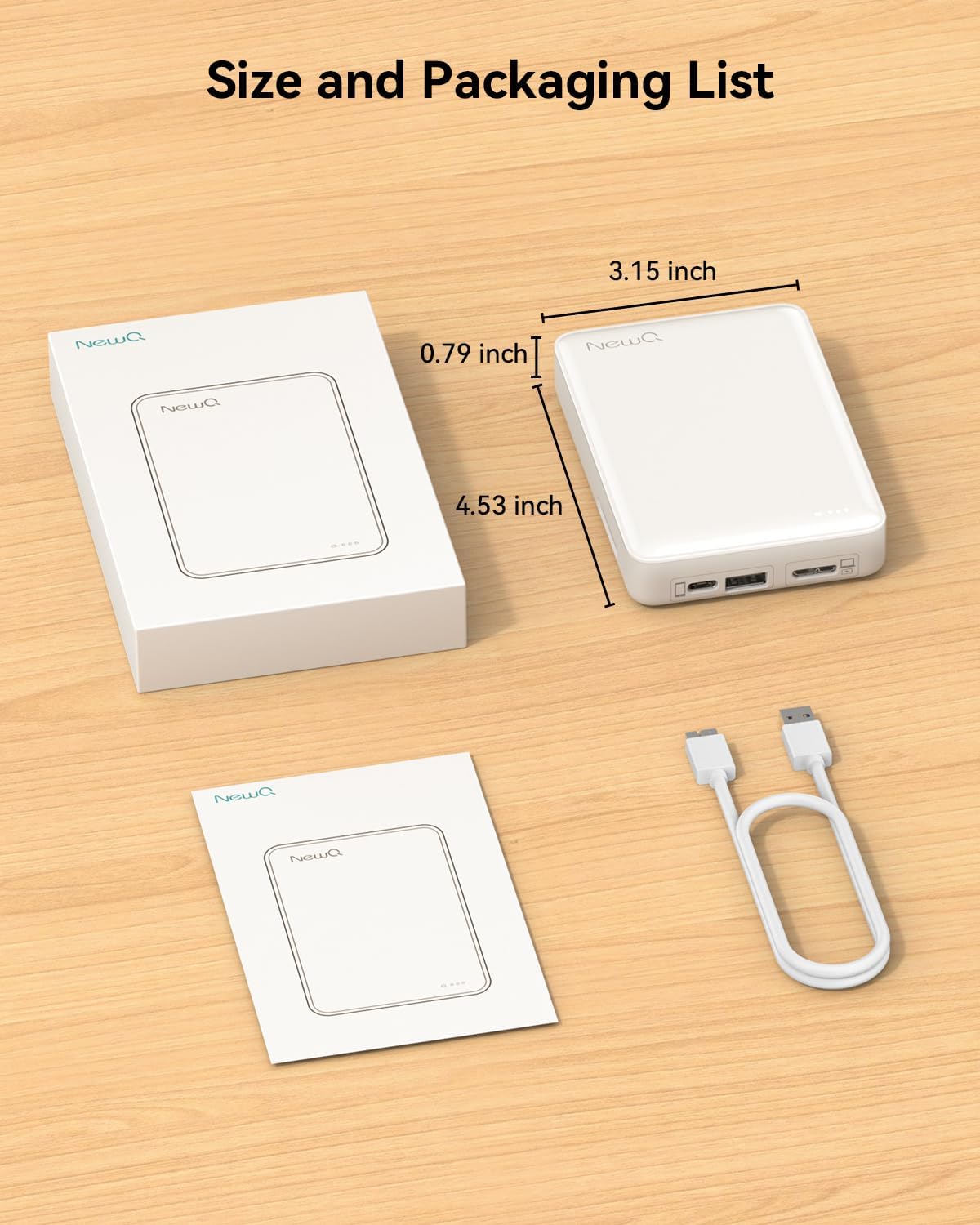
Figure 2: Physical dimensions of the NEWQ H30 Hard Drive and included accessories: the device, user manual, and data cable.
2.2 ప్రారంభ కనెక్షన్
- Connect the provided data cable to the appropriate port on the NEWQ H30 Hard Drive.
- Connect the other end of the cable to your smartphone, tablet, or computer. Use the USB-C adapter if your device requires it.
- The device is plug-and-play. For mobile devices, you may be prompted to install the 'NQStorage' app.
2.3 యాప్ ఇన్స్టాలేషన్ (మొబైల్ పరికరాల కోసం)
For iPhone (iOS 9.0 or above) and Android (7.0 or above) devices, download the 'NQStorage' app:
- iOS: కోసం వెతకండి 'NQStorage' in the Apple App Store.
- ఆండ్రాయిడ్: కోసం వెతకండి 'NQStorage' in the Google Play Store. If not found, try 'NQDrive'.
Video 1: A short instructional video demonstrating the unboxing and initial setup of the NEWQ H30 Hard Drive, including connecting it to a mobile device and installing the companion app.
3. ఆపరేటింగ్ సూచనలు
3.1 Mobile Device Backup (Using NQStorage App)
- Connect the NEWQ H30 Hard Drive to your mobile device using the appropriate cable.
- Open the 'NQStorage' app. Grant necessary permissions for the app to access your photos and videos.
- One-Touch Backup: Tap the 'Album Backup' icon (often represented by a cloud or backup symbol) to automatically back up all photos and videos.
- మాన్యువల్ ఎంపిక: Navigate to 'Image' or 'Video' sections within the app, select specific files, and choose to copy them to the hard drive.
- ఒకసారి files are backed up, you can optionally delete them from your mobile device to free up space.

Figure 3: An iPhone connected to the NEWQ H30 Hard Drive, illustrating the NQStorage application interface for managing and backing up media files directly from the phone.
Video 2: A detailed instructional video demonstrating the process of backing up photos and videos from a mobile device to the NEWQ H30 Hard Drive using the NQStorage app.
3.2 Computer Use (PC/Mac)
- Connect the NEWQ H30 Hard Drive to your computer using the provided data cable.
- The device will appear as an external drive in your computer's file ఎక్స్ప్లోరర్ (విండోస్) లేదా ఫైండర్ (మాక్).
- లాగండి మరియు వదలండి files to and from the hard drive as you would with any other external storage device.

Figure 4: The NEWQ H30 Hard Drive connected to a laptop, highlighting its capability to be used as a conventional external storage device for computers.
3.3 SD Card Data Transfer
The NEWQ H30 Hard Drive includes an SD card slot for direct transfer of files from your camera's SD card.
- Insert your SD card into the designated slot on the NEWQ H30 Hard Drive.
- Connect the hard drive to your mobile device or computer.
- Access the SD card content through the 'NQStorage' app (mobile) or your computer's file explorer/Finder.
- బదిలీ చేయండి files from the SD card to the hard drive or your connected device.
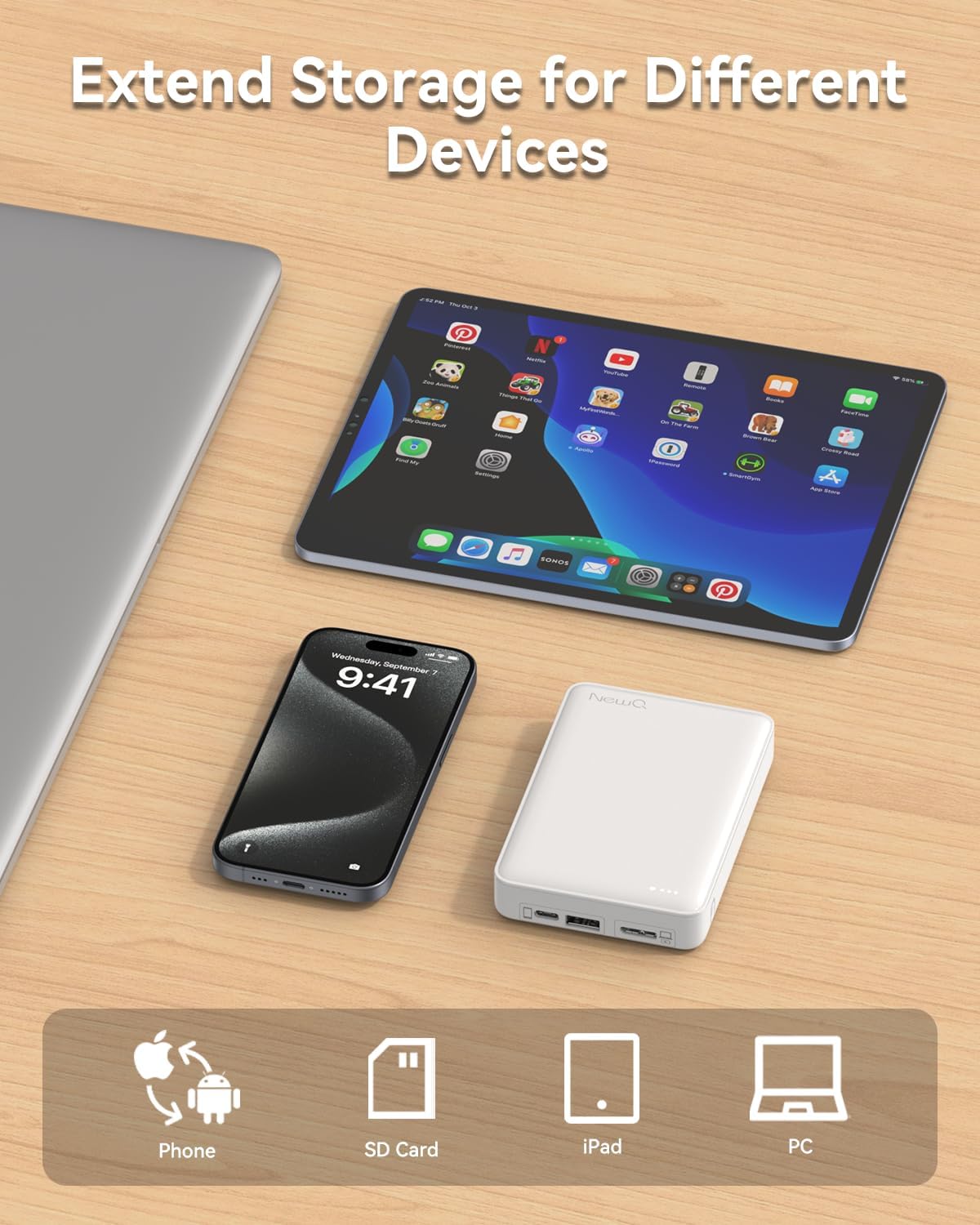
చిత్రం 5: వివరణాత్మక view of the NEWQ H30 Hard Drive's connectivity options, featuring USB-C, USB-A, and an SD card slot for versatile data transfer.
4. నిర్వహణ మరియు సంరక్షణ
- పరికరాన్ని పొడిగా ఉంచండి మరియు తీవ్రమైన ఉష్ణోగ్రతలకు దూరంగా ఉంచండి.
- పరికరాన్ని వదలడం లేదా బలమైన ప్రభావాలకు గురి చేయడం మానుకోండి.
- Regularly check for and install any available firmware or app updates to ensure optimal performance and compatibility.
- Safely eject the device from your computer or mobile device before disconnecting to prevent data corruption.
5. ట్రబుల్షూటింగ్
5.1 Mobile Device Storage Full
If your mobile device displays a 'Storage Full' message, the NEWQ H30 Hard Drive can help free up space by backing up your media. Follow the steps in Section 3.1 to transfer files.
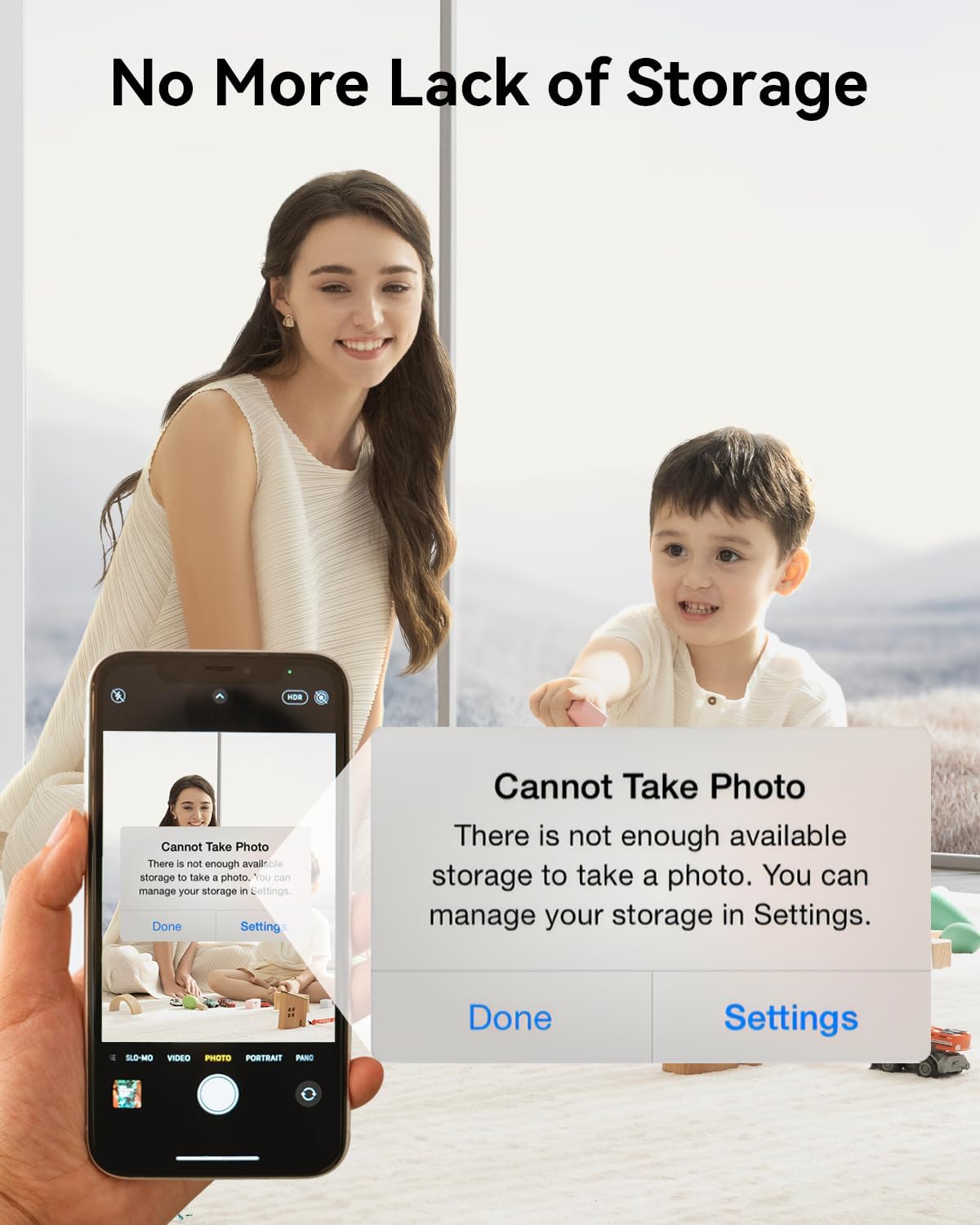
Figure 6: A smartphone screen showing a 'Cannot Take Photo' alert, indicating that the device's internal storage is full, emphasizing the need for external backup.
5.2 App Not Recognizing Device
Ensure the 'NQStorage' app has all necessary permissions granted on your mobile device. Try disconnecting and reconnecting the hard drive. Restarting the app or your device may also resolve the issue.
5.3 Video Playback Issues on Computer
Some video formats may require specific codecs or media players on your computer. Ensure your computer's media player is updated or try a different player that supports a wider range of formats.
5.4 పరికరాన్ని ఛార్జ్ చేస్తోంది
The NEWQ H30 Hard Drive is primarily charged via the USB Micro-B port using the provided cable. While it has a USB-C port for data transfer, it may not support charging through this port. Always use the designated charging port and cable.
6. స్పెసిఫికేషన్లు
| ఫీచర్ | వివరాలు |
|---|---|
| మోడల్ | H30 |
| నిల్వ సామర్థ్యం | 1 TB మెకానికల్ హార్డ్ డిస్క్ |
| కనెక్టివిటీ టెక్నాలజీ | USB |
| హార్డ్ డ్రైవ్ ఇంటర్ఫేస్ | USB 2.0/3.0 |
| హార్డ్ డ్రైవ్ భ్రమణ వేగం | 5400 RPM |
| అనుకూల పరికరాలు | Desktop, Laptop, Smartphone, Tablet (Apple iOS & Android) |
| హార్డ్వేర్ ప్లాట్ఫారమ్ | లైనక్స్, మాక్, పిసి |
| వస్తువు బరువు | 13.4 ఔన్సులు |
| ప్యాకేజీ కొలతలు | 5.59 x 5.51 x 1.65 అంగుళాలు |
| రంగు | తెలుపు |
| బ్యాటరీలు | 1 లిథియం అయాన్ బ్యాటరీలు అవసరం (చేర్చబడినవి) |
7. వారంటీ మరియు మద్దతు
For product support, technical assistance, or warranty inquiries, please contact NEWQ customer service through their official channels or the retailer where the product was purchased.
Optional data recovery plans may be available for purchase separately to protect your stored data. Please refer to your purchase documentation for details on available plans.


