పరిచయం
The GODIAG GD101 ELM327 OBD2 USB Adapter is a versatile diagnostic tool designed for J1979 compatible vehicles. It allows users to connect their vehicle's OBD2 port to a Windows computer (Windows 8/10/11, 32/64bit) to perform various diagnostic and programming functions using compatible software. This manual provides detailed instructions for setting up and using your GD101 adapter.

Figure 1: GODIAG GD101 ELM327 OBD2 USB Adapter
కీ ఫీచర్లు
- సాఫ్ట్వేర్ అనుకూలత: Supports most ELM327 software (e.g., PCMFLash, ELMConfig, Forscan, ScanMaster) and a selection of J2534 compatible software (e.g., HDS, TIS, ODIS, JLR SDD).
- ఆటోమేటిక్ మోడ్ స్విచింగ్: Automatically switches between different communication modes for seamless operation.
- J1979 Vehicle Diagnosis: Includes free software for diagnosing J1979 compatible vehicles.
- విస్తృత వాహన కవరేజ్: Suitable for 99% of models manufactured after 1996 (when OBD2 became standard in the USA).
- Multiple Diagnostic Functions: Offers comprehensive OBD detection including vehicle information, system status, fault codes, freeze frames, and oxygen sensor data.
- FORScan Functions: Supports specific FORScan features such as Discover Global Window Feature, Bambi Mod, Secure Idle, Perpendicular Park, Trailer Brake Controller, Disabled Double Horn Honk, Disabled Door Ajar Chime, Reverse Tilt Mirrors, and Tire Size Correction.
- High-Speed Communication: Features ISO11898-2 high-speed CAN (OBDII PIN 6 and PIN 14) with speeds up to 1000Kbps.
- Enhanced J1850 Support: Supports J1850 PWM (IFR and 2X speed mode) and J1850 VPW (4X speed mode) for reliable reprogramming.
- విండోస్ అనుకూలత: Designed for use with Windows 8/10/11 (32/64bit) operating systems. Note: Not compatible with Windows 7 or XP.
- Stable USB Connection: Utilizes a USB 2.0 host connection to ensure no dropped packets, data corruption, or network interference.
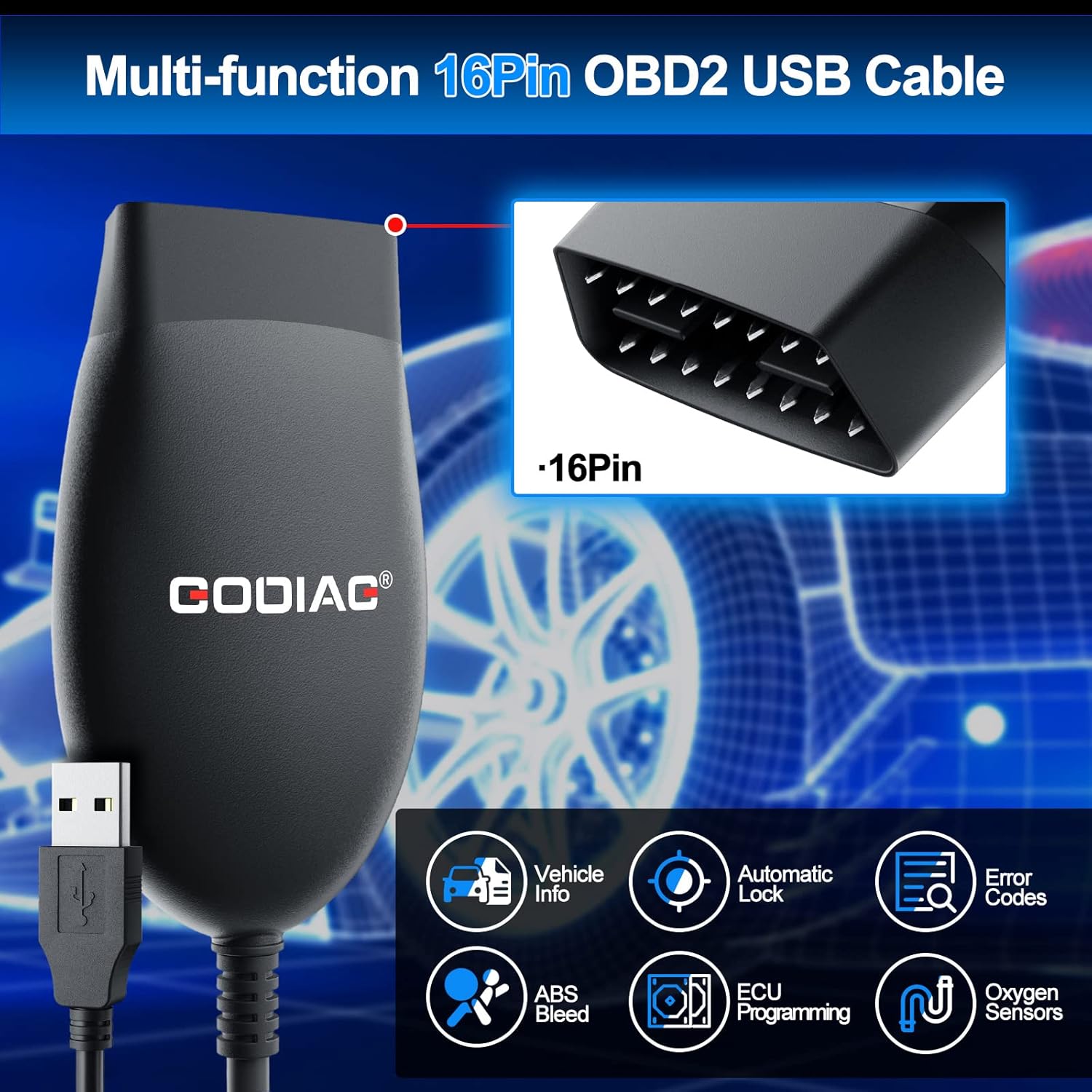
Figure 2: Multi-function capabilities of the GD101 adapter, including Vehicle Info, Automatic Lock, Error Codes, ABS Bleed, ECU Programming, and Oxygen Sensors.
సెటప్ మరియు ఇన్స్టాలేషన్
Follow these steps to set up your GODIAG GD101 adapter and begin diagnostics:
- సిస్టమ్ అవసరాలు: Ensure your computer runs on Windows 8, Windows 10, or Windows 11 (32-bit or 64-bit). The device is not compatible with Windows 7 or Windows XP.
- Download Software and Drivers: Download the appropriate diagnostic software (e.g., FORScan, HDS, TIS) and the necessary USB drivers from the official GODIAG website or the provided QR codes in the product packaging. Ensure your antivirus software does not interfere with the installation process.
- Connect Adapter to Vehicle: Locate your vehicle's OBD2 port (typically under the dashboard on the driver's side) and firmly plug in the 16-pin end of the GODIAG GD101 adapter.
- Connect Adapter to Computer: Connect the USB end of the GD101 adapter to an available USB 2.0 port on your Windows computer.
- ఇగ్నిషన్ ఆన్ చేయండి: Turn your vehicle's ignition to the "ON" position (do not start the engine unless instructed by specific software).
- Launch Diagnostic Software: Open your chosen J2534/ELM327-based diagnostic software on your computer. The software should detect the GODIAG GD101 adapter.
- రోగ నిర్ధారణ ప్రారంభించండి: Follow the on-screen prompts within your diagnostic software to connect to the vehicle and perform desired diagnostic or programming tasks.

Figure 3: Step-by-step guide for connecting and using the GD101 adapter.
ఆపరేటింగ్ సూచనలు
Once the GODIAG GD101 adapter is successfully connected and recognized by your diagnostic software, you can proceed with various operations:
- వాహన సమాచార పునరుద్ధరణ: యాక్సెస్ మరియు view general vehicle information such as VIN, calibration IDs, and other ECU details.
- తప్పు కోడ్లను చదవండి మరియు క్లియర్ చేయండి: Scan for Diagnostic Trouble Codes (DTCs) from various vehicle modules and clear them after repairs.
- ప్రత్యక్ష డేటా స్ట్రీమ్: Monitor real-time sensor data, engine parameters, and other vehicle metrics.
- ఫ్రేమ్ డేటాను ఫ్రీజ్ చేయండి: View ఫాల్ట్ కోడ్ సెట్ చేయబడిన సమయంలో వాహన పరిస్థితుల స్నాప్షాట్.
- Oxygen Sensor Test: Perform tests on oxygen sensors to diagnose emission-related issues.
- ECU Reprogramming: Utilize J2534 mode for ECU reprogramming, ensuring stable voltage supply during the process.
- Special Functions (Software Dependent): Depending on the software used (e.g., FORScan), perform advanced functions like module configuration, parameter changes, and component activation.
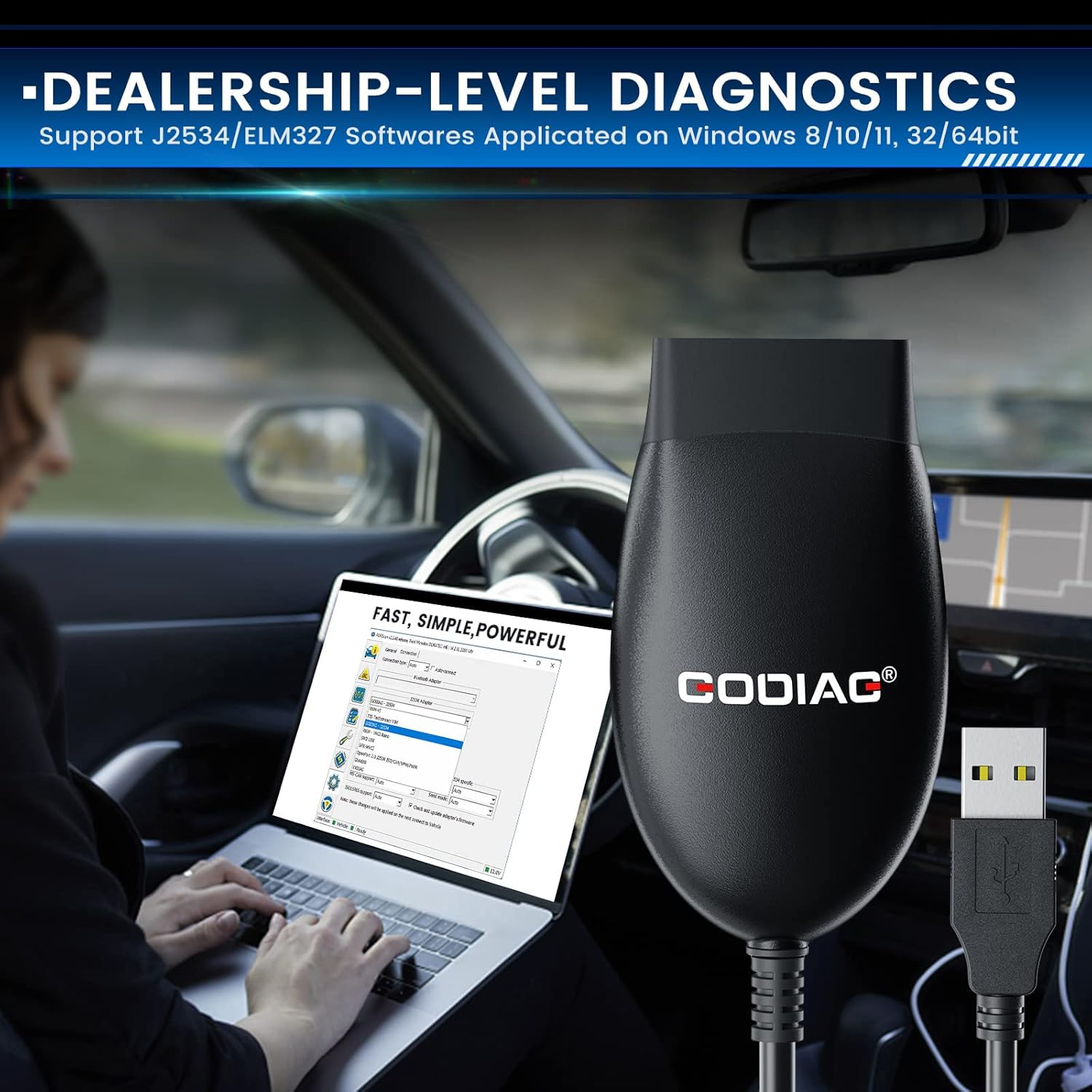
Figure 4: Performing diagnostics with the GD101 adapter and a laptop.
ట్రబుల్షూటింగ్
- అడాప్టర్ గుర్తించబడలేదు:
- అన్ని డ్రైవర్లు సరిగ్గా ఇన్స్టాల్ చేయబడ్డాయని నిర్ధారించుకోండి.
- Verify the USB connection is secure.
- Check if your operating system is Windows 8/10/11 (32/64bit). Older Windows versions are not supported.
- Temporarily disable antivirus or firewall software during driver installation if encountering issues, as some security programs may flag diagnostic software components. Re-enable after installation.
- Connection Issues with Vehicle:
- Confirm the vehicle's ignition is in the "ON" position.
- Ensure the OBD2 connector is fully seated in the vehicle's port.
- Verify that your vehicle is J1979 compatible and manufactured after 1996.
- Check the specific diagnostic software settings to ensure the correct interface (GODIAG J2534) is selected.
- Software Errors or Crashes:
- Ensure you are using the latest version of the diagnostic software and drivers.
- Avoid running the software on a virtual machine, as this is explicitly stated as unsupported for driver installation and use.
- If issues persist, try reinstalling the software and drivers.
స్పెసిఫికేషన్లు
| గుణం | వివరాలు |
|---|---|
| బ్రాండ్ | గాడియాగ్ |
| మోడల్ | GD101 (SP421) |
| వస్తువు బరువు | 4.6 ఔన్సులు |
| ప్యాకేజీ కొలతలు | 5.63 x 3.98 x 1.65 అంగుళాలు |
| హోస్ట్ కనెక్షన్ | USB 2.0 |
| వాహన కనెక్షన్ | Molded DLC3 (OBDII-16) |
| ఆపరేటింగ్ సిస్టమ్ | Windows 8/10/11 (32/64bit) |
| మద్దతు ఉన్న ప్రోటోకాల్లు | ISO11898-2 high speed CAN, J1850 PWM, J1850 VPW |
| పెట్టెలో చేర్చబడింది | OBD2 USB Adapter |
వారంటీ మరియు మద్దతు
For warranty information, technical support, or further assistance, please refer to the official GODIAG webసైట్ లేదా వారి కస్టమర్ సర్వీస్ను నేరుగా సంప్రదించండి. వారంటీ క్లెయిమ్ల కోసం మీ కొనుగోలు రసీదును ఉంచండి.


