1. పరిచయం
The hohem iSteady M6 is an advanced 3-axis gimbal stabilizer designed for smartphones, offering enhanced stability and creative shooting capabilities. It features the iSteady 7.0 anti-shake technology, an OLED display, and various intelligent modes to elevate your mobile videography and photography.
2. ప్యాకేజీ విషయాలు
కింది అన్ని అంశాలు మీ ప్యాకేజీలో చేర్చబడ్డాయని నిర్ధారించుకోండి:
- hohem iSteady M6 Gimbal Stabilizer
- మినీ ట్రైపాడ్
- USB-C ఛార్జింగ్ కేబుల్
- USB-C నుండి USB-C కేబుల్
- క్యారీయింగ్ కేసు
- వినియోగదారు మాన్యువల్
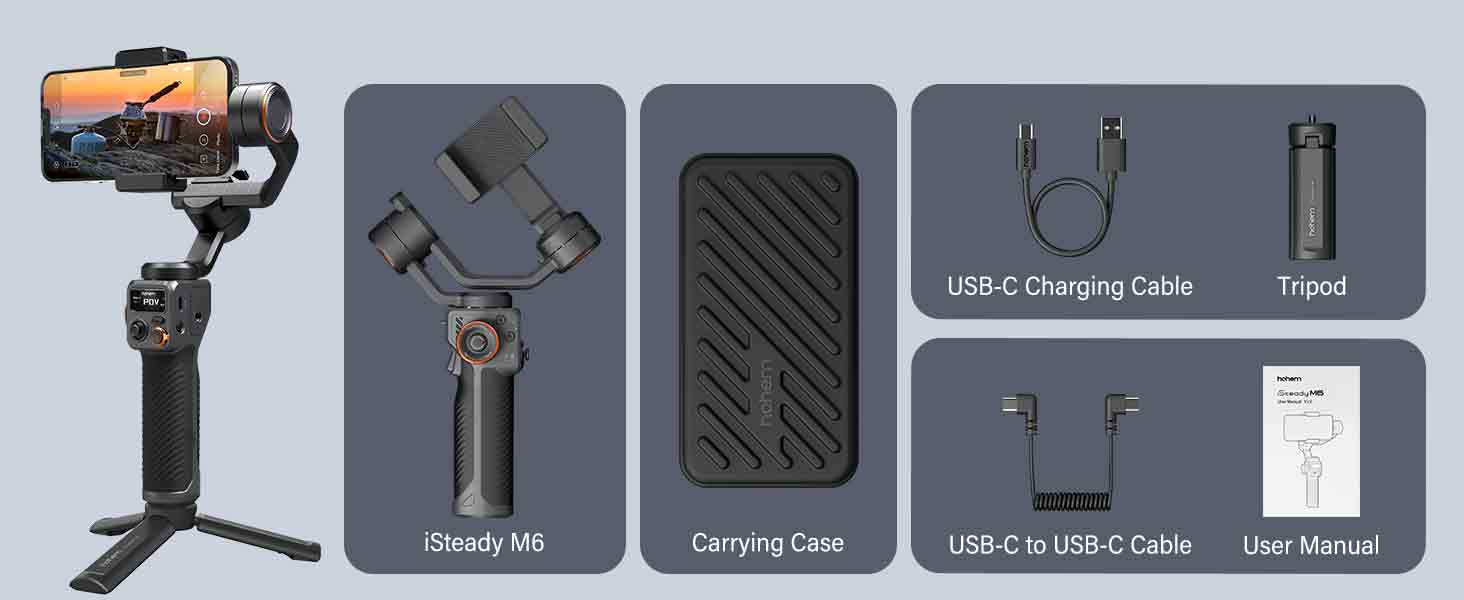
Image: All components included in the hohem iSteady M6 package.
3. ఉత్పత్తి ముగిసిందిview
Familiarize yourself with the main components and controls of the iSteady M6 gimbal.

చిత్రం: వివరణాత్మకం view of the iSteady M6 gimbal's controls and features, including the OLED display, multifunctional wheel, and trigger.
- OLED Large Display: Provides real-time information on stabilizer status, function parameters, Bluetooth connection, and battery level.
- Multifunctional Wheel: Controls horizontal roll rotation, adjusts picture vignette, and manages CCT & RGB light dimming.
- Multi-function Trigger: Activates Sport mode, Selfie mode, and Ultra-wide angle mode.
- Precision Scale Rod: Aids in precise balancing and adjustments.
- A-B Point Trajectory Memory: Records shooting trajectories for repeatable movements.
4. సెటప్
4.1 మీ స్మార్ట్ఫోన్ను మౌంట్ చేయడం
- Extend the phone clip on the gimbal.
- Carefully place your smartphone into the clip, ensuring it is centered and secure.
- Ensure the phone is firmly seated to prevent accidental drops.
4.2 గింబాల్ను సమతుల్యం చేయడం
Proper balancing is crucial for optimal performance and to prevent motor overheating. Balance the gimbal before powering it on.
- టిల్ట్ యాక్సిస్ బ్యాలెన్స్: Adjust the horizontal arm until the phone remains level when released.
- రోల్ యాక్సిస్ బ్యాలెన్స్: Adjust the roll arm until the phone is horizontal and does not tilt to either side.
- పాన్ యాక్సిస్ బ్యాలెన్స్: Ensure the gimbal can rotate freely without resistance.
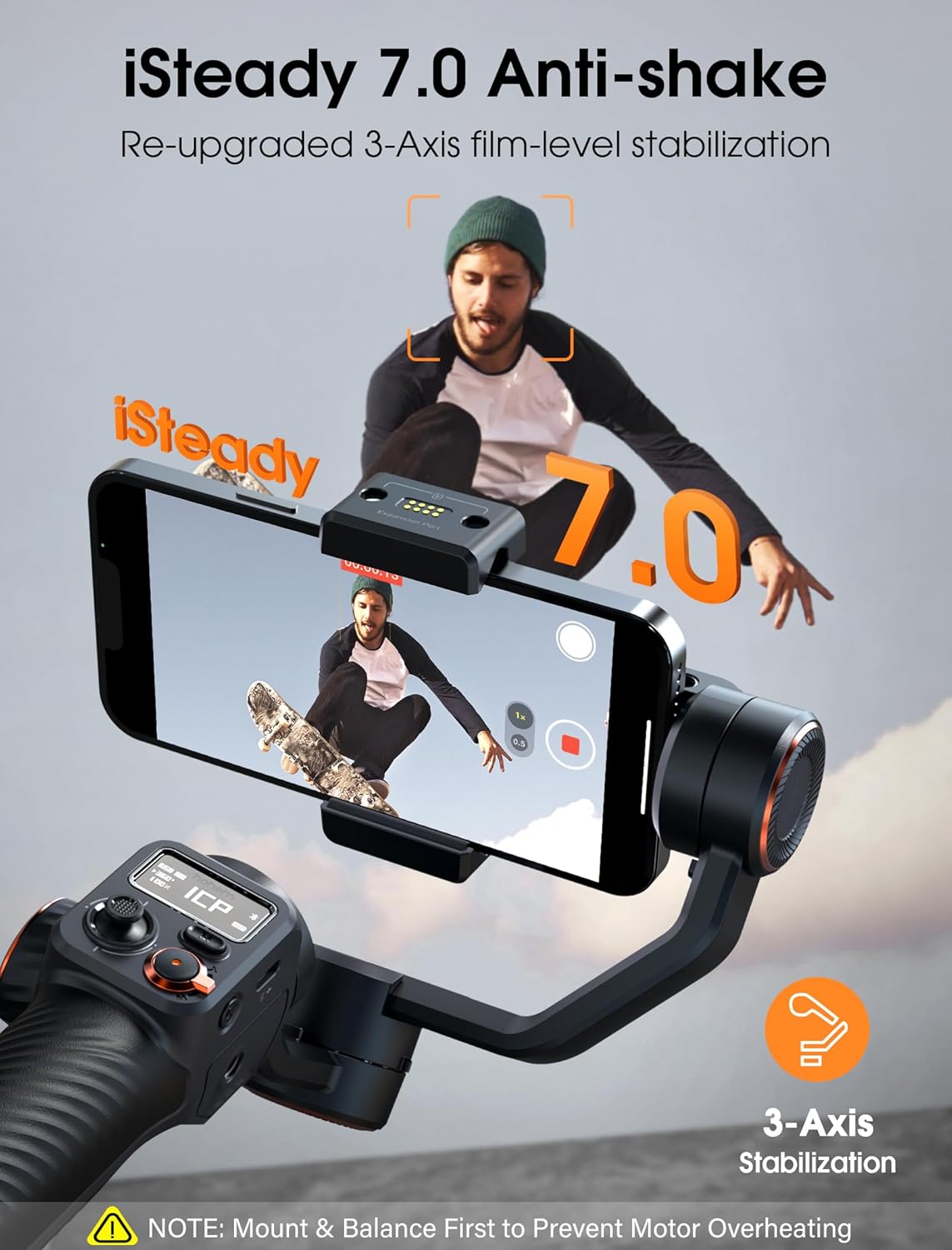
Image: The iSteady M6 with a smartphone, emphasizing the importance of balancing for effective stabilization.
4.3 పవర్ చేయడం ఆన్/ఆఫ్
- పవర్ ఆన్: పవర్ బటన్ను 3 సెకన్ల పాటు నొక్కి పట్టుకోండి.
- పవర్ ఆఫ్: పవర్ బటన్ను 3 సెకన్ల పాటు నొక్కి పట్టుకోండి.
4.4 Connecting to Hohem Joy App
Download the "Hohem Joy" app from your smartphone's app store to unlock full features and smart tracking capabilities.
- మీ స్మార్ట్ఫోన్లో బ్లూటూత్ ప్రారంభించబడిందని నిర్ధారించుకోండి.
- Open the Hohem Joy app.
- Follow the in-app instructions to connect your iSteady M6.
5. గింబాల్ను నిర్వహించడం
5.1 Stabilization Technology
The iSteady M6 utilizes 7th-Gen iSteady Stabilization Algorithm and 3-Axis stabilization to provide smooth, professional-grade footage.
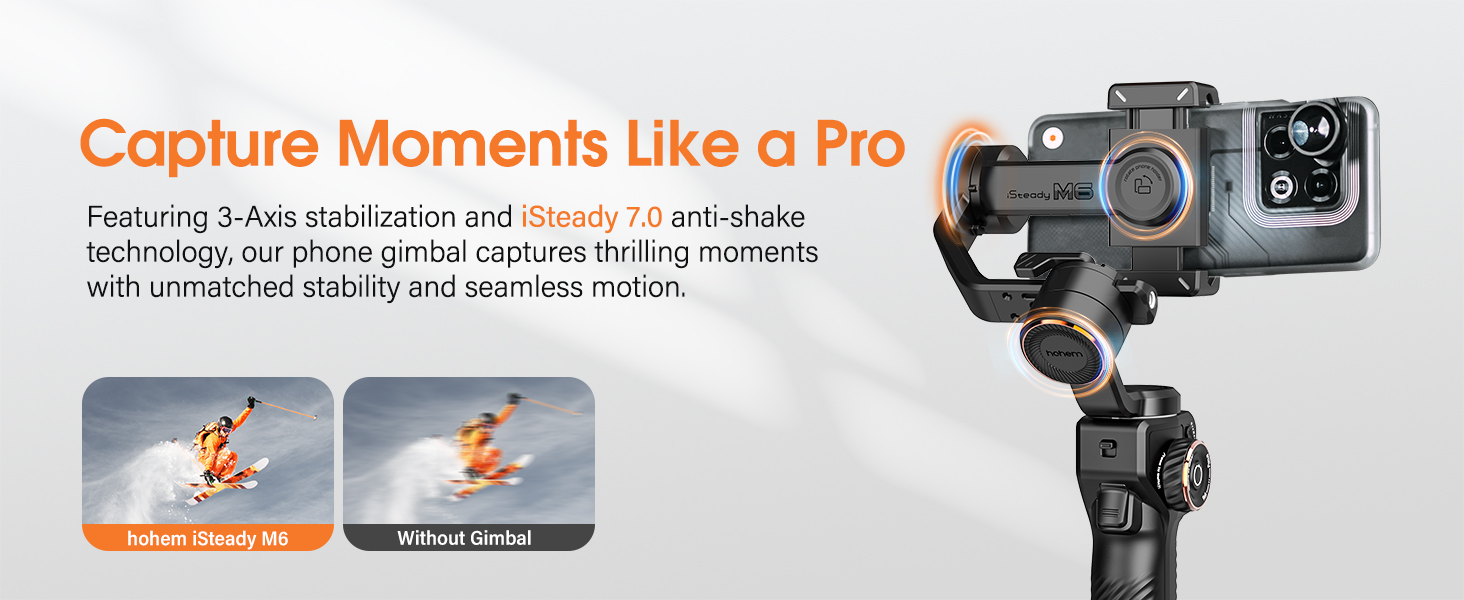
Image: Demonstrates the superior stability achieved with the iSteady M6 gimbal compared to handheld footage.
5.2 Unlimited Shooting Angle & Inception Mode
The gimbal supports 360° infinite vertical rotation and wide-angle rotation of 335° for both rolling and pitching directions, allowing for dynamic and creative shots, including the "Inception" mode.

Image: Visual representation of the iSteady M6's extensive rotation capabilities, including 360° Inception mode.
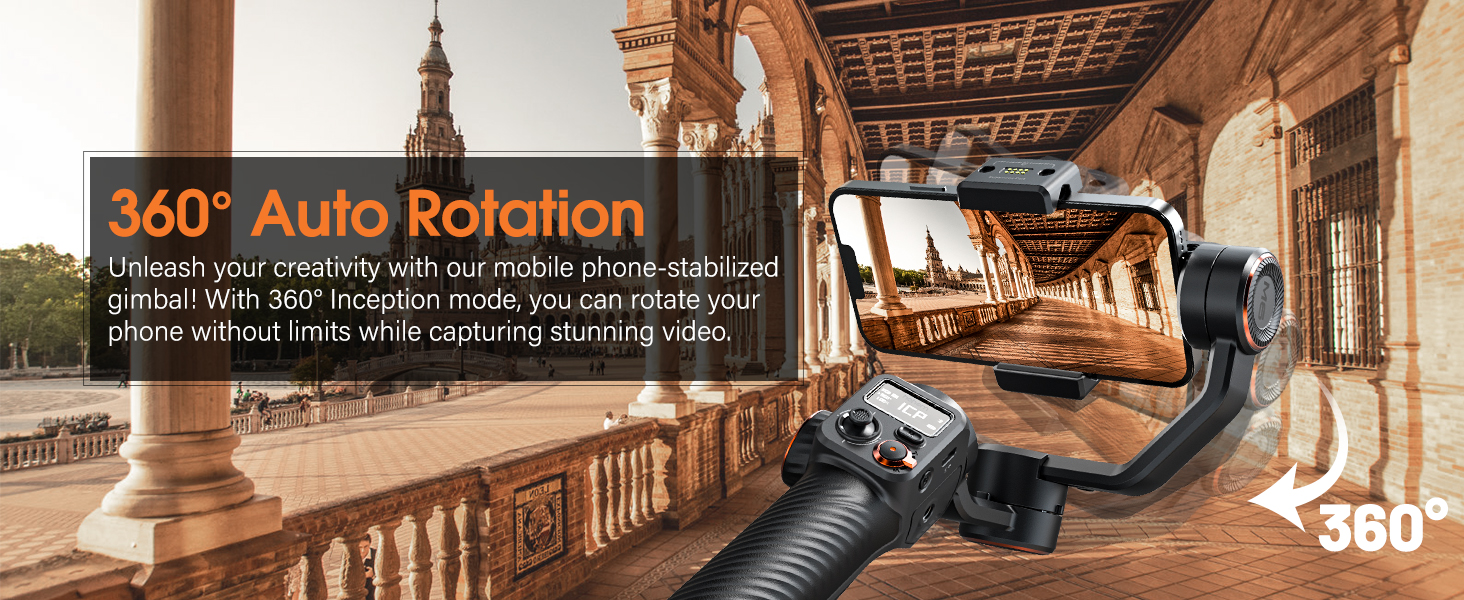
Image: The gimbal executing a 360° auto rotation, ideal for creative video effects.
5.3 స్మార్ట్ ట్రాకింగ్
Through the Hohem Joy app, you can activate face and object tracking by tapping on your phone's screen. This feature simplifies capturing dynamic subjects.

Image: Illustrates the smart tracking capabilities of the iSteady M6, including face and object tracking via the Hohem Joy app.
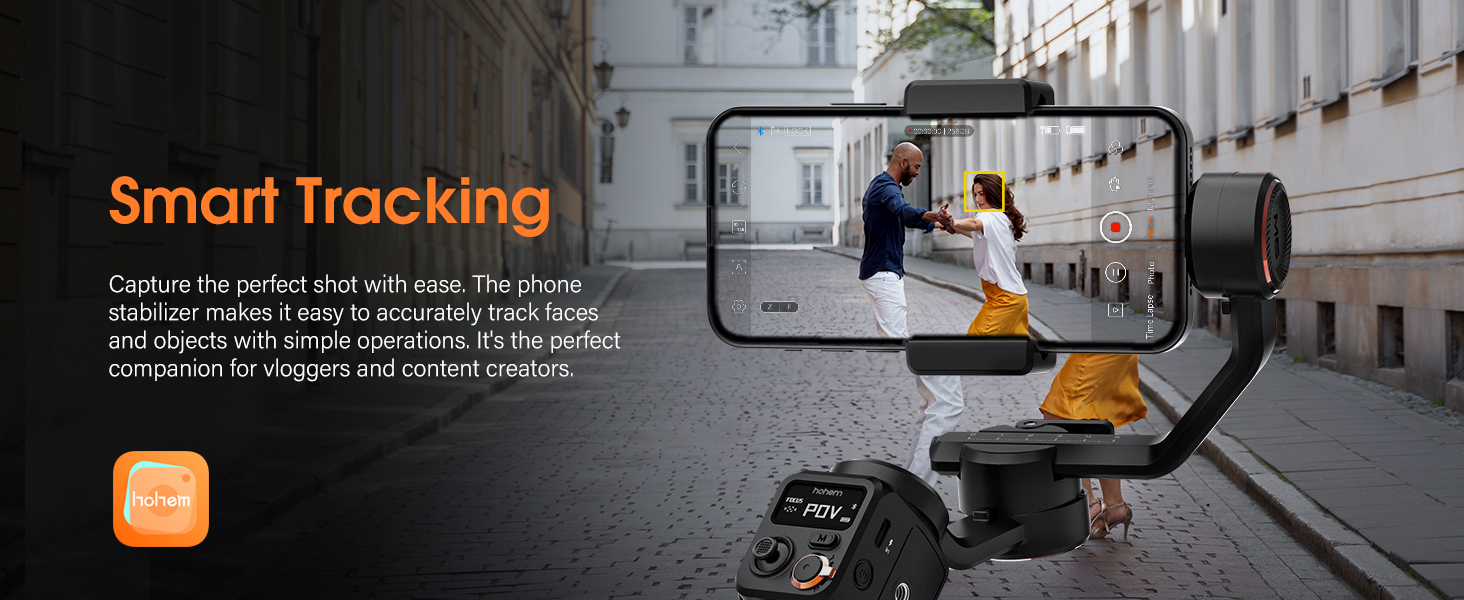
Image: The gimbal actively tracking a subject, ensuring they remain in frame.
5.4 Multifunctional Controls
The iSteady M6 features intuitive controls for precise adjustments:
- Multifunctional Wheel: Allows for fine-tuning of focus, zoom, and light settings (CCT/RGB).
- Shortcut Trigger: Quickly switch between Sport mode for fast-moving subjects, return to center, or enter full lock mode.
- Memory A/B Button: Intelligently records shooting trajectories, sets starting points, and controls time-lapse footage.
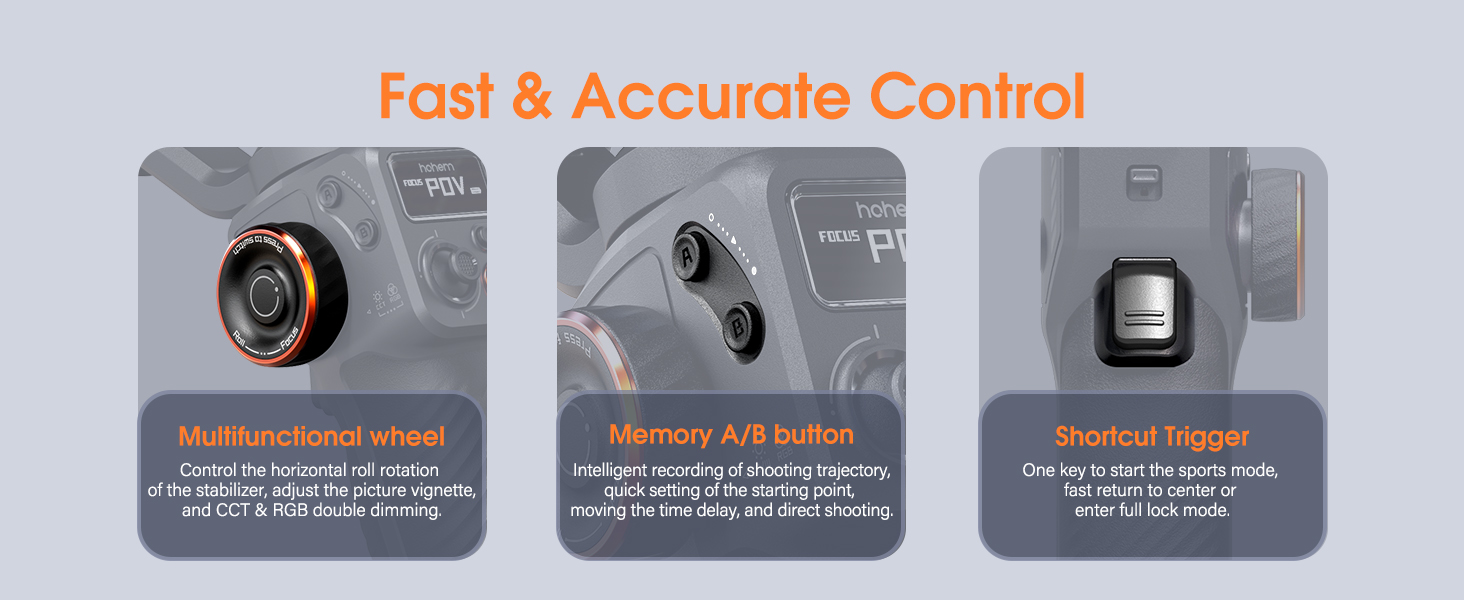
చిత్రం: వివరణాత్మకం view of the gimbal's control panel, highlighting the multifunctional wheel, A/B memory buttons, and shortcut trigger.
5.5 "Moment" Mode Features
The Hohem Joy app offers various "Moment" video templates for creative effects:
- డాలీ జూమ్: Creates a dramatic visual effect where the background appears to change size while the subject remains constant.
- Panoramic Video: Captures wide, sweeping shots.
- ల చివరి సమయము: Compresses long periods into short, sped-up videos.
- CloneMe: Allows you to appear in multiple places within the same frame.
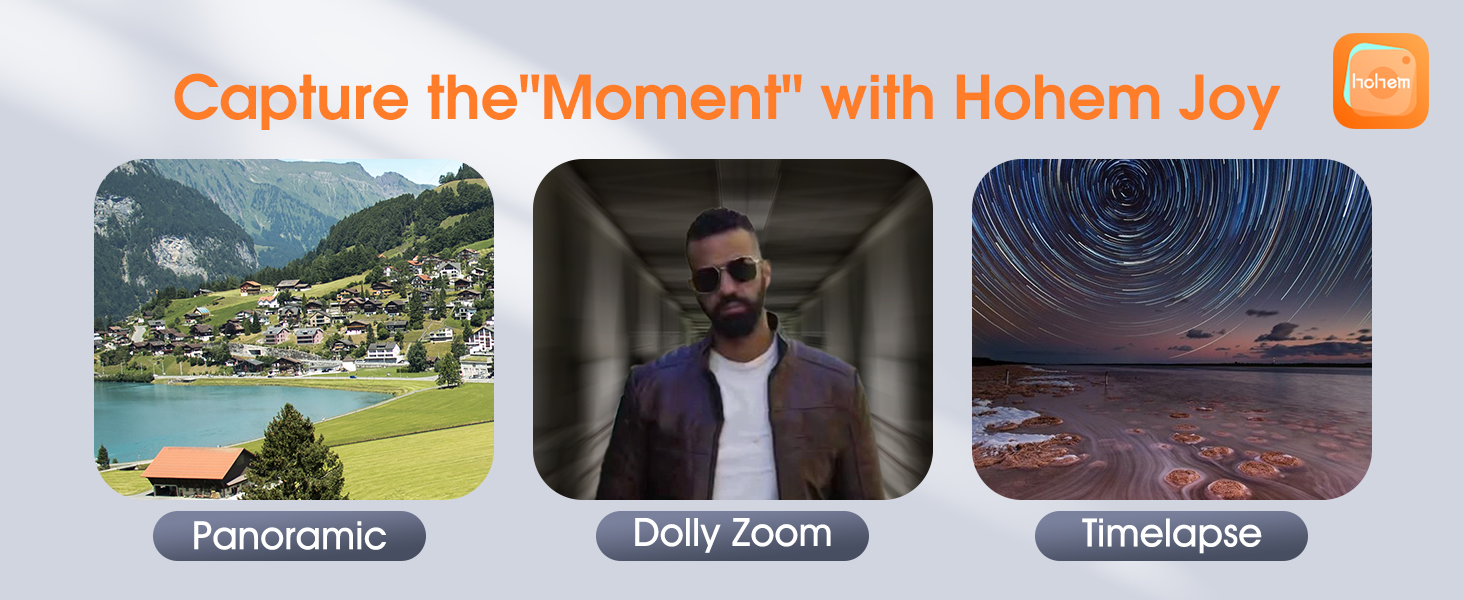
చిత్రం: విజువల్ ఎక్స్amples of creative modes available in the Hohem Joy app, including Panoramic, Dolly Zoom, and Timelapse.
5.6 Battery Life & Reverse Charging
The iSteady M6 provides up to 18 hours of battery life and can reverse charge your smartphone, acting as a power bank on the go.
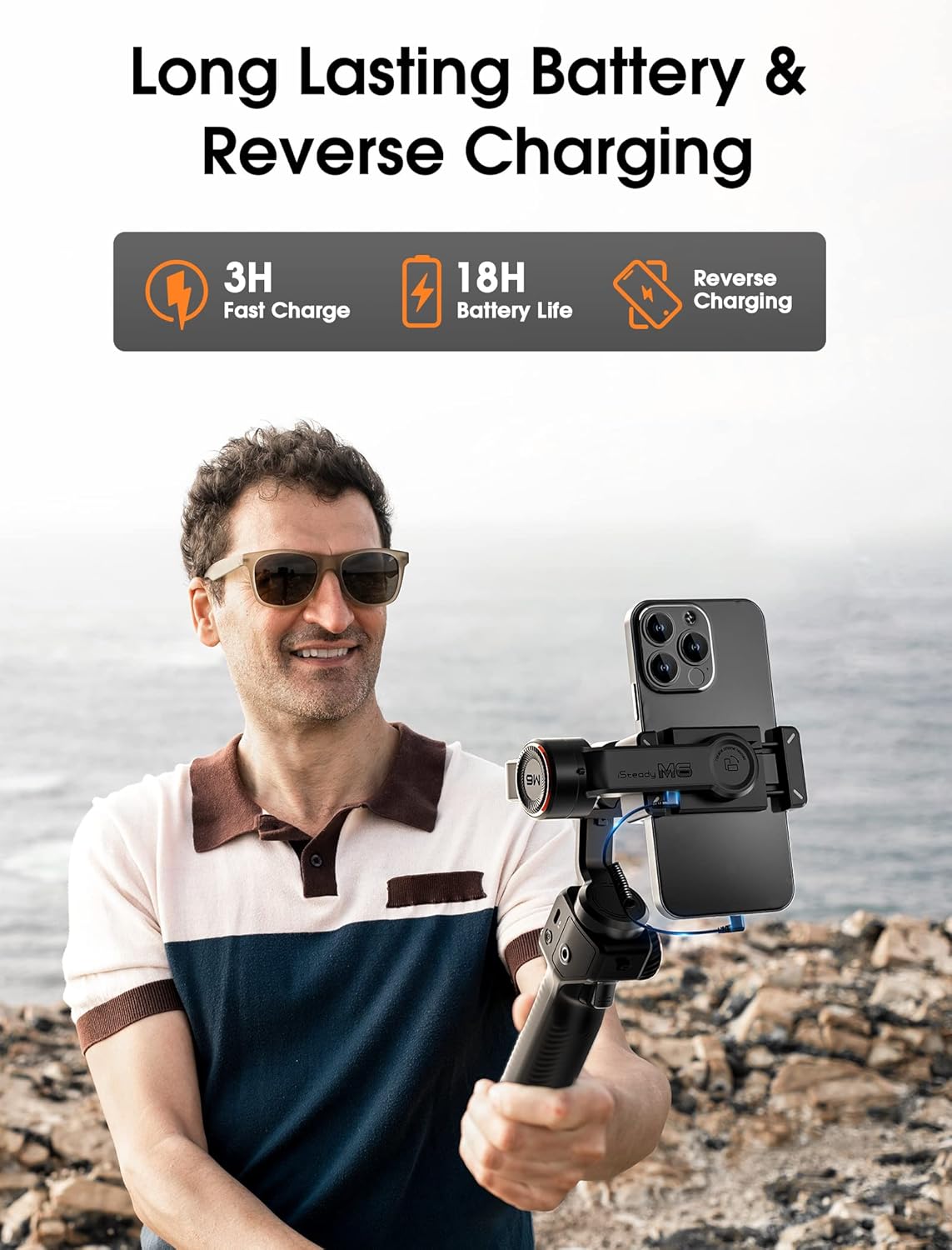
Image: Highlights the long battery life and reverse charging function of the iSteady M6.
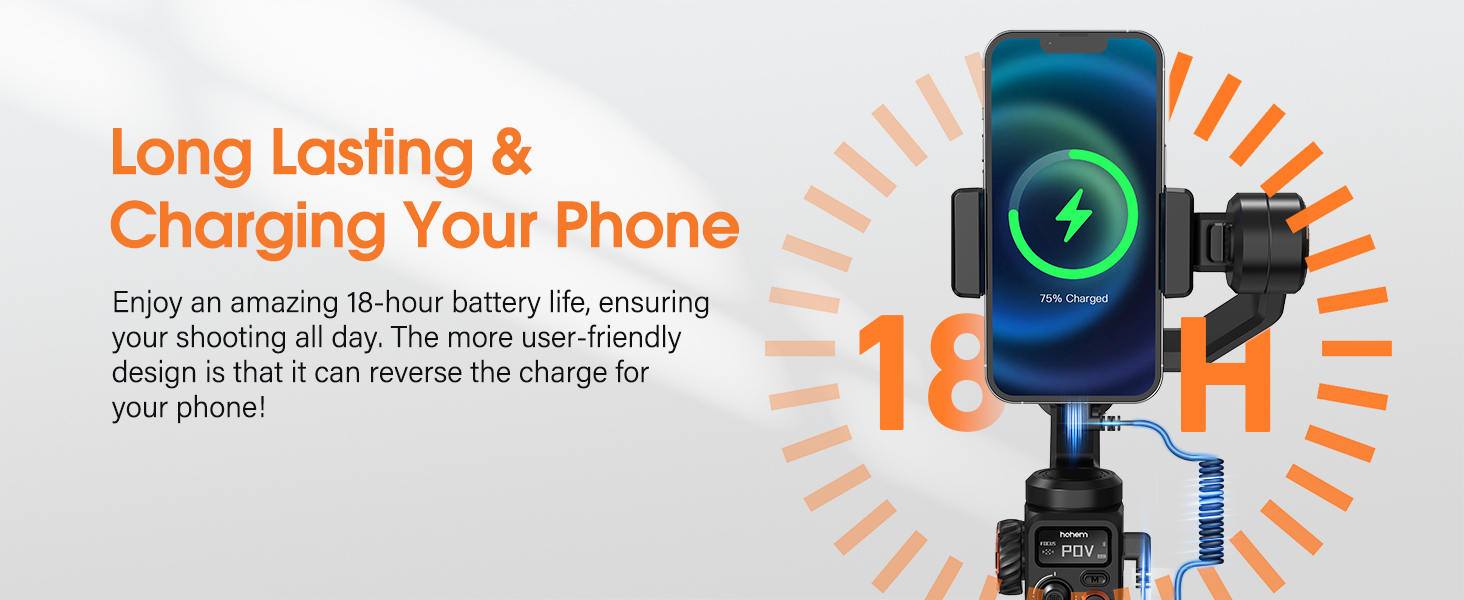
Image: A smartphone being charged directly by the iSteady M6 gimbal.
6. నిర్వహణ
- గింబాల్ను శుభ్రంగా మరియు దుమ్ము మరియు చెత్త లేకుండా ఉంచండి. శుభ్రం చేయడానికి మృదువైన, పొడి వస్త్రాన్ని ఉపయోగించండి.
- Avoid exposing the gimbal to extreme temperatures or direct sunlight for prolonged periods.
- Store the gimbal in its carrying case when not in use to protect it from damage.
- Do not attempt to disassemble the gimbal, as this will void the warranty.
7. ట్రబుల్షూటింగ్
| సమస్య | సాధ్యమైన కారణం | పరిష్కారం |
|---|---|---|
| Gimbal vibrates or motors are hot. | Improper balancing or overloaded. | Ensure the smartphone is correctly balanced on all three axes before powering on. Check phone weight against payload capacity. |
| Cannot connect to Hohem Joy app. | Bluetooth off, app issue, or gimbal not in pairing mode. | Ensure Bluetooth is on. Restart both the gimbal and the app. Try re-pairing through the app. |
| గింబాల్ పవర్ ఆన్ చేయదు. | తక్కువ బ్యాటరీ. | Charge the gimbal fully using the provided USB-C cable. |
| ట్రాకింగ్ సరిగ్గా పనిచేయడం లేదు. | Poor lighting, subject too far/close, or app settings. | Ensure adequate lighting. Keep subject within optimal range. Check tracking settings in the Hohem Joy app. |
8. స్పెసిఫికేషన్లు
| ఫీచర్ | వివరాలు |
|---|---|
| మోడల్ సంఖ్య | M6 |
| ఉత్పత్తి కొలతలు | 11.81 x 6.69 x 2.36 inches (Unfolded) |
| వస్తువు బరువు | 1.32 పౌండ్లు (600 గ్రాములు) |
| పేలోడ్ కెపాసిటీ | 0.88 పౌండ్లు వరకు |
| బ్యాటరీ లైఫ్ | 18 గంటల వరకు |
| ఛార్జింగ్ సమయం | Approximately 3 hours (Fast Charge) |
| Rotation Range (Roll) | 335° |
| Rotation Range (Pitch) | 335° |
| Rotation Range (Pan) | 360° Infinite Rotation |
| అనుకూల ఫోన్ వెడల్పు | 2.28-3.86 అంగుళాలు |
| విస్తరణ పోర్టులు | Four 1/4" Universal Thread ports |
| ప్రదర్శించు | 0.91-అంగుళాల OLED |

Image: Detailed compatibility list for various smartphone models with the iSteady M6.
9. వారంటీ మరియు మద్దతు
వారంటీ సమాచారం మరియు సాంకేతిక మద్దతు కోసం, దయచేసి అధికారిక హోహెమ్ను చూడండి website or contact hohem customer service directly. Keep your purchase receipt as proof of purchase.
తయారీదారు: hohem Technology Co., LTD.
విక్రేత: hohem Direct
మరింత సహాయం కోసం, సందర్శించండి hohem Official Brand Store on Amazon.


