1. పరిచయం
Thank you for choosing the Claiks Electric Standing Desk. This manual provides detailed instructions for the assembly, operation, maintenance, and troubleshooting of your new adjustable height desk. Please read this manual thoroughly before assembly and use to ensure safe and efficient operation.

Figure 1: Claiks Electric Standing Desk (Nature Top, White Frame)
2. ముఖ్యమైన భద్రతా సమాచారం
ఉత్పత్తికి గాయం లేదా నష్టాన్ని నివారించడానికి దయచేసి క్రింది భద్రతా మార్గదర్శకాలను గమనించండి:
- Use responsibly.
- గరిష్ట బరువు పరిమితి 176 పౌండ్లు (80 కిలోలు) మించకూడదు.
- Ensure the desk is stable on a level surface before use.
- అన్ని అసెంబ్లీ సూచనలను జాగ్రత్తగా అనుసరించండి.
- ఆపరేషన్ సమయంలో పిల్లలు మరియు పెంపుడు జంతువులను డెస్క్ నుండి దూరంగా ఉంచండి.
- నియంత్రణ ప్యానెల్ లేదా మోటారు భాగాలపై నేరుగా ద్రవాలను ఉంచడం మానుకోండి.
3. ప్యాకేజీ విషయాలు
అసెంబ్లీని ప్రారంభించే ముందు అన్ని భాగాలు ఉన్నాయని ధృవీకరించండి. ఏవైనా భాగాలు తప్పిపోయినా లేదా దెబ్బతిన్నా, దయచేసి కస్టమర్ సపోర్ట్ను సంప్రదించండి.
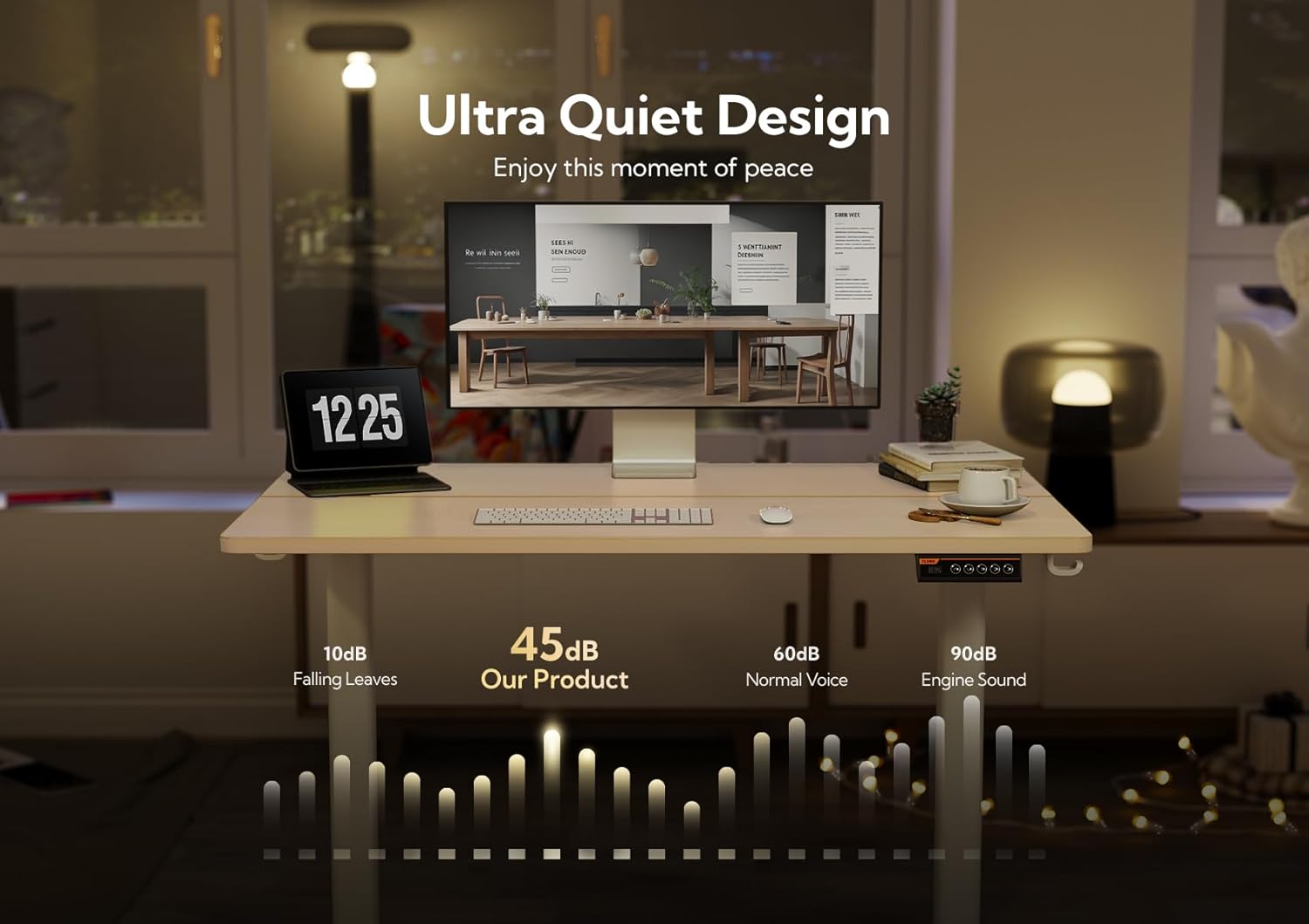
Figure 2: Claiks Standing Desk Parts List
ప్యాకేజీ వీటిని కలిగి ఉంటుంది:
- Desktop sections (40x24 inches, Nature finish)
- Electric lifting columns (White frame)
- Desk feet
- డిస్ప్లేతో కంట్రోల్ ప్యానెల్
- Motor and power adapter
- ట్రాన్స్మిషన్ రాడ్
- Side plates and crossbar
- హెడ్ఫోన్ హుక్
- కేబుల్ క్లిప్లు
- సర్దుబాటు పాదాలు (x4)
- అసెంబ్లీ హార్డ్వేర్ (స్క్రూలు, అలెన్ రెంచ్)
- ఇన్స్టాలేషన్ మాన్యువల్
4. సెటప్ మరియు అసెంబ్లీ
The Claiks Electric Standing Desk is designed for easy assembly. A detailed installation manual is included in your package. Please refer to it for step-by-step visual guidance.
4.1 అసెంబ్లీ ముగిసిందిview
Assembly typically involves connecting the lifting columns to the feet, attaching the crossbar, securing the desktop sections, and installing the control panel and accessories.

Figure 3: Desk Dimensions and Key Features
4.2 Desktop Assembly (for Splice Board Models)
For models with a splice board, ensure correct orientation of the desktop sections. The main desktop piece connects to the side pieces. Use the provided screws to securely fasten them together.
4.3 ఫ్రేమ్ అసెంబ్లీ
Connect the lifting columns to the feet using the designated screws. Then, attach the crossbar between the two lifting columns. Ensure all screws are tightened for stability.
4.4 Transmission Rod Installation
The transmission rod connects the two lifting columns to ensure synchronized movement. Insert the rod into the hexagonal nut on the left leg's hole position. Adjust the rod to the appropriate length and angle, then insert it into the slot of the right leg motor. Ensure it is fully inserted and aligned. If the left leg is unable to synchronize lift, it may be due to incorrect alignment or insufficient insertion of the transmission rod.
Video 1: Correcting Misalignment between Desktop Holes and Table Leg
Video 2: Fixing Asynchronous Elevation of Left Leg (Non-Motor Side)
4.5 Attaching the Desktop to the Frame
Carefully place the assembled desktop onto the frame, aligning the pre-drilled holes. Use the provided screws to secure the desktop to the frame. Ensure the side plates are installed with the outer side connected to the table leg for proper alignment.
4.6 Control Panel and Accessories
Attach the multi-function intelligent keypad to the underside of the desk using the small screws. Connect the motor cable and power cable to the control panel. Install the headphone hook and cable clips as desired for cable management.

Figure 4: Multi-Function Intelligent Keypad
5. ఆపరేటింగ్ సూచనలు
Your Claiks Electric Standing Desk features an intuitive control panel for easy height adjustment.
5.1 ఎత్తు సర్దుబాటు
- ఉపయోగించండి పైకి (^) మరియు డౌన్ (v) arrow buttons to manually adjust the desk height. The height range is from 28.3 inches to 46.5 inches.
- డిజిటల్ డిస్ప్లే ప్రస్తుత ఎత్తును అంగుళాలలో చూపుతుంది.
5.2 మెమరీ ప్రీసెట్లను ఉపయోగించడం
The control panel has three preset buttons (1, 2, 3) to save and recall your preferred heights.
- ప్రీసెట్ను సేవ్ చేయడానికి: Adjust the desk to your desired height using the Up/Down arrows. Press and hold one of the preset buttons (1, 2, or 3) until the display flashes or beeps, indicating the height has been saved.
- ప్రీసెట్ను రీకాల్ చేయడానికి: Simply press the corresponding preset button (1, 2, or 3). The desk will automatically move to the saved height.
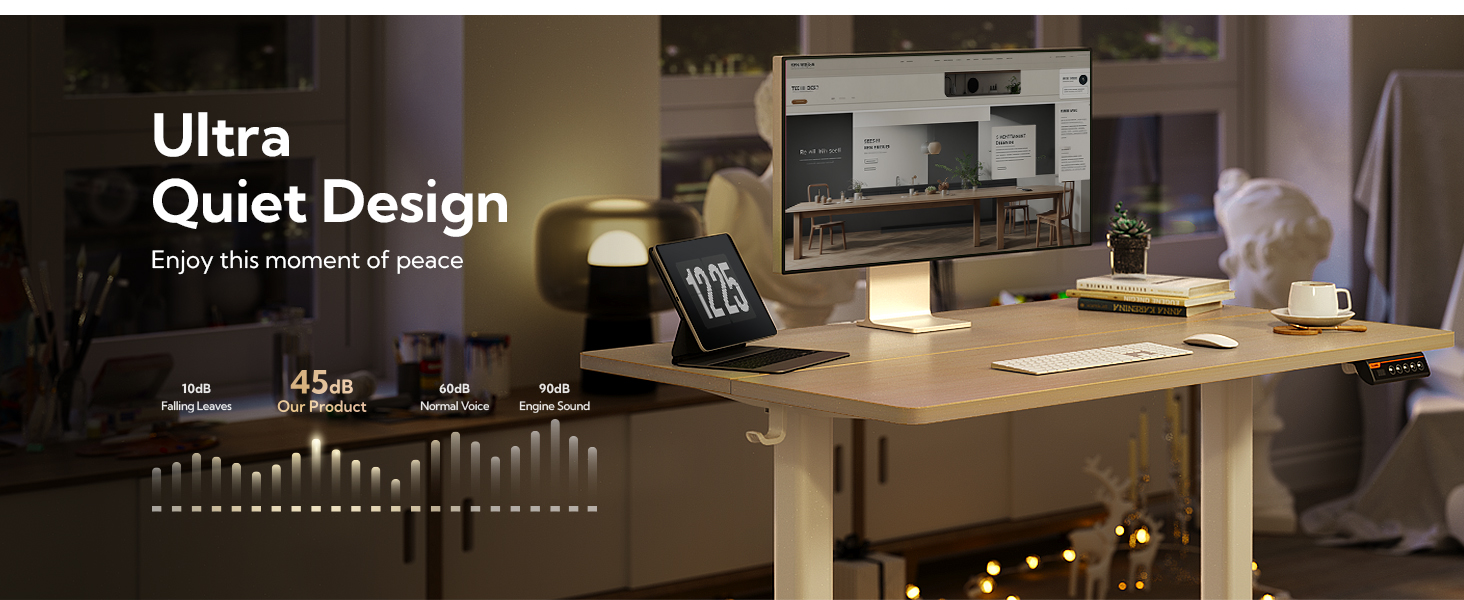
Figure 5: Sleek Touch Design and Ergonomic Workspace
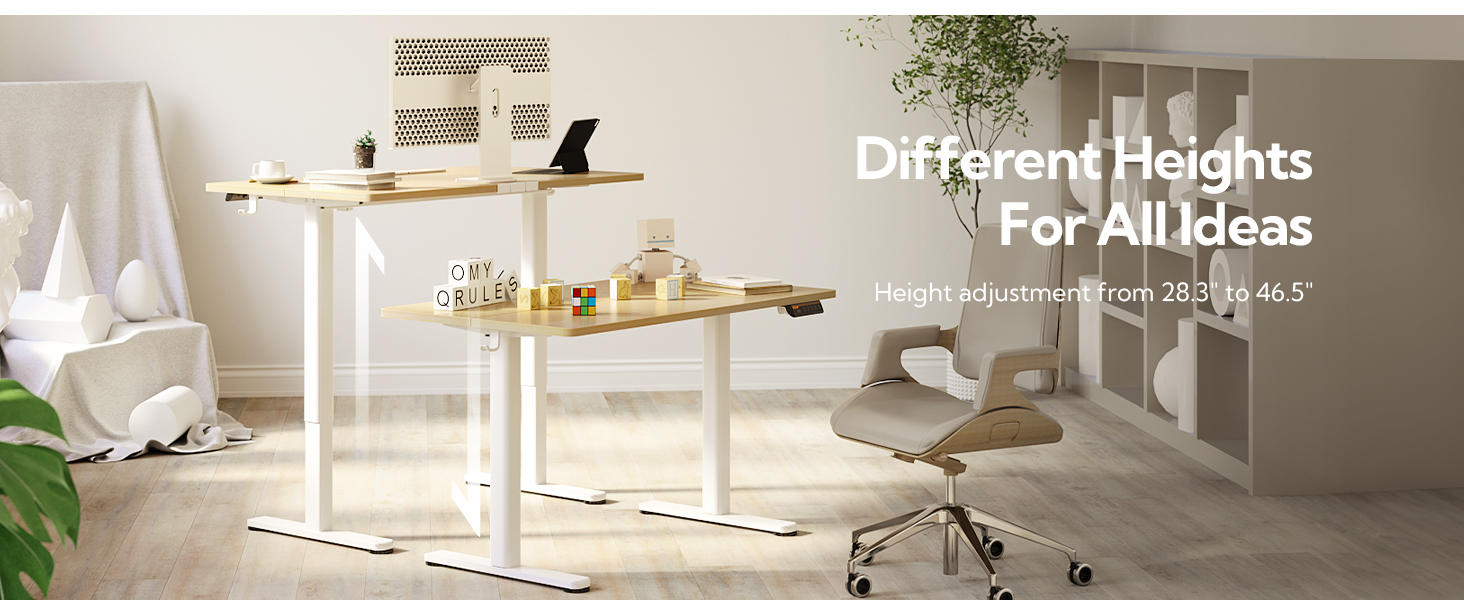
Figure 6: Electric Height Adjustable Functionality
6. నిర్వహణ
To ensure the longevity and optimal performance of your Claiks Electric Standing Desk, follow these maintenance tips:
- Regularly check all screws and connections to ensure they are tight.
- డెస్క్టాప్ ఉపరితలాన్ని మృదువైన, డి-ప్యాక్తో శుభ్రం చేయండి.amp గుడ్డ. కఠినమైన రసాయనాలను నివారించండి.
- మోటారు మరియు విద్యుత్ భాగాలను దుమ్ము మరియు తేమ లేకుండా ఉంచండి.
- Do not overload the desk beyond its 176-pound weight capacity.
7. ట్రబుల్షూటింగ్
If you encounter any issues with your desk, please refer to the following common troubleshooting solutions:
7.1 Control Panel Display Shows "rES"
If the control panel displays "rES" and none of the buttons are working, the desk needs to be reset.
- రీసెట్ చేయడానికి: Press and hold the Down (v) button for 8 seconds until the display shows "28.3", then release the button. Once reset, the up and down buttons on the control panel can adjust the height normally.
Video 3: Step-by-Step: Resolving rES Mode on Desk Control Panels
7.2 Asynchronous Leg Movement
If one leg (non-motor side) is not moving synchronously with the other, it may indicate an issue with the transmission rod installation.
- పరిష్కారం: Refer to section 4.4 on Transmission Rod Installation. Ensure the rod is correctly aligned with the internal threads of the hex nut and fully inserted into the slot of the right leg motor.
8. స్పెసిఫికేషన్లు
| ఫీచర్ | స్పెసిఫికేషన్ |
|---|---|
| బ్రాండ్ | క్లెయిక్స్ |
| మోడల్ సంఖ్య | P1.01.001 |
| ఉత్పత్తి కొలతలు | 24"డి x 40"వా x 28"హ |
| రంగు | Nature (Top), White (Frame) |
| కనిష్ట ఎత్తు | 28.3 అంగుళాలు |
| గరిష్ట ఎత్తు | 46.5 అంగుళాలు |
| గరిష్ట బరువు సిఫార్సు | 176 పౌండ్లు (80 కిలోలు) |
| బేస్ మెటీరియల్ | మిశ్రమం ఉక్కు |
| టాప్ మెటీరియల్ రకం | Metal (with Wood Stain/White finish) |
| ప్రత్యేక లక్షణాలు | Adjustable Height, Electric, Ergonomic, Home Office |
| అసెంబ్లీ అవసరం | అవును |
9. వారంటీ మరియు మద్దతు
9.1 వారంటీ సమాచారం
The Claiks Electric Standing Desk comes with a పరిమిత వారంటీ. Some customers have reported a 2-year warranty period. For specific details regarding your warranty coverage, please refer to the warranty card included in your package or contact Claiks customer support directly.
9.2 కస్టమర్ మద్దతు
If you have any questions, require assistance with assembly, or need troubleshooting support, please visit the Claiks Store on Amazon or contact Claiks customer service through the platform where you purchased the product.


