1. పరిచయం
Thank you for choosing the Baseus Bowie D05 Wireless Headphones. This manual provides detailed instructions on how to set up, operate, maintain, and troubleshoot your new headphones. Please read this manual carefully before use to ensure optimal performance and longevity of your device.
2. పెట్టెలో ఏముంది
అన్బాక్సింగ్ తర్వాత, దయచేసి ఈ క్రింది అన్ని అంశాలు ఉన్నాయని నిర్ధారించుకోండి:
- బేసియస్ బౌవీ D05 వైర్లెస్ హెడ్ఫోన్లు
- USB-A నుండి USB-C ఛార్జింగ్ కేబుల్
- 3.5mm ఆడియో కేబుల్
- వినియోగదారు మాన్యువల్
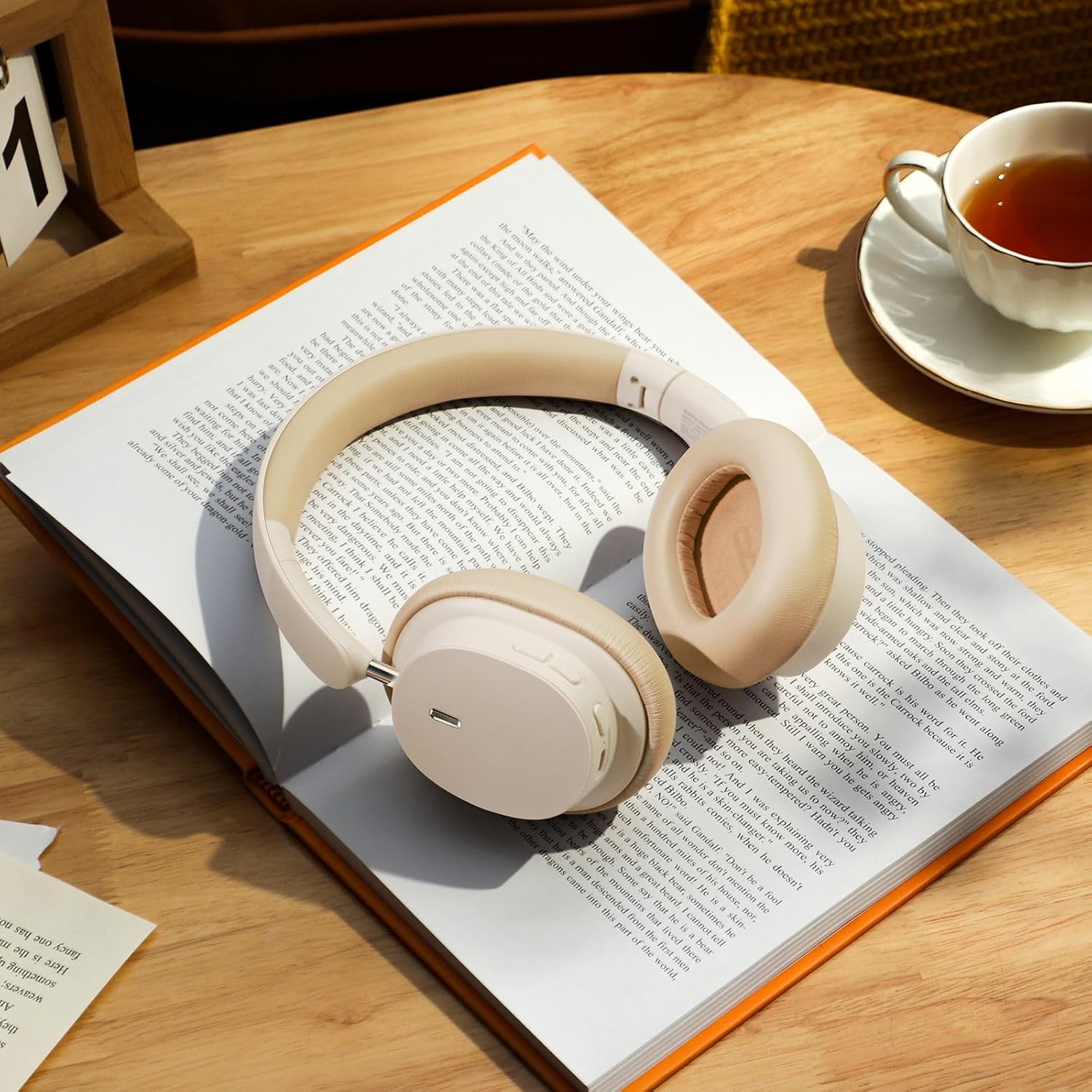
Image: The Baseus Bowie D05 headphones shown alongside their USB-C charging cable and 3.5mm audio cable, illustrating the complete package contents.
3. ఉత్పత్తి ముగిసిందిview
Familiarize yourself with the various parts and controls of your Baseus Bowie D05 headphones:
- పవర్/మల్టీ-ఫంక్షన్ బటన్: Used for powering on/off, play/pause, answering/ending calls, and activating voice assistant.
- వాల్యూమ్ అప్ బటన్: వాల్యూమ్ పెంచుతుంది, తదుపరి ట్రాక్ కోసం ఎక్కువసేపు నొక్కి ఉంచండి.
- వాల్యూమ్ డౌన్ బటన్: వాల్యూమ్ తగ్గిస్తుంది, మునుపటి ట్రాక్ కోసం ఎక్కువసేపు నొక్కి ఉంచండి.
- USB-C ఛార్జింగ్ పోర్ట్: హెడ్ఫోన్లను ఛార్జ్ చేయడానికి.
- 3.5mm ఆడియో జాక్: వైర్డు కనెక్షన్ కోసం.
- LED సూచిక: పవర్, ఛార్జింగ్ మరియు జత చేసే స్థితిని చూపుతుంది.
- మైక్రోఫోన్: కాల్స్ మరియు వాయిస్ ఆదేశాల కోసం.

చిత్రం: వివరణాత్మక view of the left earcup of the Baseus Bowie D05 headphones, highlighting the location of the control buttons (volume up/down, multi-function) and the charging/audio ports.
4. సెటప్
4.1 హెడ్ఫోన్లను ఛార్జ్ చేయడం
- Connect the USB-C end of the charging cable to the headphone's charging port.
- USB-A ఎండ్ను USB పవర్ అడాప్టర్ (5V/1A సిఫార్సు చేయబడింది) లేదా కంప్యూటర్ యొక్క USB పోర్ట్కి కనెక్ట్ చేయండి.
- The LED indicator will show red during charging and turn off or blue when fully charged.
- పూర్తిగా ఛార్జ్ కావడానికి సాధారణంగా 1.5-2 గంటలు పడుతుంది.
4.2 బ్లూటూత్ జత చేయడం
- హెడ్ఫోన్లు పూర్తిగా ఛార్జ్ అయ్యాయని నిర్ధారించుకోండి.
- Press and hold the Power/Multi-function button for 3-5 seconds until the LED indicator flashes blue and red alternately, indicating pairing mode.
- మీ పరికరంలో (స్మార్ట్ఫోన్, టాబ్లెట్, కంప్యూటర్), బ్లూటూత్ను ప్రారంభించండి.
- కోసం వెతకండి "Baseus Bowie D05" in the list of available Bluetooth devices.
- Select "Baseus Bowie D05" to connect. Once connected, the LED indicator will flash blue slowly or turn off.
4.3 వైర్డు కనెక్షన్ (ఐచ్ఛికం)
You can use the headphones with the included 3.5mm audio cable when the battery is low or for devices without Bluetooth connectivity.
- 3.5mm ఆడియో కేబుల్ యొక్క ఒక చివరను హెడ్ఫోన్ యొక్క 3.5mm ఆడియో జాక్లోకి ప్లగ్ చేయండి.
- మరొక చివరను మీ పరికరం యొక్క ఆడియో అవుట్పుట్ జాక్లోకి ప్లగ్ చేయండి.
- Note: Controls on the headphones may not function in wired mode.
5. ఆపరేటింగ్ సూచనలు
5.1 పవర్ ఆన్/ఆఫ్
- పవర్ ఆన్: పవర్/మల్టీ-ఫంక్షన్ బటన్ను 3 సెకన్ల పాటు నొక్కి పట్టుకోండి.
- పవర్ ఆఫ్: పవర్/మల్టీ-ఫంక్షన్ బటన్ను 5 సెకన్ల పాటు నొక్కి పట్టుకోండి.
5.2 మ్యూజిక్ ప్లేబ్యాక్
- ప్లే/పాజ్: పవర్/మల్టీ-ఫంక్షన్ బటన్ను షార్ట్ ప్రెస్ చేయండి.
- ధ్వని పెంచు: వాల్యూమ్ అప్ బటన్ను చిన్నగా నొక్కండి.
- వాల్యూమ్ డౌన్: వాల్యూమ్ డౌన్ బటన్ను చిన్నగా నొక్కండి.
- తదుపరి ట్రాక్: వాల్యూమ్ అప్ బటన్ను ఎక్కువసేపు నొక్కండి.
- మునుపటి ట్రాక్: వాల్యూమ్ డౌన్ బటన్ను ఎక్కువసేపు నొక్కండి.
5.3 కాల్ నిర్వహణ
- సమాధానం/ముగింపు కాల్: పవర్/మల్టీ-ఫంక్షన్ బటన్ను షార్ట్ ప్రెస్ చేయండి.
- కాల్ని తిరస్కరించండి: Long press the Power/Multi-function button for 2 seconds.
5.4 బహుళ-పరికర కనెక్షన్
The Baseus Bowie D05 headphones support simultaneous connection to two devices, allowing seamless switching between them.
- Connect the headphones to the first device via Bluetooth as described in section 4.2.
- Disconnect the headphones from the first device (do not unpair).
- Connect the headphones to the second device via Bluetooth.
- Reconnect the headphones to the first device from its Bluetooth settings. The headphones should now be connected to both devices.
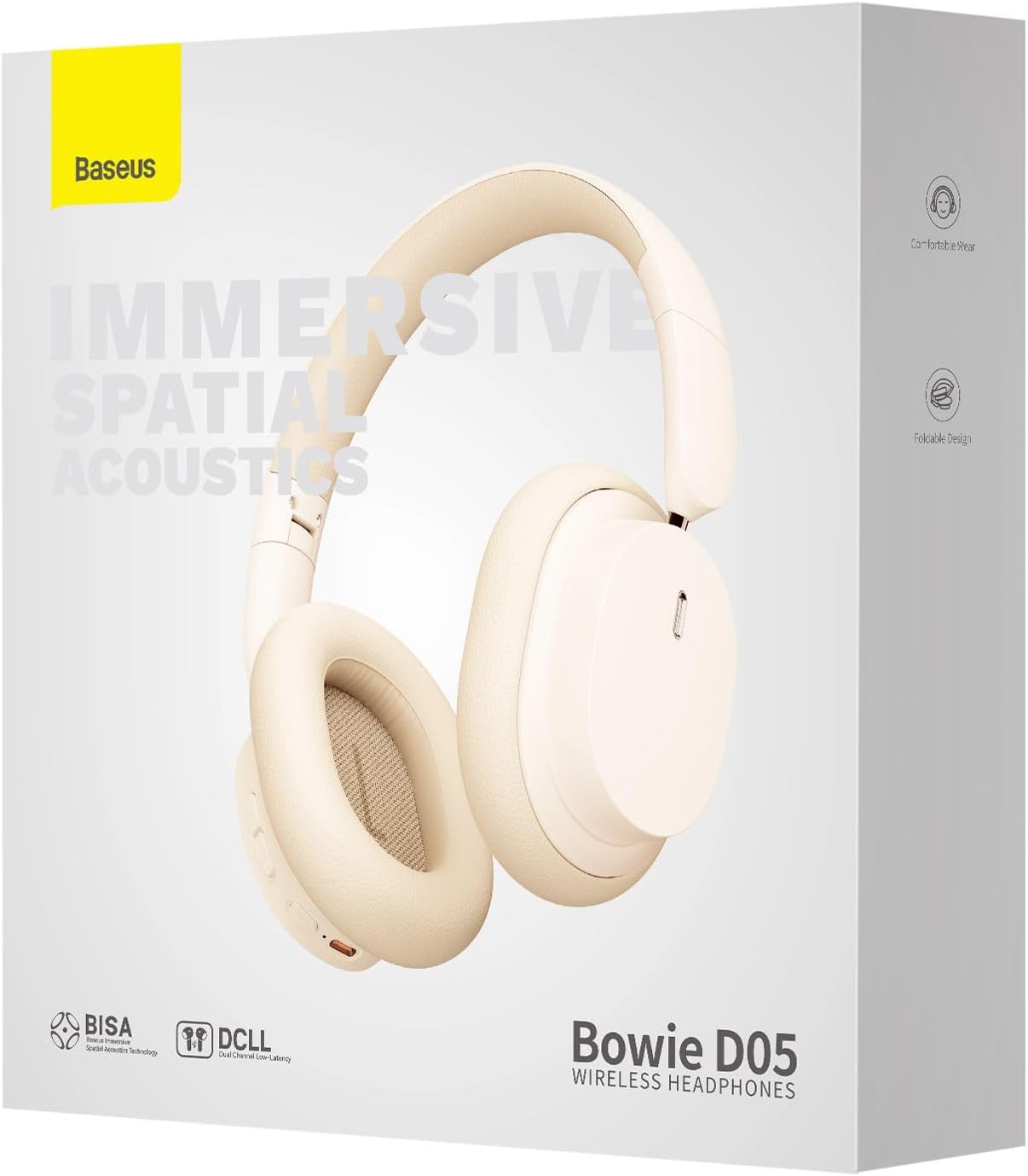
Image: The Baseus Bowie D05 headphones are depicted wirelessly connected to both a smartphone and a tablet, demonstrating their multi-device connectivity feature.
6. నిర్వహణ
మీ హెడ్ఫోన్ల దీర్ఘాయువు మరియు సరైన పనితీరును నిర్ధారించడానికి, ఈ నిర్వహణ మార్గదర్శకాలను అనుసరించండి:
- శుభ్రపరచడం: హెడ్ఫోన్లను శుభ్రం చేయడానికి మృదువైన, పొడి, మెత్తటి బట్టను ఉపయోగించండి. రాపిడి క్లీనర్లు, ఆల్కహాల్ లేదా రసాయన ద్రావకాలను ఉపయోగించవద్దు.
- నిల్వ: ఉపయోగంలో లేనప్పుడు, హెడ్ఫోన్లను చల్లని, పొడి ప్రదేశంలో, ప్రత్యక్ష సూర్యకాంతి మరియు తీవ్రమైన ఉష్ణోగ్రతలకు దూరంగా నిల్వ చేయండి.
- తేమను నివారించండి: హెడ్ఫోన్లను నీరు మరియు అధిక తేమ నుండి దూరంగా ఉంచండి.
- జాగ్రత్తగా నిర్వహించండి: హెడ్ఫోన్లను బలమైన ప్రభావాలకు గురిచేయడం లేదా పడవేయడం మానుకోండి.
7. ట్రబుల్షూటింగ్
If you encounter any issues with your Baseus Bowie D05 headphones, please refer to the following common problems and solutions:
| సమస్య | సాధ్యమైన పరిష్కారం |
|---|---|
| హెడ్ఫోన్లు పవర్ ఆన్ చేయవు. | హెడ్ఫోన్లు పూర్తిగా ఛార్జ్ అయ్యాయని నిర్ధారించుకోండి. పవర్ సోర్స్కి కనెక్ట్ చేసి, మళ్లీ ప్రయత్నించండి. |
| పరికరంతో జత చేయడం సాధ్యం కాదు. | Ensure headphones are in pairing mode (flashing blue/red). Turn off and on Bluetooth on your device. Clear previous Bluetooth connections on your device. Move headphones closer to the device. |
| శబ్దం లేదు లేదా తక్కువ వాల్యూమ్ ఉంది. | Check headphone and device volume levels. Ensure headphones are properly connected. Try playing different audio. If using wired connection, ensure cable is fully inserted. |
| తక్కువ ధ్వని నాణ్యత. | Move closer to your device to avoid interference. Avoid obstacles between headphones and device. Try disconnecting and reconnecting. |
| హెడ్ఫోన్లు తరచుగా డిస్కనెక్ట్ అవుతాయి. | Ensure headphones are fully charged. Keep within Bluetooth range (typically 10 meters). Avoid strong electromagnetic interference. |
ఈ పరిష్కారాలను ప్రయత్నించిన తర్వాత కూడా సమస్య కొనసాగితే, దయచేసి కస్టమర్ మద్దతును సంప్రదించండి.
8. స్పెసిఫికేషన్లు
Detailed technical specifications for the Baseus Bowie D05 Wireless Headphones:
- మోడల్ పేరు: NGTD020202
- బ్రాండ్: బేసియస్
- కనెక్టివిటీ టెక్నాలజీ: వైర్లెస్ (బ్లూటూత్)
- వైర్లెస్ కమ్యూనికేషన్ టెక్నాలజీ: బ్లూటూత్
- చెవి ప్లేస్మెంట్: ఓవర్ చెవి
- ఫారమ్ ఫ్యాక్టర్: ఓవర్ చెవి
- ఆడియో డ్రైవర్ రకం: డైనమిక్ డ్రైవర్
- డ్రైవర్ యూనిట్ పరిమాణం: 40మి.మీ
- బ్యాటరీ లైఫ్: Up to 70 hours of audio playback (at 70% volume)
- ఛార్జింగ్ పోర్ట్: USB-C
- ఆడియో జాక్: 3.5 మి.మీ జాక్
- మెటీరియల్: ప్లాస్టిక్
- వస్తువు బరువు: సుమారు 209 గ్రాములు (7.37 ఔన్సులు)
- రంగు: Creamy-White (as per product title, though spec says Black)
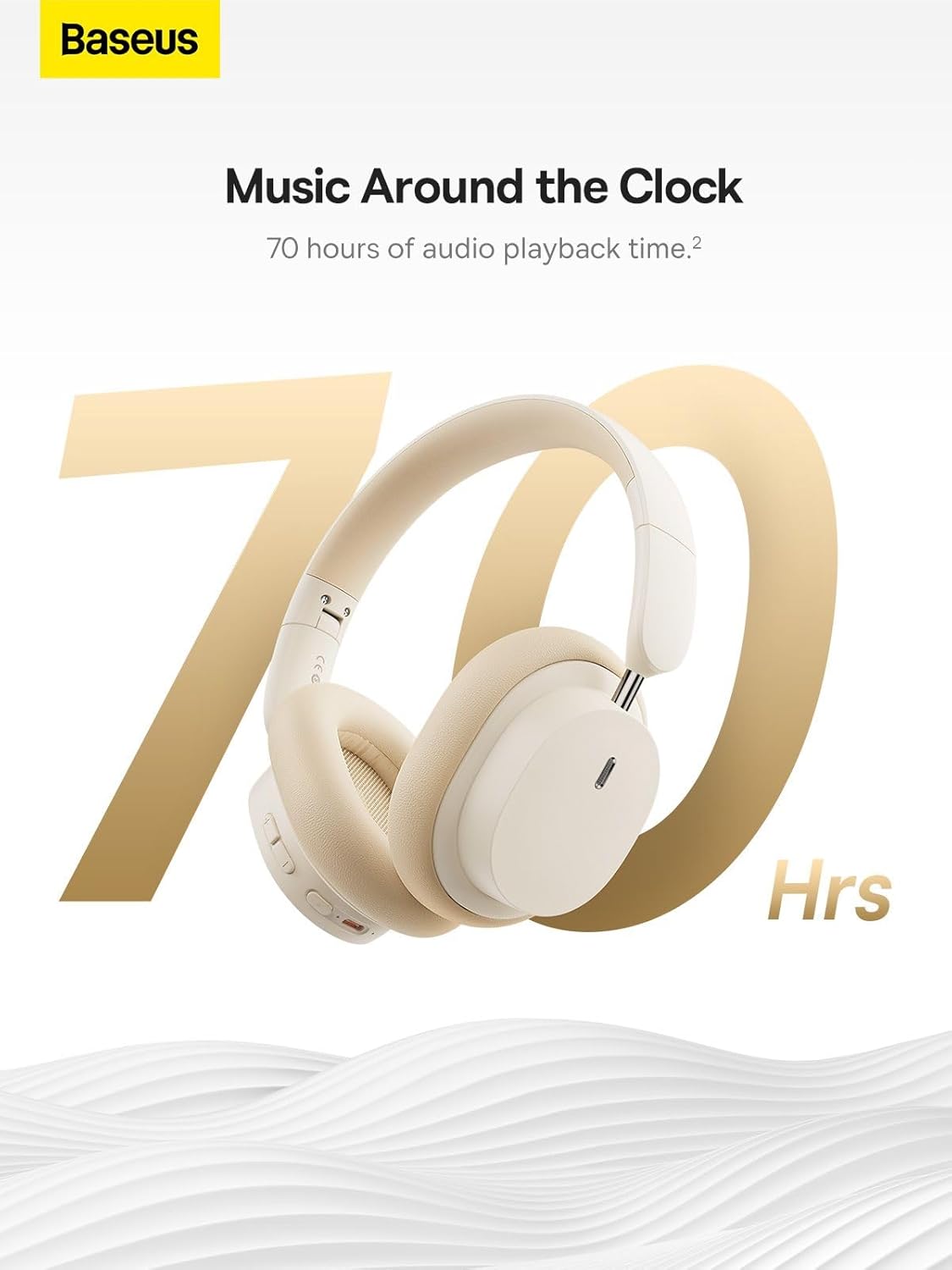
Image: The Baseus Bowie D05 headphones are featured with a prominent '70 Hrs' graphic, highlighting their extended audio playback time on a single charge.

Image: Two individuals are shown comfortably wearing the Baseus Bowie D05 headphones, emphasizing their lightweight design with the text 'Only 209g' for extended listening sessions.

Image: A visual representation of a 40mm large driver unit, illustrating its capability to deliver detailed high-end and fuller low-end audio performance.
9. వారంటీ మరియు మద్దతు
9.1 వారంటీ సమాచారం
Baseus products are covered by a limited warranty from the date of purchase. Please refer to the warranty card included in your product packaging or visit the official Baseus webవివరణాత్మక వారంటీ నిబంధనలు మరియు షరతుల కోసం సైట్.
9.2 కస్టమర్ మద్దతు
For technical assistance, troubleshooting, or warranty claims, please contact Baseus customer support through the following channels:
- అధికారిక Webసైట్: Visit the Baseus official webతరచుగా అడిగే ప్రశ్నలు, మద్దతు వనరులు మరియు సంప్రదింపు ఫారమ్ల కోసం సైట్.
- ఇమెయిల్ మద్దతు: మీ ఉత్పత్తి ప్యాకేజింగ్ లేదా అధికారిక webకస్టమర్ సపోర్ట్ ఇమెయిల్ చిరునామా కోసం సైట్.
- Authorized Retailer: సహాయం కోసం మీరు ఉత్పత్తిని కొనుగోలు చేసిన రిటైలర్ను సంప్రదించండి.



