1. పరిచయం
The Sofirn SC03 is a versatile 2-in-1 lighting tool designed for various indoor and outdoor activities. It combines a powerful flashlight with a wide-area lantern, offering flexible illumination options. This manual provides essential information for the safe and effective use of your SC03 device.
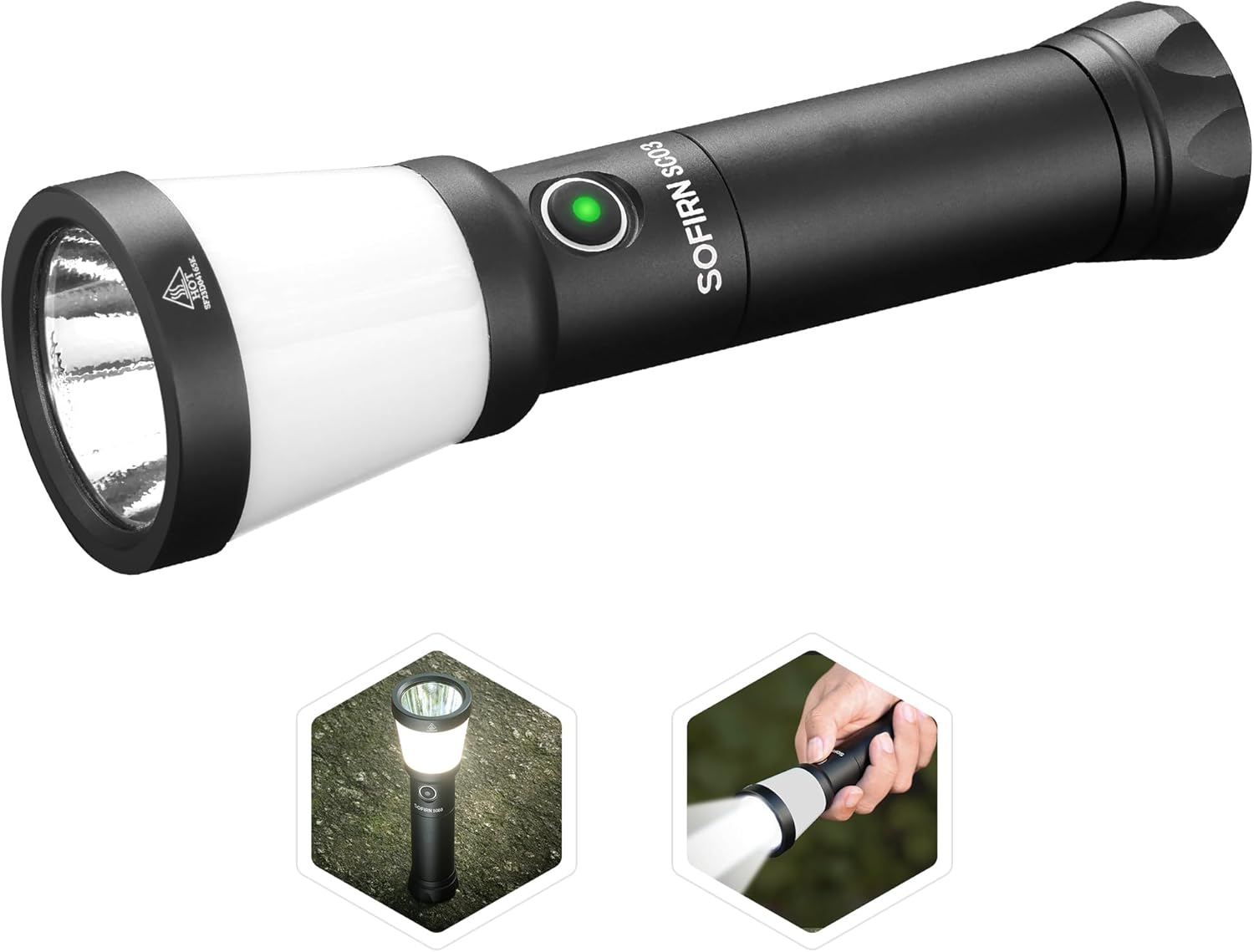
Figure 1: Sofirn SC03 2-in-1 Camping Lantern LED Flashlight. This image displays the main product, highlighting its dual functionality as both a focused flashlight and a diffused lantern.
ముఖ్య లక్షణాలు:
- ద్వంద్వ కార్యాచరణ: Combines a 2000-lumen flashlight with a 508-meter throw and a 500-lumen 360-degree lantern.
- Rechargeable & Reverse Charging: Built-in USB-C port for convenient charging and power bank functionality.
- బహుళ లైటింగ్ మోడ్లు: Five modes (Low, Medium, High, Turbo, Strobe) for both flashlight and lantern.
- పోర్టబుల్ డిజైన్: Compact and lightweight for easy carrying and comfortable grip.
- మన్నికైన నిర్మాణం: IPX8 waterproof rating and robust aluminum body for harsh conditions.
2. పెట్టెలో ఏముంది
Upon unboxing your Sofirn SC03, you should find the following items:
- Sofirn SC03 Flashlight
- 1x 21700 Lithium Polymer Battery (5000mAh)
- USB-C ఛార్జింగ్ కేబుల్
- లాన్యార్డ్
- విడి O- రింగులు
- వినియోగదారు మాన్యువల్
Video 1: Sofirn SC03 Lantern Flashlight. This video provides a brief overview of the product and its components as found in the box.
3. సెటప్
బ్యాటరీ సంస్థాపన
- ఫ్లాష్లైట్ యొక్క టెయిల్ క్యాప్ను విప్పు.
- Insert the provided 21700 battery with the positive (+) end facing towards the head of the flashlight.
- టెయిల్ క్యాప్ను తిరిగి సురక్షితంగా స్క్రూ చేయండి.
ఛార్జింగ్
The SC03 features a built-in USB-C charging port for convenience. It can be fully charged in approximately 3 hours.
- Locate the USB-C port on the side of the flashlight, protected by a rubber gasket.
- Open the rubber gasket.
- Connect the provided USB-C cable to the flashlight and to a power source (e.g., wall adapter, power bank, computer).
- The power indicator on the side switch will show charging status:
- Flashing Red: 1-9% charge
- Red: 10-39% charge
- Flashing Green: 40-69% charge
- Green: 70-100% charge
- Once fully charged, disconnect the cable and close the rubber gasket to maintain water resistance.
Reverse Charging (Power Bank Function)
In emergencies, the SC03 can charge other devices via its USB-C port.
- Connect a USB-C to C cable (not included) from the SC03 to your device.
- The SC03 will begin charging your device.

Figure 2: Sofirn SC03 Charging and Reverse Charging. This image illustrates how to charge the flashlight and use its reverse charging function to power other devices.
4. ఆపరేటింగ్ సూచనలు
Power On/Off & Mode Switching
The SC03 features a single side switch for all operations.
- ఆన్/ఆఫ్ చేయండి: Press and hold the side switch for approximately 0.5 seconds. The flashlight will turn on/off in the last used mode (memory function).
- Cycle Brightness Modes: While the light is on, single-click the side switch to cycle through Low, Medium, High, and Turbo modes.
- Switch Between Flashlight/Lantern: Double-click the side switch to toggle between the main flashlight beam and the side lantern illumination.
- స్ట్రోబ్ను యాక్టివేట్ చేయండి: Triple-click the side switch to activate the Strobe mode (SOS signal).
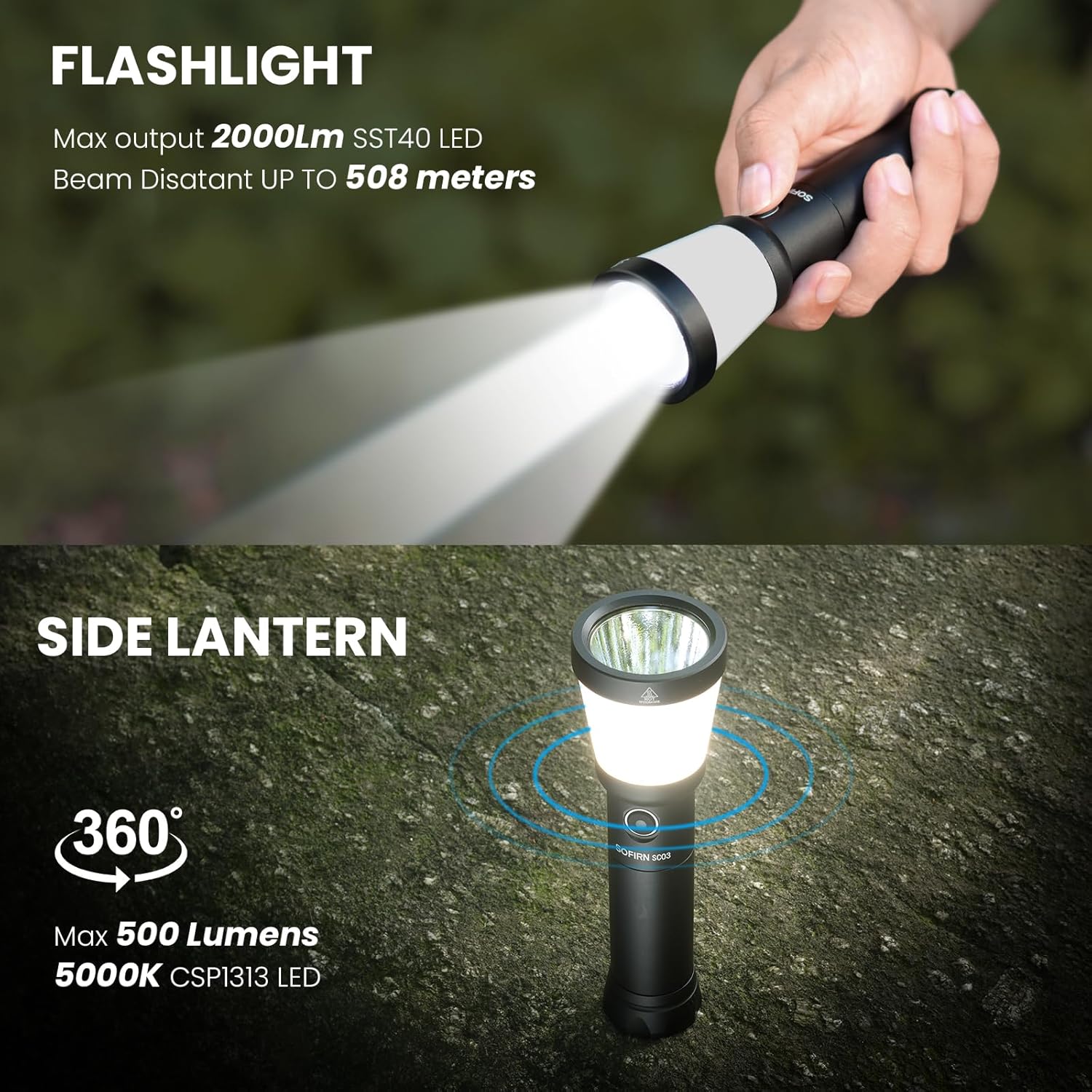
Figure 3: Sofirn SC03 Flashlight and Lantern Modes. This image demonstrates the two primary lighting modes: a focused flashlight beam and a 360-degree side lantern.

Figure 4: Sofirn SC03 Different Light Modes. This image displays the various brightness levels available for both the long-throw flashlight and the side lantern.
Auto Lockout Mode
The SC03 features an automatic lockout function to prevent accidental activation and conserve battery life. After 1 minute of inactivity, the flashlight will enter lockout mode.
- అన్లాక్: Double-click the side switch to unlock the flashlight.
- Moonlight Mode (from locked): Press and hold the switch to access moonlight mode directly from lockout.
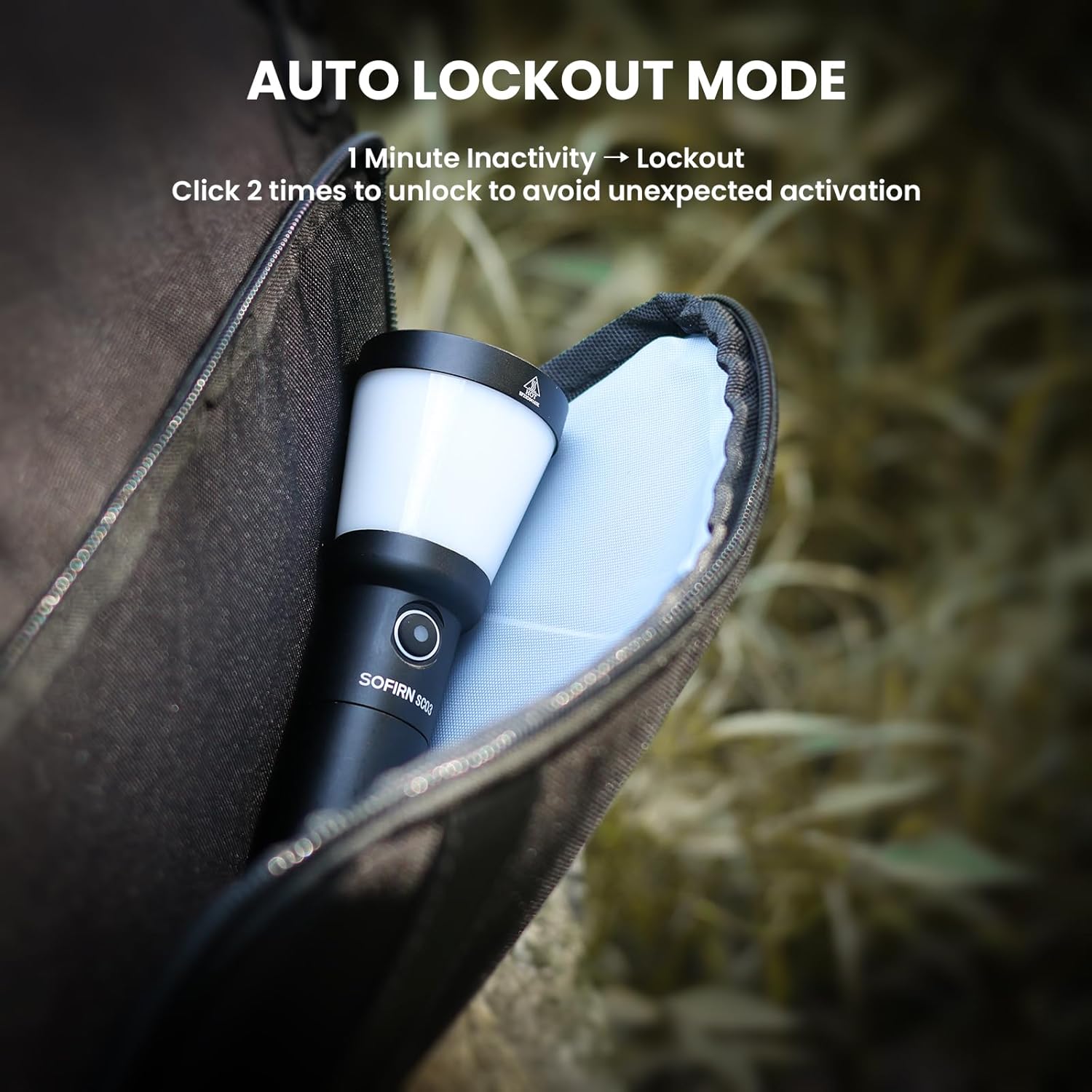
Figure 5: Sofirn SC03 Auto Lockout Mode. This image demonstrates the auto-lock feature, which prevents accidental activation when the flashlight is inactive for one minute.
5. ఉత్పత్తి ముగిసిందిview
The Sofirn SC03 is constructed from durable aluminum, providing a robust and lightweight design. Its compact size makes it easy to carry and handle.
- శరీర పదార్థం: 6061-T6 aluminum alloy and PC.
- డిఫ్యూజర్: The white diffuser for the lantern mode is made of plastic and screws directly into the light head.
- రిఫ్లెక్టర్: Features an orange peel reflector for a balanced beam of flood and throw.
- టెయిల్ క్యాప్: The tail cap has textured details and a lanyard hole for attachment.

Figure 6: Sofirn SC03 Portable Size. This image highlights the compact dimensions and lightweight nature of the flashlight, making it easy to carry.
6 ప్రదర్శన
The SC03 delivers powerful illumination with a maximum output of 2000 lumens and a throw distance of 508 meters for the main flashlight beam. The side lantern provides 500 lumens of 360-degree soft illumination.
Video 2: Sofirn SC03 lantern flashlight for camping. This video demonstrates the flashlight's performance in a camping scenario, showcasing its brightness and utility.
Runtime and Output
The SC03 is designed for sustained output, with intelligent thermal regulation to prevent overheating. The runtime varies depending on the selected brightness mode.
- On Turbo mode (flashlight), the light maintains near 100% output for over 1 minute before stepping down.
- On High mode (flashlight), it holds 100% output for 2 minutes before stepping down to 50%.
- On Medium mode (flashlight), it maintains 100% output throughout the test duration.
- On Turbo mode (side light), it lasts past 1 minute 15 seconds before stepping down to just over 40% output.
- On High mode (side light), it maintains 95-100% output past the 10-minute mark.
7. స్పెసిఫికేషన్లు
| ఫీచర్ | విలువ |
|---|---|
| ప్రత్యేక ఫీచర్ | పోర్టబుల్, పునర్వినియోగపరచదగినది |
| శక్తి మూలం | బ్యాటరీ ఆధారితమైనది |
| కాంతి మూలం రకం | LED |
| మెటీరియల్ | అల్యూమినియం |
| తెల్లని ప్రకాశం | 2000 ల్యూమెన్స్ |
| చేర్చబడిన భాగాలు | బ్యాటరీ |
| ఉత్పత్తి కొలతలు | 5.6"డి x 1.7"వా x 5.6"హ |
| వాల్యూమ్tage | 3.7 వోల్ట్లు |
| బ్యాటరీ సెల్ కంపోజిషన్ | పాలిమర్ |
| బ్యాటరీల సంఖ్య | 1 లిథియం పాలిమర్ బ్యాటరీలు అవసరం. (చేర్చబడి) |
| నీటి నిరోధక స్థాయి | జలనిరోధిత (IPX8) |
| వస్తువు బరువు | 9.6 ఔన్సులు |
8. నిర్వహణ
To ensure the longevity and optimal performance of your Sofirn SC03, follow these maintenance guidelines:
- శుభ్రపరచడం: ఫ్లాష్లైట్ బాడీని శుభ్రమైన, మృదువైన గుడ్డతో తుడవండి. లెన్స్ కోసం, గీతలు పడకుండా ఉండటానికి లెన్స్ క్లీనింగ్ క్లాత్ను ఉపయోగించండి.
- O-రింగ్స్: Regularly inspect the O-rings for wear and tear. Replace them if damaged to maintain the IPX8 waterproof rating. Apply silicone grease to the O-rings periodically to keep them supple.
- థ్రెడ్లు: Keep the threads of the tail cap clean and lubricated to ensure smooth operation and proper electrical contact.
- బ్యాటరీ సంరక్షణ: ఉపయోగంలో లేనప్పుడు బ్యాటరీని చల్లని, పొడి ప్రదేశంలో నిల్వ చేయండి. బ్యాటరీని ఎక్కువసేపు పూర్తిగా డిశ్చార్జ్ చేయకుండా ఉండండి.
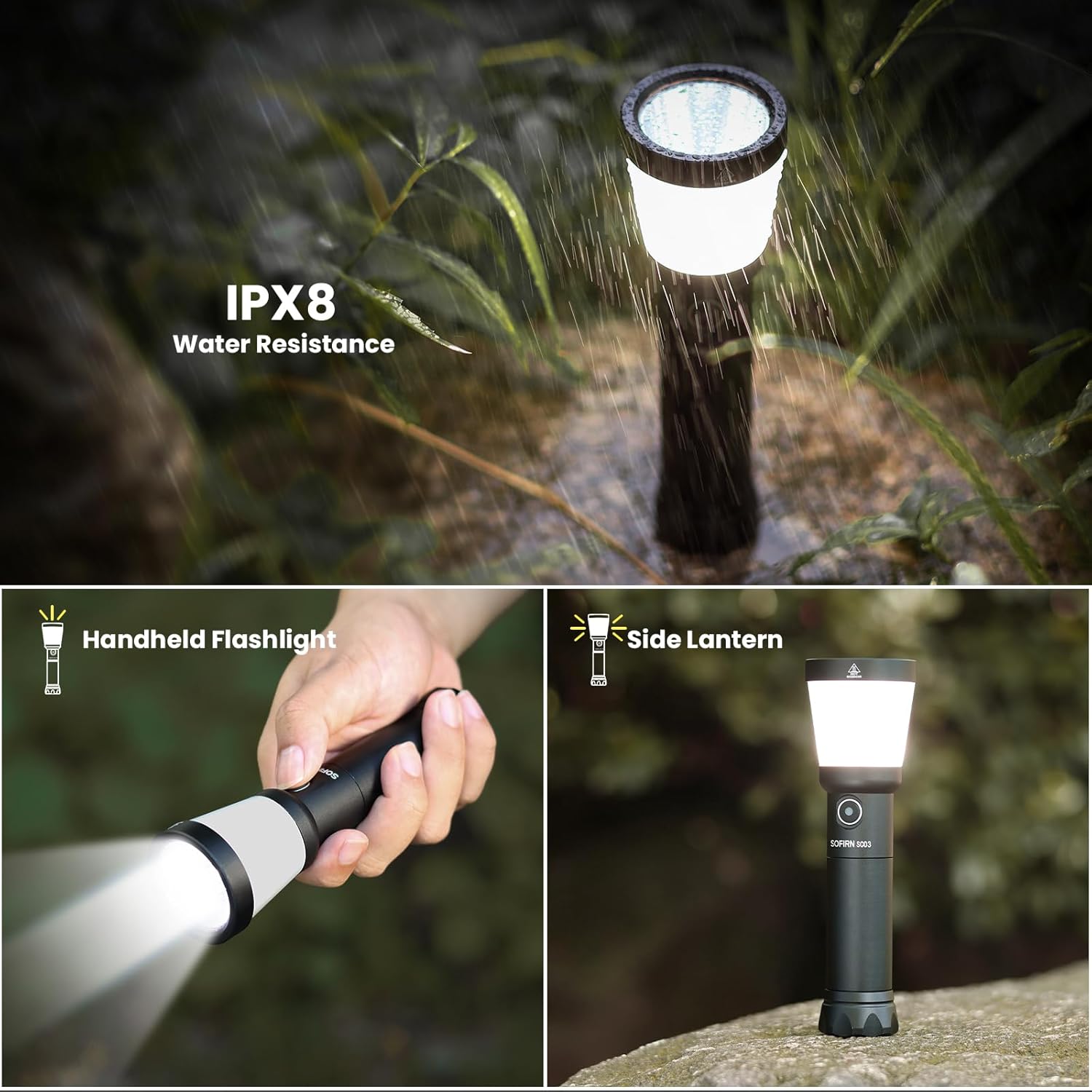
Figure 7: Sofirn SC03 IPX8 Water Resistance. This image highlights the flashlight's IPX8 waterproof rating, suitable for use in wet conditions.
9. ట్రబుల్షూటింగ్
If you encounter issues with your SC03, refer to the following common troubleshooting tips:
- లైట్ ఆన్ కాదు:
- బ్యాటరీ సరిగ్గా చొప్పించబడిందో లేదో తనిఖీ చేయండి, పాజిటివ్ (+) చివర తల వైపు ఉండేలా చూసుకోండి.
- టెయిల్ క్యాప్ గట్టిగా స్క్రూ చేయబడిందని నిర్ధారించుకోండి.
- The flashlight might be in auto lockout mode. Double-click the side switch to unlock it.
- Check battery charge level using the indicator. Recharge if necessary.
- ఛార్జింగ్ సమస్యలు:
- Ensure the USB-C cable is securely connected to both the flashlight and the power source.
- వేరే USB-C కేబుల్ లేదా పవర్ సోర్స్ని ప్రయత్నించండి.
- Verify the charging indicator light is functioning.
- ప్రమాదవశాత్తు యాక్టివేషన్: The auto lockout mode is designed to prevent this. Ensure the flashlight enters lockout mode after 1 minute of inactivity.
10. వారంటీ మరియు మద్దతు
The Sofirn SC03 comes with a limited warranty. Please refer to the product packaging or contact Sofirn customer support for detailed warranty information and assistance.
- వారంటీ రకం: పరిమిత వారంటీ
- కస్టమర్ మద్దతు: For any questions or issues, please visit the official Sofirn store or contact their customer service.


