పరిచయం
This manual provides essential information for setting up, operating, maintaining, and troubleshooting your Blackview Tab 80 tablet. Please read this manual thoroughly to ensure proper use and to maximize the performance and longevity of your device.
1. సెటప్
1.1 పెట్టెలో ఏముంది
- నలుపుview TAB 80 Tablet
- పవర్ అడాప్టర్
- వినియోగదారు మాన్యువల్
1.2 టాబ్లెట్ను ఛార్జ్ చేయడం
Before first use, fully charge your Blackview Tab 80. Connect the provided power adapter to the tablet's Type-C port. The tablet features a 7680mAh battery for extended usage.
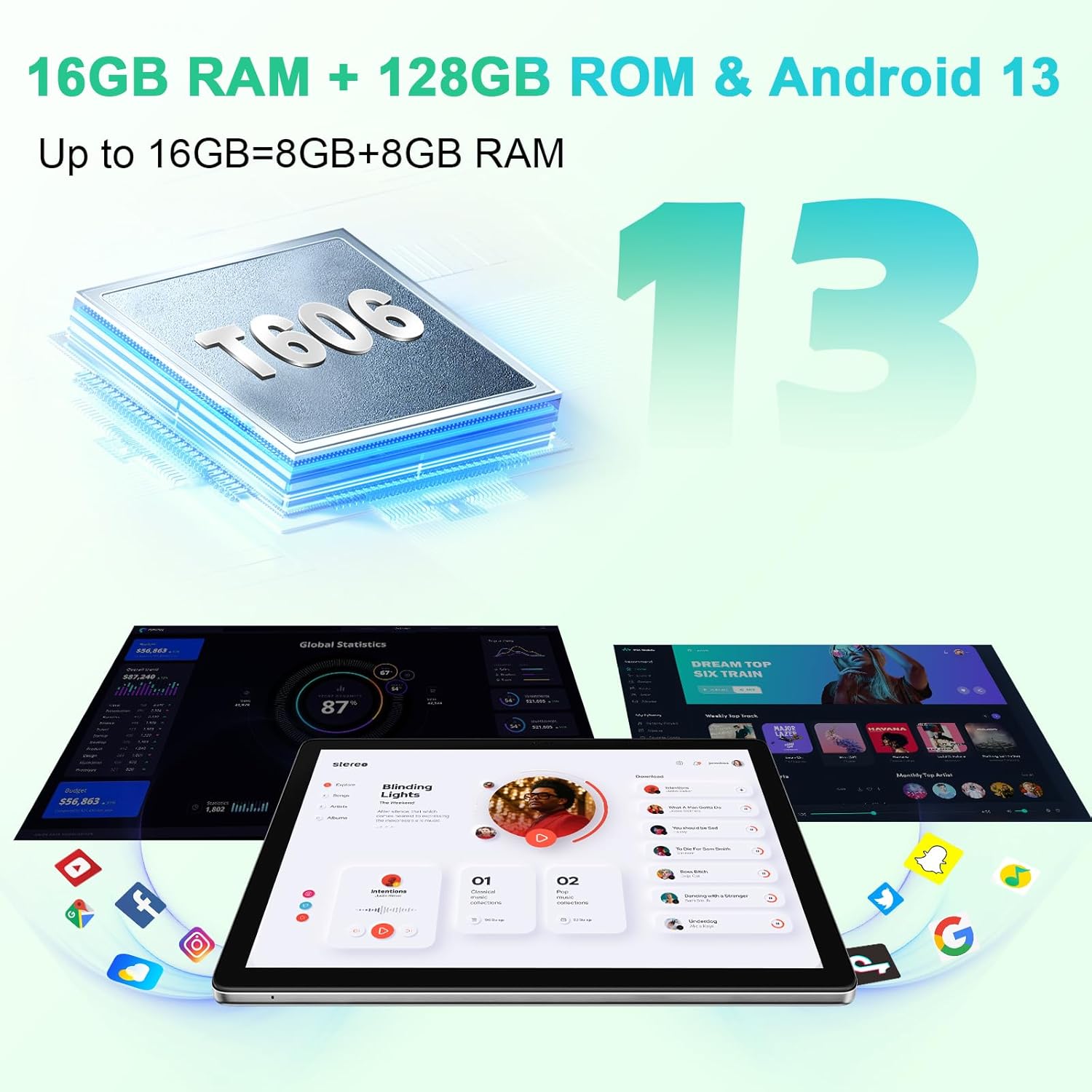
Image: The Blackview Tab 80 tablet highlighting its 7680mAh battery and Type-C charging port, along with estimated usage times for various activities.
1.3 SIM and TF Card Installation
ది బ్లాక్view Tab 80 supports dual 4G SIM cards for cellular connectivity and a TF (microSD) card for expandable storage up to 1TB. Locate the SIM/TF card tray on the side of the tablet. Use the provided ejector tool to open the tray, then carefully insert your SIM cards and/or TF card as indicated on the tray.

Image: An infographic detailing key specifications of the Blackview Tab 80, including its 4G LTE capability and memory configuration.
1.4 ప్రారంభ పవర్ ఆన్ మరియు సెటప్ విజార్డ్
Press and hold the power button until the Blackview logo appears. The tablet will boot into Android 13 with Doke OS_P 3.0. Follow the on-screen instructions to select your language, connect to Wi-Fi, set up your Google account, and configure basic settings.
2. ఆపరేటింగ్
2.1 డిస్ప్లే ఫీచర్లు
ది బ్లాక్view Tab 80 features a 10.1-inch HD display with a resolution of 1280x800 pixels. It includes several modes to enhance your viewing experience and protect your eyes:
- PC మోడ్: Optimizes the interface for a desktop-like experience.
- ఫేస్ అన్లాక్: ముఖ గుర్తింపును ఉపయోగించి మీ పరికరాన్ని సురక్షితంగా అన్లాక్ చేయండి.
- కంటి రక్షణ పద్ధతులు: Adjusts screen brightness and color temperature to reduce eye strain, especially in low-light conditions.
- స్ప్లిట్-స్క్రీన్ View: Allows you to run two applications simultaneously side-by-side.

Image: The Blackview Tab 80 showcasing its 10.1-inch HD display and various display modes.
2.2 పనితీరు మరియు నిల్వ
Powered by an Octa-Core UNISOC T606 processor, the Tab 80 offers smooth performance for multitasking and applications. It comes with 16GB of RAM (including extended RAM) and 128GB of internal storage, which can be expanded up to 1TB using a TF card.

Image: Visual representation of the Blackview Tab 80's 16GB RAM, 128GB ROM, and Android 13 operating system, emphasizing its processing power.
2.3 కనెక్టివిటీ
The tablet supports dual 4G LTE for mobile data and calls, Wi-Fi 5.0 (802.11a/b/g/n/ac) for fast internet access, and Bluetooth 5.0 for connecting wireless peripherals.

Image: The Blackview Tab 80 demonstrating its productivity features, including Dual 4G LTE and Wi-Fi connectivity, useful for navigation and communication.
2.4 కెమెరా ఫంక్షనాలిటీ
Capture moments with the 13MP rear camera and take clear selfies or make video calls with the 8MP front camera.
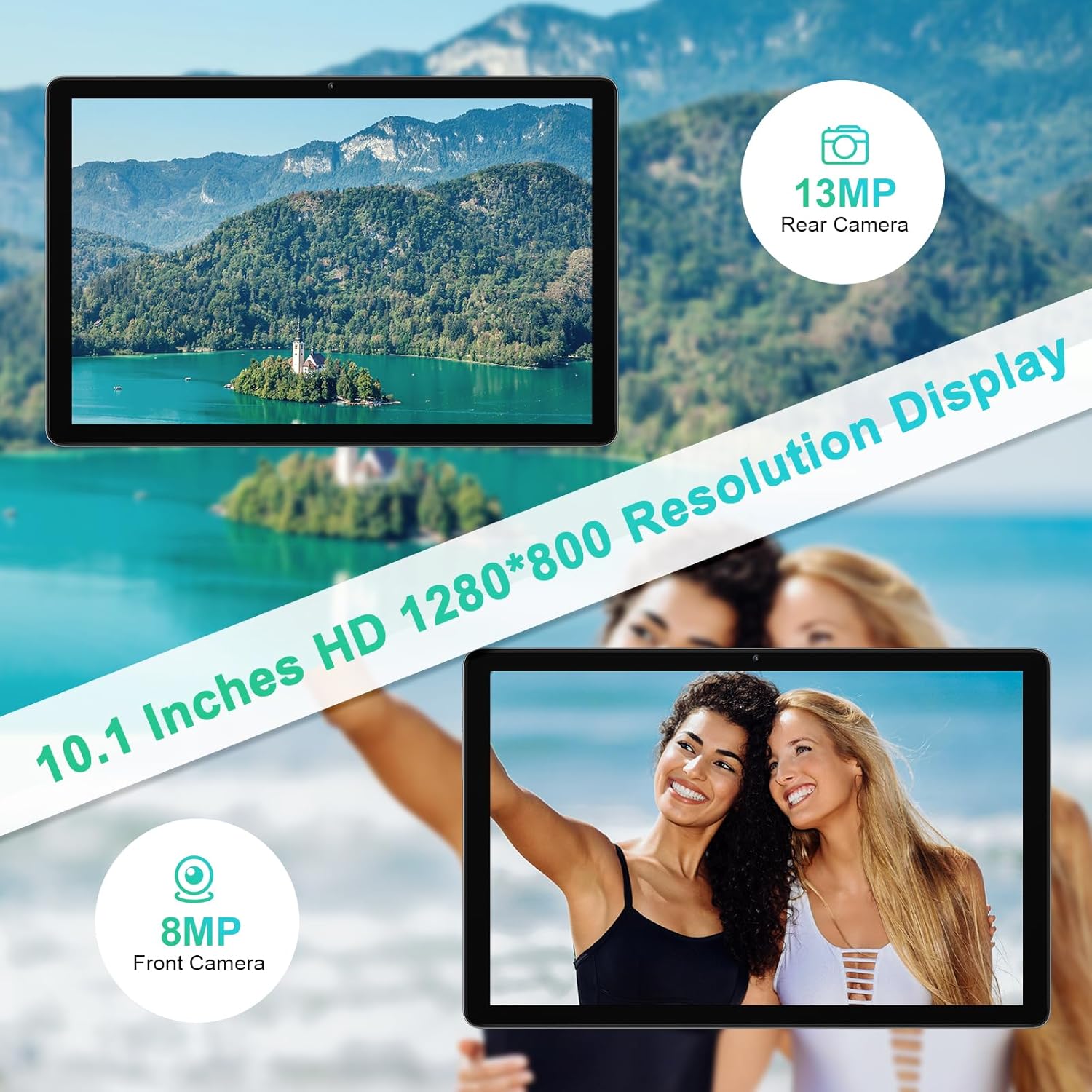
Image: The Blackview Tab 80 highlighting its 13MP rear and 8MP front cameras, along with its 10.1-inch HD 1280x800 resolution display.
2.5 Audio and Navigation
Experience immersive sound with the dual Smart-K BOX speakers. The tablet also supports multiple navigation systems including GPS, GLONASS, Galileo, and Beidou for accurate positioning.
3. నిర్వహణ
3.1 బ్యాటరీ సంరక్షణ
- తీవ్రమైన ఉష్ణోగ్రతలను నివారించండి.
- క్రమం తప్పకుండా రీఛార్జ్ చేసే ముందు బ్యాటరీ పూర్తిగా ఖాళీ అవ్వనివ్వకండి.
- అందించిన ఛార్జర్ లేదా ధృవీకరించబడిన అనుకూల ఛార్జర్ను మాత్రమే ఉపయోగించండి.
3.2 సాఫ్ట్వేర్ నవీకరణలు
Regularly check for system updates to ensure your tablet has the latest features, security patches, and performance improvements. You can usually find this option in the tablet's settings under 'System' or 'About tablet'.
3.3 మీ టాబ్లెట్ను శుభ్రపరచడం
టాబ్లెట్ స్క్రీన్ మరియు బాడీని శుభ్రం చేయడానికి మృదువైన, మెత్తటి బట్టను ఉపయోగించండి. ఉపరితలాన్ని దెబ్బతీసే కఠినమైన రసాయనాలు లేదా రాపిడి పదార్థాలను ఉపయోగించకుండా ఉండండి.
4. ట్రబుల్షూటింగ్
4.1 సాధారణ సమస్యలు మరియు పరిష్కారాలు
- టాబ్లెట్ ఆన్ కావడం లేదు: Ensure the battery is charged. Press and hold the power button for at least 10-15 seconds.
- యాప్లు క్రాష్ అవుతున్నాయి లేదా స్తంభించిపోతున్నాయి: Close background applications. Clear app cache or data. Restart the tablet.
- Wi-Fi/బ్లూటూత్ కనెక్టివిటీ సమస్యలు: Toggle Wi-Fi/Bluetooth off and on. Restart your router/Bluetooth device. Forget and reconnect to the network/device.
- నెమ్మది పనితీరు: Close unused apps. Clear storage space. Consider a factory reset if issues persist after backing up data.
4.2 ఫ్యాక్టరీ రీసెట్
మీరు నిరంతరం సాఫ్ట్వేర్ సమస్యలను ఎదుర్కొంటే, ఫ్యాక్టరీ రీసెట్ వాటిని పరిష్కరించవచ్చు. హెచ్చరిక: A factory reset will erase all data on your tablet. Back up important data before proceeding. Go to Settings > System > Reset options > Erase all data (factory reset).
5. స్పెసిఫికేషన్లు
| ఫీచర్ | వివరాలు |
|---|---|
| బ్రాండ్ | నలుపుview |
| మోడల్ పేరు | TAB80 |
| ఆపరేటింగ్ సిస్టమ్ | ఆండ్రాయిడ్ 13 |
| ప్రాసెసర్ | Octa-Core UNISOC T606 (1.6 GHz) |
| RAM | 16 GB (including extended RAM) |
| అంతర్గత నిల్వ | 128 GB |
| విస్తరించదగిన నిల్వ | TF కార్డ్ ద్వారా 1 TB వరకు |
| స్క్రీన్ పరిమాణం | 10.1 అంగుళాలు |
| డిస్ప్లే రిజల్యూషన్ | 1280 x 800 పిక్సెల్స్ (HD) |
| వెనుక కెమెరా | 13 ఎంపీ |
| ఫ్రంట్ కెమెరా | 8 ఎంపీ |
| బ్యాటరీ కెపాసిటీ | 7680 mAh (లిథియం-పాలిమర్) |
| కనెక్టివిటీ | Dual 4G LTE, Wi-Fi (802.11a/b/g/n/ac), Bluetooth 5.0 |
| నావిగేషన్ | GPS, గ్లోనాస్, గెలీలియో, బీడౌ |
| కొలతలు (L x W x H) | 24.6 x 17 x 0.85 సెం.మీ |
| బరువు | 500 గ్రాములు |
6. వారంటీ మరియు మద్దతు
ది బ్లాక్view TAB 80 Tablet comes with a 24-month warranty. For any questions or product-related issues, please contact Blackview customer service via Amazon email or through their official support channels. Our professional technical team is available to provide prompt assistance and technical support.


