1. పరిచయం
This manual provides essential information for the safe and efficient operation of your Sharp Roku TV 4K Ultra HD with HDR10 (55"). Please read this manual thoroughly before using the television and retain it for future reference. Your new Sharp Roku TV offers a stunning 4K Ultra HD resolution, integrated Roku streaming experience, and immersive Dolby Audio.

మూర్తి 1.1: ముందు view of the Sharp Roku TV 4K Ultra HD (55 inch). This image shows the television from the front, highlighting its slim bezels and the display with a colorful image.
2. భద్రతా సమాచారం
అగ్ని ప్రమాదం, విద్యుత్ షాక్ లేదా గాయాన్ని నివారించడానికి ఎల్లప్పుడూ క్రింది భద్రతా జాగ్రత్తలను పాటించండి.
- వర్షం లేదా తేమకు టీవీని బహిర్గతం చేయవద్దు.
- వెంటిలేషన్ ఓపెనింగ్లను బ్లాక్ చేయవద్దు. సరైన గాలి ప్రసరణ కోసం టీవీ చుట్టూ తగినంత స్థలం ఉండేలా చూసుకోండి.
- తయారీదారు పేర్కొన్న జోడింపులు/యాక్సెసరీలను మాత్రమే ఉపయోగించండి.
- మెరుపు తుఫానుల సమయంలో లేదా ఎక్కువసేపు ఉపయోగించనప్పుడు టీవీని అన్ప్లగ్ చేయండి.
- అన్ని సేవలను అర్హత కలిగిన సేవా సిబ్బందికి సూచించండి.
- బ్యాటరీలను పిల్లలకు అందుబాటులో లేకుండా ఉంచండి.
3. పెట్టెలో ఏముంది
సెటప్తో కొనసాగే ముందు అన్ని భాగాలు ఉన్నాయని నిర్ధారించుకోండి.
- Sharp Roku TV (55")
- టీవీ స్టాండ్ (2 ముక్కలు)
- రిమోట్ కంట్రోల్ (2 AAA బ్యాటరీలు అవసరం, చేర్చబడలేదు)
- పవర్ కార్డ్
- త్వరిత ప్రారంభ మార్గదర్శి (వివరణాత్మక సూచనల కోసం ఈ మాన్యువల్ను చూడండి)
4. సెటప్
4.1 టీవీ స్టాండ్ అటాచ్ చేయడం
To ensure stability, attach the included stand to the television. Place the TV face down on a soft, clean surface to prevent screen damage.
- ఎడమ మరియు కుడి స్టాండ్ ముక్కలను గుర్తించండి.
- ప్రతి స్టాండ్ ముక్కను టీవీ అడుగున ఉన్న సంబంధిత స్క్రూ రంధ్రాలతో సమలేఖనం చేయండి.
- అందించిన స్క్రూలను ఉపయోగించి స్టాండ్లను భద్రపరచండి. అతిగా బిగించవద్దు.

మూర్తి 4.1: వైపు view of the Sharp Roku TV with the stand attached. This image illustrates the profile of the television with its support base.

చిత్రం 4.2: కోణీయ view of the Sharp Roku TV with the stand attached. This image provides a perspective view of the television, showing the stand's design and how it supports the unit.
4.2 పవర్ మరియు ప్రారంభ సెటప్ను కనెక్ట్ చేయడం
Once the stand is securely attached, place the TV in its desired location and proceed with power connection and initial setup.
- పవర్ కార్డ్ను టీవీ పవర్ ఇన్పుట్కి మరియు తరువాత వాల్ అవుట్లెట్కి కనెక్ట్ చేయండి.
- Insert 2 AAA batteries into the remote control, observing polarity.
- టీవీని ఆన్ చేయడానికి రిమోట్లోని పవర్ బటన్ను నొక్కండి.
- Follow the on-screen instructions to complete the Roku TV guided setup, including network connection (Wi-Fi), channel scanning (if using an antenna), and Roku account activation.

చిత్రం 4.3: వెనుక view of the Sharp Roku TV. This image displays the back panel of the television, showing the arrangement of various input and output ports for connectivity.
5. టీవీని ఆపరేట్ చేయడం
5.1 ప్రాథమిక విధులు
- పవర్ ఆన్/ఆఫ్: నొక్కండి శక్తి రిమోట్లోని బటన్.
- వాల్యూమ్ నియంత్రణ: ఉపయోగించండి వాల్యూమ్ అప్/డౌన్ బటన్లు.
- ఇన్పుట్ ఎంపిక: నొక్కండి ఇన్పుట్ button to cycle through connected devices (HDMI, AV, etc.) or select from the Roku Home screen.
- నావిగేషన్: డైరెక్షనల్ ప్యాడ్ ఉపయోగించండి (పైకి, క్రిందికి, ఎడమ, కుడి) మరియు OK button to navigate menus and select options.
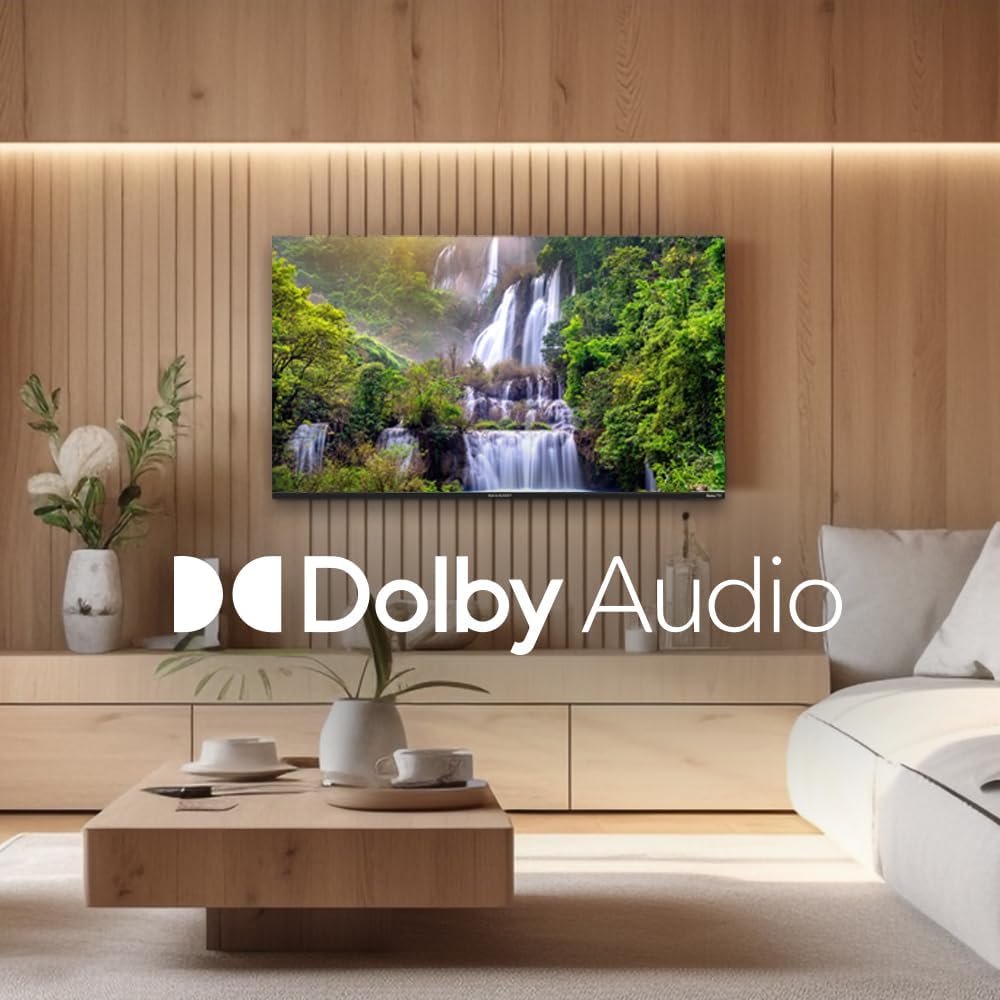
Figure 5.1: Sharp Roku TV showcasing Dolby Audio. This image highlights the television's audio capabilities, with the Dolby Audio logo prominently displayed over a vibrant nature scene.
5.2 రోకు OS నావిగేషన్
The Roku Home screen provides access to all your streaming channels, inputs, and settings.
- హోమ్ స్క్రీన్: నొక్కండి హోమ్ button on the remote to return to the main menu.
- స్ట్రీమింగ్ ఛానెల్లు: Select a channel icon to launch the app.
- ప్రత్యక్ష ప్రసార టీవీ: Access live broadcast channels (if an antenna is connected) or The Roku Channel's live TV guide.
- సెట్టింగ్లు: కు నావిగేట్ చేయండి సెట్టింగ్లు menu for network configuration, display options, audio settings, and system updates.
6. నిర్వహణ
6.1 టీవీని శుభ్రపరచడం
మీ టీవీ యొక్క రూపాన్ని మరియు పనితీరును నిర్వహించడానికి, ఈ శుభ్రపరిచే మార్గదర్శకాలను అనుసరించండి:
- శుభ్రం చేసే ముందు టీవీని ఎల్లప్పుడూ అన్ప్లగ్ చేయండి.
- Use a soft, lint-free cloth to gently wipe the screen. For stubborn marks, slightly dampనీటితో లేదా ప్రత్యేక స్క్రీన్ క్లీనర్తో వస్త్రాన్ని తుడవండి. క్లీనర్ను ఎప్పుడూ స్క్రీన్పై నేరుగా పిచికారీ చేయవద్దు.
- క్యాబినెట్ను తుడిచి, మృదువైన, పొడి గుడ్డతో ఉంచండి.
- రాపిడి క్లీనర్లు, మైనపులు లేదా ద్రావణాలను ఉపయోగించడం మానుకోండి.
7. ట్రబుల్షూటింగ్
మీరు ఎదుర్కొనే సాధారణ సమస్యలకు పరిష్కారాల కోసం ఈ విభాగాన్ని చూడండి.
| సమస్య | సాధ్యమైన కారణం | పరిష్కారం |
|---|---|---|
| పవర్ లేదు | పవర్ కార్డ్ సురక్షితంగా కనెక్ట్ కాలేదు; అవుట్లెట్ పనిచేయడం లేదు. | పవర్ కార్డ్ కనెక్షన్ను తనిఖీ చేయండి. మరొక పరికరంతో అవుట్లెట్ను పరీక్షించండి. |
| చిత్రం లేదు, కానీ ధ్వని ఉంది | Incorrect input selected; external device issues. | నొక్కండి ఇన్పుట్ button to select the correct source. Check connections to external devices. |
| శబ్దం లేదు, కానీ చిత్రం ఉంది | వాల్యూమ్ మ్యూట్ చేయబడింది లేదా చాలా తక్కువగా ఉంది; ఆడియో సెట్టింగ్లు తప్పుగా ఉన్నాయి. | Unmute volume or increase level. Check audio output settings in the TV menu. |
| Wi-Fi కనెక్షన్ సమస్యలు | పాస్వర్డ్ తప్పు; రూటర్ సమస్యలు; టీవీ రూటర్ నుండి చాలా దూరంలో ఉంది. | Re-enter Wi-Fi password. Restart router and TV. Move TV closer to router or use a Wi-Fi extender. |
| రిమోట్ కంట్రోల్ పనిచేయడం లేదు | డెడ్ బ్యాటరీలు; రిమోట్ మరియు టీవీ మధ్య అడ్డంకి. | Replace batteries. Remove any obstructions. Ensure remote is pointed at the TV. |
8. స్పెసిఫికేషన్లు
Key technical specifications for the Sharp Roku TV 4K Ultra HD (55").
| ఫీచర్ | వివరాలు |
|---|---|
| మోడల్ సంఖ్య | 4TC55EL8UR |
| స్క్రీన్ పరిమాణం | 55 అంగుళాలు (140 సెం.మీ. వికర్ణంగా) |
| ప్రదర్శన సాంకేతికత | LED |
| రిజల్యూషన్ | 4K Ultra HD (3840 x 2160p) |
| రిఫ్రెష్ రేట్ | 60 Hz |
| కారక నిష్పత్తి | 16:9, 4:3 |
| ఆడియో అవుట్పుట్ | 16 Watts (8W+8W) Speaker System, Dolby Audio |
| కనెక్టివిటీ | Wi-Fi, HDMI, USB (specific port count not detailed in input, general) |
| ఉత్పత్తి కొలతలు (స్టాండ్తో) | Approx. 11.22 x 48.35 x 29.41 inches (D x W x H) |
| వస్తువు బరువు | Approx. 29 pounds (13.2 Kilograms) |
| విద్యుత్ వినియోగం | 130 వాట్స్ (ఆపరేటింగ్) |
| బ్యాటరీలు అవసరం (రిమోట్) | 2 AAA బ్యాటరీలు |

Figure 8.1: Dimensional diagram of the Sharp Roku TV (55 inch). This diagram provides precise measurements of the television, including width and height with and without the stand.
9. వారంటీ మరియు మద్దతు
For warranty information and technical support, please refer to the official Sharp webసైట్లో లేదా వారి కస్టమర్ సర్వీస్ను నేరుగా సంప్రదించండి. వారంటీ నిబంధనలు మరియు షరతులు ప్రాంతం మరియు కొనుగోలు తేదీని బట్టి మారవచ్చు.
మీరు అధికారిక వెబ్సైట్ను సందర్శించడం ద్వారా మరిన్ని వివరాలు మరియు మద్దతు వనరులను కనుగొనవచ్చు. అమెజాన్లో షార్ప్ స్టోర్.


