1. పరిచయం
This manual provides essential information for the safe and effective use of your xTool 20W Laser Module, designed exclusively for the xTool M1 Ultra Craft Machine. This powerful laser module enhances your crafting capabilities, offering efficient engraving and cutting on a wide range of materials.
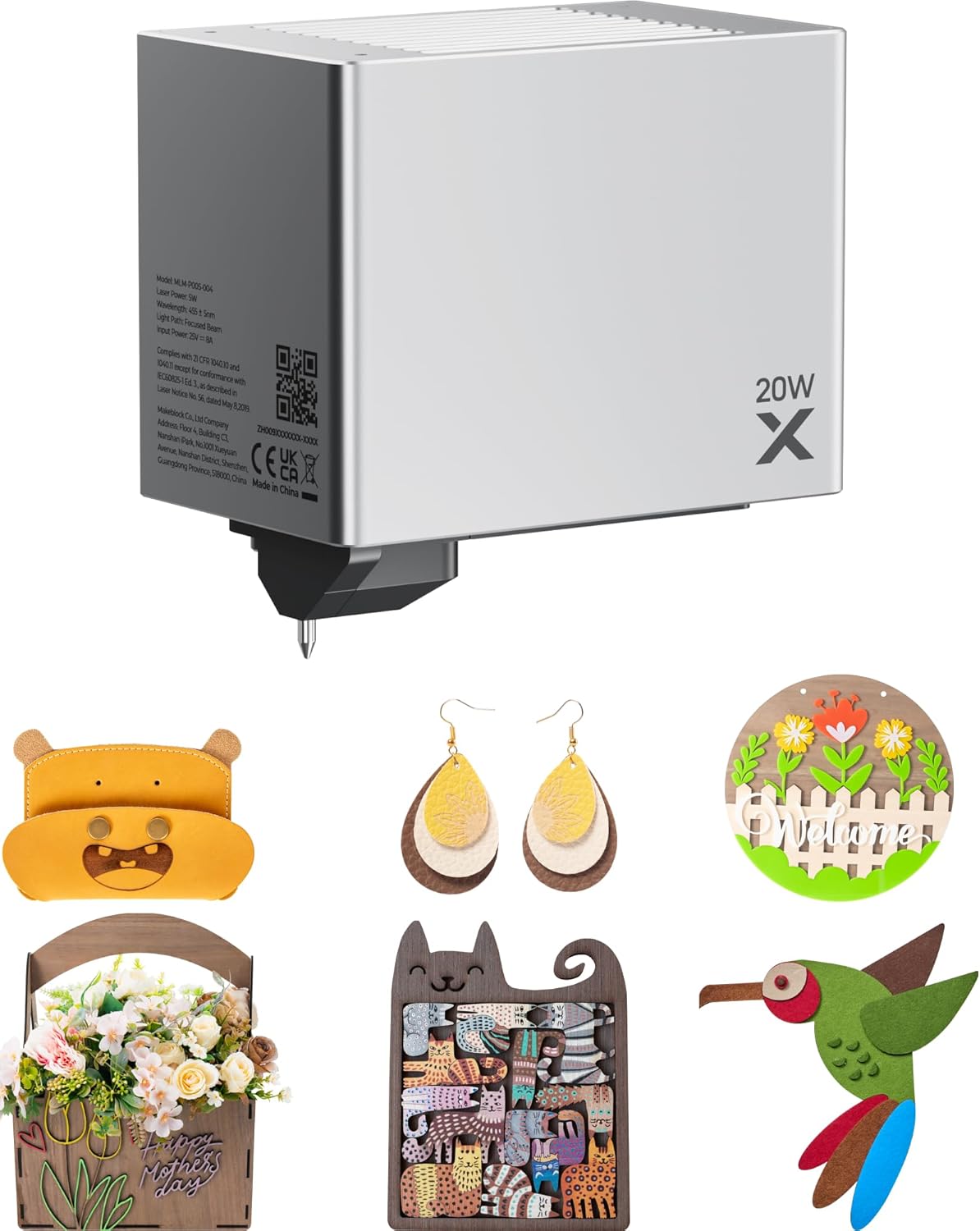
Figure 1: xTool 20W Laser Module and examples of creative projects.
The 20W laser module significantly boosts productivity, allowing for thicker cuts and faster processing times compared to lower-wattage modules. It is ideal for DIY projects, customized gifts, and small business production.
2. సెటప్ మరియు ఇన్స్టాలేషన్
The xTool 20W Laser Module is designed for easy integration with your xTool M1 Ultra Craft Machine. Please follow these general steps for installation:
- మొదటి భద్రత: Ensure the xTool M1 Ultra Craft Machine is powered off and unplugged before beginning installation.
- అన్ప్యాక్: Carefully remove the 20W Laser Module from its packaging.
- Module Attachment: Refer to your xTool M1 Ultra Craft Machine's main instruction manual for specific guidance on detaching the existing module (if any) and securely attaching the 20W Laser Module. This typically involves aligning the module with the carriage and securing it with designated fasteners.
- కేబుల్స్ కనెక్ట్ చేయండి: Connect any necessary data or power cables from the module to the machine as indicated in the M1 Ultra manual.
- పవర్ ఆన్: Once the module is securely installed and all connections are made, you may power on your xTool M1 Ultra Craft Machine.
For detailed, step-by-step installation instructions, always consult the official user manual for your xTool M1 Ultra Craft Machine.
3. Operating the Laser Module
The 20W Laser Module offers enhanced capabilities for cutting and engraving various materials. It operates in conjunction with the xTool Creative Space software.
3.1 Cutting and Engraving Capabilities
This module provides significant power for cutting and engraving:
- కట్టింగ్ మందం: Capable of cutting up to 10mm in wood and 8mm in opaque acrylic in a single pass.
- వేగం: With the M1 Ultra's 400mm/s working speed, the 20W laser head is approximately twice as fast as a 10W laser for comparable tasks.

Figure 2: The 20W Laser Module demonstrating its ability to cut 10mm wood.
3.2 మెటీరియల్ అనుకూలత
The 20W Laser Module is compatible with a broad spectrum of materials for both engraving and cutting:
- చెక్క: Various types of wood, including plywood, basswood, and cherry wood.
- యాక్రిలిక్: Opaque acrylics.
- తోలు: For detailed engraving and cutting.
- గాజు: చెక్కడం కోసం.
- సిరామిక్: చెక్కడం కోసం.
- మెటల్: For engraving, suitable for items like dog tags and business cards.
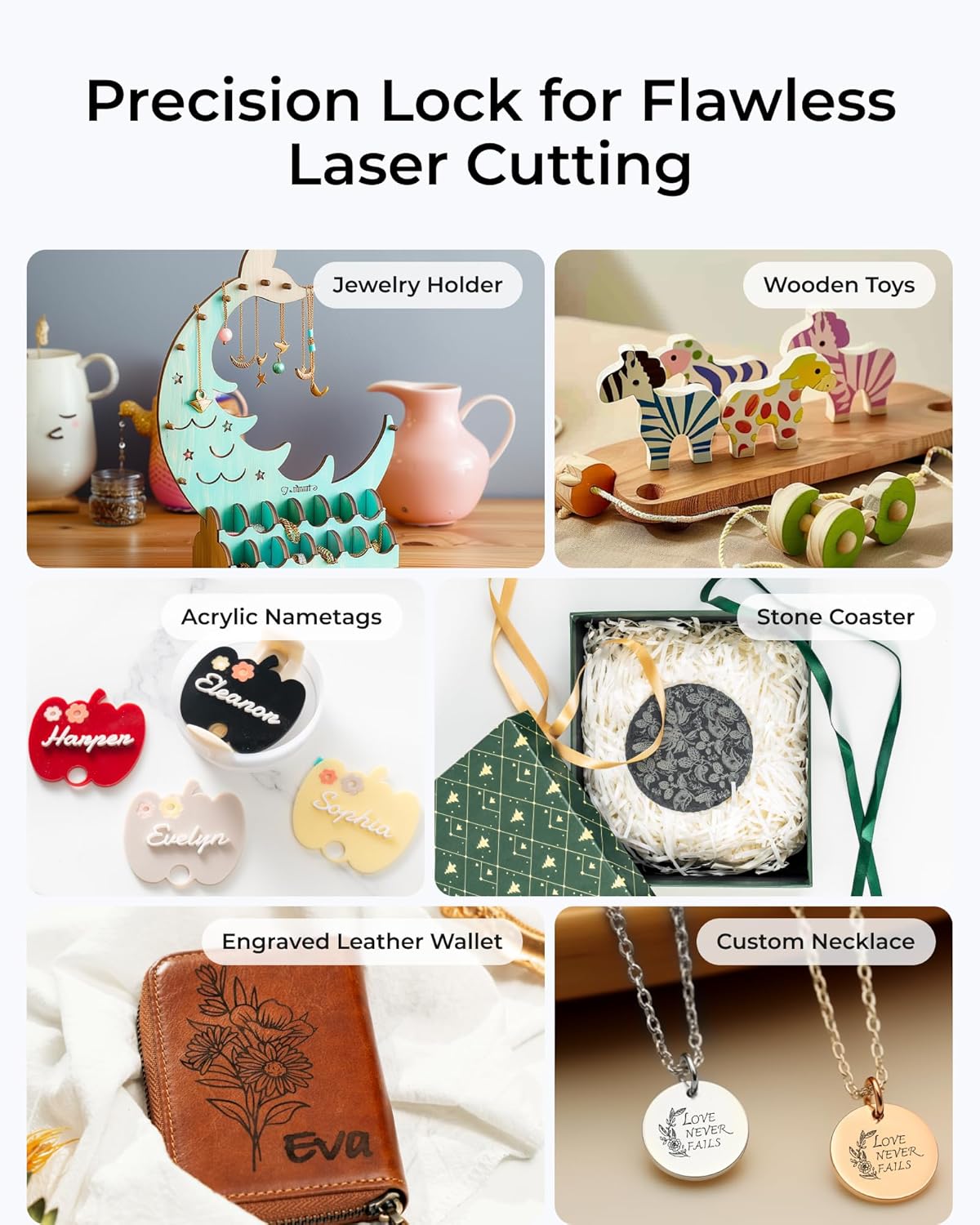
చిత్రం 3: ఉదాamples of diverse projects achievable with the laser module.
3.3 సాఫ్ట్వేర్ ఇంటిగ్రేషన్
Utilize the xTool Creative Space software to design your projects, set parameters for cutting and engraving, and control the laser module. The software also offers AI-generated image features and access to DesignFind for inspiration.
4. నిర్వహణ
Proper maintenance ensures the longevity and optimal performance of your xTool 20W Laser Module. Regular cleaning is crucial.
- లెన్స్ క్లీనింగ్: Periodically inspect and gently clean the laser lens using a lint-free cloth and appropriate lens cleaning solution. Dust and debris can impair laser performance.
- Module Exterior: Keep the exterior of the module clean and free from dust and material residue. Use a soft, dry cloth.
- వెంటిలేషన్: Ensure the ventilation openings on the module are not obstructed to prevent overheating.
- నిల్వ: When not in use, store the module in a clean, dry environment, protected from dust and direct sunlight.
Caution: Never touch the laser lens directly with bare hands. Always power off and unplug the machine before performing any maintenance.
5. ట్రబుల్షూటింగ్
If you encounter issues with your xTool 20W Laser Module, consider the following common troubleshooting steps:
- మాడ్యూల్ గుర్తించబడలేదు:
- Ensure the module is securely attached to the M1 Ultra machine.
- Verify all cables are properly connected.
- Restart the xTool M1 Ultra machine and the xTool Creative Space software.
- పేలవమైన కటింగ్/చెక్కడం నాణ్యత:
- లేజర్ లెన్స్ శుభ్రంగా మరియు చెత్త లేకుండా ఉందో లేదో తనిఖీ చేయండి.
- Ensure the material is properly focused and flat on the workbed.
- Verify that the power and speed settings in the software are appropriate for the material being used.
- Confirm the material is compatible with the 20W laser module.
- లేజర్ కాల్చడం లేదు:
- అన్ని పవర్ కనెక్షన్లను తనిఖీ చేయండి.
- Ensure the safety lid of the M1 Ultra machine is closed (if applicable).
- Confirm that the software is sending the correct commands and that the job has started.
If these steps do not resolve the issue, please refer to the xTool M1 Ultra Craft Machine's comprehensive troubleshooting guide or contact xTool customer support for further assistance.
6. స్పెసిఫికేషన్లు
Key technical specifications for the xTool 20W Laser Module:

Figure 4: Comparison of 20W vs. 10W laser module performance.
| గుణం | విలువ |
|---|---|
| బ్రాండ్ | xటూల్ |
| మోడల్ సంఖ్య | MLM-P020-004 |
| వాల్యూమ్tage | 24 వోల్ట్లు (DC) |
| సిఫార్సు చేసిన ఉపయోగాలు | Cutting, Engraving |
| రంగు | బూడిద రంగు |
| చేర్చబడిన భాగాలు | 20W Laser Module for M1 Ultra |
| అంశం కొలతలు (L x W x H) | 5.71 x 4.45 x 6.61 అంగుళాలు |
| వస్తువు బరువు | 2.07 పౌండ్లు |
| తయారీదారు | మేక్బ్లాక్ కో., లిమిటెడ్. |
| మొదటి తేదీ అందుబాటులో ఉంది | ఆగస్టు 14, 2024 |
7. వారంటీ మరియు మద్దతు
For information regarding the warranty of your xTool 20W Laser Module, please refer to the warranty documentation provided with your xTool M1 Ultra Craft Machine or visit the official xTool website. Warranty terms and conditions are typically provided by the manufacturer, Makeblock Co., Ltd.
If you require technical support, have questions about product operation, or need assistance with troubleshooting beyond what is covered in this manual, please contact xTool customer support. You can usually find contact information on the xTool official webసైట్ లేదా మీరు ఉత్పత్తిని కొనుగోలు చేసిన రిటైలర్ ద్వారా.
For additional resources and community support, consider exploring the xTool Creative Space software's DesignFind feature or online forums dedicated to xTool products.


