1. పరిచయం
Welcome to the BINNUNE Wireless Gaming Headset user manual. This guide provides comprehensive instructions for setting up, operating, and maintaining your new headset. Designed for superior audio performance and comfort, this headset offers versatile connectivity options for an enhanced gaming and communication experience.
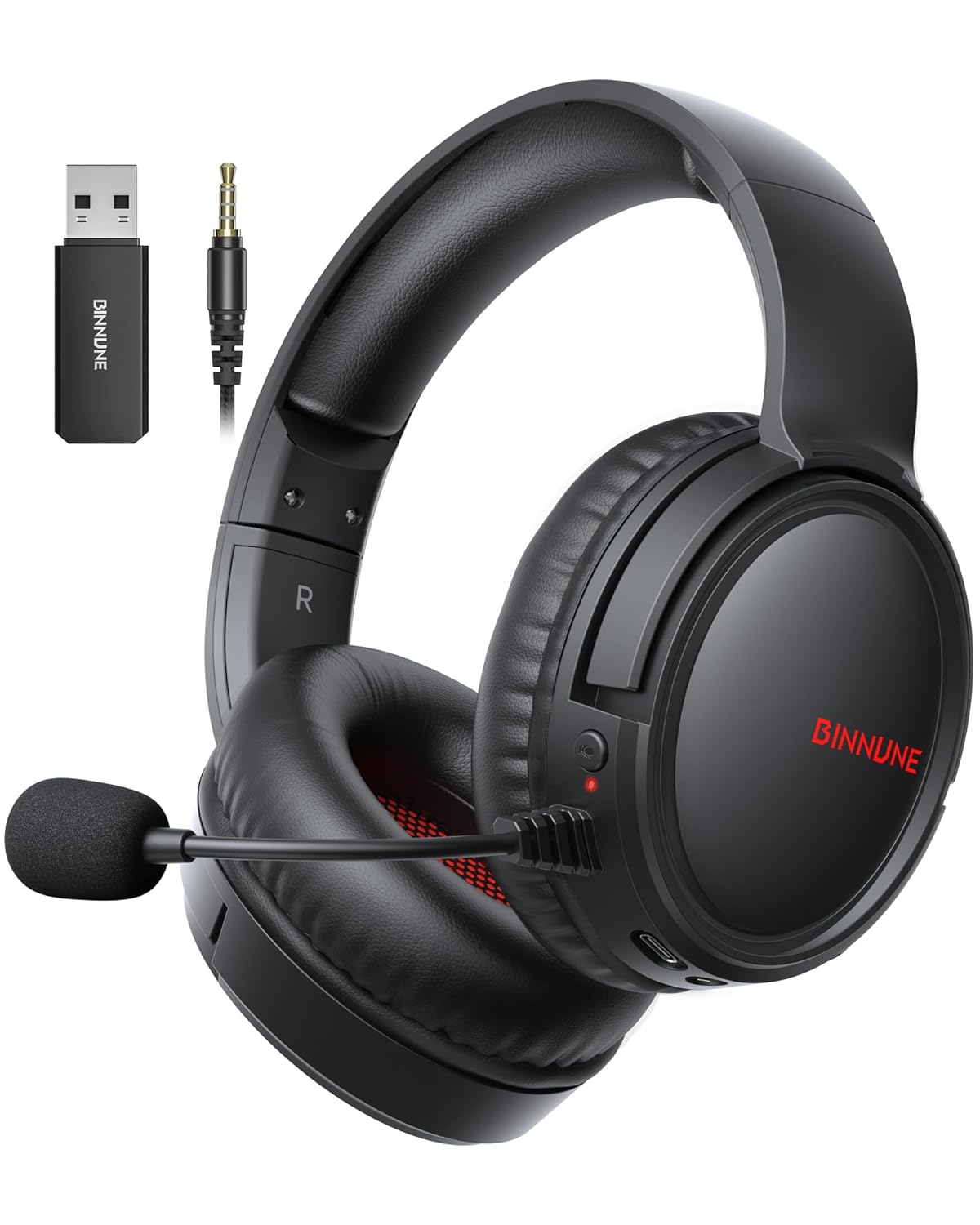
Image: The BINNUNE Wireless Gaming Headset, showcasing its sleek black design, detachable microphone, USB dongle, and 3.5mm audio cable.
2. పెట్టెలో ఏముంది
- BINNUNE Wireless Gaming Headset (Model: BW02-BT)
- 2.4GHz USB డాంగిల్
- 3.5mm ఆడియో కేబుల్
- USB-C ఛార్జింగ్ కేబుల్
- వినియోగదారు మాన్యువల్
3. ఉత్పత్తి ముగిసిందిview
సరైన ఉపయోగం కోసం హెడ్సెట్ యొక్క భాగాలు మరియు నియంత్రణలతో మిమ్మల్ని మీరు పరిచయం చేసుకోండి.

చిత్రం: వివరణాత్మక view highlighting the microphone, USB-C port, 3.5mm audio jack, LED indicator, power button, and volume wheel on the headset.
హెడ్సెట్ నియంత్రణలు:
- పవర్ బటన్: పవర్ ఆన్/ఆఫ్ చేయడానికి నొక్కి పట్టుకోండి.
- వాల్యూమ్ వీల్: ఆడియో వాల్యూమ్ను సర్దుబాటు చేస్తుంది.
- మైక్రోఫోన్ మ్యూట్ బటన్: మైక్రోఫోన్ను ఆన్/ఆఫ్ టోగుల్ చేస్తుంది.
- USB-C పోర్ట్: హెడ్సెట్ను ఛార్జ్ చేయడం కోసం.
- 3.5mm ఆడియో జాక్: వైర్డు కనెక్షన్ కోసం.
- LED సూచిక: Displays power and connection status.
మైక్రోఫోన్:
The headset features a flexible, rotatable microphone with ENC noise-canceling technology for clear communication. Simply flip the microphone down to use and up to store.

Image: A close-up of the headset's microphone, illustrating its noise-canceling capabilities for clear voice calls.
4. సెటప్
ప్రారంభ ఛార్జింగ్:
Before first use, fully charge the headset using the provided USB-C charging cable. Connect the USB-C end to the headset's charging port and the USB-A end to a power source (e.g., computer USB port, USB wall adapter). The LED indicator will show charging status and turn off when fully charged. A full charge takes approximately 6 hours.

Image: The headset connected via USB-C for charging, with an overlay indicating 40 hours of battery life and a 1500mAh battery capacity.
మీ హెడ్సెట్ను కనెక్ట్ చేస్తోంది:
The BINNUNE headset supports three connection modes: 2.4GHz Wireless, Bluetooth, and Wired.

Image: An illustration detailing the compatibility of 2.4G mode (via USB dongle), Bluetooth mode, and Wired mode (3.5mm) with various devices like PS5/4, PC, Mac, Switch, and mobile phones.
2.4GHz Wireless Mode (via USB Dongle):
- Plug the 2.4GHz USB dongle into an available USB port on your PS5, PS4, PC, or Mac.
- Power on the headset. It will automatically connect to the dongle. The LED indicator will show a stable blue light when connected.
- Note: Microphone is supported on PS5/4, PC, Mac. Not compatible with Xbox.
బ్లూటూత్ మోడ్:
- హెడ్సెట్పై శక్తి.
- Press and hold the Bluetooth pairing button (often the power button or a dedicated button, refer to specific product markings if different) until the LED indicator flashes rapidly, indicating pairing mode.
- On your mobile phone, tablet, or iPad, go to Bluetooth settings and select “BINNUNE BW02-BT” from the list of available devices.
- The LED indicator will show a stable blue light once paired.
- Note: Bluetooth mode is not compatible for PS5/4. Microphone is not available when connected to the Nintendo Switch via Bluetooth.
Wired Mode (3.5mm Audio Cable):
- 3.5mm ఆడియో కేబుల్ యొక్క ఒక చివరను హెడ్సెట్ యొక్క 3.5mm ఆడియో జాక్కి కనెక్ట్ చేయండి.
- Connect the other end to the 3.5mm audio port on your PS5, PS4, PC, phone, or other compatible device.
- The headset will function in wired mode without needing to be powered on.
- Note: Microphone functionality may vary or not be supported on some devices in wired mode. Xbox supports wired mode only.
5. ఆపరేటింగ్ సూచనలు
ఆడియో అనుభవం:
The 50mm titanium-coated drivers provide rich, detailed sound. For an immersive experience, activate 7.1 professional mode (if supported by your device/software) to enjoy cinematic 3D stereo surround sound.
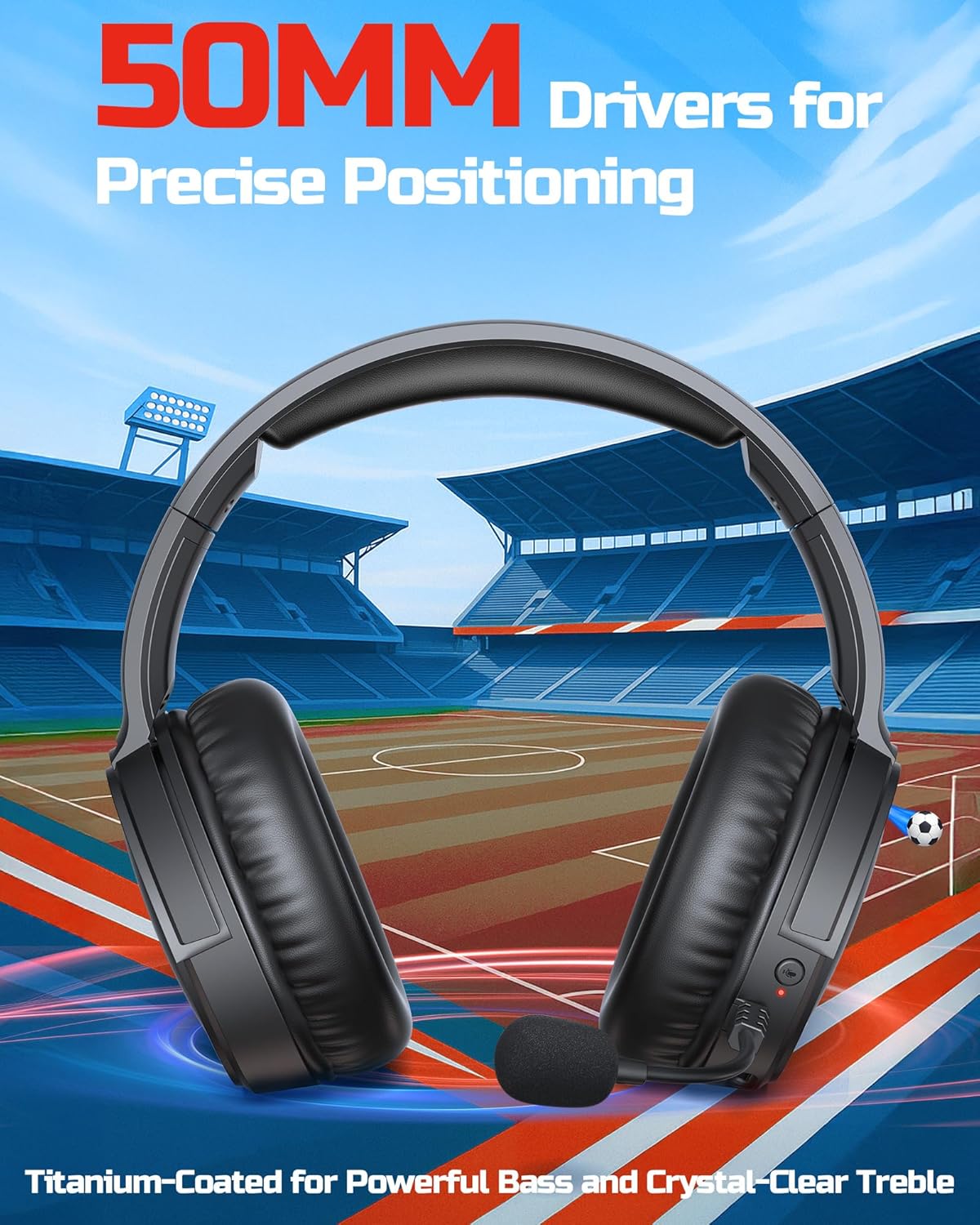
Image: The headset highlighting its 50mm titanium-coated drivers, designed for powerful bass and crystal-clear treble, set against a stadium backdrop.
మైక్రోఫోన్ వినియోగం:
Flip the microphone down to activate it. Use the dedicated mute button on the headset to quickly mute or unmute your voice during gameplay or calls. The dual beamforming microphones with ENC noise-canceling ensure your voice is heard clearly by teammates, minimizing background noise.
వీడియో: ఒక చిన్న ప్రచార వీడియో ప్రదర్శనasing the BINNUNE Gaming Headset #BW02, highlighting its features and design.
Video: An official video demonstrating the Binnune Gaming Headsets for PS4/PS5/PC #BW02, covering its various functionalities and compatibility.
6. అనుకూలత
The BINNUNE Wireless Gaming Headset offers broad compatibility across various gaming platforms and devices:
- 2.4GHz వైర్లెస్ మోడ్: Compatible with PlayStation 5, PlayStation 4, PC, and Mac.
- బ్లూటూత్ మోడ్: Compatible with mobile phones, tablets, iPads, and other smart devices.
- Wired Mode (3.5mm): Compatible with PlayStation 5, PlayStation 4, PC, and mobile phones.
ముఖ్యమైన గమనికలు:
- Not compatible with Xbox in wireless mode; Xbox supports wired mode only.
- Bluetooth mode is not compatible with PS5/4.
- The microphone is not available when connected to the Nintendo Switch (in any mode).
7. స్పెసిఫికేషన్లు
| ఫీచర్ | స్పెసిఫికేషన్ |
|---|---|
| మోడల్ పేరు | BW02 |
| కనెక్టివిటీ టెక్నాలజీ | వైర్లెస్ (2.4GHz, బ్లూటూత్ 5.3) |
| ఆడియో డ్రైవర్ పరిమాణం | 50 మిల్లీమీటర్లు |
| ఫ్రీక్వెన్సీ రెస్పాన్స్ | 20 హెర్ట్జ్ - 20,000 హెర్ట్జ్ |
| సున్నితత్వం | 96 డిబి |
| ఆడియో లాటెన్సీ | 32 Milliseconds (2.4GHz) |
| బ్యాటరీ లైఫ్ | 40 గంటల వరకు |
| ఛార్జింగ్ సమయం | 6 గంటలు |
| హెడ్ఫోన్స్ జాక్ | 3.5 మి.మీ జాక్ |
| నాయిస్ కంట్రోల్ | యాక్టివ్ నాయిస్ క్యాన్సిలేషన్ (మైక్రోఫోన్) |
| మెటీరియల్ | Plastic, Leather (ear cushions) |
| వస్తువు బరువు | 13.4 ఔన్సులు |
| ఉత్పత్తి కొలతలు | 7.87 x 3.94 x 7.48 అంగుళాలు |
8. నిర్వహణ
- శుభ్రపరచడం: హెడ్సెట్ను శుభ్రం చేయడానికి మృదువైన, పొడి వస్త్రాన్ని ఉపయోగించండి. రాపిడి క్లీనర్లను లేదా ద్రావకాలను ఉపయోగించవద్దు.
- నిల్వ: హెడ్సెట్ను ప్రత్యక్ష సూర్యకాంతి మరియు తీవ్రమైన ఉష్ణోగ్రతలకు దూరంగా చల్లని, పొడి ప్రదేశంలో నిల్వ చేయండి.
- బ్యాటరీ సంరక్షణ: బ్యాటరీ జీవితకాలాన్ని పొడిగించడానికి, హెడ్సెట్ను తరచుగా పూర్తిగా డిశ్చార్జ్ చేయకుండా ఉండండి. ఎక్కువసేపు ఉపయోగించకపోయినా, క్రమం తప్పకుండా ఛార్జ్ చేయండి.
- మైక్రోఫోన్ కేర్: Handle the microphone gently. Avoid excessive bending or twisting.
9. ట్రబుల్షూటింగ్
| సమస్య | సాధ్యమైన పరిష్కారం |
|---|---|
| ధ్వని లేదు/తక్కువ వాల్యూమ్ | Check headset volume, device volume, and ensure correct connection mode (2.4GHz, Bluetooth, or wired). Re-pair if using wireless. |
| మైక్రోఫోన్ పని చేయడం లేదు | Ensure microphone is flipped down and not muted. Check device's audio input settings. Verify compatibility for the specific connection mode and device. |
| Headset not connecting | Ensure headset is charged and powered on. For 2.4GHz, ensure dongle is properly inserted. For Bluetooth, ensure headset is in pairing mode and device's Bluetooth is on. Try restarting both headset and device. |
| తక్కువ బ్యాటరీ జీవితం | Ensure headset is fully charged (6 hours). Battery life can vary based on volume level and usage. |
| Sound distortion/static | Move closer to the 2.4GHz dongle or Bluetooth device to reduce interference. Ensure no other strong wireless signals are nearby. |
10. వారంటీ & సపోర్ట్
BINNUNE is committed to providing valuable and qualified products. For any questions, issues, or support needs regarding your headset, please contact BINNUNE customer service. Refer to the contact information provided on the product packaging or the official BINNUNE webఅత్యంత తాజా మద్దతు వివరాల కోసం సైట్.
BINNUNE was established in 2020 with a focus on high-tech products and in-depth research and development. Our team is dedicated to ensuring customer satisfaction.

Image: A representation of the BINNUNE reliable support team, ready to assist with quick answers and fast issue resolution.


