1. పరిచయం
This manual provides essential information for the proper use and maintenance of your JSAUX 8K HDMI 2.1 Cable. Please read these instructions carefully before use to ensure optimal performance and longevity of the product.

Image 1: JSAUX 8K HDMI 2.1 Cables. These cables feature a distinctive gradient connector design and a durable braided exterior.
2. ఉత్పత్తి లక్షణాలు
The JSAUX 8K HDMI 2.1 Cable is designed for high-performance audio and video transmission, supporting the latest HDMI 2.1 specifications. Key features include:
- HDMI 2.1 Standard: Supports up to 48 Gbps bandwidth, backward compatible with HDMI 2.0b/2.0a/2.0/1.4/1.3.
- High Resolution & Refresh Rates: Supports 8K@60Hz, 4K@120Hz, 4K@144Hz, 4K@75Hz, 4K@60Hz, and various 2K/1080p resolutions at high refresh rates.
- అధునాతన ఆడియో లక్షణాలు: Enhanced Audio Return Channel (eARC) for simplified connectivity and support for advanced audio formats.
- గేమింగ్ ఆప్టిమైజేషన్: Features like Variable Refresh Rate (VRR), Quick Frame Transport (QFT), and Auto Low Latency Mode (ALLM) for a smoother gaming experience.
- హై డైనమిక్ రేంజ్ (HDR): Supports HDR 10 and Dolby Vision-Atmos for enhanced contrast and color.
- Content Protection: Compatible with HDCP 2.2 and HDCP 2.3.
- మన్నికైన నిర్మాణం: Features 34 AWG copper wire, 24K gold-plated connectors, triple tin shielding, and a nylon braided jacket for enhanced durability and signal integrity.
- ప్రత్యేక డిజైన్: Gradient red and blue connector shell with transparent PVC material and a flexible, slim cable design.

Image 2: 8K Ultra High Definition. This image illustrates the superior clarity of 8K resolution compared to 4K, enabled by the HDMI 2.1 cable's 48 Gbps bandwidth.
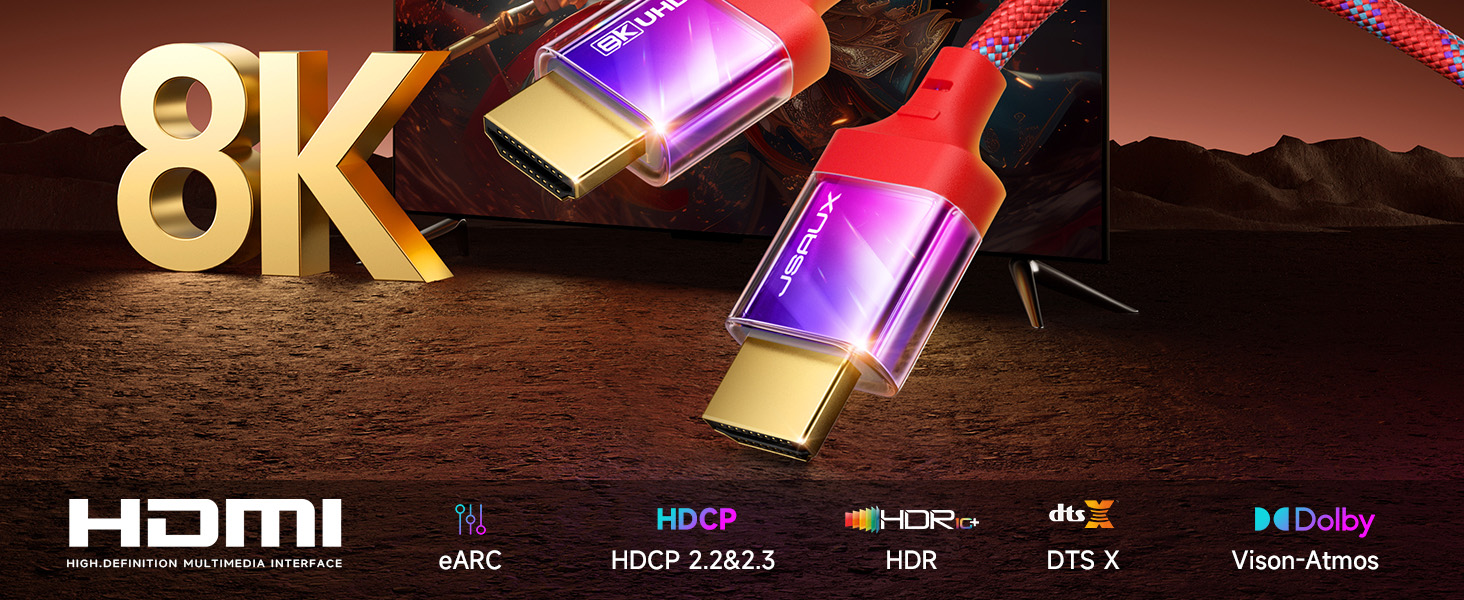
Image 3: Comprehensive HDMI 2.1 Features. This graphic highlights the advanced capabilities of the cable, including eARC for audio, HDCP for content protection, HDR for visual quality, and support for DTS X and Dolby Vision-Atmos audio technologies.
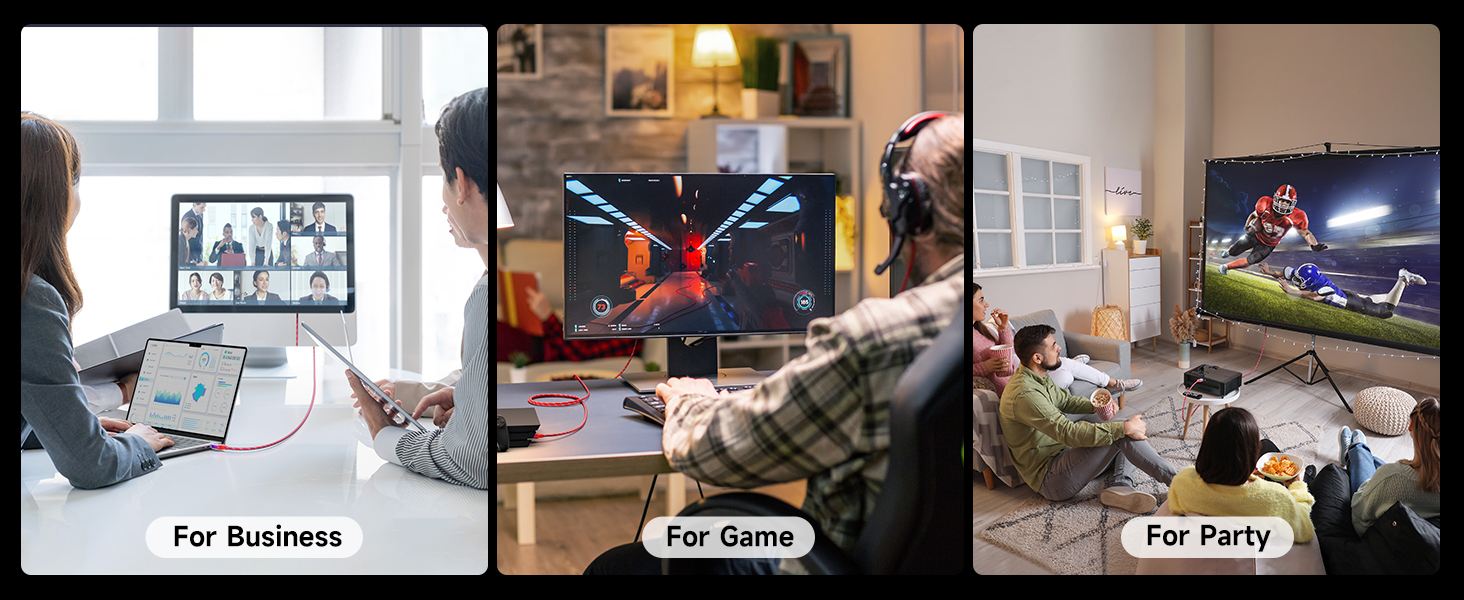
Image 4: Premium Signal Clarity. This image shows the internal active chipset and wire core, designed for optimal signal transmission.
3. సెటప్ సూచనలు
The JSAUX 8K HDMI 2.1 Cable is designed for plug-and-play functionality. Follow these steps to connect your devices:
- పోర్టులను గుర్తించండి: Locate the HDMI output port on your source device (e.g., gaming console, Blu-ray player, PC) and the HDMI input port on your display device (e.g., TV, monitor, projector).
- కేబుల్ కనెక్ట్ చేయండి: Insert one end of the JSAUX HDMI cable firmly into the HDMI output port of your source device.
- డిస్ప్లేకి కనెక్ట్ చేయండి: Insert the other end of the JSAUX HDMI cable firmly into the HDMI input port of your display device.
- పవర్ ఆన్ పరికరాల: మీ సోర్స్ మరియు డిస్ప్లే పరికరాలు రెండూ ఆన్లో ఉన్నాయని నిర్ధారించుకోండి.
- ఇన్పుట్ని ఎంచుకోండి: On your display device, select the correct HDMI input source using your remote control or display menu.
For optimal performance, ensure that both your source and display devices support HDMI 2.1 specifications to fully utilize the cable's capabilities (e.g., 8K@60Hz, 4K@120Hz, VRR, eARC).

Image 5: Wide Compatibility. This image illustrates the broad range of devices compatible with the JSAUX HDMI 2.1 cable, from televisions and monitors to gaming consoles and media players.
4. ఆపరేటింగ్ సూచనలు
Once connected, the JSAUX 8K HDMI 2.1 Cable facilitates high-quality audio and video transmission. Here's how to leverage its features:
4.1. Video Display Modes
- మిర్రర్ మోడ్: Duplicates the content from your source device onto your display. Ideal for presentations or sharing content.
- విస్తరించిన మోడ్: Extends your desktop across multiple displays, allowing for increased workspace. Useful for multitasking.
- గేమ్ మోడ్: Optimized for gaming, reducing input lag and enabling features like VRR and ALLM for a smoother, more responsive experience.
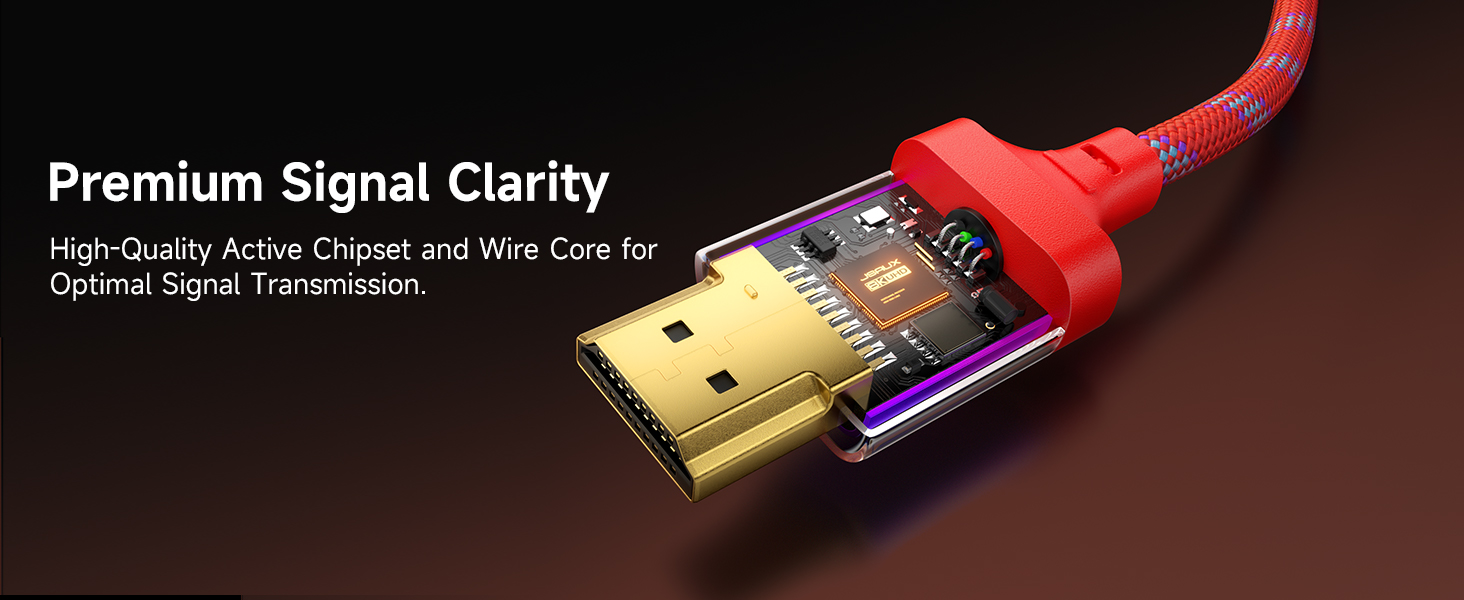
Image 6: Multiple Display Modes. This image demonstrates the cable's versatility in supporting Mirror Mode for duplication, Extended Mode for expanded desktops, and Game Mode for optimized gaming visuals.
4.2. గేమింగ్ అనుభవం
For gamers, the cable supports advanced features that enhance gameplay:
- వేరియబుల్ రిఫ్రెష్ రేట్ (VRR): Synchronizes the display's refresh rate with the game's frame rate, eliminating screen tearing and stuttering.
- స్వీయ తక్కువ జాప్యం మోడ్ (ALLM): Automatically switches your display to a low-latency mode when gaming, reducing input lag.
- Quick Frame Transport (QFT): Reduces display latency for smoother gaming and real-time interactive virtual reality.

Image 7: Immersive Gaming. This image depicts a user enjoying a racing game, highlighting the cable's ability to deliver a smooth and responsive gaming experience with features like ALLM, VRR, QMS, and QFT.
4.3. మెరుగైన ఆడియో రిటర్న్ ఛానల్ (eARC)
eARC simplifies connectivity and optimizes audio between your TV and sound system. Connect the HDMI cable to the eARC-enabled HDMI port on your TV and your eARC-enabled soundbar or AV receiver to enjoy high-bitrate audio formats like Dolby Atmos and DTS:X.

Image 8: eARC for Immersive Audio. This image demonstrates how eARC provides an immersive audio experience by connecting a TV to external speakers and a soundbar.
4.4. Diverse Applications
The JSAUX 8K HDMI 2.1 cable is suitable for various environments and uses:
- హోమ్ ఎంటర్టైన్మెంట్: Connect to UHD TVs, Blu-ray players, and streaming devices for movies and shows.
- గేమింగ్: Ideal for connecting gaming consoles (PS5, Xbox Series X) to high-refresh-rate monitors or TVs.
- Office and Meetings: Extend or mirror displays for presentations, multi-monitor setups, and video conferencing.
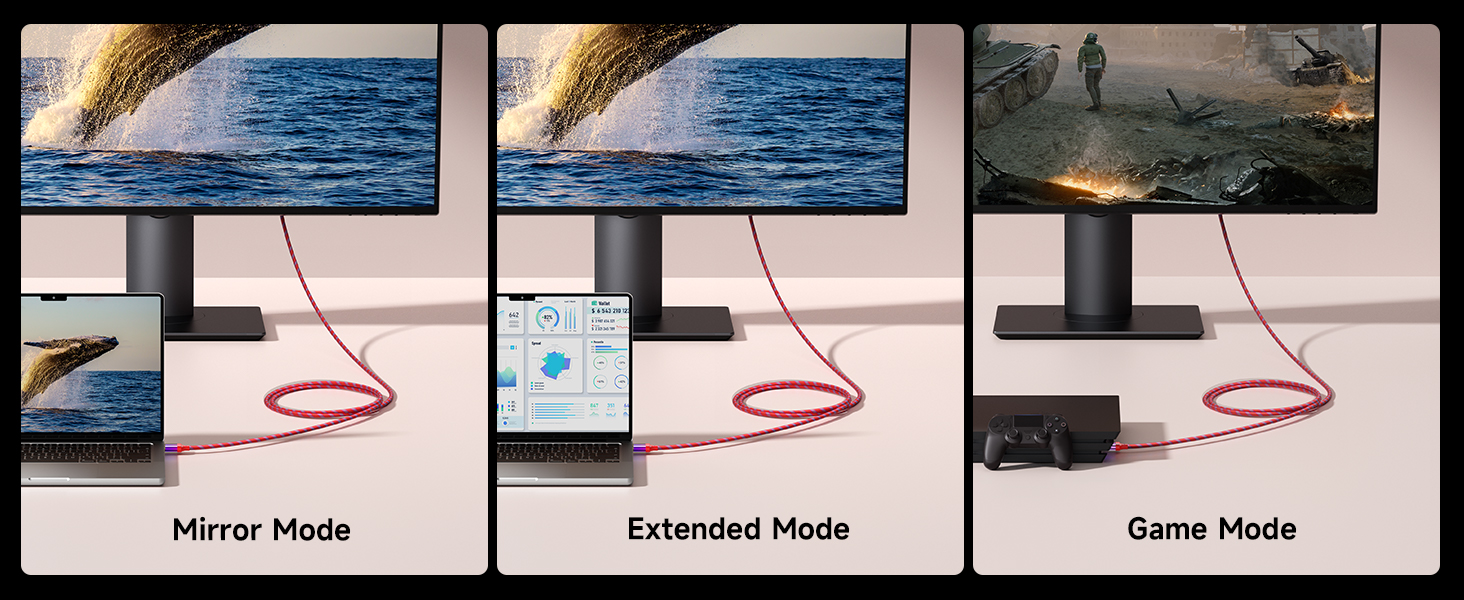
Image 9: Diverse Usage Scenarios. This image illustrates the cable's utility in various settings: business, gaming, and social gatherings.

Image 10: Boost Your Productivity. This image shows a laptop connected to an external monitor via the HDMI cable, demonstrating its use for extending a display for increased productivity.
5. నిర్వహణ మరియు సంరక్షణ
To ensure the longevity and optimal performance of your JSAUX 8K HDMI 2.1 Cable, follow these maintenance guidelines:
- జాగ్రత్తగా నిర్వహించండి: ముఖ్యంగా కనెక్టర్ల దగ్గర కేబుల్ను ఎక్కువగా వంగడం, తిప్పడం లేదా లాగడం మానుకోండి.
- క్లీన్ కనెక్టర్లు: If necessary, gently clean the gold-plated connectors with a dry, lint-free cloth to remove dust or debris. Do not use liquid cleaners.
- నిల్వ: When not in use, store the cable in a cool, dry place, ideally coiled loosely to prevent kinks.
- విపరీతమైన పరిస్థితులను నివారించండి: కేబుల్ను తీవ్రమైన ఉష్ణోగ్రతలు, ప్రత్యక్ష సూర్యకాంతి లేదా తేమకు గురిచేయవద్దు.

Image 11: Flexible and Durable Design. This image showcases the cable's construction, emphasizing its slim profile, transparent PVC connector shell, and robust nylon braided jacket, all contributing to its durability and flexibility.
6. ట్రబుల్షూటింగ్
If you encounter issues with your JSAUX 8K HDMI 2.1 Cable, refer to the following common problems and solutions:
| సమస్య | సాధ్యమైన కారణం | పరిష్కారం |
|---|---|---|
| No video or audio signal | Loose connection, incorrect input selected, device power off. |
|
| Flickering screen or intermittent signal | Cable integrity issue, resolution mismatch, signal interference. |
|
| Poor image quality (e.g., blurry, pixelated) | Resolution mismatch, source content quality, display settings. |
|
| No audio or distorted audio | Audio settings, eARC configuration, device compatibility. |
|
| Gaming lag or screen tearing | VRR/ALLM not enabled, incompatible display/source. |
|
7. సాంకేతిక లక్షణాలు
| ఫీచర్ | వివరాలు |
|---|---|
| బ్రాండ్ | JSAUX |
| మోడల్ సంఖ్య | CV0078 |
| HDMI వెర్షన్ | 2.1 (Backward compatible with 2.0b/2.0a/2.0/1.4/1.3) |
| బ్యాండ్విడ్త్ | 48 Gbps |
| మద్దతు ఉన్న రిజల్యూషన్లు | 8K@60Hz, 4K@120Hz, 4K@144Hz, 4K@75Hz, 4K@60Hz, 5K@60Hz, 5K@30Hz, 1440p@240Hz, 1440p@144Hz, 1080p@240Hz, etc. |
| ఆడియో ఫీచర్లు | eARC, Dolby Vision-Atmos, DTS:X |
| గేమింగ్ ఫీచర్లు | VRR, QFT, ALLM |
| కంటెంట్ రక్షణ | HDCP 2.2 & 2.3 |
| కేబుల్ మెటీరియల్ | 34 AWG Copper Wire, 24K Gold-Plated Connectors, Triple Tin Shielding, Nylon Braided Jacket, Transparent PVC Shell |
| కేబుల్ పొడవు | 1 మీటర్ |
| అంశాల సంఖ్య | 2 (2-ప్యాక్) |
| వస్తువు బరువు | 110 గ్రా |
8. వారంటీ సమాచారం
JSAUX products are manufactured to high-quality standards. For specific warranty terms and conditions, please refer to the warranty card included with your purchase or visit the official JSAUX webసైట్. వారంటీ కవరేజ్ సాధారణంగా సాధారణ ఉపయోగంలో పదార్థాలు మరియు పనితనంలో లోపాలను కలిగి ఉంటుంది.
ఏవైనా వారంటీ క్లెయిమ్ల కోసం దయచేసి మీ కొనుగోలు రుజువును ఉంచుకోండి.
9. కస్టమర్ మద్దతు
If you have any questions, require technical assistance, or experience issues not covered in this manual, please contact JSAUX customer support through one of the following channels:
- అధికారిక Webసైట్: Visit the JSAUX official webతరచుగా అడిగే ప్రశ్నలు, మద్దతు వనరులు మరియు సంప్రదింపు ఫారమ్ల కోసం సైట్.
- ఇమెయిల్ మద్దతు: మీ ఉత్పత్తి ప్యాకేజింగ్ లేదా అధికారిక webకస్టమర్ సర్వీస్ ఇమెయిల్ చిరునామా కోసం సైట్.
- రిటైలర్ మద్దతు: If purchased from a retailer, you may also contact their customer service for assistance.
When contacting support, please provide your product model number (CV0078) and a detailed description of the issue.


