పరిచయం
Welcome to the user manual for your Itel Buds Ace ANC Wireless Earbuds. These earbuds are designed to provide a superior audio experience with advanced features such as Active Noise Cancellation, long battery life, and clear call quality. Please read this manual carefully to ensure proper use and maintenance of your device.
పెట్టెలో ఏముంది
Upon unboxing your Itel Buds Ace ANC, you should find the following items:
- Itel Buds Ace ANC Wireless Earbuds (Left and Right)
- ఛార్జింగ్ కేసు
- USB టైప్-సి ఛార్జింగ్ కేబుల్
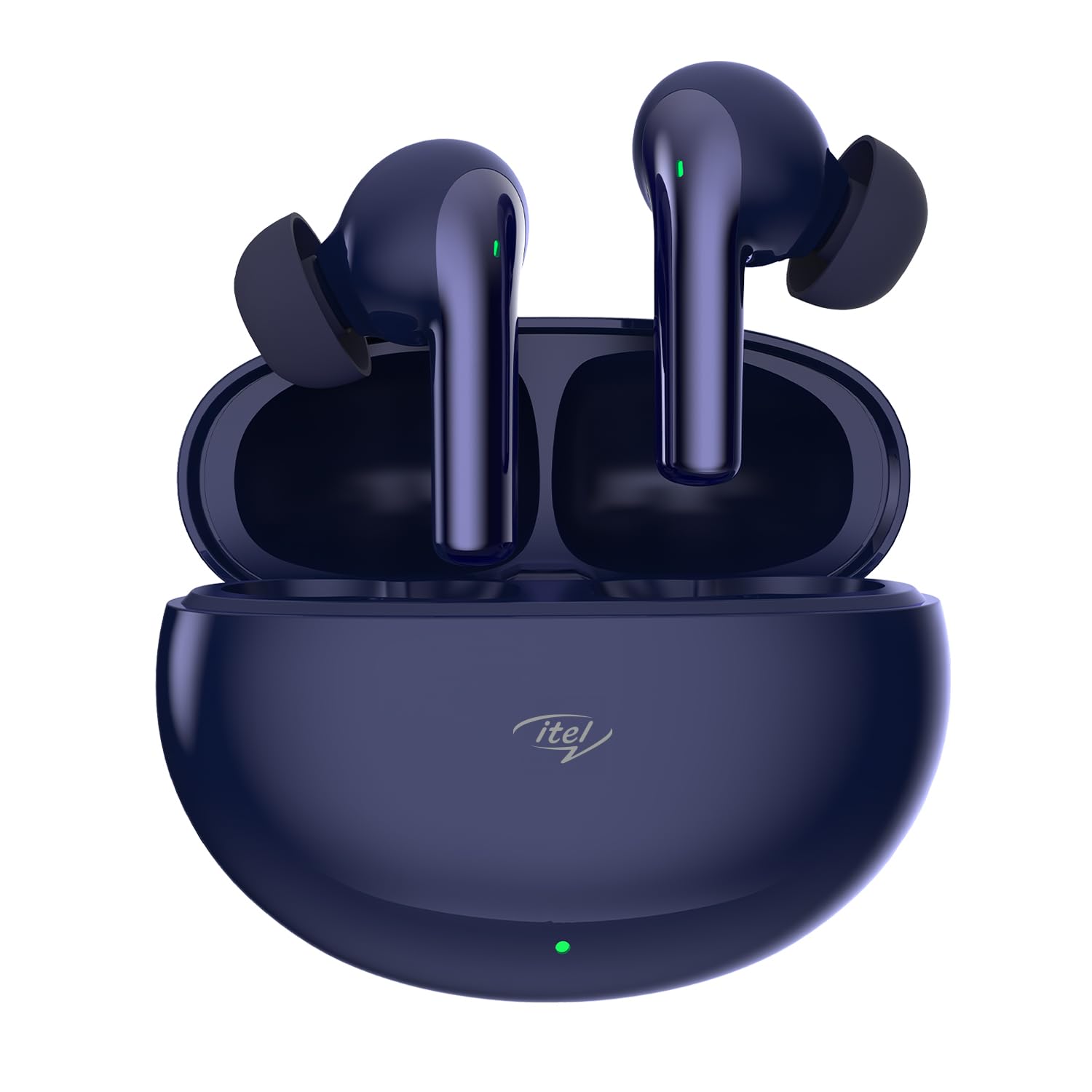
Image: The Itel Buds Ace ANC earbuds nestled in their Midnight Blue charging case.
సెటప్ మరియు మొదటి ఉపయోగం
1. ఇయర్బడ్లు మరియు కేస్ను ఛార్జ్ చేయడం
Before first use, ensure both the earbuds and the charging case are fully charged. Place the earbuds into the charging case. Connect the provided USB Type-C cable to the charging port on the case and the other end to a compatible USB power source.
- The charging case has a 500 Milliamp గంటల బ్యాటరీ సామర్థ్యం.
- A full charge for the case takes approximately 2 Hours.
- A quick 10-minute charge provides up to 180 minutes of playback.
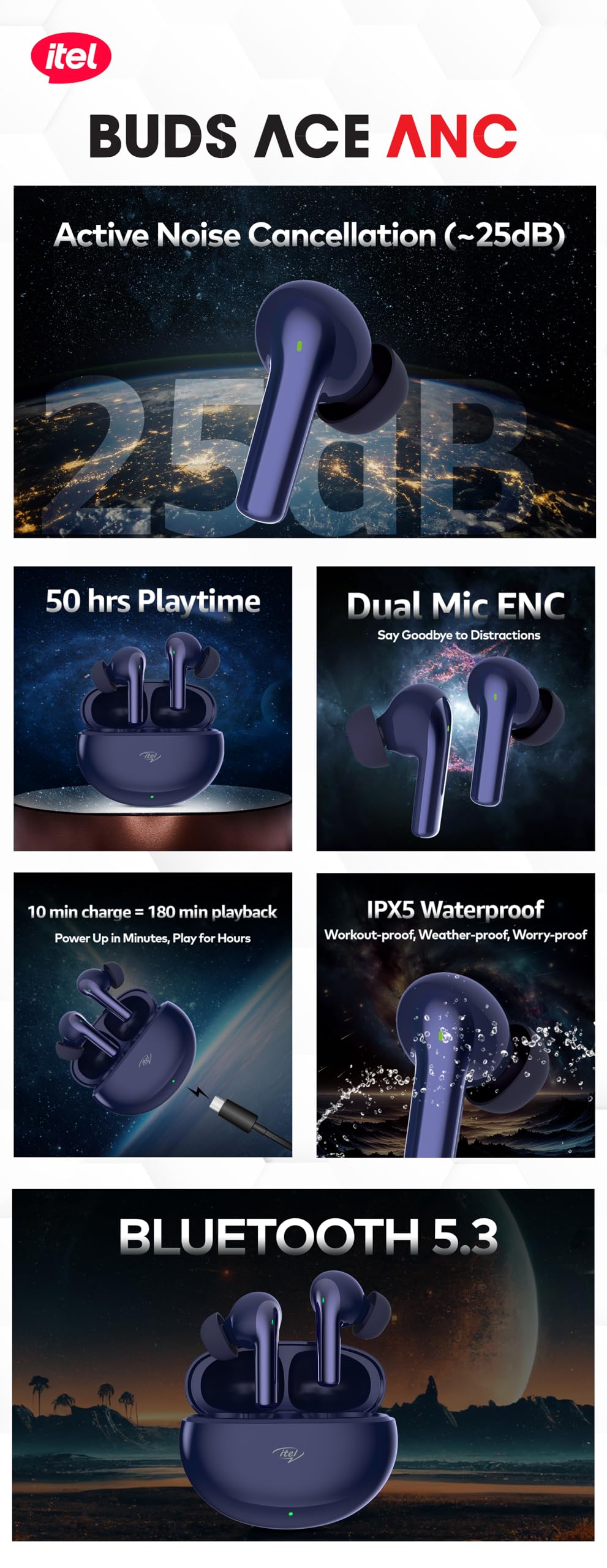
Image: The charging case connected via a USB Type-C cable, illustrating the quick charge feature.
2. బ్లూటూత్ పెయిరింగ్
To pair your Itel Buds Ace ANC with your device:
- ఇయర్బడ్లు ఛార్జింగ్ కేసులో ఉన్నాయని మరియు కేస్ మూత తెరిచి ఉందని నిర్ధారించుకోండి.
- మీ స్మార్ట్ఫోన్ లేదా ఇతర బ్లూటూత్-ప్రారంభించబడిన పరికరంలో, బ్లూటూత్ సెట్టింగ్లకు వెళ్లండి.
- కోసం వెతకండి available devices and select "Itel Buds Ace ANC" from the list.
- ఎంచుకున్న తర్వాత, ఇయర్బడ్లు స్వయంచాలకంగా కనెక్ట్ అవుతాయి. విజయవంతమైన జతను వాయిస్ ప్రాంప్ట్ నిర్ధారిస్తుంది.
The earbuds feature Bluetooth 5.3 for a fast and stable connection with a range of up to 10 Metres.
ఆపరేటింగ్ సూచనలు
యాక్టివ్ నాయిస్ క్యాన్సిలేషన్ (ANC)
The Itel Buds Ace ANC features up to 25 dB Active Noise Cancellation, allowing you to immerse yourself in your audio by blocking out ambient noise. This feature is ideal for commuting, working, or simply enjoying your music without distractions.

Image: An earbud illustrating the 25dB Active Noise Cancellation capability, tuning out chaos.
కాల్స్ కోసం పర్యావరణ శబ్ద రద్దు (ENC).
Equipped with 2-Mic ENC technology, these earbuds ensure crystal-clear call quality. Your voice will be heard clearly even in noisy environments, minimizing background distractions during phone conversations.

Image: Two earbuds highlighting the Dual Mic ENC feature for clear voice calls.
టచ్ కంట్రోల్స్
The Itel Buds Ace ANC features intuitive touch controls for easy management of your audio and calls. Specific gestures for playback, call management, and ANC mode switching are typically detailed in a quick start guide or can be found through experimentation. Common controls include:
- ప్లే/పాజ్: ఇయర్బడ్పై ఒక్కసారి నొక్కండి.
- తదుపరి ట్రాక్: కుడి ఇయర్బడ్పై రెండుసార్లు నొక్కండి.
- మునుపటి ట్రాక్: ఎడమ ఇయర్బడ్పై రెండుసార్లు నొక్కండి.
- సమాధానం/ముగింపు కాల్: ఇయర్బడ్పై ఒక్కసారి నొక్కండి.
- కాల్ని తిరస్కరించండి: ఏ ఇయర్బడ్పైనైనా ఎక్కువసేపు నొక్కండి.
- వాయిస్ అసిస్టెంట్ను సక్రియం చేయండి: Triple tap on either earbud (supports Google Assistant).
- ANC/పారదర్శకత మోడ్ స్విచ్: Long press on either earbud (duration may vary).
బ్యాటరీ లైఫ్
Enjoy extended listening sessions with an impressive total playtime of up to 50 Hours with the charging case. The earbuds themselves provide several hours of playback on a single charge, complemented by the case's multiple recharges.

Image: The earbuds and case illustrating the 50 hours of total playtime.
స్పెసిఫికేషన్లు
| ఫీచర్ | వివరాలు |
|---|---|
| మోడల్ పేరు | Buds Ace ANC |
| నాయిస్ కంట్రోల్ | యాక్టివ్ నాయిస్ క్యాన్సిలేషన్ (25dB వరకు) |
| డ్రైవర్లు | 10mm డైనమిక్ డ్రైవర్లు |
| మైక్రోఫోన్ | 2-Mic Environmental Noise Cancellation (ENC) |
| కనెక్టివిటీ | బ్లూటూత్ 5.3 |
| వైర్లెస్ రేంజ్ | 10 మీటర్లు |
| మొత్తం ప్లేటైమ్ | 50 గంటల వరకు (ఛార్జింగ్ కేసుతో) |
| ఫాస్ట్ ఛార్జింగ్ | 10 min charge = 180 min playback |
| నీటి నిరోధకత | IPX5 వాటర్ రెసిస్టెంట్ |
| నియంత్రణ రకం | Touch, Google Assistant Voice Control |
| మెటీరియల్ | పాలికార్బోనేట్ (PC) |
| బరువు | 45 గ్రాములు (మొత్తం) |
| ఆడియో లాటెన్సీ | 45 మిల్లీసెకన్లు |
సంరక్షణ మరియు నిర్వహణ
To ensure the longevity and optimal performance of your Itel Buds Ace ANC earbuds, follow these care guidelines:
- శుభ్రపరచడం: ఇయర్బడ్లు మరియు ఛార్జింగ్ కేసును మృదువైన, పొడి, మెత్తటి బట్టతో క్రమం తప్పకుండా శుభ్రం చేయండి. రాపిడి పదార్థాలు లేదా కఠినమైన రసాయనాలను ఉపయోగించకుండా ఉండండి.
- నీటి నిరోధకత: The earbuds are IPX5 water resistant, meaning they can withstand splashes and sweat. They are not designed for submersion in water. Do not expose them to running water or wear them while swimming. Ensure they are dry before placing them back in the charging case.
- నిల్వ: ఉపయోగంలో లేనప్పుడు, దుమ్ము మరియు నష్టం నుండి రక్షించడానికి ఇయర్బడ్లను వాటి ఛార్జింగ్ కేసులో నిల్వ చేయండి. తీవ్రమైన ఉష్ణోగ్రతలకు దూరంగా చల్లని, పొడి ప్రదేశంలో నిల్వ చేయండి.
- ఛార్జింగ్: Use only the provided USB Type-C cable for charging. Avoid using damaged cables or chargers.

Image: An earbud with water droplets, signifying its IPX5 waterproof rating.
ట్రబుల్షూటింగ్
If you encounter any issues with your Itel Buds Ace ANC, please refer to the following common troubleshooting steps:
| సమస్య | సాధ్యమైన పరిష్కారం |
|---|---|
| ఇయర్బడ్లు జత చేయడం లేదు |
|
| ఒక ఇయర్బడ్ నుండి శబ్దం లేదు |
|
| ఛార్జింగ్ సమస్యలు |
|
| ANC సమర్థవంతంగా పనిచేయడం లేదు. |
|
ఉత్పత్తి ముగిసిందిview వీడియో
For a visual guide on the features and usage of your Itel Buds Ace ANC, please watch the official overview క్రింద వీడియో.
వీడియో: ఒక అధికారిview of the Itel Buds Ace ANC, detailing its key features and benefits.
వారంటీ మరియు మద్దతు
Itel products are designed and manufactured to the highest quality standards. For information regarding warranty coverage, technical support, or service inquiries, please refer to the warranty card included with your product or visit the official Itel support website. You may also contact the seller for assistance.
మరిన్ని వివరాలకు, మీరు సందర్శించవచ్చు Itel Store on Amazon.


