పరిచయం
The Portronics Harmonics Twins S19 are truly wireless in-ear earbuds designed for a high-quality audio experience. They feature Bluetooth 5.3 for stable connectivity, intuitive touch controls, and Type C fast charging. This manual provides detailed instructions for setting up, operating, and maintaining your earbuds.
పెట్టెలో ఏముంది
- 2N Earbuds
- 1N Documentation (User Manual)
- 1N Charging Cable (Type C)
ఉత్పత్తి ముగిసిందిview
The Harmonics Twins S19 earbuds are designed for comfort and a secure fit, featuring a unique earbud design. The charging case is compact and lightweight, providing extended battery life.
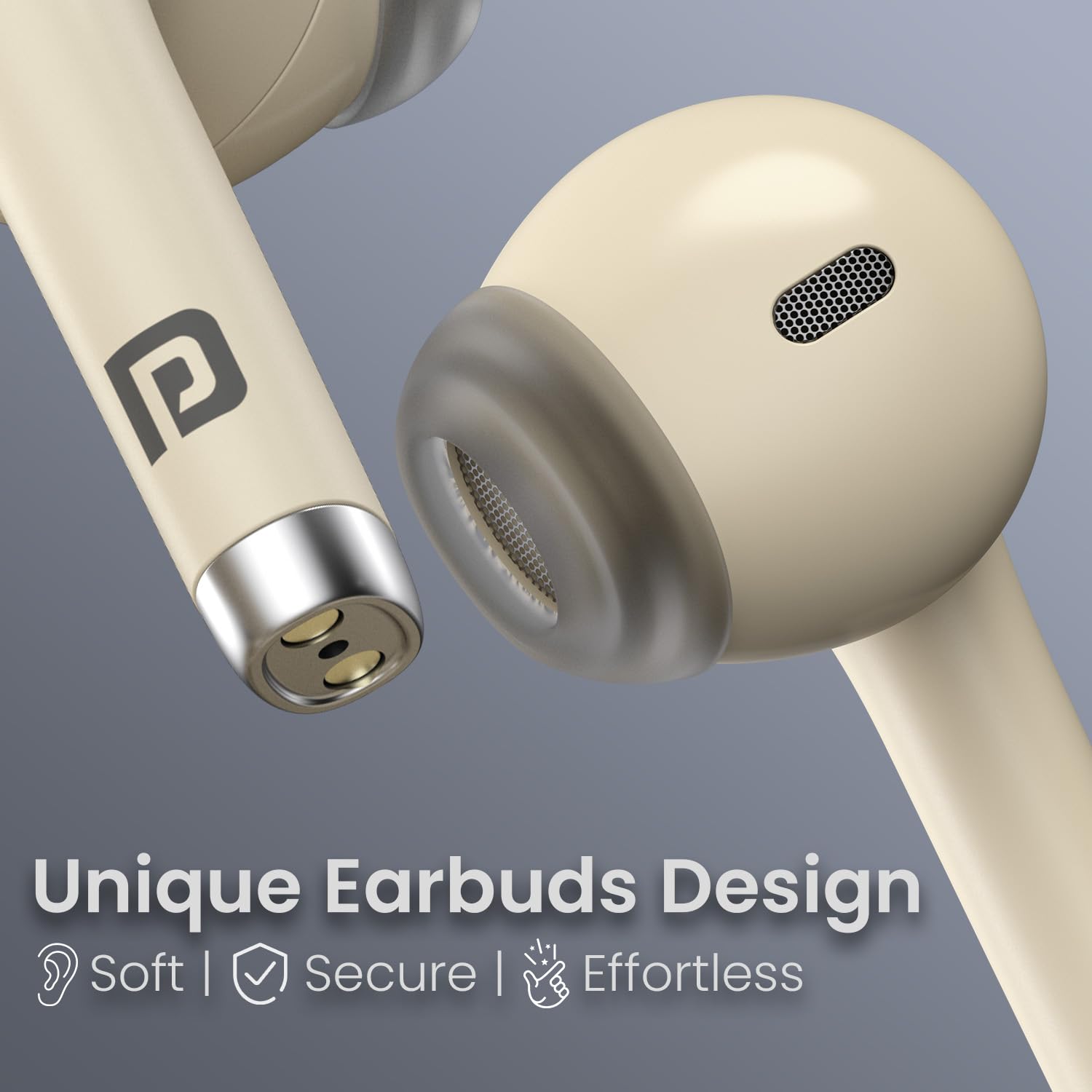
Image: Close-up of the Portronics Harmonics Twins S19 earbuds, highlighting their unique, soft, secure, and effortless design.
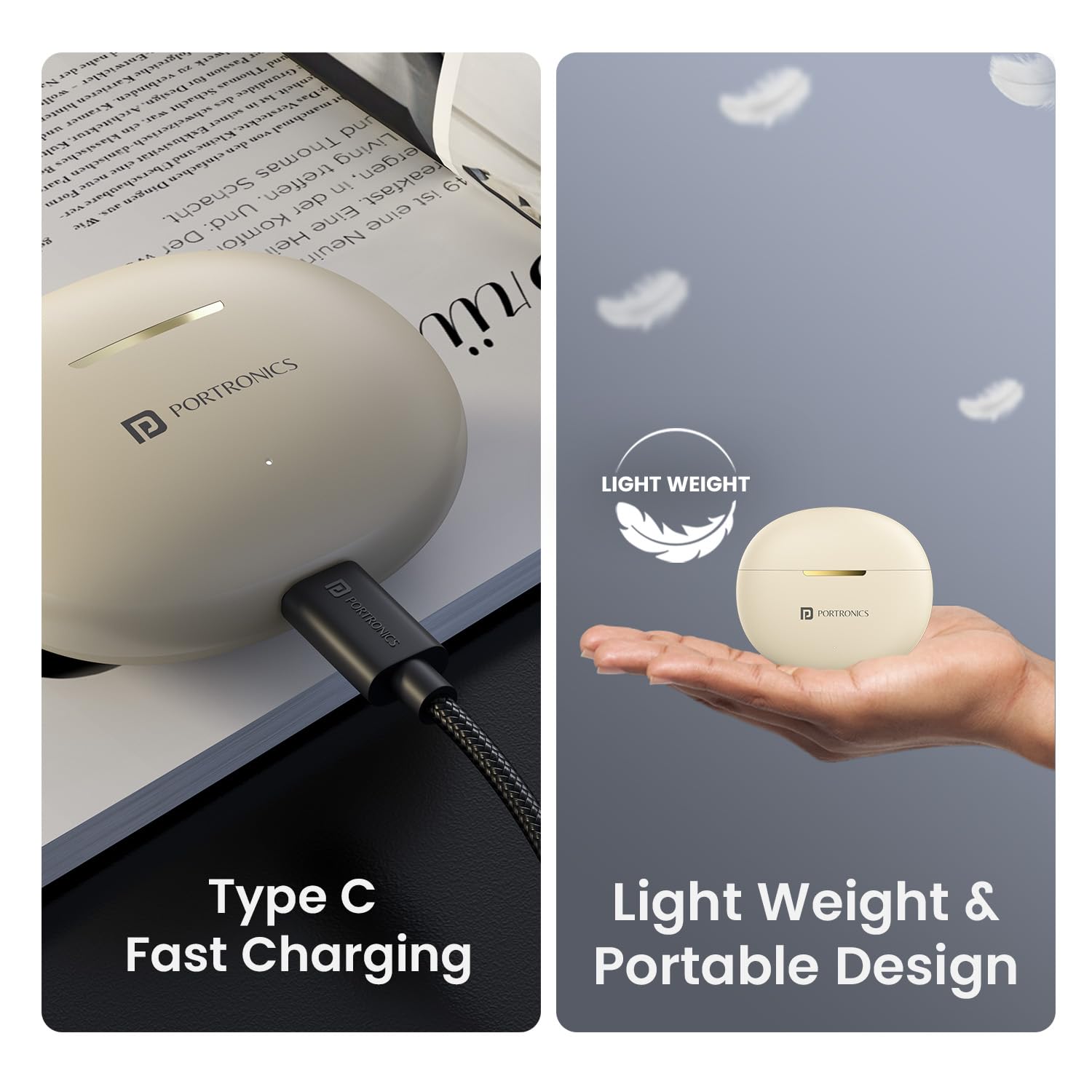
Image: The Portronics Harmonics Twins S19 earbuds and charging case, illustrating the lightweight and portable design, alongside the Type C fast charging port.
సెటప్
1. ఇయర్బడ్లు మరియు కేస్ను ఛార్జ్ చేయడం
మొదటిసారి ఉపయోగించే ముందు, ఇయర్బడ్లు మరియు ఛార్జింగ్ కేసును పూర్తిగా ఛార్జ్ చేయండి.
- Connect the provided Type C charging cable to the charging port on the case.
- Connect the other end of the cable to a USB power adapter (not included).
- కేస్లోని ఇండికేటర్ లైట్ ఛార్జింగ్ స్థితిని చూపుతుంది. పూర్తిగా ఛార్జ్ అయిన తర్వాత, లైట్ మారుతుంది లేదా ఆపివేయబడుతుంది.
- Place the earbuds into the charging case to charge them. The earbuds will charge automatically when placed correctly in the case.
The earbuds and case offer up to 30 hours of playtime on a single charge, with fast charging capabilities.
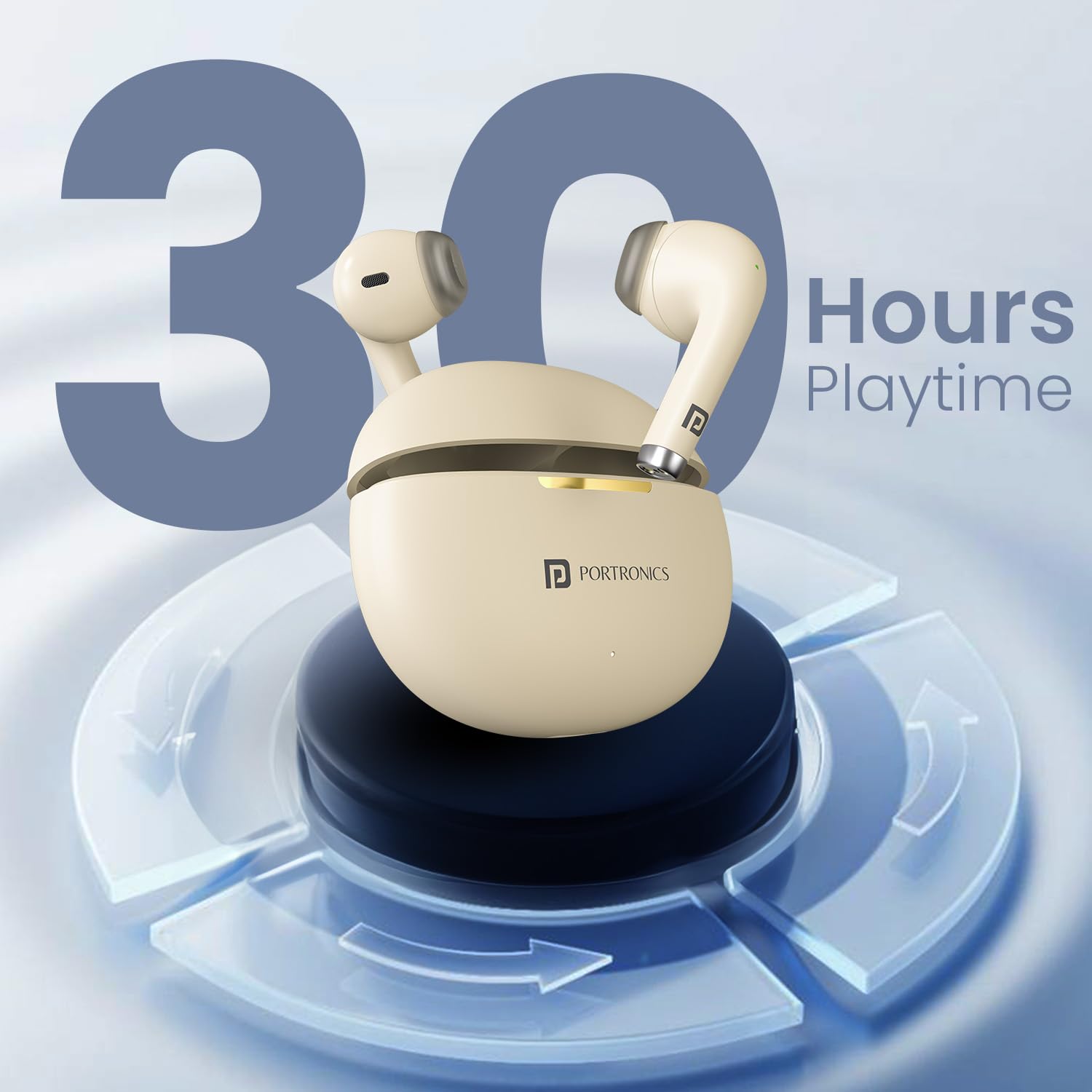
Image: The Portronics Harmonics Twins S19 earbuds in their charging case, illustrating the 30 hours of playtime capacity.
2. పరికరంతో జత చేయడం
The Harmonics Twins S19 use Bluetooth 5.3 for stable and low-latency connectivity.
- ఛార్జింగ్ కేస్ను తెరవండి. ఇయర్బడ్లు ఆటోమేటిక్గా జత చేసే మోడ్లోకి ప్రవేశిస్తాయి.
- మీ పరికరంలో (స్మార్ట్ఫోన్, టాబ్లెట్, ల్యాప్టాప్), బ్లూటూత్ సెట్టింగ్లకు వెళ్లి బ్లూటూత్ను ఆన్ చేయండి.
- కోసం వెతకండి అందుబాటులో ఉన్న పరికరాలు మరియు ఎంచుకోండి "Portronics Harmonics Twins S19" జాబితా నుండి.
- కనెక్ట్ చేసిన తర్వాత, మీరు నిర్ధారణ టోన్ వింటారు మరియు ఇయర్బడ్లు ఉపయోగం కోసం సిద్ధంగా ఉంటాయి.
The earbuds offer instant connectivity once paired.
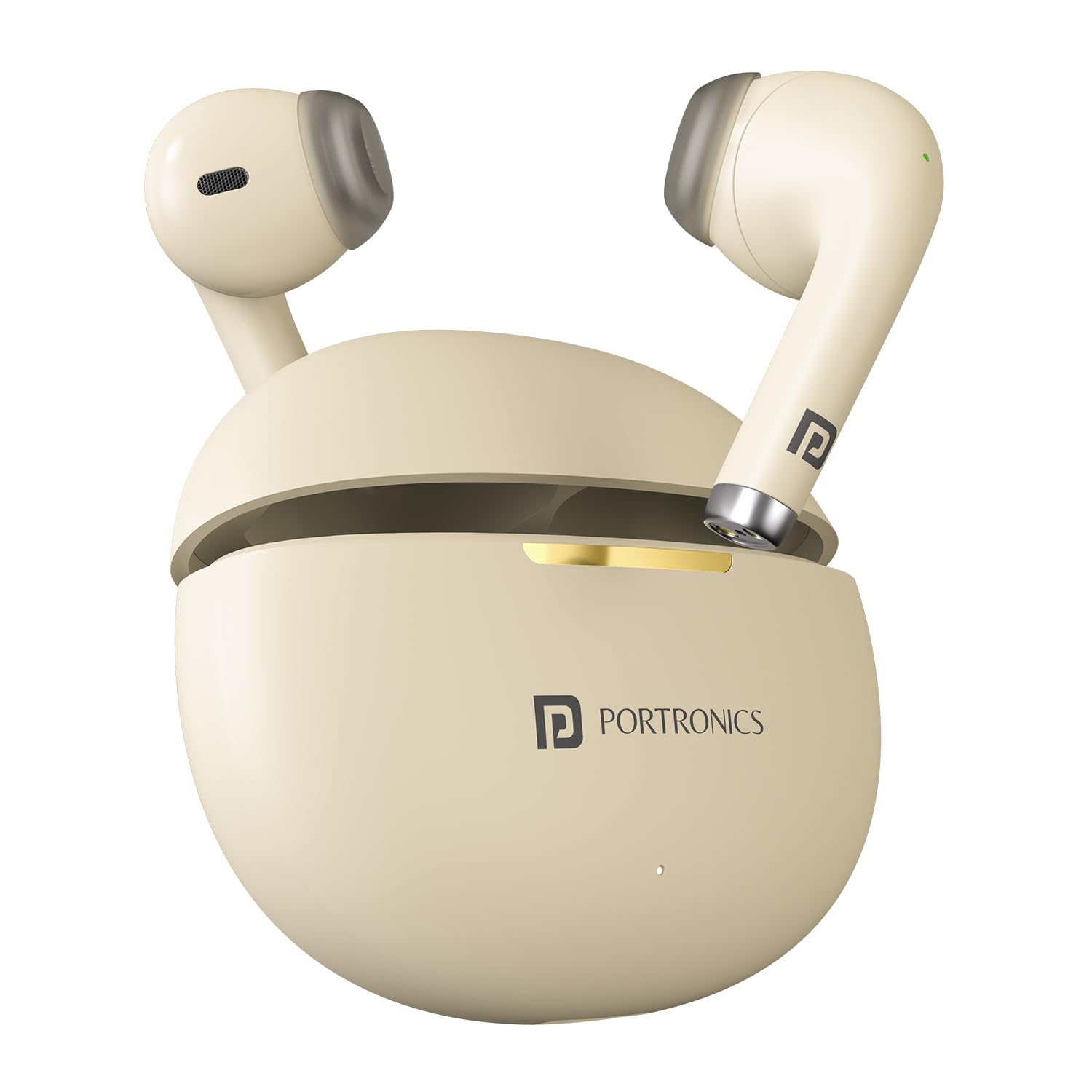
Image: The Portronics Harmonics Twins S19 earbuds next to a smartphone, illustrating instant connectivity via Bluetooth V5.3.
ఆపరేటింగ్ సూచనలు
టచ్ కంట్రోల్స్
The Harmonics Twins S19 earbuds feature intuitive touch controls for managing music, calls, and voice assistance.
- Single Click Left Earbud: Pick/End Calls, Play/Pause Music
- Single Click Right Earbud: Pick/End Calls, Play/Pause Music
- Double Click Left Earbud: Previous Track Song
- Double Click Right Earbud: Next Track Song
- ట్రిపుల్ ప్రెస్: గేమ్/మ్యూజిక్ మోడ్
- Long Press (Call): కాల్ తిరస్కరించండి
- 3s లాంగ్ ప్రెస్: వాయిస్ అసిస్టెంట్

Image: Diagram illustrating the touch control functions on the Portronics Harmonics Twins S19 earbuds for music, calls, and voice assistant.
గేమ్/మ్యూజిక్ మోడ్
Switch between Game Mode for low-latency audio during gaming and Music Mode for an optimized listening experience.
- ట్రిపుల్ ప్రెస్ either earbud to toggle between Game Mode and Music Mode.
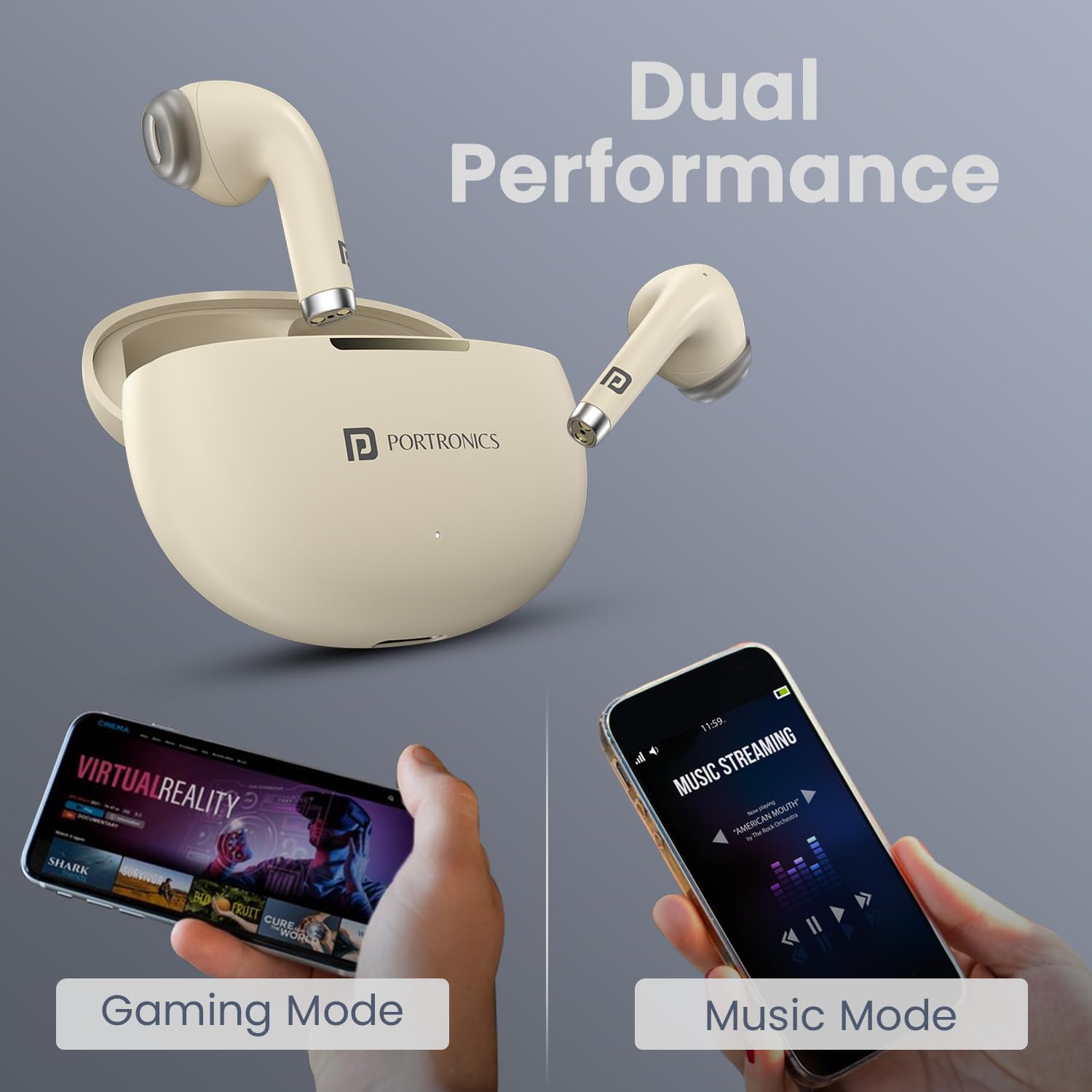
Image: The Portronics Harmonics Twins S19 earbuds demonstrating their dual performance capabilities for both gaming and music streaming.
వాయిస్ సహాయం
Access your smartphone's voice assistant directly from the earbuds.
- లాంగ్ ప్రెస్ (3 సెకన్లు) either earbud to activate the voice assistant.
నిర్వహణ
To ensure the longevity and optimal performance of your Portronics Harmonics Twins S19 earbuds, follow these maintenance guidelines:
- శుభ్రపరచడం: ఇయర్బడ్లు మరియు ఛార్జింగ్ కేసును మృదువైన, పొడి, మెత్తటి బట్టతో క్రమం తప్పకుండా శుభ్రం చేయండి. కఠినమైన రసాయనాలు లేదా రాపిడి పదార్థాలను ఉపయోగించకుండా ఉండండి.
- నీటి నిరోధకత: The earbuds are IPX5 water resistant, meaning they are protected against low-pressure water jets from any direction. This makes them rainproof, splashproof, and sweatproof. However, they are not designed for submersion in water. Do not expose them to excessive moisture or liquids.
- నిల్వ: ఉపయోగంలో లేనప్పుడు, ఇయర్బడ్లను రక్షించడానికి మరియు వాటిని ఛార్జ్లో ఉంచడానికి వాటి ఛార్జింగ్ కేసులో నిల్వ చేయండి. తీవ్రమైన ఉష్ణోగ్రతలకు దూరంగా చల్లని, పొడి ప్రదేశంలో నిల్వ చేయండి.
- ఛార్జింగ్: Use only the provided Type C cable for charging. Avoid using damaged cables or chargers.
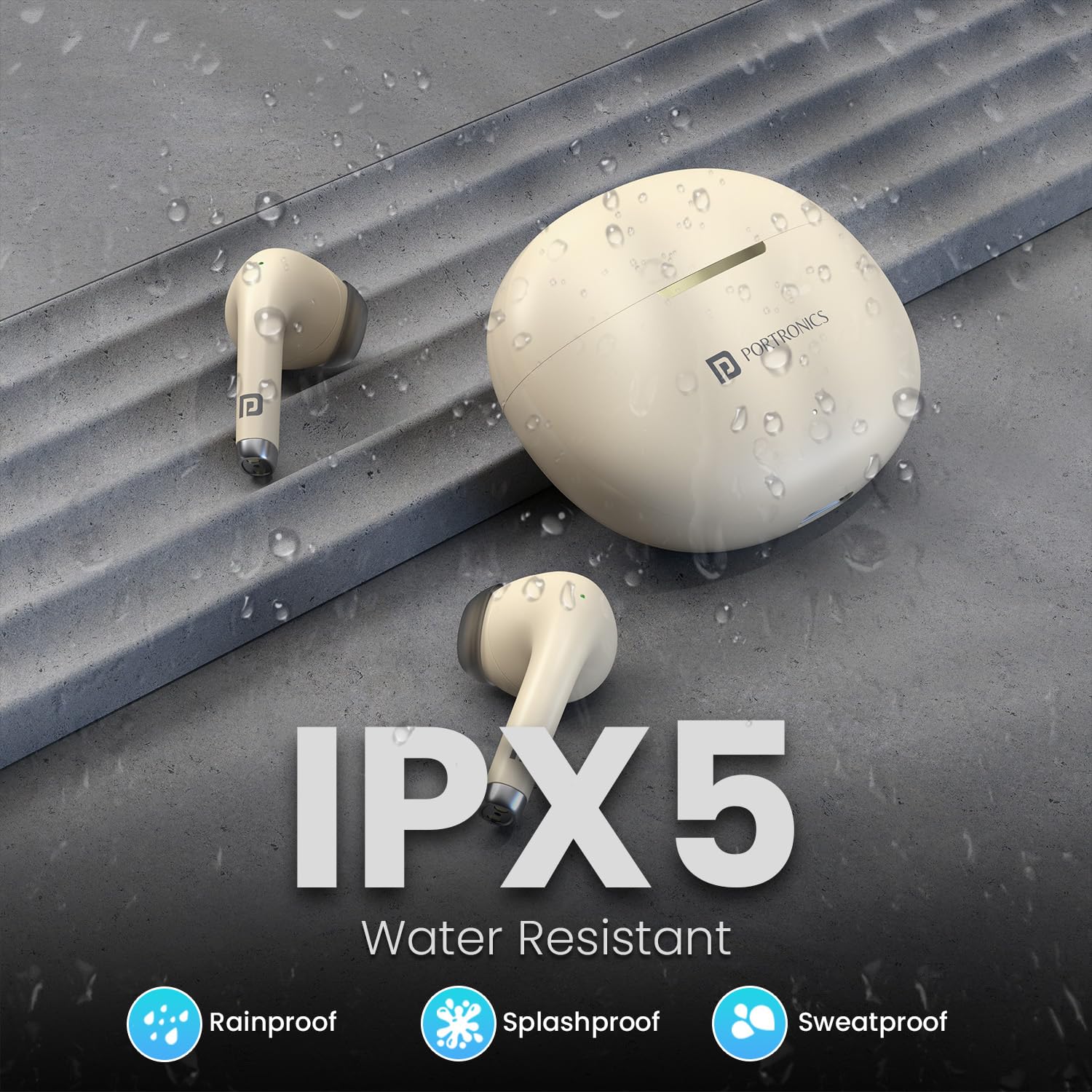
Image: The Portronics Harmonics Twins S19 earbuds and charging case, highlighting their IPX5 water-resistant rating, indicating protection against rain, splashes, and sweat.
ట్రబుల్షూటింగ్
If you encounter any issues with your Harmonics Twins S19 earbuds, refer to the following common solutions:
| సమస్య | పరిష్కారం |
|---|---|
| ఇయర్బడ్లు జత చేయడం లేదు |
|
| ఒక ఇయర్బడ్ నుండి శబ్దం లేదు |
|
| ఛార్జింగ్ సమస్యలు |
|
| తక్కువ వాల్యూమ్ లేదా పేలవమైన ధ్వని నాణ్యత |
|
స్పెసిఫికేషన్లు
| ఫీచర్ | వివరాలు |
|---|---|
| మోడల్ పేరు | హార్మోనిక్స్ ట్విన్స్ S19 |
| అంశం మోడల్ సంఖ్య | POR-2215 |
| కనెక్టివిటీ టెక్నాలజీ | వైర్లెస్ (బ్లూటూత్) |
| బ్లూటూత్ వెర్షన్ | 5.3 |
| ఆడియో డ్రైవర్ రకం | డైనమిక్ డ్రైవర్ |
| డ్రైవర్ పరిమాణం | 13mm Bass Driver |
| బ్యాటరీ లైఫ్ | 30 గంటల వరకు (ఛార్జింగ్ కేసుతో) |
| ఛార్జింగ్ రకం | టైప్ సి ఫాస్ట్ ఛార్జింగ్ |
| నియంత్రణ పద్ధతి | టచ్ కంట్రోల్ |
| ప్రత్యేక లక్షణాలు | Touch Control, Bluetooth 5.3, Type C Fast Charging, Voice Assistance, Truly Wireless Design, Game/Music Mode |
| నీటి నిరోధకత | IPX5 (Rainproof, Splashproof, Sweatproof) |
| మెటీరియల్ | ABS ప్లాస్టిక్ |
| వస్తువు బరువు | 110 గ్రాములు |
| ఉత్పత్తి కొలతలు | 8.7 x 9.6 x 4.4 సెం.మీ |
| అనుకూల పరికరాలు | స్మార్ట్ఫోన్లు, టాబ్లెట్లు, ల్యాప్టాప్లు, డెస్క్టాప్లు |

చిత్రం: క్రాస్-సెక్షన్ view of a Portronics Harmonics Twins S19 earbud, highlighting the 13mm dynamic bass driver for superior sound.
వారంటీ మరియు మద్దతు
Your Portronics Harmonics Twins S19 earbuds come with a standard brand warranty. For specific warranty details, please refer to the documentation included in your product box or visit the official Portronics webసైట్.
For any support, queries, or assistance, you can contact Portronics customer service:
- ఇమెయిల్: help@portronics.com
- ఫోన్: +91 9555-245-245


