1. పరిచయం
This manual provides detailed instructions for the setup, operation, and maintenance of your TMY Native 1080P Mini Projector. Please read this manual thoroughly before using the projector to ensure proper function and longevity.
2. పెట్టెలో ఏముంది
- TMY Native 1080P Mini Projector
- రిమోట్ కంట్రోల్
- పవర్ కార్డ్
- HDMI కేబుల్
- వినియోగదారు మాన్యువల్
- క్లీనింగ్ కిట్
3. ఉత్పత్తి ముగిసిందిview
The TMY Native 1080P Mini Projector is designed for versatile home entertainment, offering native 1080P resolution and various connectivity options in a compact form factor.

3.1 కనెక్టివిటీ పోర్ట్లు
The projector features multiple ports for connecting various devices:

- HDMI పోర్ట్: For connecting devices such as TV sticks, PCs, gaming consoles, and DVD players.
- USB పోర్ట్: మీడియాను ప్లే చేయడానికి USB డ్రైవ్లను కనెక్ట్ చేయడానికి files.
- 3.5mm ఆడియో జాక్: For connecting external wired speakers or headphones.
- పవర్ ఇన్పుట్: పవర్ కార్డ్ కనెక్ట్ చేయడానికి.
4. సెటప్
4.1 ప్లేస్మెంట్
Position the projector on a stable, flat surface. The projection distance can range from 1.5 meters to 5 meters, producing a screen size from 40 inches to 200 inches. Ensure there are no obstructions between the projector and the projection surface.
4.2 పవర్ కనెక్షన్
- ప్రొజెక్టర్ యొక్క పవర్ ఇన్పుట్ పోర్ట్కు పవర్ కార్డ్ను కనెక్ట్ చేయండి.
- పవర్ కార్డ్ యొక్క మరొక చివరను పవర్ అవుట్లెట్లోకి ప్లగ్ చేయండి.
4.3 ప్రారంభ పవర్ ఆన్
పరికరాన్ని ఆన్ చేయడానికి ప్రొజెక్టర్లోని పవర్ బటన్ లేదా రిమోట్ కంట్రోల్ను నొక్కండి. ఇండికేటర్ లైట్ వెలుగుతుంది.
4.4 ఫోకస్ మరియు కీస్టోన్ కరెక్షన్
To achieve a clear and rectangular image, adjust the focus ring and keystone correction dial located on the projector. The projector supports ±15° vertical keystone correction.

5. ఆపరేటింగ్ సూచనలు
5.1 కనెక్ట్ చేసే పరికరాలు
ప్రొజెక్టర్ మీ పరికరాలను కనెక్ట్ చేయడానికి బహుళ మార్గాలను అందిస్తుంది:

5.1.1 HDMI కనెక్షన్
Connect your device (e.g., TV Stick, PC, gaming console) to the projector's HDMI port using an HDMI cable. Select the corresponding HDMI input source from the projector's menu.
5.1.2 USB కనెక్షన్
Insert a USB drive into the USB port. Navigate to the media player function in the projector's menu to browse and play files.
5.1.3 WiFi Connection (Screen Mirroring)
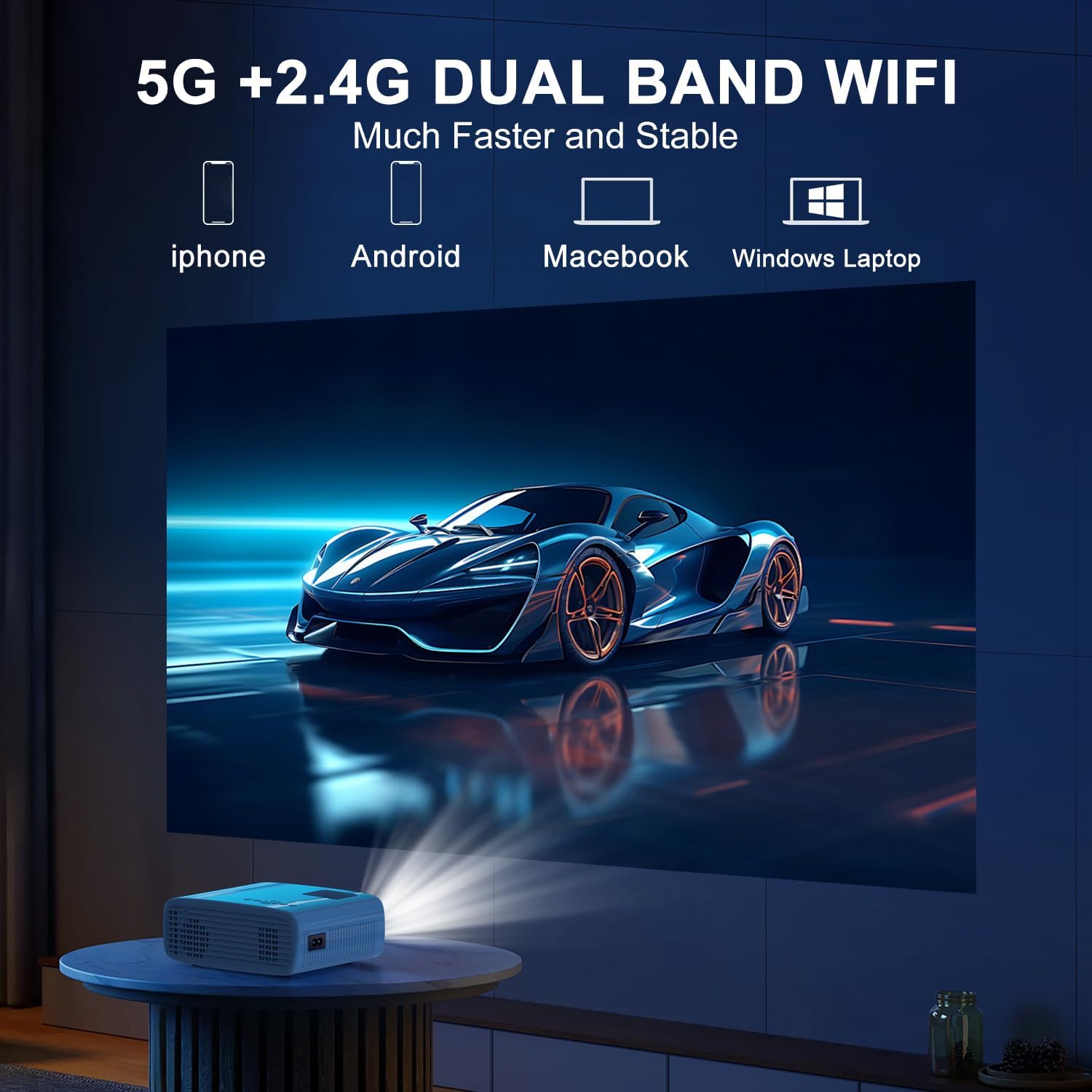
The projector supports 5G/2.4G dual-band WiFi for wireless screen mirroring from compatible smartphones, tablets, and laptops. Access the WiFi settings in the projector's menu to connect to your home network and initiate screen mirroring.

5.1.4 బ్లూటూత్ కనెక్షన్
The projector features two-way Bluetooth 5.2 technology. It can connect to external Bluetooth speakers or headphones for audio output. Additionally, it can function as a Bluetooth speaker itself, allowing you to connect your smartphone or tablet to play audio through the projector's built-in speakers.
గమనిక:
- Bluetooth does not support screen mirroring with your phone.
- When connecting to external Bluetooth speakers, ensure the speaker is in pairing mode.
5.2 జూమ్ ఫంక్షన్
The projector includes a 100% to 50% zoom function, allowing you to adjust the screen size digitally without physically moving the projector. This feature is accessible through the projector's menu settings.
5.3 మెనూ నావిగేషన్
Use the remote control to navigate through the projector's on-screen menu. The menu allows you to select input sources, adjust picture settings (brightness, contrast, color), sound settings, and other system configurations.
6. నిర్వహణ
6.1 శుభ్రపరచడం
- లెన్స్: Use the provided cleaning cloth or a soft, lint-free cloth to gently wipe the projector lens. Avoid abrasive materials.
- బాహ్య: Wipe the projector's exterior with a soft, dry cloth. Do not use liquid cleaners or solvents.
- ఎయిర్ వెంట్స్: Periodically check and clean the air vents to ensure proper airflow and prevent overheating.
6.2 నిల్వ
When not in use, store the projector in a cool, dry place, away from direct sunlight and extreme temperatures. Use the original packaging or a protective case to prevent dust accumulation and damage.
7. ట్రబుల్షూటింగ్
- శక్తి లేదు: పవర్ కార్డ్ ప్రొజెక్టర్ మరియు పవర్ అవుట్లెట్ రెండింటికీ సురక్షితంగా కనెక్ట్ చేయబడిందని నిర్ధారించుకోండి. పవర్ అవుట్లెట్ పనిచేస్తుందో లేదో తనిఖీ చేయండి.
- చిత్రం లేదు: Verify that the correct input source is selected in the projector's menu. Check all cable connections (HDMI, USB).
- అస్పష్టమైన చిత్రం: Adjust the focus ring on the projector until the image is clear. Ensure the projection distance is within the recommended range.
- చిత్రం దీర్ఘచతురస్రం కాదు: Use the keystone correction dial to adjust the image until it appears rectangular.
- ధ్వని లేదు: ప్రొజెక్టర్ మరియు కనెక్ట్ చేయబడిన పరికరం రెండింటిలోనూ వాల్యూమ్ సెట్టింగ్లను తనిఖీ చేయండి. బాహ్య స్పీకర్లను ఉపయోగిస్తుంటే, అవి సరిగ్గా కనెక్ట్ చేయబడి, పవర్ ఆన్ చేయబడ్డాయని నిర్ధారించుకోండి.
- Sound/Video Lag: For screen mirroring, ensure a stable WiFi connection. For wired connections, try a different cable or port. Note that Bluetooth does not support screen mirroring and may introduce slight audio delay with external speakers.
- వేడెక్కడం: Ensure the projector's air vents are not blocked. Operate the projector in a well-ventilated area.
8. స్పెసిఫికేషన్లు
| ఫీచర్ | స్పెసిఫికేషన్ |
|---|---|
| బ్రాండ్ | TMY |
| మోడల్ | B0DMW2G124 |
| డిస్ప్లే రిజల్యూషన్ | నేటివ్ 1920 x 1080 (1080P) |
| కనెక్టివిటీ టెక్నాలజీ | 3.5mm Jack, Bluetooth 5.2, HDMI, USB, Wi-Fi (5G/2.4G) |
| ప్రత్యేక లక్షణాలు | 50%-100% Zoom, Built-In Cooling System, Two-way Bluetooth, Wi-Fi Ready |
| సిఫార్సు చేసిన ఉపయోగాలు | గేమింగ్, హోమ్ సినిమా |
| వస్తువు బరువు | 2.51 పౌండ్లు |
| ప్యాకేజీ కొలతలు | 9.09 x 8.7 x 4.17 అంగుళాలు |
| రంగు | తెలుపు+నలుపు |
9. వారంటీ మరియు మద్దతు
For warranty information or technical support, please refer to the warranty card included in your product packaging or contact TMY customer service directly. Contact details can typically be found on the official TMY webసైట్ లేదా మీ కొనుగోలు ప్లాట్ఫారమ్ ద్వారా.


