1. పరిచయం
Thank you for choosing the ZEBRONICS EnergiPod 10R1 Power Bank. This device is designed to provide portable power for your electronic devices. Please read this manual carefully before use to ensure proper operation and to maximize the lifespan of your power bank.
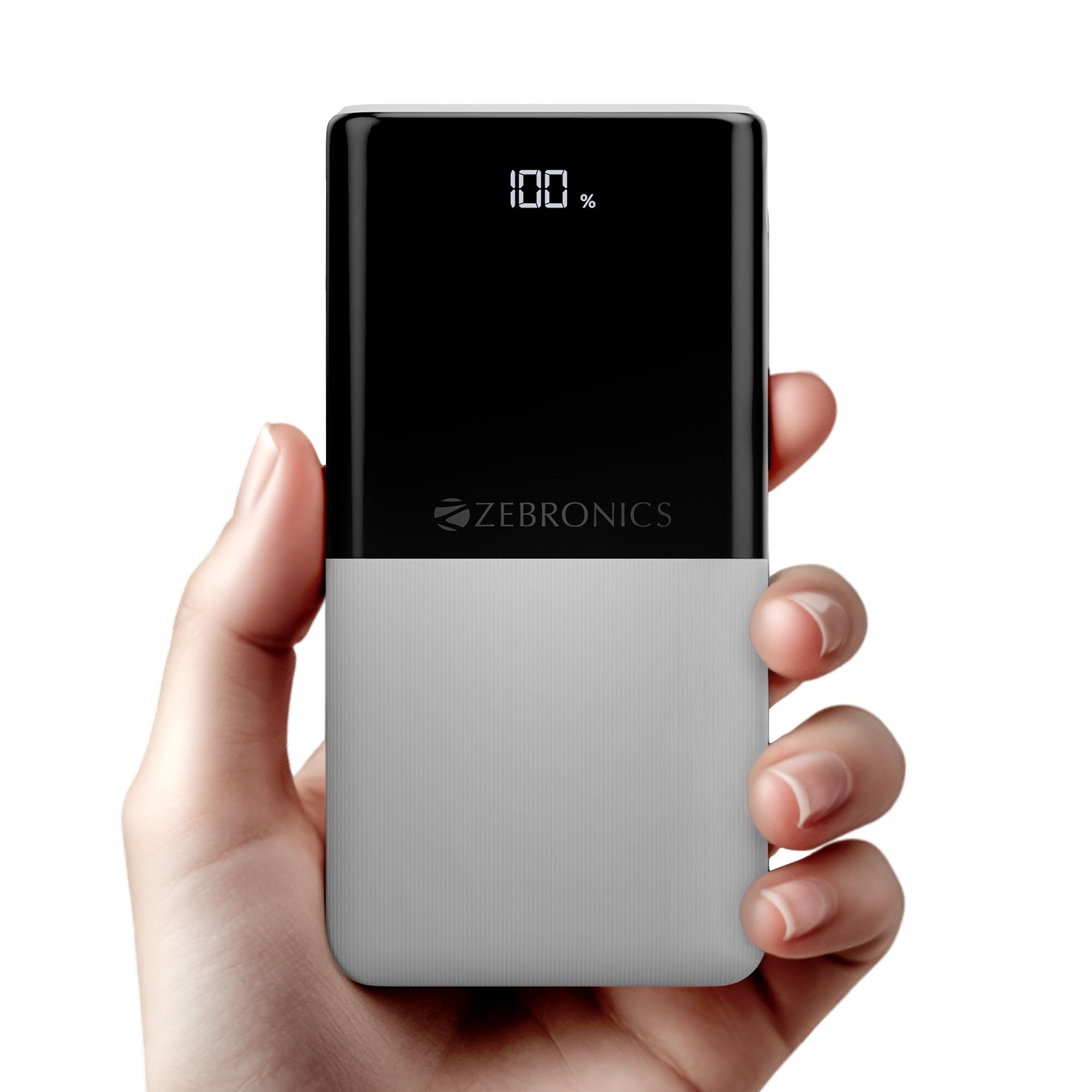
Image: The ZEBRONICS EnergiPod 10R1 Power Bank in white, highlighting its compact and modern design.
పెట్టెలో ఏముంది:
- EnergiPod 10R1 Power Bank - 1 unit
- ఛార్జింగ్ కేబుల్ - 1 యూనిట్
- QR కోడ్ గైడ్ - 1 యూనిట్
2. భద్రతా సమాచారం
To prevent damage to the power bank or injury to yourself and others, please observe the following safety precautions:
- పవర్ బ్యాంక్ను తీవ్రమైన ఉష్ణోగ్రతలకు (45°C కంటే ఎక్కువ లేదా 0°C కంటే తక్కువ) బహిర్గతం చేయవద్దు.
- పరికరాన్ని పడవేయడం, విడదీయడం లేదా మీరే రిపేర్ చేయడానికి ప్రయత్నించడం మానుకోండి.
- పవర్ బ్యాంక్ను నీరు, తేమ మరియు మండే పదార్థాలకు దూరంగా ఉంచండి.
- ధృవీకరించబడిన ఛార్జింగ్ కేబుల్స్ మరియు అడాప్టర్లను మాత్రమే ఉపయోగించండి.
- Do not use the power bank if it is damaged or swollen.
- పిల్లలకు దూరంగా ఉంచండి.
3. ఉత్పత్తి లక్షణాలు
-
10000mAh కెపాసిటీ: అందిస్తుంది ample power for multiple charges of smartphones and other devices.

Image: The power bank showing its 10000mAh capacity and 22.5W fast charging output.
- 22.5W Super Fast Charging (PD 3.0 PPS): అనుకూల పరికరాలకు వేగవంతమైన ఛార్జింగ్కు మద్దతు ఇస్తుంది.
-
Dual Type-C & USB Port: Equipped with multiple output options for versatile charging.

చిత్రం: వివరణాత్మకం view of the power bank's ports, including Type-C PD 3.0 (Input/Output), USB Output, and Type-C Input.
-
LED శాతంtagఇ సూచిక: Digital display shows the remaining battery percentagఇ మరియు ఛార్జింగ్ స్థితి.

Image: The power bank's LED display showing 100% charge, along with its physical dimensions.
-
భద్రతా రక్షణ: Built-in safeguards against overcharge, overload, and short-circuit.

Image: The power bank depicted with a protective shield, illustrating its short circuit, overcharge, and overload protection features.
- Metal Outlook: Sleek and compact design with a patterned finish for enhanced grip.
4. సెటప్
పవర్ బ్యాంక్ యొక్క ప్రారంభ ఛార్జింగ్:
- Connect the provided USB Type-C charging cable to the Type-C1 input port on the power bank.
- కేబుల్ యొక్క మరొక చివరను అనుకూలమైన USB వాల్ అడాప్టర్ (చేర్చబడలేదు) లేదా కంప్యూటర్ యొక్క USB పోర్ట్కు కనెక్ట్ చేయండి.
- LED డిస్ప్లే ఛార్జింగ్ శాతాన్ని చూపుతుందిtage. Allow the power bank to charge until it reaches 100% for optimal initial use.
పవర్ బ్యాంక్ను మొదటిసారి ఉపయోగించే ముందు పూర్తిగా ఛార్జ్ చేయాలని సిఫార్సు చేయబడింది.
5. ఆపరేటింగ్ సూచనలు
బాహ్య పరికరాలను ఛార్జ్ చేస్తోంది:
- Connect your device's charging cable to one of the power bank's output ports (Type-C1 or USB-A).
- కేబుల్ యొక్క మరొక చివరను మీ స్మార్ట్ఫోన్, టాబ్లెట్ లేదా ఇతర అనుకూల పరికరానికి కనెక్ట్ చేయండి.
- పవర్ బ్యాంక్ మీ పరికరాన్ని స్వయంచాలకంగా ఛార్జ్ చేయడం ప్రారంభిస్తుంది. LED డిస్ప్లే పవర్ బ్యాంక్ యొక్క మిగిలిన ఛార్జ్ను చూపుతుంది.
- Disconnect your device once it is fully charged or when you wish to stop charging.
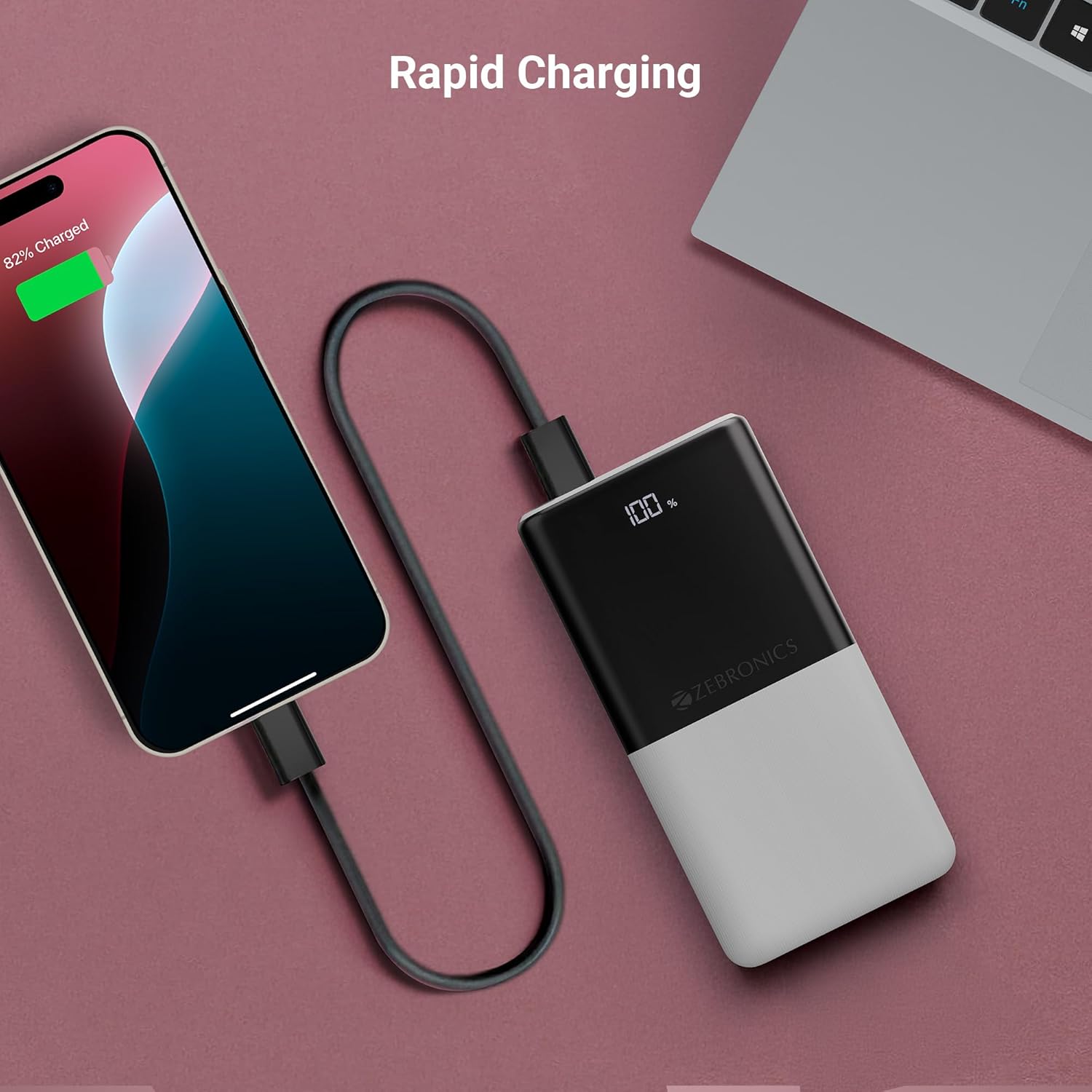
Image: The power bank actively charging a smartphone, demonstrating its rapid charging capability.
పవర్ బ్యాంక్ రీఛార్జ్ చేయడం:
Refer to the "Initial Charging of the Power Bank" section (Section 4) for instructions on how to recharge your power bank.
6. నిర్వహణ
- శుభ్రపరచడం: పవర్ బ్యాంక్ ఉపరితలాన్ని శుభ్రం చేయడానికి మృదువైన, పొడి వస్త్రాన్ని ఉపయోగించండి. ద్రవ క్లీనర్లు లేదా రాపిడి పదార్థాలను ఉపయోగించవద్దు.
- నిల్వ: పవర్ బ్యాంక్ను ప్రత్యక్ష సూర్యకాంతి మరియు తీవ్రమైన ఉష్ణోగ్రతలు లేకుండా చల్లని, పొడి ప్రదేశంలో నిల్వ చేయండి.
- బ్యాటరీ సంరక్షణ: సరైన బ్యాటరీ స్థితి కోసం, సాధారణ ఉపయోగంలో లేకపోతే కనీసం మూడు నెలలకు ఒకసారి పవర్ బ్యాంక్ను పూర్తిగా ఛార్జ్ చేసి డిశ్చార్జ్ చేయండి.
7. ట్రబుల్షూటింగ్
సాధారణ సమస్యలు మరియు పరిష్కారాలు:
-
పవర్ బ్యాంక్ ఛార్జింగ్ లేదు:
- ఛార్జింగ్ కేబుల్ పవర్ బ్యాంక్ మరియు పవర్ సోర్స్ రెండింటికీ సురక్షితంగా కనెక్ట్ చేయబడిందని నిర్ధారించుకోండి.
- వేరే ఛార్జింగ్ కేబుల్ లేదా వాల్ అడాప్టర్ని ప్రయత్నించండి.
- పవర్ సోర్స్ యాక్టివ్గా ఉందని ధృవీకరించండి.
-
పవర్ బ్యాంక్ నుండి పరికరం ఛార్జ్ కావడం లేదు:
- పవర్ బ్యాంక్ తగినంత ఛార్జ్ కలిగి ఉందో లేదో తనిఖీ చేయండి (LED డిస్ప్లే చూడండి).
- Ensure your device's charging cable is properly connected to both the power bank and your device.
- పవర్ బ్యాంక్లో వేరే ఛార్జింగ్ కేబుల్ లేదా వేరే అవుట్పుట్ పోర్ట్ని ప్రయత్నించండి.
- మీ పరికరం పవర్ బ్యాంక్ అవుట్పుట్ స్పెసిఫికేషన్లకు అనుకూలంగా ఉందని నిర్ధారించుకోండి.

Image: The power bank demonstrating its compatibility by charging both a tablet and a smartphone simultaneously.
-
LED Display Not Working or Inconsistent:
- పవర్ బ్యాంక్ తగినంతగా ఛార్జ్ చేయబడిందని నిర్ధారించుకోండి.
- ఛార్జింగ్ తర్వాత సమస్య కొనసాగితే, కస్టమర్ సపోర్ట్ను సంప్రదించండి.
8. స్పెసిఫికేషన్లు
| బ్రాండ్ | జెబ్రోనిక్స్ |
| మోడల్ పేరు | EnergiPod 10R1 |
| అంశం మోడల్ సంఖ్య | జెడ్ఇబి-పిబి 12 |
| బ్యాటరీ కెపాసిటీ | 10000 mAh |
| అవుట్పుట్ పవర్ | 22.5W (గరిష్టంగా) |
| Type-C1 Port Output | DC 5V/3A, 9V/2.22A, 12V/1.67A, 3.3~11V/2A (PPS) |
| USB-A అవుట్పుట్ | DC 5V/3A, 9V/2A, 12V/1.85A |
| Type-C1 Input Port | DC 5V/3A, 9V/2A, 12V/1.5A |
| Type-C2 Input Port | DC 5V/2.4A |
| కనెక్టర్ రకం | USB టైప్ C |
| సిఫార్సు చేసిన ఉపయోగాలు | Phone, Tablet |
| వస్తువు బరువు | 230 గ్రా |
| ప్యాకేజీ కొలతలు | 16.8 x 9.9 x 2.4 సెం.మీ |
| మూలం దేశం | భారతదేశం |
9. వారంటీ మరియు మద్దతు
వారంటీ సమాచారం:
The ZEBRONICS EnergiPod 10R1 Power Bank comes with a standard manufacturer's warranty. Please refer to the QR Code Guide included in the box or visit the official ZEBRONICS webవివరణాత్మక వారంటీ నిబంధనలు మరియు షరతుల కోసం సైట్.
కస్టమర్ మద్దతు:
If you encounter any issues or have questions regarding your power bank, please contact ZEBRONICS customer support. Contact details can typically be found on the official ZEBRONICS webసైట్ లేదా ఉత్పత్తి ప్యాకేజింగ్లో.
For online support, you may visit the Amazonలో ZEBRONICS స్టోర్.


