1. పరిచయం
Thank you for choosing the ZEBRONICS Jaguar V Vertical Wireless Mouse. This manual provides detailed instructions for setting up, operating, and maintaining your new mouse. The Jaguar V is designed for ergonomic comfort and offers versatile dual-mode connectivity (2.4GHz wireless and Bluetooth) for seamless use across multiple devices.

Image 1.1: ZEBRONICS Jaguar V Vertical Wireless Mouse, showcasing its ergonomic design and included USB nano receiver.
2. ప్యాకేజీ విషయాలు
దయచేసి ఈ క్రింది అంశాల కోసం ప్యాకేజీని తనిఖీ చేయండి:
- ZEBRONICS Jaguar V Vertical Wireless Mouse - 1 unit
- USB నానో రిసీవర్ - 1 యూనిట్
- త్వరిత వినియోగదారు గైడ్ - 1 యూనిట్
3. ఉత్పత్తి ముగిసిందిview
The Jaguar V mouse features an ergonomic vertical design to promote a natural hand position, reducing wrist strain. It includes six buttons and a 3-level DPI switch for adjustable precision.

Image 3.1: Diagram illustrating the six buttons on the ZEBRONICS Jaguar V mouse, including the Left Button, Scroll Wheel, 3-Level DPI Switch, Right Button, Forward Button, and Backward Button.

Image 3.2: Visual representation of the LED indicators for 2.4GHz, BT1, and BT2 modes on the mouse, showing their respective colors.
4. సెటప్ సూచనలు
4.1. బ్యాటరీ ఇన్స్టాలేషన్
- మౌస్ దిగువ భాగంలో బ్యాటరీ కంపార్ట్మెంట్ను గుర్తించండి.
- బ్యాటరీ కంపార్ట్మెంట్ కవర్ తెరవండి.
- సరైన ధ్రువణతను (+/-) నిర్ధారించుకోవడానికి రెండు AAA బ్యాటరీలను చొప్పించండి.
- బ్యాటరీ కంపార్ట్మెంట్ కవర్ను సురక్షితంగా మూసివేయండి.
4.2. 2.4GHz వైర్లెస్ కనెక్షన్
- Take out the USB Nano Receiver from its storage slot on the mouse.
- USB నానో రిసీవర్ని మీ కంప్యూటర్లో అందుబాటులో ఉన్న USB పోర్ట్లోకి ప్లగ్ చేయండి.
- దిగువన ఉన్న పవర్ స్విచ్ని ఉపయోగించి మౌస్ను ఆన్ చేయండి.
- Switch the mode button on the bottom of the mouse to the '2.4G' position. The 2.4GHz indicator LED will light up.
- Your computer should automatically detect and install the necessary drivers. The mouse is ready for use.

Image 4.1: The ZEBRONICS Jaguar V mouse connected to a laptop via its USB Nano Receiver, illustrating the 2.4GHz wireless setup.
4.3. బ్లూటూత్ కనెక్షన్ (BT1 / BT2)
The mouse supports two independent Bluetooth connections (BT1 and BT2).
- పవర్ స్విచ్ ఉపయోగించి మౌస్ ఆన్ చేయండి.
- Switch the mode button on the bottom of the mouse to either 'BT1' or 'BT2' position.
- Press and hold the mode button for 3-5 seconds until the corresponding BT indicator LED (BT1 or BT2) starts blinking rapidly. This indicates the mouse is in pairing mode.
- మీ కంప్యూటర్ లేదా పరికరంలో, బ్లూటూత్ సెట్టింగ్లను తెరవండి.
- కోసం వెతకండి new devices and select 'Zeb-Jaguar V' from the list.
- Once paired, the BT indicator LED will stop blinking and remain solid for a few seconds before turning off. The mouse is now connected.
- Repeat these steps to connect to a second device using the other Bluetooth channel (BT1 or BT2).
5. ఆపరేటింగ్ సూచనలు
5.1. DPI సర్దుబాటు
The mouse features a 3-level DPI switch, allowing you to adjust cursor sensitivity. Press the DPI button (located near the scroll wheel) to cycle through the available DPI settings (e.g., 800, 1200, 1600 DPI). Each press changes the sensitivity, providing precise control for various tasks.

Image 5.1: A hand demonstrating the ergonomic grip of the ZEBRONICS Jaguar V mouse, highlighting its high precision capabilities up to 1600 DPI.
5.2. పవర్ సేవింగ్ మోడ్
The ZEBRONICS Jaguar V mouse is equipped with a power-saving mode. If the mouse is inactive for a certain period, it will automatically enter sleep mode to conserve battery life. To wake the mouse, simply move it or press any button.
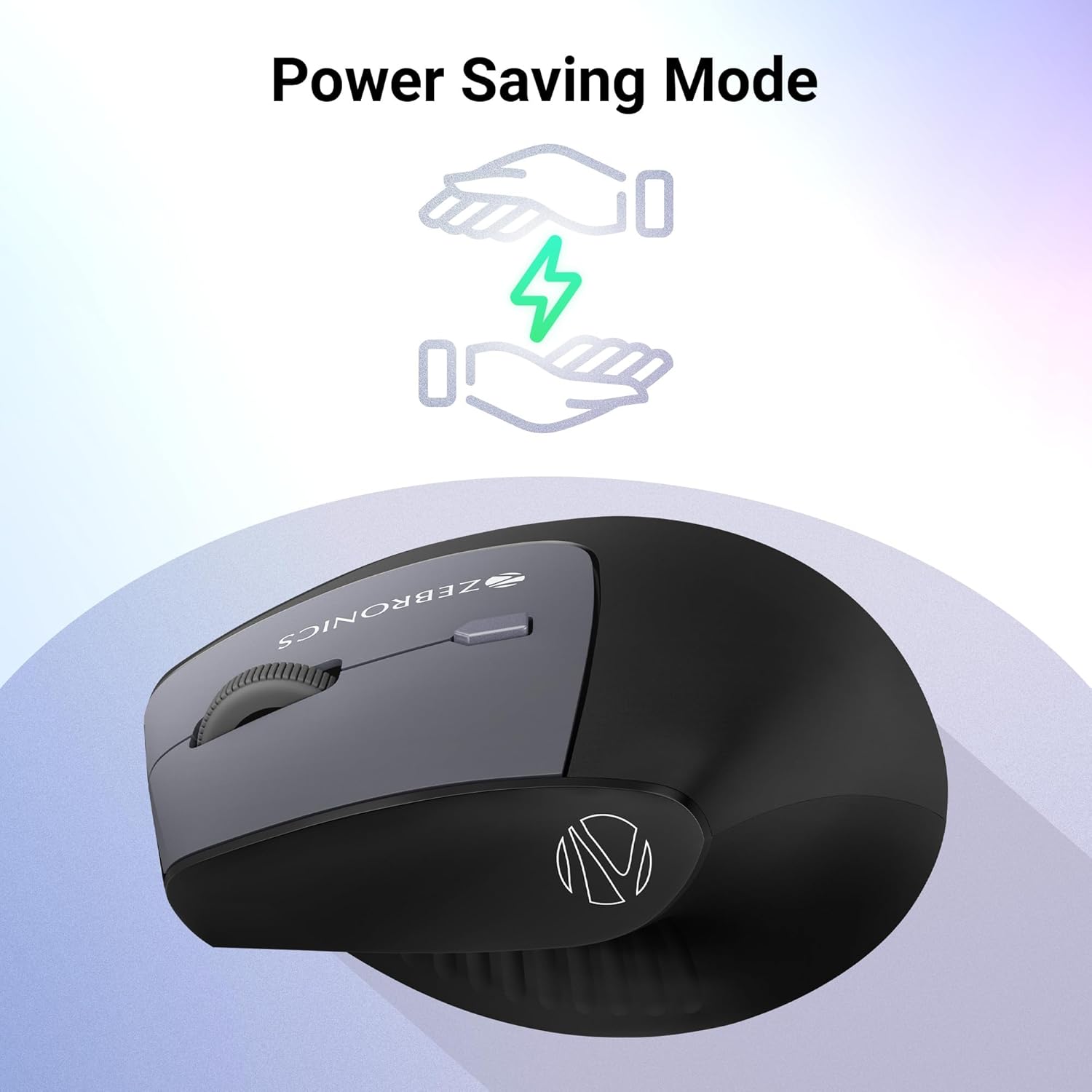
Image 5.2: Graphic illustrating the power-saving mode feature of the mouse, showing hands conserving energy.
5.3. మోడ్ల మధ్య మారడం
To switch between 2.4GHz wireless and Bluetooth (BT1/BT2) connections, use the mode switch button located on the bottom of the mouse. Simply slide the switch to your desired connection mode. The corresponding LED indicator will briefly light up to confirm the selection.
6. నిర్వహణ
To ensure the longevity and optimal performance of your ZEBRONICS Jaguar V mouse, follow these maintenance guidelines:
- శుభ్రపరచడం: మౌస్ను శుభ్రం చేయడానికి మృదువైన, పొడి వస్త్రాన్ని ఉపయోగించండి. మొండి ధూళి కోసం, కొద్దిగా dampen గుడ్డను నీటితో లేదా తేలికపాటి శుభ్రపరిచే ద్రావణంతో తుడవండి. కఠినమైన రసాయనాలు లేదా రాపిడి పదార్థాలను నివారించండి.
- నిల్వ: When not in use for extended periods, store the mouse in a cool, dry place. If storing for a long time, it is recommended to remove the batteries to prevent leakage.
- విపరీతమైన పరిస్థితులను నివారించండి: మౌస్ను తీవ్రమైన ఉష్ణోగ్రతలు, ప్రత్యక్ష సూర్యకాంతి లేదా అధిక తేమకు గురిచేయవద్దు.
- జాగ్రత్తగా నిర్వహించండి: Avoid dropping the mouse or subjecting it to strong impacts.
7. ట్రబుల్షూటింగ్
If you encounter issues with your ZEBRONICS Jaguar V mouse, refer to the following common solutions:
- మౌస్ స్పందించడం లేదు:
- మౌస్ ఆన్ చేయబడిందని నిర్ధారించుకోండి.
- Check battery levels and replace if necessary (requires 2x AAA batteries).
- For 2.4GHz mode, ensure the USB Nano Receiver is securely plugged into a working USB port. Try a different USB port.
- For Bluetooth mode, ensure Bluetooth is enabled on your device and the mouse is correctly paired. Try re-pairing the mouse.
- Ensure the mode switch on the bottom of the mouse is set to the correct connection type (2.4G, BT1, or BT2).
- కర్సర్ కదలిక అస్తవ్యస్తంగా లేదా వెనుకబడి ఉంది:
- మౌస్ అడుగున ఉన్న ఆప్టికల్ సెన్సార్ను శుభ్రం చేయండి.
- మీరు మౌస్ను తగిన ఉపరితలంపై ఉపయోగిస్తున్నారని నిర్ధారించుకోండి (అధిక ప్రతిబింబం లేదా పారదర్శకంగా ఉండకూడదు).
- Change the DPI setting to a lower value if the cursor is too sensitive.
- Replace batteries if they are low, as this can affect performance.
- బ్లూటూత్ ద్వారా కనెక్ట్ చేయడం సాధ్యం కాదు:
- Ensure the mouse is in Bluetooth pairing mode (LED blinking rapidly).
- Remove any previous 'Zeb-Jaguar V' entries from your device's Bluetooth list and try pairing again.
- Ensure your device's Bluetooth is turned on and discoverable.
- Try connecting to the other Bluetooth channel (BT1 or BT2).
8. స్పెసిఫికేషన్లు
| ఫీచర్ | స్పెసిఫికేషన్ |
|---|---|
| మోడల్ పేరు | Zeb-Jaguar V |
| కనెక్టివిటీ | Dual Mode (2.4GHz Wireless + Bluetooth) |
| బ్లూటూత్ సంస్కరణలు | Dual Bluetooth (BT1, BT2) |
| DPI స్థాయిలు | 3-level (up to 1600 DPI) |
| బటన్ల సంఖ్య | 6 బటన్లు |
| శక్తి మూలం | 2x AAA బ్యాటరీలు |
| ఆపరేటింగ్ సిస్టమ్ అనుకూలత | Windows, Mac, Linux |
| ఎర్గోనామిక్ డిజైన్ | నిలువు |
| ప్రత్యేక లక్షణాలు | పవర్ సేవింగ్ మోడ్ |
| ఉత్పత్తి కొలతలు (LxWxH) | 11.4 x 7.3 x 0.1 cm (Note: 0.1cm height seems incorrect, likely a data entry error, typically vertical mice are taller) |
| వస్తువు బరువు | 77 గ్రా |

Image 8.1: Diagram showing the dimensions of the ZEBRONICS Jaguar V mouse (11.4 cm length, 7.3 cm width, 7.5 cm height).
9. వారంటీ మరియు మద్దతు
Your ZEBRONICS Jaguar V Vertical Wireless Mouse comes with a standard manufacturer's warranty. Please refer to the warranty card included in your package for specific terms and conditions, including warranty period and coverage details.
For technical support, service, or further inquiries, please contact ZEBRONICS customer service through their official webసైట్ లేదా మీ ఉత్పత్తి డాక్యుమెంటేషన్లో అందించిన సంప్రదింపు సమాచారం.


