1. పరిచయం మరియు ఓవర్view
The KuWFi RM503Qpro is an advanced AX3000 WiFi 6 5G router designed for versatile connectivity. Featuring dual SIM card slots, it supports global 5G and 4G LTE networks, providing ultra-fast broadband connections wherever you need them. This router is ideal for use as a primary or backup internet solution in homes, apartments, RVs, mobile living, remote work environments, and small businesses. Its robust design includes a 2.5G WAN port and an integrated fan cooling system to ensure stable performance.

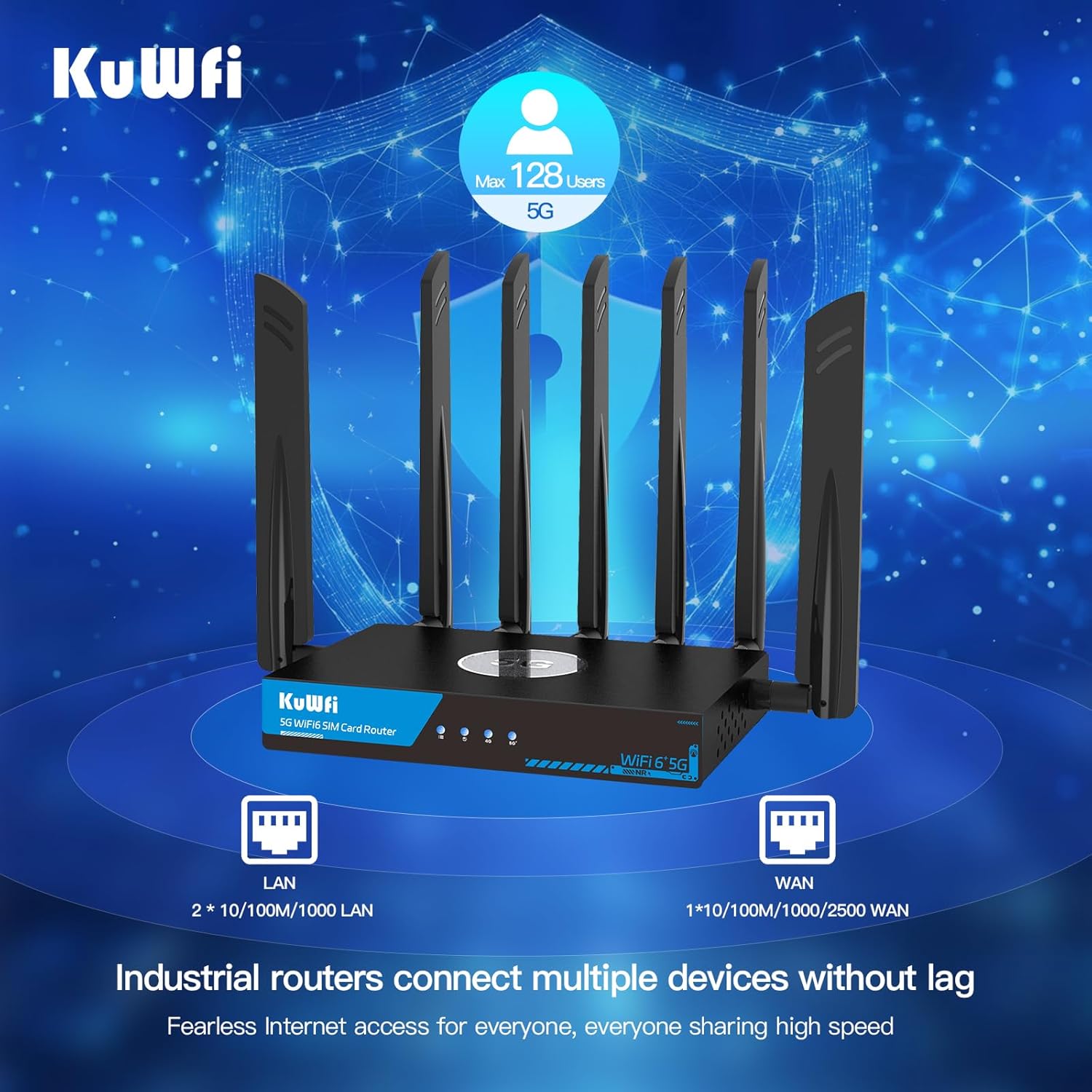
Image: KuWFi RM503Qpro 5G WiFi 6 Router, highlighting its advanced features.
2. ప్యాకేజీ విషయాలు
ప్యాకేజీలో అన్ని వస్తువులు ఉన్నాయని నిర్ధారించుకోండి:
- 1 x KuWFi RM503Qpro 5G WiFi 6 Router
- 7 x Detachable Cellular Antennas
- 1 x పవర్ అడాప్టర్
- 1 x RJ45 ఈథర్నెట్ కేబుల్
- 1 x Quick Installation Guide (Manual)
- 1 x SIM Card Ejector Tool (for Nano-SIM)
3. ఉత్పత్తి ముగిసిందిview
3.1 ఫ్రంట్ ప్యానెల్ సూచికలు
- శక్తి సూచిక: శక్తి స్థితిని చూపుతుంది.
- ఇంటర్నెట్ సూచిక: Shows internet connection status.
- 2.4G WiFi Indicator: Shows 2.4GHz Wi-Fi activity.
- 5G WiFi Indicator: Shows 5GHz Wi-Fi activity.
- Cellular Signal Strength: Indicates the strength of the 5G/4G cellular signal.
3.2 వెనుక ప్యానెల్ పోర్ట్లు మరియు బటన్లు
చిత్రం: వెనుక view of the KuWFi RM503Qpro router, detailing port layout.
- RST (రీసెట్) బటన్: ఫ్యాక్టరీ డిఫాల్ట్ సెట్టింగ్లను పునరుద్ధరించడానికి 5-10 సెకన్ల పాటు నొక్కి పట్టుకోండి.
- MESH Button: For mesh networking configuration.
- SIM1 & SIM2 Slots: Insert Nano-SIM cards for cellular connectivity.
- LAN పోర్ట్లు (x3): Gigabit Ethernet ports for wired devices.
- WAN/LAN 2.5G Port (x1): A 2.5 Gigabit Ethernet port that can function as either a WAN or LAN port.
- DC 12V పవర్ ఇన్పుట్: అందించిన పవర్ అడాప్టర్ను కనెక్ట్ చేయండి.
- యాంటెన్నా కనెక్టర్లు: Multiple SMA connectors for attaching external 5G NR and Wi-Fi antennas.
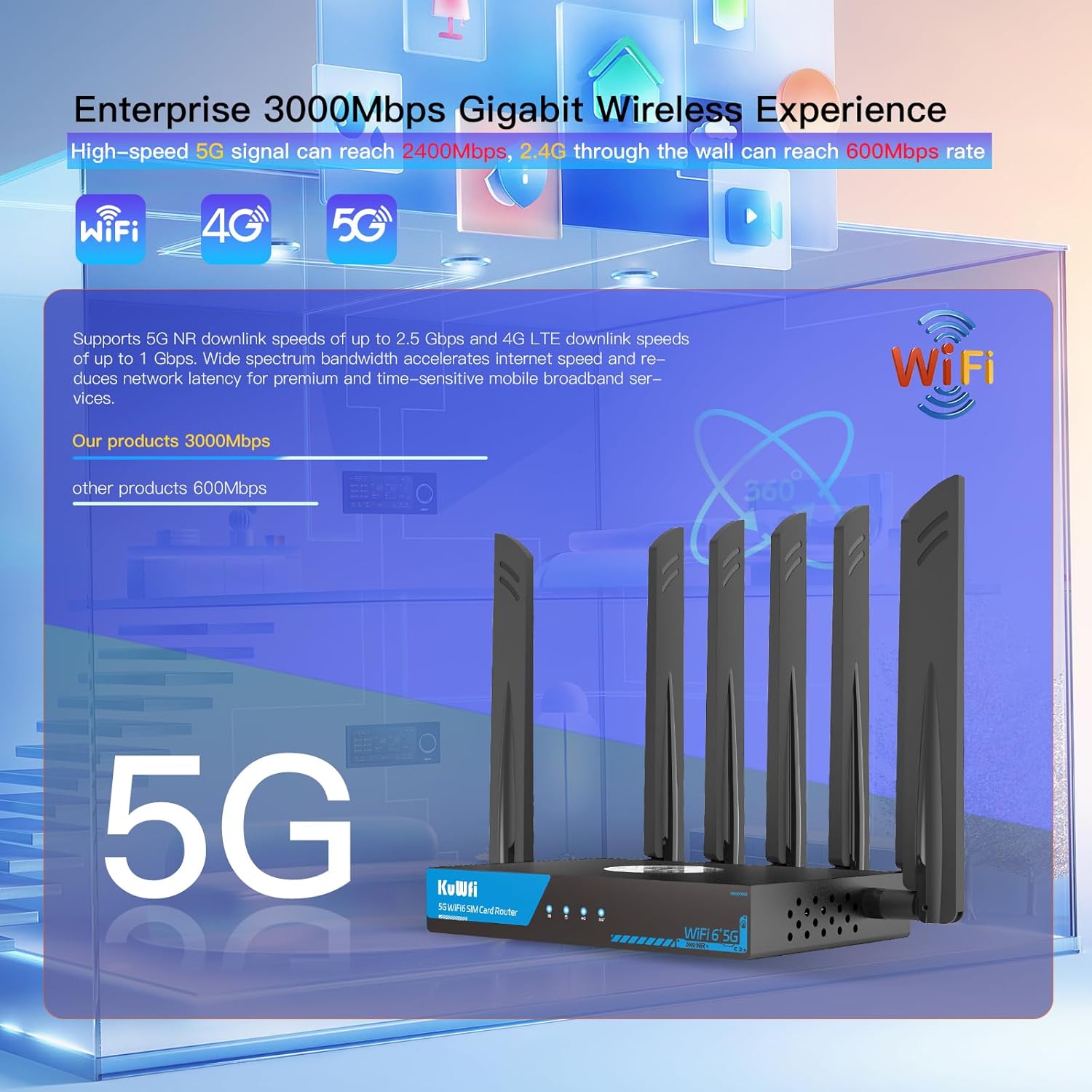
Image: Close-up of the router's LAN and WAN ports.

చిత్రం: వివరణాత్మకం view of the dual Nano-SIM card slots.
4. సెటప్
4.1 SIM కార్డ్ ఇన్స్టాలేషన్
- Locate the SIM1 and SIM2 slots on the rear panel of the router.
- Using the provided SIM ejector tool or a paperclip, gently press into the small hole next to the SIM slot to release the tray.
- Place your Nano-SIM card(s) into the tray(s) with the gold contacts facing down and the notched corner aligned correctly.
- Gently push the tray(s) back into the router until it clicks into place.
4.2 యాంటెన్నా ఇన్స్టాలేషన్
- Identify the antenna connectors on the rear panel. There are connectors for NR 5G and 2.4/5.8G Wi-Fi.
- Screw the provided external antennas onto their respective connectors. Ensure they are finger-tight.
- Adjust the antennas for optimal signal reception.
4.3 పవర్ కనెక్షన్
- Connect the power adapter to the DC 12V power input port on the router.
- పవర్ అడాప్టర్ను ప్రామాణిక ఎలక్ట్రికల్ అవుట్లెట్లోకి ప్లగ్ చేయండి.
- The Power LED indicator on the front panel should light up.
4.4 ప్రారంభ కాన్ఫిగరేషన్ (Web UI Access)
- Wait for the router to boot up. The Internet and Cellular Signal LEDs should eventually turn blue, indicating a successful connection. If the Cellular Signal LED is red, check SIM card installation and network coverage.
- Connect your computer or smartphone to the router's default Wi-Fi network. The default SSID and password can typically be found on a label on the bottom of the router.
- తెరవండి a web browser and enter the default access IP address (e.g., 192.168.1.1) or URL (e.g., http://kuwfi.com) into the address bar.
- Log in using the default username and password (usually 'admin' for both, or as specified on the label).
- Follow the on-screen setup wizard to configure basic settings such as timezone, APN profile (if not automatically detected), and customize your Wi-Fi network name (SSID) and password.
Video: KuWFi Industrial Cellular 5G Router with Dual SIM Slot - This video demonstrates the physical setup and features of the router, including SIM card insertion and port overview.
5. ఆపరేటింగ్ సూచనలు
5.1 High-Speed Wi-Fi 6 Connectivity
The router supports dual-band AX3000 Wi-Fi 6, providing high-speed wireless connectivity for up to 256 devices simultaneously. This ensures smooth streaming, gaming, and general internet usage.

Image: Illustration of the router providing extensive Wi-Fi 6 coverage.
5.2 Dual SIM Failover
With dual SIM slots, the router offers automatic failover. If the primary SIM's network connection is lost or unstable, the router will automatically switch to the secondary SIM, ensuring uninterrupted internet access.

Image: Visual representation of the dual SIM functionality for reliable connectivity.
5.3 VPN and Security Features
The router comes with pre-installed VPN protocols including WireGuard, OpenVPN, and IPsec. These features enable secure and private internet browsing, as well as secure remote access to your network. Parental controls are also included to manage internet access for specific devices or users.

Image: Router highlighting VPN and security features.
5.4 Multi-WAN Backup
The 2.5G WAN port allows the router to be used with existing broadband or satellite routers, providing a multi-WAN backup solution for maximum internet uptime and reliability.
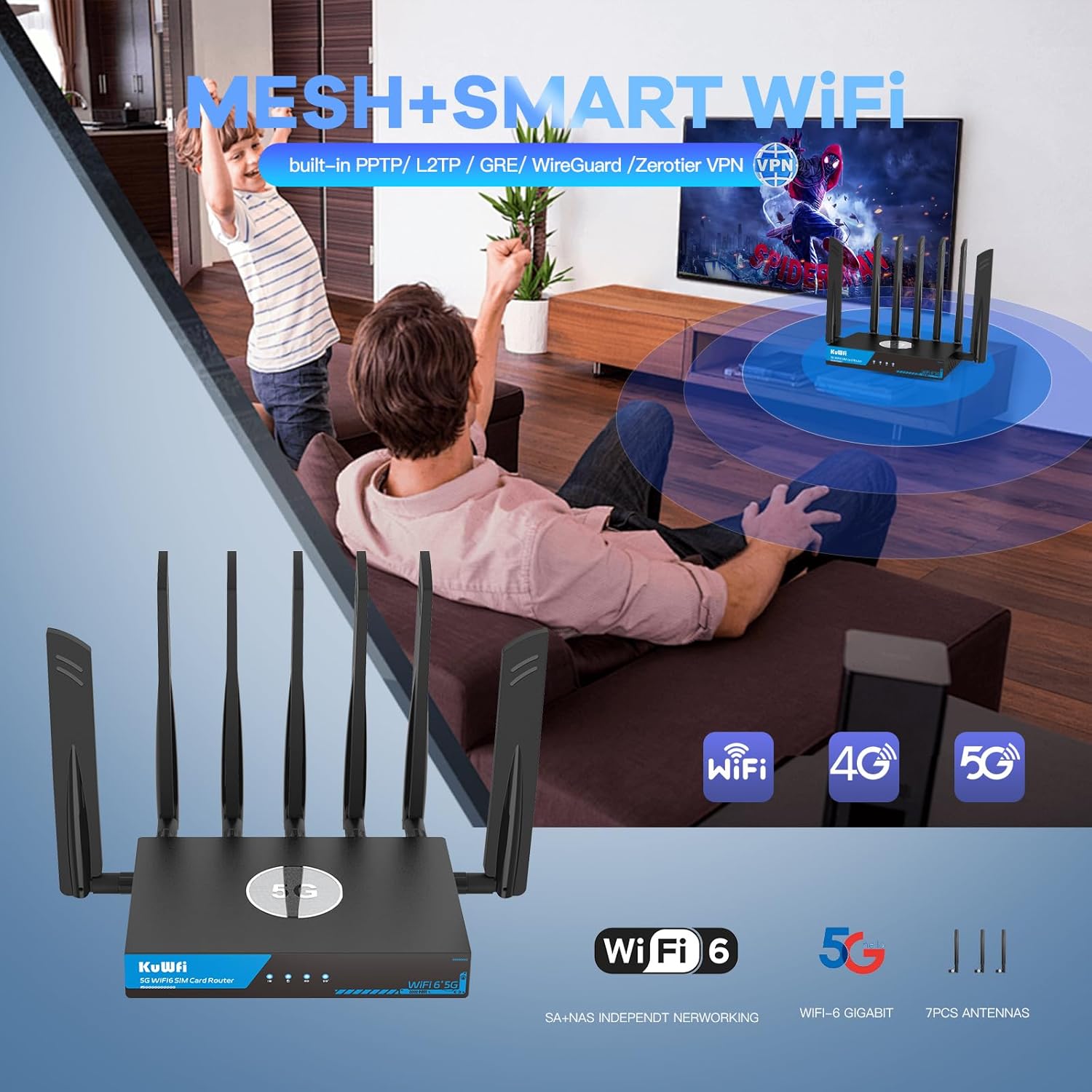
Image: Router seamlessly integrated into a home environment.

Image: Router providing connectivity in an RV setting.
6. నిర్వహణ
6.1 ఫ్యాన్ కూలింగ్ సిస్టమ్
The KuWFi RM503Qpro is equipped with a built-in fan cooling system. This system actively dissipates heat, preventing overheating and throttling, which is crucial for maintaining stable performance during continuous operation, especially in demanding environments.

Image: Diagram illustrating the router's internal fan cooling system.
6.2 ఫర్మ్వేర్ నవీకరణలు
To ensure optimal performance, security, and access to the latest features, it is recommended to regularly check for and install firmware updates for your router. Refer to the web management interface for available updates and installation instructions.
7. ట్రబుల్షూటింగ్
7.1 No Cellular Signal or Red LED
- SIM కార్డ్ని తనిఖీ చేయండి: Ensure the Nano-SIM card(s) are correctly inserted into the SIM slots.
- నెట్వర్క్ కవరేజ్: Verify that you are in an area with adequate 5G/4G cellular network coverage.
- APN సెట్టింగ్లు: యాక్సెస్ చేయండి web management interface and confirm that the APN (Access Point Name) settings are correctly configured for your cellular provider.
- యాంటెన్నాలు: Ensure all cellular antennas are securely attached and properly oriented.
7.2 నెమ్మదిగా ఇంటర్నెట్ వేగం
- సిగ్నల్ బలం: Check the cellular signal strength indicator. Low signal can result in slower speeds.
- పరికర లోడ్: Too many devices connected or high-bandwidth activities (streaming, large downloads) can impact speed.
- నెట్వర్క్ రద్దీ: Cellular network performance can vary based on local congestion.
- Wi-Fi జోక్యం: Ensure your Wi-Fi channels are not congested. Adjust channels in the web UI if necessary.
7.3 యాక్సెస్ చేయలేరు Web నిర్వహణ ఇంటర్ఫేస్
- Wi-Fi కనెక్షన్: Confirm your device is connected to the router's Wi-Fi network.
- IP చిరునామా: Ensure you are using the correct default IP address (e.g., 192.168.1.1) or URL (http://kuwfi.com).
- లాగిన్ ఆధారాలు: Verify the username and password. If forgotten, a factory reset may be necessary.
7.4 ఫ్యాక్టరీ రీసెట్
If you encounter persistent issues or forget your login credentials, you can perform a factory reset. With the router powered on, use a pin or paperclip to press and hold the RST button on the rear panel for 5-10 seconds until the indicators flash. The router will restart with default settings.
8. స్పెసిఫికేషన్లు
| మోడల్ పేరు | RM503Qpro |
| ఉత్పత్తి కొలతలు | 3.5 x 2.5 x 0.5 అంగుళాలు |
| వస్తువు బరువు | 2.2 పౌండ్లు |
| ఫ్రీక్వెన్సీ బ్యాండ్ క్లాస్ | డ్యూయల్-బ్యాండ్ (2.4GHz & 5GHz) |
| వైర్లెస్ కమ్యూనికేషన్ స్టాండర్డ్ | 802.11ax (WiFi 6) |
| కనెక్టివిటీ టెక్నాలజీ | Wi-Fi, Cellular (5G/4G/3G), Ethernet |
| ప్రత్యేక ఫీచర్ | Parental Control, Dual SIM Failover, Fan Cooling, VPN (WireGuard, OpenVPN, IPsec) |
| 5G NR SA/NSA Bands | n1/ 2/ 3/ 5/ 7/ 8/ 12/ 13/ 14/ 18/ 20/ 25/ 26/ 28/ 29/ 30/ 38/ 40/ 41/ 48/ 66/ 70/ 71/ 75/ 76/ 77/78/ 79 |
| 4G&3G Frequency Bands | LTE-FDD B1/ 2/ 3/ 4/ 5/ 7/ 8/ 12/ 13/ 14/ 17/ 18/ 19/ 20/ 25/ 26/ 28/ 29/ 30/ 32/ 66/ 71 LTE-TDD B34/ 38/ 39/ 40/ 41/ 42/ 43/ 48 |
9. వారంటీ మరియు మద్దతు
The KuWFi RM503Qpro router is covered by a 12 నెలల వారంటీ from the date of purchase against product quality issues. For any technical assistance, questions, or warranty claims, please contact our dedicated support team:
ఇమెయిల్: support@kuwfi.com
We are committed to providing prompt technical solutions or, if necessary, a complete device replacement.


