FIREBAT AR1 Android Tablet User Manual
Model: AR1 | Brand: FIREBAT
1. పరిచయం
This manual provides detailed instructions for the setup, operation, and maintenance of your FIREBAT AR1 Android Tablet. Please read this manual thoroughly to ensure proper use and to maximize the performance and longevity of your device.

The FIREBAT AR1 Android Tablet, shown with its included protective case and screen protector, is designed for versatile use.
2. ప్యాకేజీ విషయాలు
ప్యాకేజీని తెరిచినప్పుడు, దయచేసి కింది అంశాలన్నీ చేర్చబడ్డాయో లేదో తనిఖీ చేయండి:
- 1 x FIREBAT AR1 Tablet
- 1 x Protective Film (Installed)
- 1 x Protective Case (Installed)
- 1 x 9V/2A 18W US Power Charger
- 1 x వినియోగదారు మాన్యువల్
The complete package contents of the FIREBAT AR1 Tablet.
3. ఉత్పత్తి ముగిసిందిview
The FIREBAT AR1 Tablet is equipped with advanced features for a smooth user experience. Its design focuses on portability and performance, making it suitable for various applications from entertainment to productivity.
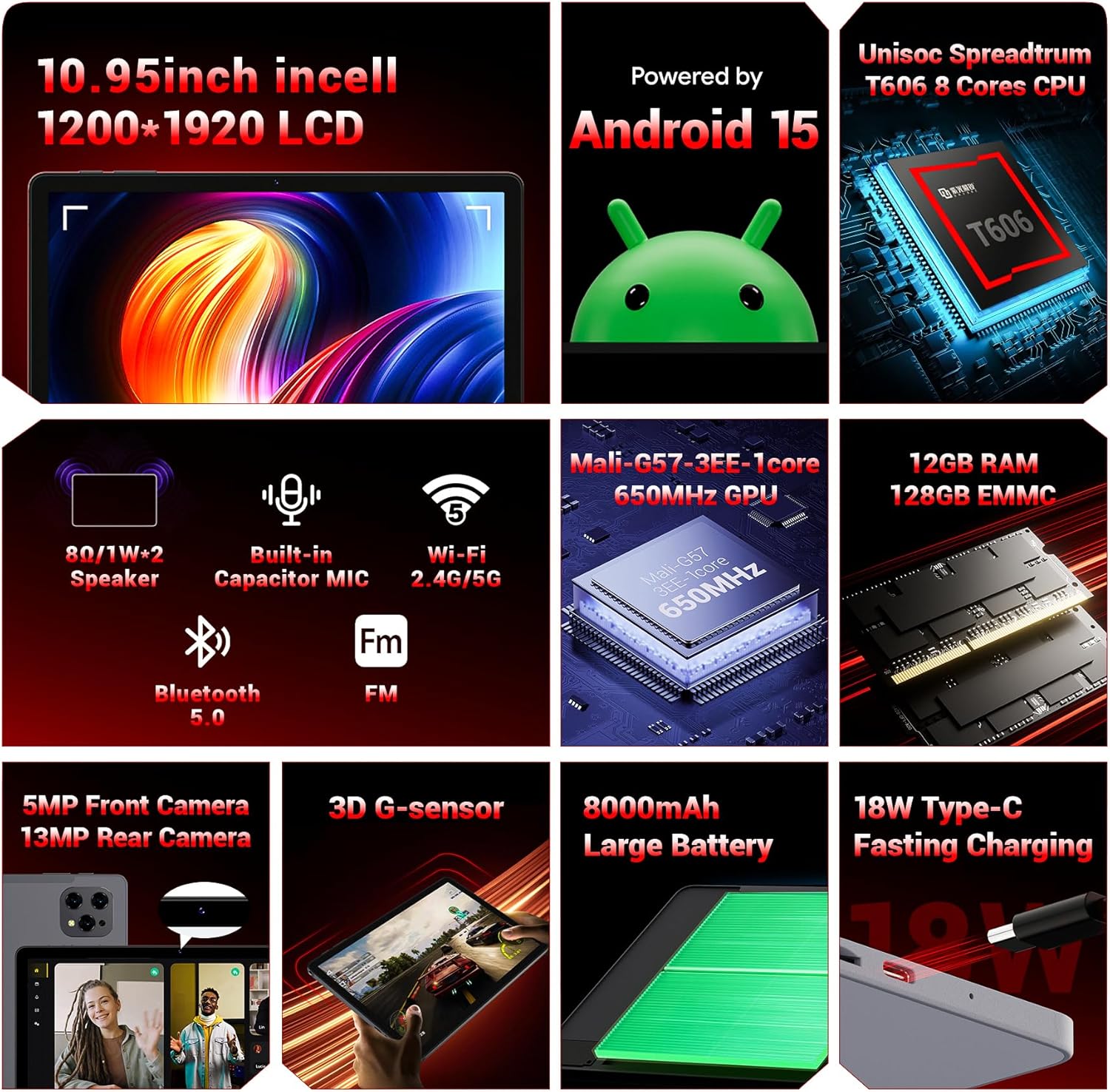
ఒక ఓవర్view of the key technical specifications and features of the FIREBAT AR1 Tablet.
ముఖ్య లక్షణాలు:
- ప్రదర్శన: 10.95-inch In-Cell 1920x1200 Touchscreen
- ప్రాసెసర్: Unisoc Spreadtrum T606 Octa-Core CPU
- మెమరీ: 12GB RAM, 128GB ROM (Expandable via SD card)
- బ్యాటరీ: 18W ఫాస్ట్ ఛార్జింగ్తో 8000mAh లార్జ్ కెపాసిటీ బ్యాటరీ
- కెమెరాలు: 5MP ఫ్రంట్ కెమెరా, 13MP వెనుక కెమెరా
- కనెక్టివిటీ: Wi-Fi 5 (2.4G/5G), Bluetooth 5.0, FM
- ఆపరేటింగ్ సిస్టమ్: ఆండ్రాయిడ్ 15
- భద్రత: Widevine L1 Support for high-definition streaming
- డిజైన్: Upgraded Thinner In-Cell Technology, Narrow Bezel, Delicate Texture Metal Shell

The powerful Unisoc Spreadtrum T606 Octa-Core Processor ensures smooth operation.

Experience vibrant visuals with the 10.95-inch In-Cell 1920x1200 LCD.

The narrow bezel design maximizes screen space for an immersive viewing అనుభవం.

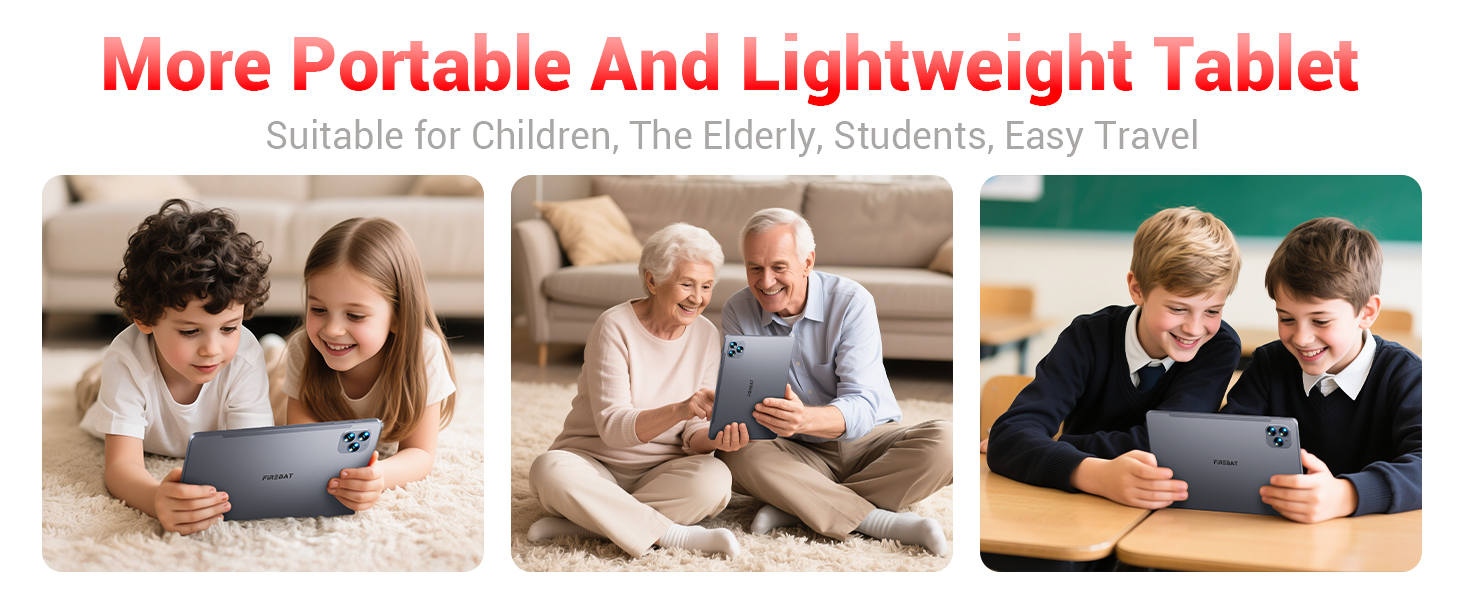
Designed to be lighter and less hand-consuming, ideal for convenient travel.

The newly upgraded delicate texture metal shell enhances heat dissipation and improves protection.
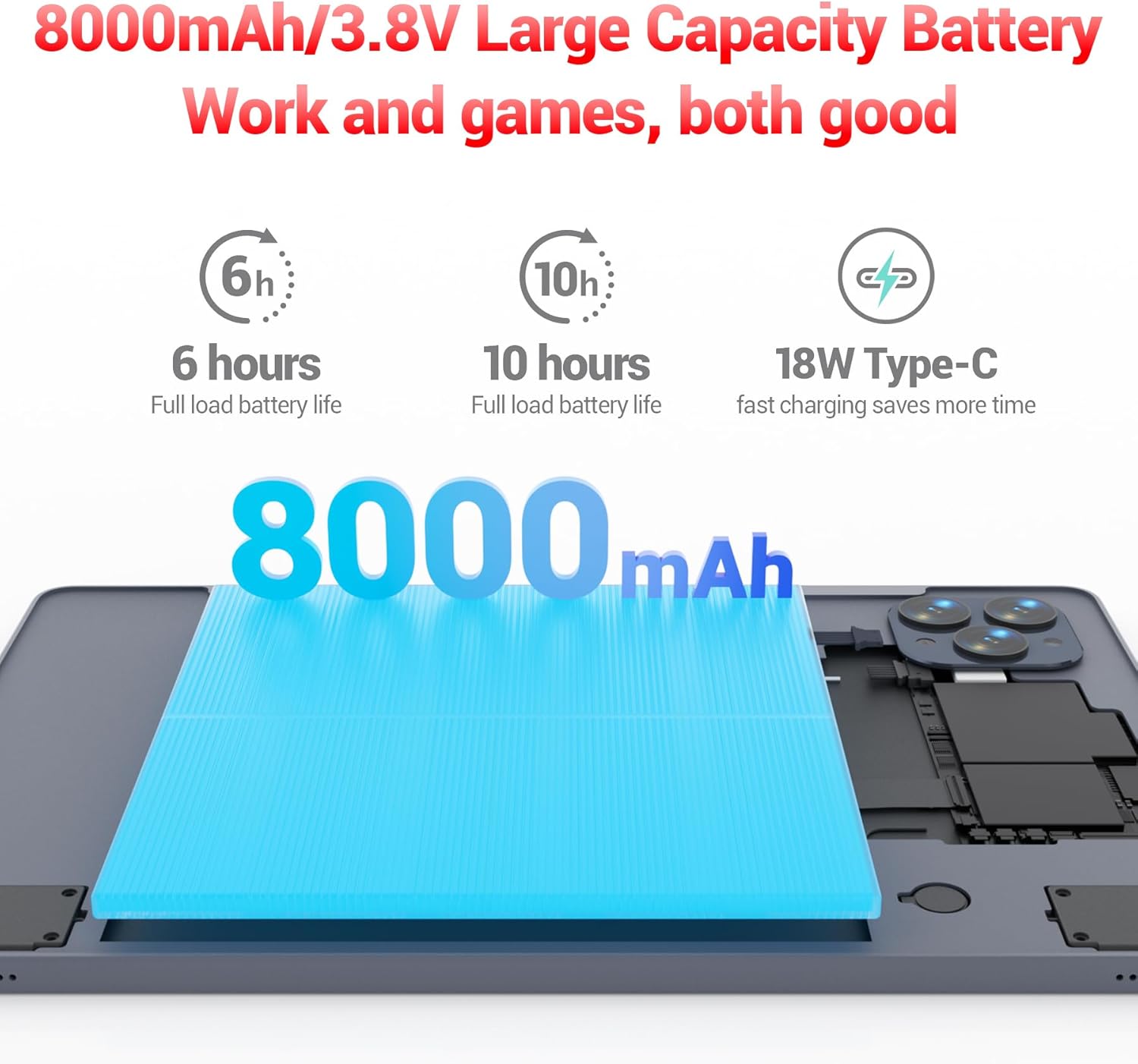
The 8000mAh large capacity battery provides extended usage time.

Capture moments and make video calls with the 5MP front and 13MP rear cameras.
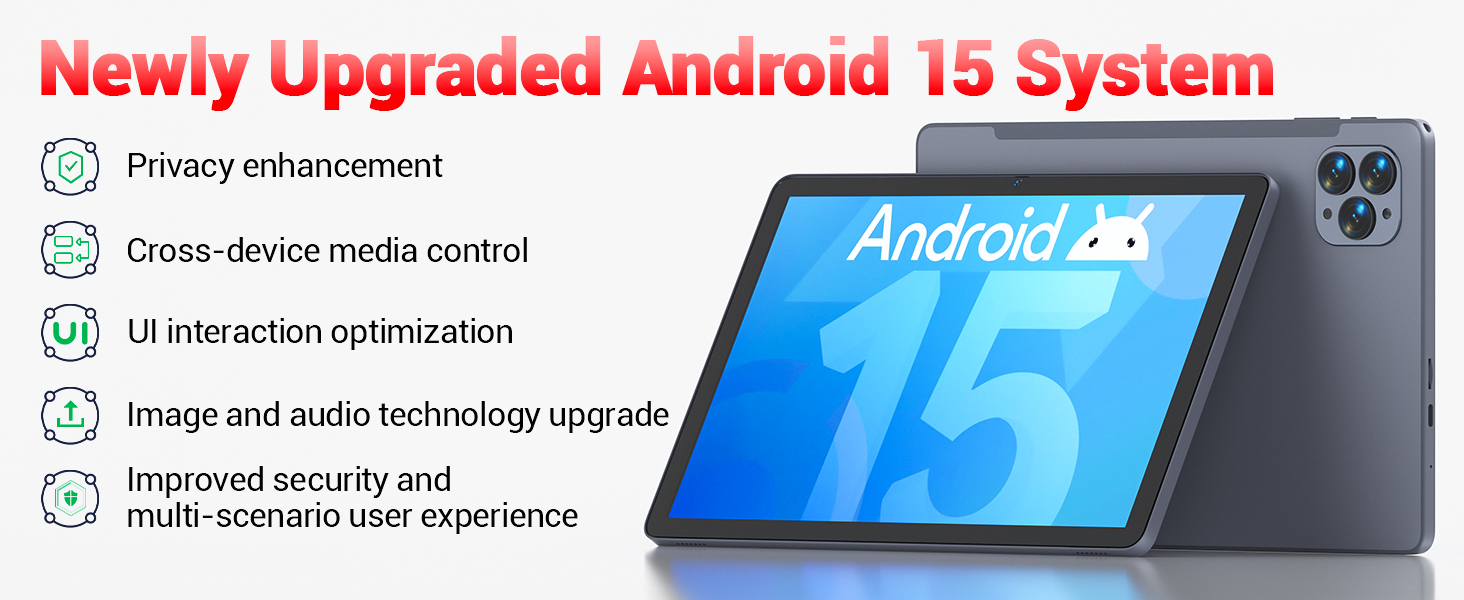
Powered by the newly upgraded Android 15 system for enhanced performance and user experience.
4. సెటప్
4.1 ప్రారంభ పవర్ ఆన్
- Press and hold the Power button located on the side of the tablet until the FIREBAT logo appears.
- మీ భాషను ఎంచుకోవడానికి, Wi-Fi నెట్వర్క్కు కనెక్ట్ అవ్వడానికి మరియు మీ Google ఖాతాను సెటప్ చేయడానికి స్క్రీన్పై కనిపించే ప్రాంప్ట్లను అనుసరించండి.
4.2 టాబ్లెట్ను ఛార్జ్ చేయడం
Before first use, fully charge the tablet using the provided 9V/2A 18W US Power Charger and USB-C cable.
- Connect the USB-C cable to the tablet's USB-C port.
- పవర్ అడాప్టర్ను వాల్ అవుట్లెట్లోకి ప్లగ్ చేయండి.
- స్క్రీన్పై ఉన్న బ్యాటరీ సూచిక ఛార్జింగ్ స్థితిని చూపుతుంది.
4.3 Inserting an SD Card (Optional)
The tablet supports SD card expansion up to 1TB for additional storage.
- Locate the TF Card Slot on the side of the tablet.
- Gently insert the SD card into the slot until it clicks into place.
- The tablet will prompt you to format the SD card for use, if necessary.
5. ఆపరేటింగ్ సూచనలు
5.1 ప్రాథమిక నావిగేషన్
- టచ్స్క్రీన్: ఎంచుకోవడానికి నొక్కండి, స్క్రోల్ చేయడానికి స్వైప్ చేయండి, జూమ్ చేయడానికి పించ్ చేయండి.
- హోమ్ స్క్రీన్: Access your apps and widgets.
- నోటిఫికేషన్ ప్యానెల్: స్క్రీన్ పై నుండి క్రిందికి స్వైప్ చేయండి view నోటిఫికేషన్లు మరియు త్వరిత సెట్టింగ్లు.
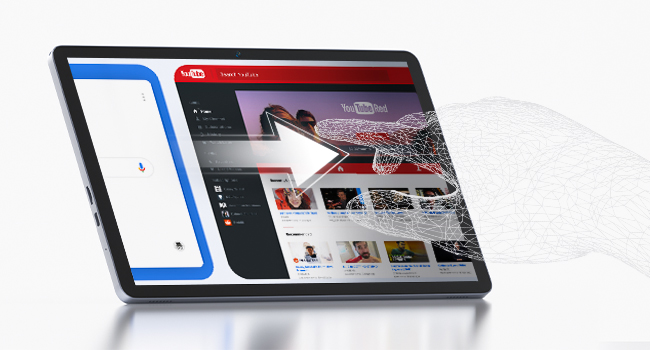
The responsive touchscreen allows for intuitive interaction.
5.2 Wi-Fiకి కనెక్ట్ చేస్తోంది
- వెళ్ళండి సెట్టింగ్లు > నెట్వర్క్ & ఇంటర్నెట్ > Wi-Fi.
- Wi-Fiని ఆన్ చేయి.
- జాబితా నుండి మీకు కావలసిన నెట్వర్క్ను ఎంచుకుని, ప్రాంప్ట్ చేయబడితే పాస్వర్డ్ను నమోదు చేయండి.
5.3 బ్లూటూత్ జత చేయడం
- వెళ్ళండి సెట్టింగ్లు > కనెక్ట్ చేయబడిన పరికరాలు > బ్లూటూత్.
- Toggle Bluetooth on.
- Select the device you wish to pair from the list of available devices.
5.4 కెమెరాలను ఉపయోగించడం
ఈ టాబ్లెట్లో 5MP ముందు కెమెరా మరియు 13MP వెనుక కెమెరా ఉన్నాయి.
- తెరవండి కెమెరా app from the home screen or app drawer.
- Tap the shutter button to take photos or switch to video mode.
- Use the front camera for video calls and selfies, and the rear camera for higher-quality photos.
5.5 Media Playback and Productivity
The tablet supports multiple video and audio formats, and is compatible with various e-book and office software applications.
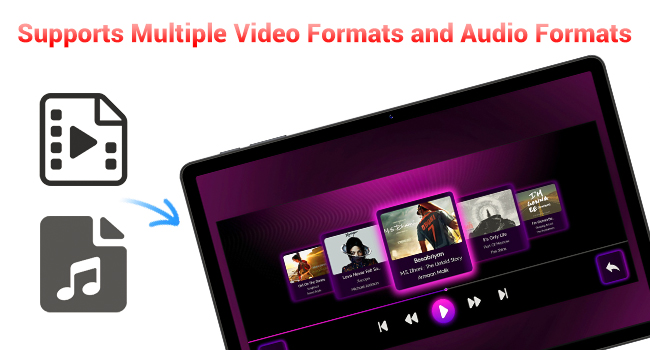
Enjoy your favorite videos and music with broad format support.
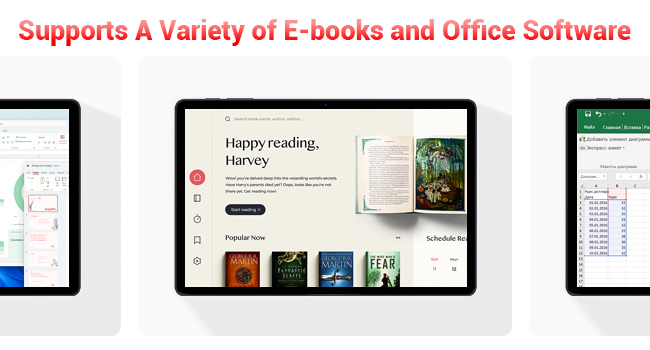
The tablet supports a variety of e-books and office software for productivity.
5.6 రక్షణ కేసును ఉపయోగించడం
The included protective case not only safeguards your tablet but also functions as a stand for hands-free viewing.
- To use as a stand, fold the front cover into a triangular shape and position the tablet securely.
- Ensure the tablet is fully encased to protect against scratches and minor impacts.

The included protective case can be folded to serve as a convenient stand.
6. నిర్వహణ
6.1 టాబ్లెట్ను శుభ్రపరచడం
- టాబ్లెట్ స్క్రీన్ మరియు బాడీని శుభ్రం చేయడానికి మృదువైన, మెత్తటి బట్టను ఉపయోగించండి.
- కఠినమైన రసాయనాలు లేదా రాపిడి పదార్థాలను ఉపయోగించడం మానుకోండి.
6.2 బ్యాటరీ సంరక్షణ
- టాబ్లెట్ను తీవ్రమైన ఉష్ణోగ్రతలకు గురిచేయకుండా ఉండండి.
- బ్యాటరీ తరచుగా పూర్తిగా ఖాళీ అవ్వనివ్వకండి.
- అందించిన ఛార్జర్ లేదా ధృవీకరించబడిన అనుకూల ఛార్జర్ను మాత్రమే ఉపయోగించండి.
6.3 సాఫ్ట్వేర్ నవీకరణలు
- సిస్టమ్ నవీకరణల కోసం క్రమం తప్పకుండా తనిఖీ చేయండి సెట్టింగ్లు > వ్యవస్థ > సిస్టమ్ నవీకరణ.
- Updates can improve performance, add new features, and enhance security.
7. ట్రబుల్షూటింగ్
If you encounter any issues with your FIREBAT AR1 Tablet, please refer to the following common solutions:
| సమస్య | సాధ్యమైన పరిష్కారం |
|---|---|
| టాబ్లెట్ ఆన్ అవ్వడం లేదు | బ్యాటరీ ఛార్జ్ అయ్యిందని నిర్ధారించుకోండి. ఛార్జర్ను కనెక్ట్ చేసి, మళ్లీ పవర్ ఆన్ చేయడానికి ప్రయత్నించే ముందు కొన్ని నిమిషాలు వేచి ఉండండి. స్పందించకపోతే, పవర్ బటన్ను 10-15 సెకన్ల పాటు నొక్కి ఉంచడం ద్వారా బలవంతంగా రీస్టార్ట్ చేయండి. |
| Wi-Fi కనెక్టివిటీ సమస్యలు | మీ Wi-Fi రూటర్ను పునఃప్రారంభించండి. మీ టాబ్లెట్లోని నెట్వర్క్ను మర్చిపోయి, తిరిగి కనెక్ట్ చేయండి. మీరు Wi-Fi సిగ్నల్ పరిధిలో ఉన్నారని నిర్ధారించుకోండి. |
| నెమ్మదిగా పనితీరు | Close unused applications. Clear cache from apps in Settings > Apps. Restart the tablet. Consider freeing up storage space. |
| బ్యాటరీ త్వరగా అయిపోతుంది | Reduce screen brightness. Close background apps. Disable Wi-Fi/Bluetooth when not in use. Limit location services. |
8. స్పెసిఫికేషన్లు
| ఫీచర్ | వివరాలు |
|---|---|
| బ్రాండ్ | ఫైర్బాట్ |
| మోడల్ సంఖ్య | AR1 |
| ఆపరేటింగ్ సిస్టమ్ | ఆండ్రాయిడ్ 15 |
| స్క్రీన్ పరిమాణం | 10.95 Inches (In-Cell 1920x1200 Touchscreen) |
| ప్రాసెసర్ | T606 ఆక్టా-కోర్ |
| RAM | 12GB |
| ఫ్లాష్ మెమరీ (ROM) | 128GB |
| ఫ్రంట్ కెమెరా | 5MP |
| వెనుక కెమెరా | 13MP |
| బ్యాటరీ కెపాసిటీ | 8000mAh |
| ఛార్జింగ్ | 18W టైప్-సి ఫాస్ట్ ఛార్జింగ్ |
| కనెక్టివిటీ | Wi-Fi 5, BT5.0, FM |
| ఉత్పత్తి కొలతలు | 10 x 6.6 x 0.3 అంగుళాలు |
| వస్తువు బరువు | 2.49 పౌండ్లు |
9. వారంటీ మరియు మద్దతు
FIREBAT products are manufactured with high standards of quality and performance. For any warranty claims or technical support, please contact FIREBAT customer service.
సంప్రదింపు సమాచారం:
- ఇమెయిల్: support@firebatpc.com
- Webసైట్: www.firebatpc.com
దయచేసి వారంటీ ప్రయోజనాల కోసం మీ కొనుగోలు రుజువును ఉంచుకోండి.


