1. ఉత్పత్తి ముగిసిందిview
The Baseus EnerGeek 145W Power Bank is a high-capacity portable charging device designed to provide fast and efficient power to a wide range of electronic devices, including laptops, smartphones, and tablets. It features a 20000mAh battery, a maximum output of 145W, and an integrated 60cm retractable USB-C cable for convenience.

Image: The Baseus EnerGeek 145W Power Bank, showcasing its compact design and the integrated retractable USB-C cable. The digital display is visible, indicating battery status.
ముఖ్య లక్షణాలు:
- 145W గరిష్ట అవుట్పుట్: Supports Power Delivery for rapid charging of high-power devices.
- 20000mAh కెపాసిటీ: Provides multiple charges for smartphones and laptops.
- Integrated 60cm Retractable USB-C Cable: Durable and convenient for storage and use.
- మల్టీ-పోర్ట్ ఛార్జింగ్: Two USB-C ports and two USB-A ports allow simultaneous charging of up to four devices.
- ఇంటెలిజెంట్ డిజిటల్ డిస్ప్లే: Real-time display of battery level, charging power, and remaining time.
- అధునాతన శీతలీకరణ వ్యవస్థ: Features conductive graphene, aerogel insulation, and an AI-powered chip for effective temperature regulation.
2. ప్యాకేజీ విషయాలు
దయచేసి ఈ క్రింది అంశాల కోసం ప్యాకేజీని తనిఖీ చేయండి:
- Baseus EnerGeek 145W Power Bank (EnerGeek GR11)
- వినియోగదారు మాన్యువల్
- (Additional accessories may vary by region or package)
3. సెటప్ మరియు మొదటి ఉపయోగం
3.1 ప్రారంభ ఛార్జింగ్
Before first use, it is recommended to fully charge the Baseus EnerGeek Power Bank. This ensures optimal battery performance and longevity.
- Connect the integrated USB-C cable or a separate USB-C cable to the power bank's input port (USB-C1 or USB-C2).
- Connect the other end of the cable to a compatible USB-C wall charger (100W charger recommended for fastest charging).
- డిజిటల్ డిస్ప్లే ఛార్జింగ్ స్థితి మరియు బ్యాటరీ శాతాన్ని చూపుతుంది.tagఇ. డిస్ప్లే 100% చూపించినప్పుడు పవర్ బ్యాంక్ పూర్తిగా ఛార్జ్ అవుతుంది.

Image: The Baseus EnerGeek Power Bank connected to a wall charger via its integrated USB-C cable, illustrating the fast charging input capability.
4. ఆపరేటింగ్ సూచనలు
4.1 ఛార్జింగ్ పరికరాలు
The Baseus EnerGeek Power Bank can charge up to four devices simultaneously using its various output ports.
- ఇంటిగ్రేటెడ్ USB-C కేబుల్ ఉపయోగించి: Pull out the 60cm retractable USB-C cable and connect it to your device's USB-C port.
- Using External Cables: Connect your device's charging cable to one of the available USB-C (C2, C3) or USB-A (A1) output ports on the power bank.
- The power bank will automatically detect the connected device and begin charging. The digital display will show the output power.
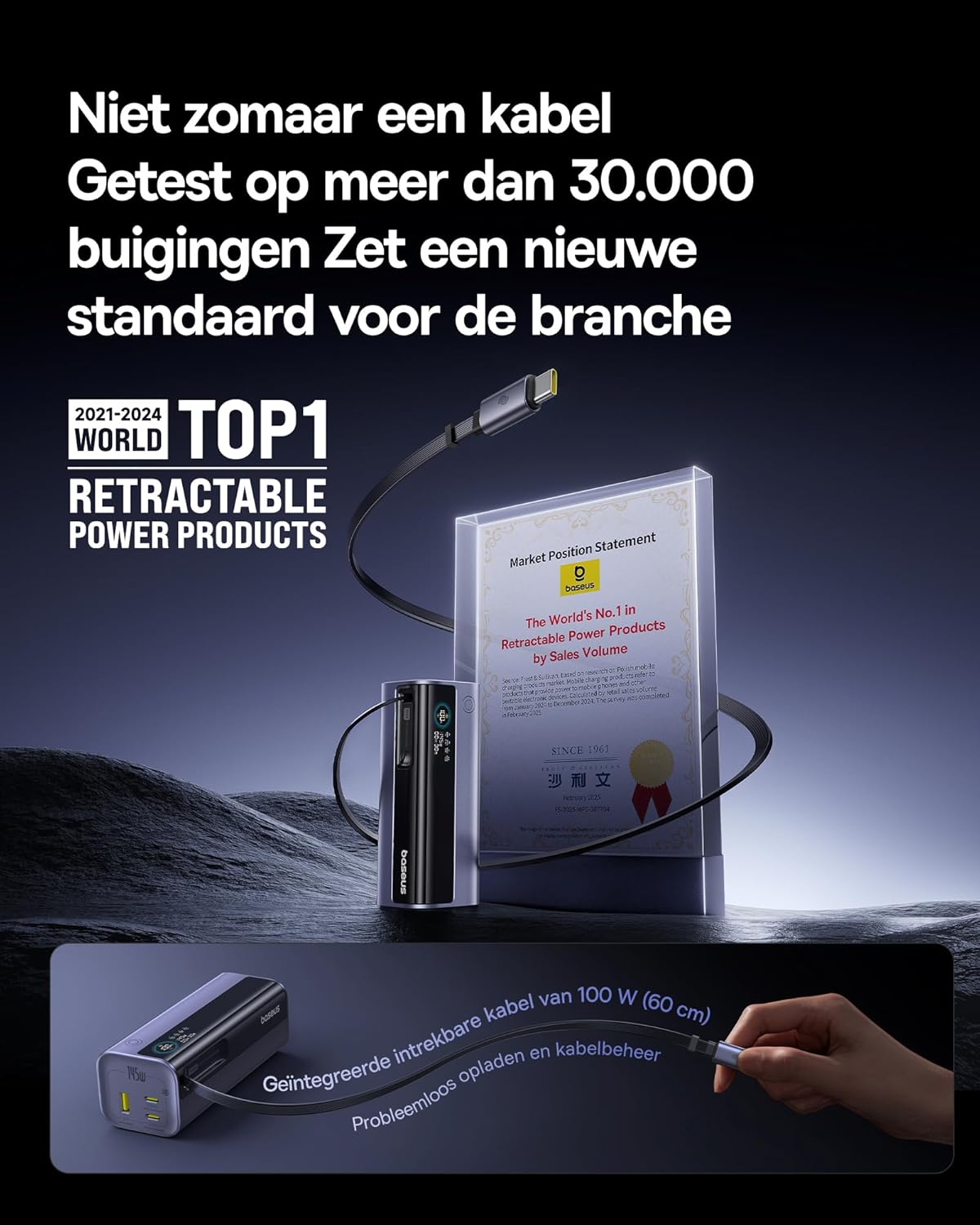
Image: The Baseus EnerGeek Power Bank connected to a laptop and an iPhone, demonstrating its ability to charge multiple devices simultaneously with high power output.
4.2 డిజిటల్ డిస్ప్లేను అర్థం చేసుకోవడం
The intelligent digital display provides real-time information:
- బ్యాటరీ స్థాయి: మిగిలిన బ్యాటరీ శాతాన్ని చూపుతుందిtage.
- Charging Power (Input/Output): Displays the current wattage being drawn or delivered.
- మిగిలిన సమయం: Estimates the time left for the power bank to fully charge or discharge.
- I/O స్థితి: Indicates which ports are active for input or output.

చిత్రం: వివరణాత్మక view of the Baseus EnerGeek Power Bank's digital display, showing battery percentage, current wattage, and estimated remaining time.
4.3 Retracting the Cable
To retract the integrated USB-C cable, gently pull it out slightly further, then release it. The cable will automatically retract into the power bank's housing.
5. నిర్వహణ మరియు సంరక్షణ
- పవర్ బ్యాంక్ను తీవ్రమైన ఉష్ణోగ్రతలు (వేడి లేదా చలి), ప్రత్యక్ష సూర్యకాంతి మరియు తేమతో కూడిన వాతావరణాల నుండి దూరంగా ఉంచండి.
- పవర్ బ్యాంక్ను నీరు లేదా ఇతర ద్రవాలకు బహిర్గతం చేయవద్దు.
- పవర్ బ్యాంక్ను వదలడం లేదా బలమైన ప్రభావాలకు గురి చేయడం మానుకోండి.
- Clean the surface of the power bank with a soft, dry cloth. Do not use harsh chemicals or abrasive materials.
- Store the power bank in a cool, dry place when not in use for extended periods. It is recommended to charge it to about 50-70% before long-term storage.
6. ట్రబుల్షూటింగ్
| సమస్య | సాధ్యమైన కారణం | పరిష్కారం |
|---|---|---|
| పవర్ బ్యాంక్ ఛార్జింగ్ లేదు | Low battery on power bank; faulty charging cable; incompatible wall adapter. | Ensure the power bank has some charge. Try a different USB-C cable and a compatible wall adapter (e.g., 100W PD charger). |
| పవర్ బ్యాంక్ నుండి పరికరం ఛార్జ్ కావడం లేదు | Power bank battery is empty; faulty device cable; device not compatible with power bank output. | Recharge the power bank. Try a different charging cable for your device. Ensure your device supports the power bank's output specifications. |
| నెమ్మదిగా ఛార్జింగ్ అవుతోంది | Cable or adapter not supporting fast charging; multiple devices connected reducing individual output. | Use a high-quality, fast-charging compatible cable and adapter. Disconnect other devices to maximize output to a single device. |
| డిజిటల్ డిస్ప్లే పని చేయడం లేదు | Power bank is off; temporary software glitch. | Press the power button to activate the display. If the issue persists, try fully discharging and recharging the power bank. |
7. స్పెసిఫికేషన్లు
| ఫీచర్ | వివరాలు |
|---|---|
| మోడల్ సంఖ్య | EnerGeek GR11 |
| బ్యాటరీ కెపాసిటీ | 20000mAh |
| గరిష్ట అవుట్పుట్ పవర్ | 145W (మొత్తం) |
| USB-C1 కేబుల్ అవుట్పుట్ | 100W మాక్స్ |
| USB-C2 అవుట్పుట్ | 100W మాక్స్ |
| USB-C3 అవుట్పుట్ | 100W మాక్స్ |
| USB-A1 అవుట్పుట్ | 33W మాక్స్ |
| ఇన్పుట్ (USB-C) | 100W మాక్స్ |
| కొలతలు | 13 x 5.2 x 4.9 సెం.మీ |
| బరువు | 465 గ్రా |
| బ్యాటరీ రకం | లిథియం-అయాన్ |
| ప్రత్యేక లక్షణాలు | Digital display, Integrated cable, Fast charging |
8. వారంటీ మరియు మద్దతు
వారంటీ సమాచారం మరియు కస్టమర్ మద్దతు కోసం, దయచేసి అధికారిక బేసియస్ను చూడండి. webమీరు ఉత్పత్తిని కొనుగోలు చేసిన రిటైలర్ను సైట్లో సంప్రదించండి లేదా సంప్రదించండి. వారంటీ క్లెయిమ్ల కోసం మీ కొనుగోలు రుజువును ఉంచండి.
తయారీదారు: బేసియస్
ASIN: B0F83VMZJT
మొదట అందుబాటులో ఉన్న తేదీ: మే 9, 2025
మరిన్ని సహాయం కోసం, మీరు సందర్శించవచ్చు అమెజాన్లో బేసియస్ స్టోర్.


