1. పరిచయం
This manual provides essential information for the safe and efficient operation of your GAOMON 12000 BTU Portable Air Conditioner. This versatile 3-in-1 unit offers cooling, dehumidification, and fan functions, designed to provide comfort in rooms up to 550 square feet. Please read all instructions carefully before use.
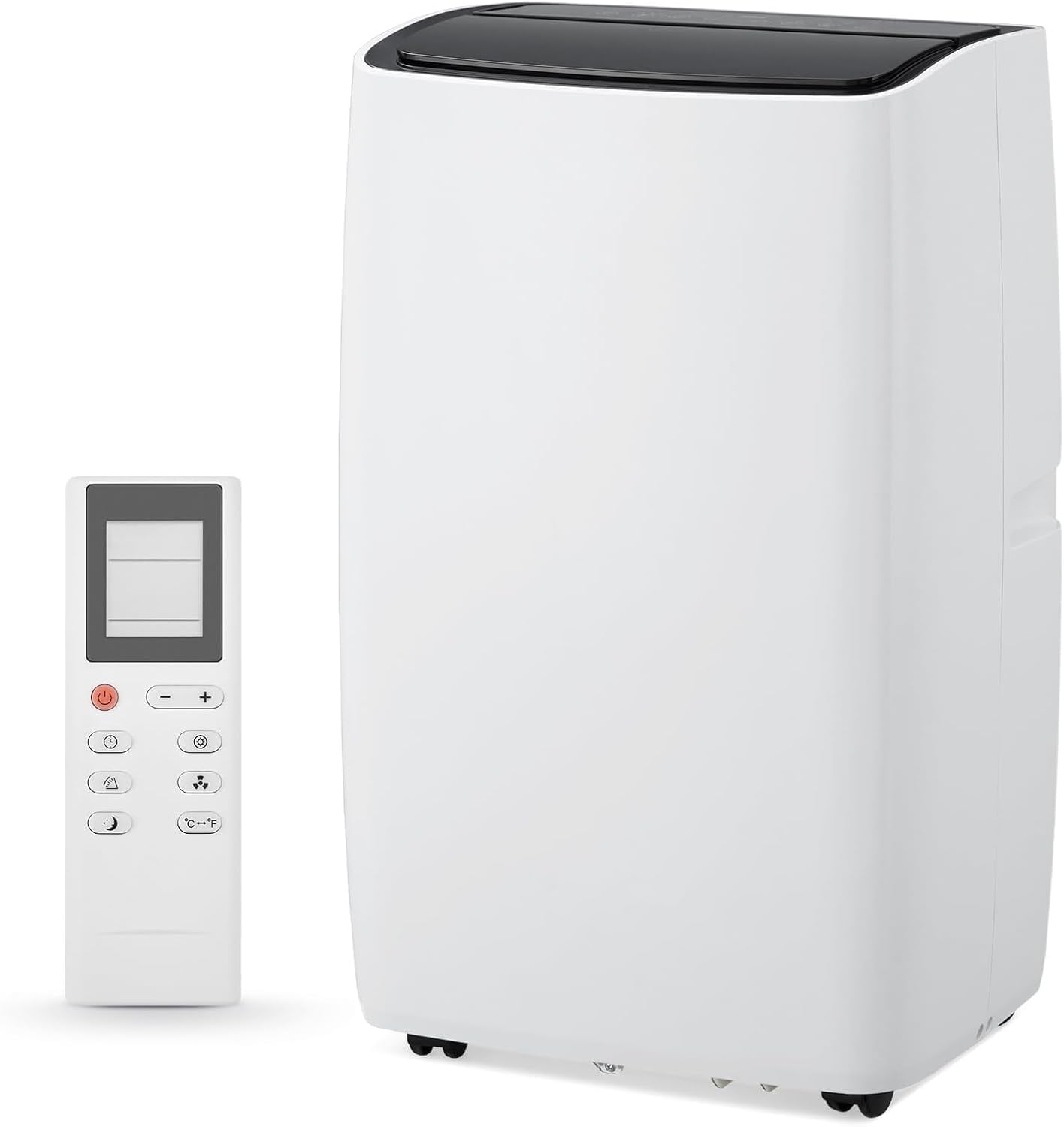
Figure 1: GAOMON 12000 BTU Portable Air Conditioner and Remote Control.
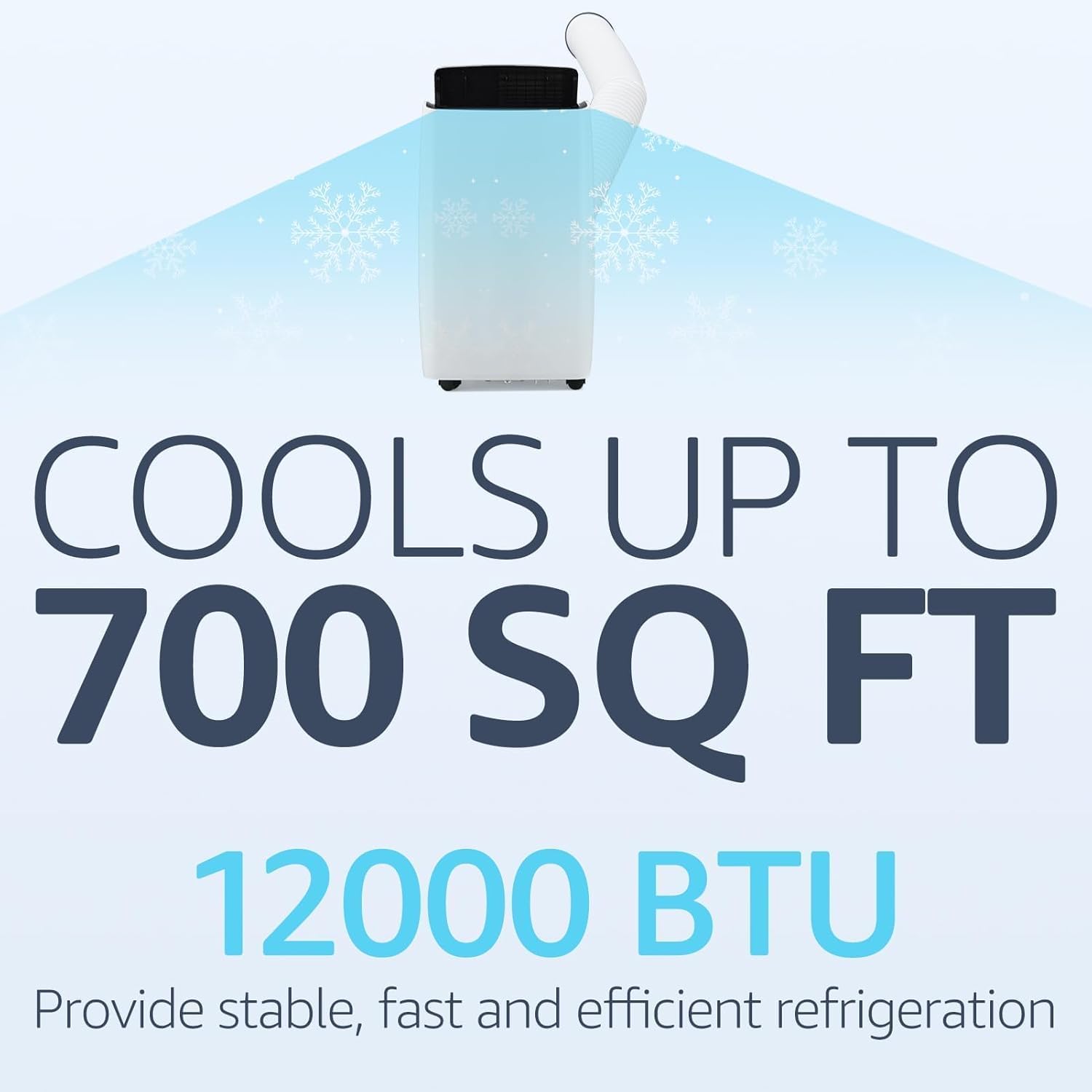
Figure 2: Cooling capacity of the 12000 BTU unit.
2. ముఖ్యమైన భద్రతా సూచనలు
మీ ఎయిర్ కండీషనర్ను ఉపయోగిస్తున్నప్పుడు అగ్ని ప్రమాదం, విద్యుత్ షాక్ లేదా గాయం ప్రమాదాన్ని తగ్గించడానికి, ఈ ప్రాథమిక జాగ్రత్తలను అనుసరించండి:
- ఉపకరణాన్ని ఉపయోగించే ముందు అన్ని సూచనలను చదవండి.
- Ensure the power supply matches the requirements specified on the unit's label.
- దెబ్బతిన్న త్రాడు లేదా ప్లగ్తో యూనిట్ను ఆపరేట్ చేయవద్దు.
- ఎయిర్ ఇన్లెట్ మరియు అవుట్లెట్లను అడ్డంకులు లేకుండా ఉంచండి.
- ఎయిర్ అవుట్లెట్లోకి వస్తువులను చొప్పించవద్దు.
- శుభ్రపరిచే లేదా సర్వీసింగ్ చేసే ముందు యూనిట్ను అన్ప్లగ్ చేయండి.
- Keep the unit on a firm, level surface to prevent water leakage.
- గోడలు, కర్టెన్లు లేదా ఎయిర్ ఇన్లెట్ మరియు అవుట్లెట్ను నిరోధించే ఇతర వస్తువులకు దగ్గరగా పనిచేయవద్దు.
- ప్రత్యక్ష సూర్యకాంతి మరియు వేడి వనరులను నివారించండి.
- Do not install the unit in rooms that exceed 4 m² or where inflammable gas may leak.
3. ప్యాకేజీ విషయాలు
అన్ని వస్తువులు ఉన్నాయని మరియు మంచి స్థితిలో ఉన్నాయని ధృవీకరించండి:
- GAOMON 12000 BTU Portable Air Conditioner Unit
- రిమోట్ కంట్రోల్
- ఎగ్జాస్ట్ గొట్టం
- Hose Connector (for unit)
- Window Kit Adapter (for window)
- Window Slider Panels (adjustable)
- డ్రెయిన్ పైప్
- Sealing Foam Tape
- వినియోగదారు మాన్యువల్
వీడియో 1: అన్బాక్సింగ్ మరియు మరిన్నిview of included components for the Portable Air Conditioner.
4. సెటప్ మరియు ఇన్స్టాలేషన్
మీ పోర్టబుల్ ఎయిర్ కండిషనర్ను సరిగ్గా సెటప్ చేయడానికి ఈ దశలను అనుసరించండి:
- విండో కిట్ సిద్ధం చేయండి:
- Assemble the window slider panels to match the length of your window opening.
- Secure the panels using the provided butterfly screws.
- Apply the sealing foam tape along the edges of the window opening to ensure a tight seal.
- Install the Exhaust Hose:
- Connect one end of the exhaust hose to the hose connector.
- ఎగ్జాస్ట్ గొట్టం యొక్క మరొక చివరను విండో కిట్ అడాప్టర్కు కనెక్ట్ చేయండి.
- Insert the assembled window kit into your window frame and close the window securely against it.
- Attach the hose connector to the exhaust air outlet of the air conditioner unit.
- యూనిట్ను ఉంచండి:
- Place the unit on a firm, level surface, ensuring at least 19 inches (45cm) of free space around it for proper air circulation.
- యూనిట్ను ప్రామాణిక ఎలక్ట్రికల్ అవుట్లెట్లోకి ప్లగ్ చేయండి.

Figure 3: Easy installation steps for the exhaust hose and window kit.
Video 2: Detailed installation process for the portable air conditioner, including window kit and hose attachment.
5. ఆపరేటింగ్ మోడ్లు
Your GAOMON Portable Air Conditioner offers three primary operating modes:
- కూల్ మోడ్: Provides powerful cooling for small to medium rooms. Adjust the temperature settings to your desired comfort level.
- డీహ్యూమిడిఫై మోడ్: Effectively removes excess moisture from the air, ideal for humid conditions.
- అభిమాని మోడ్: Circulates air without cooling, providing gentle airflow for ventilation.
Switch between modes using the 'Mode' button on the control panel or remote control.

Figure 4: Control panel showing 3-in-1 functions.

Figure 5: Illustration of the three operating modes.
6 కీ ఫీచర్లు
- 24-గంటల టైమర్: Program the unit to automatically turn on or off within a 24-hour period.
- Silent Cooling: Operates at a low noise level of 45dB, ensuring minimal disturbance, especially during sleep.
- స్లీప్ మోడ్: Automatically reduces sound output and dims the display light for uninterrupted nighttime use.
- రిమోట్ కంట్రోల్: గది అంతటా సెట్టింగ్లను సౌకర్యవంతంగా సర్దుబాటు చేయండి.
- Eco-Smart Technology: Designed for energy efficiency with intelligent temperature regulation.
- చలనశీలత: Equipped with smooth-rolling 360° wheels for easy relocation between rooms.

Figure 6: Sleep mode functionality for quiet operation.

చిత్రం 7: అనుకూలమైన ఆపరేషన్ కోసం రిమోట్ కంట్రోల్.
7. శుభ్రపరచడం మరియు నిర్వహణ
- ఫిల్టర్ క్లీనింగ్: The unit features a dual filtration system. Remove, rinse under running water, and reinstall the reusable filter every two weeks to maintain peak efficiency.
- నీటి పారుదల: The unit has a drain outlet for water removal. For continuous drainage in dehumidify mode, connect the provided drain pipe. If the "HL" icon shows on the panel or the device is unused for a long time, drain water from the bottom drain hole.
Video 3: Demonstrates filter cleaning and water drainage procedures.
8. ట్రబుల్షూటింగ్
If you encounter issues, refer to the table below for common problems and solutions:
| సమస్య | సాధ్యమైన కారణం | పరిష్కారం |
|---|---|---|
| యూనిట్ పనిచేయదు | No power supply; Power cord not securely connected. | Check power connection; Ensure plug is fully inserted. |
| Unit operates with reduced capacity | Air filter is dirty; Air duct is blocked; Room door/window is open. | Clean the air filter; Clear obstructions; Close doors and windows. |
| నీటి లీకేజీ | Drain hose is detached or kinked; Unit is not level. | Securely attach/straighten drain hose; Place unit on a firm, level surface. |
| విపరీతమైన శబ్దం | Loose or vibrating parts; Noise from flowing refrigerant. | Secure and tighten parts; Noise from refrigerant is normal. |
| "HL" icon displayed | వాటర్ ట్యాంక్ నిండిపోయింది. | Drain water from the unit. |
9. స్పెసిఫికేషన్లు
- బ్రాండ్: గామన్
- మోడల్ సమాచారం: ZMS0609Geu
- శీతలీకరణ శక్తి: 12000 BTU
- Cools Area: 550 Sq వరకు. అడుగులు
- వస్తువు బరువు: 76.3 పౌండ్లు
- ఉత్పత్తి కొలతలు: 18.5"డి x 15.35"వా x 35.24"హ
- శబ్దం స్థాయి: 45dB (Silent Mode) / 52 Decibels (General)
- వాల్యూమ్tage: 115V
- సీజనల్ ఎనర్జీ ఎఫిషియన్సీ రేషియో (SEER): 7.22
- ప్రత్యేక ఫీచర్: 4 వే స్వింగ్

చిత్రం 8: ఉత్పత్తి కొలతలు.
10. వారంటీ మరియు మద్దతు
For warranty information, technical support, or service inquiries, please refer to the contact details provided in the original product packaging or visit the GAOMON official webసైట్. వారంటీ క్లెయిమ్ల కోసం మీ కొనుగోలు రసీదుని ఉంచండి.


