1. పరిచయం
The EWEADN TK100 is a 104-key wired mechanical keyboard designed with a retro typewriter aesthetic. It features durable double-shot injection round keycaps, responsive blue mechanical switches, and a white LED backlight with multiple effects. This manual provides detailed instructions for setting up, operating, maintaining, and troubleshooting your TK100 keyboard.
2. ప్యాకేజీ విషయాలు
దయచేసి మీ ప్యాకేజీలో అన్ని అంశాలు ఉన్నాయని ధృవీకరించండి:
- EWEADN TK100 Wired Mechanical Keyboard
3. సెటప్
Setting up your EWEADN TK100 keyboard is a simple plug-and-play process.
- కీబోర్డ్ను అన్ప్యాక్ చేయండి: కీబోర్డ్ను దాని ప్యాకేజింగ్ నుండి జాగ్రత్తగా తీసివేయండి.
- మీ పరికరానికి కనెక్ట్ చేయండి: Locate an available USB-A port on your computer (PC, Mac, laptop, desktop) or compatible device. Insert the USB cable from the keyboard firmly into the USB port.
- ఆటోమేటిక్ ఇన్స్టాలేషన్: Your operating system will automatically detect and install the necessary drivers. No additional software installation is required.
- ఉపయోగం కోసం సిద్ధంగా ఉంది: ఇన్స్టాలేషన్ పూర్తయిన తర్వాత, కీబోర్డ్ తక్షణ వినియోగానికి సిద్ధంగా ఉంటుంది.
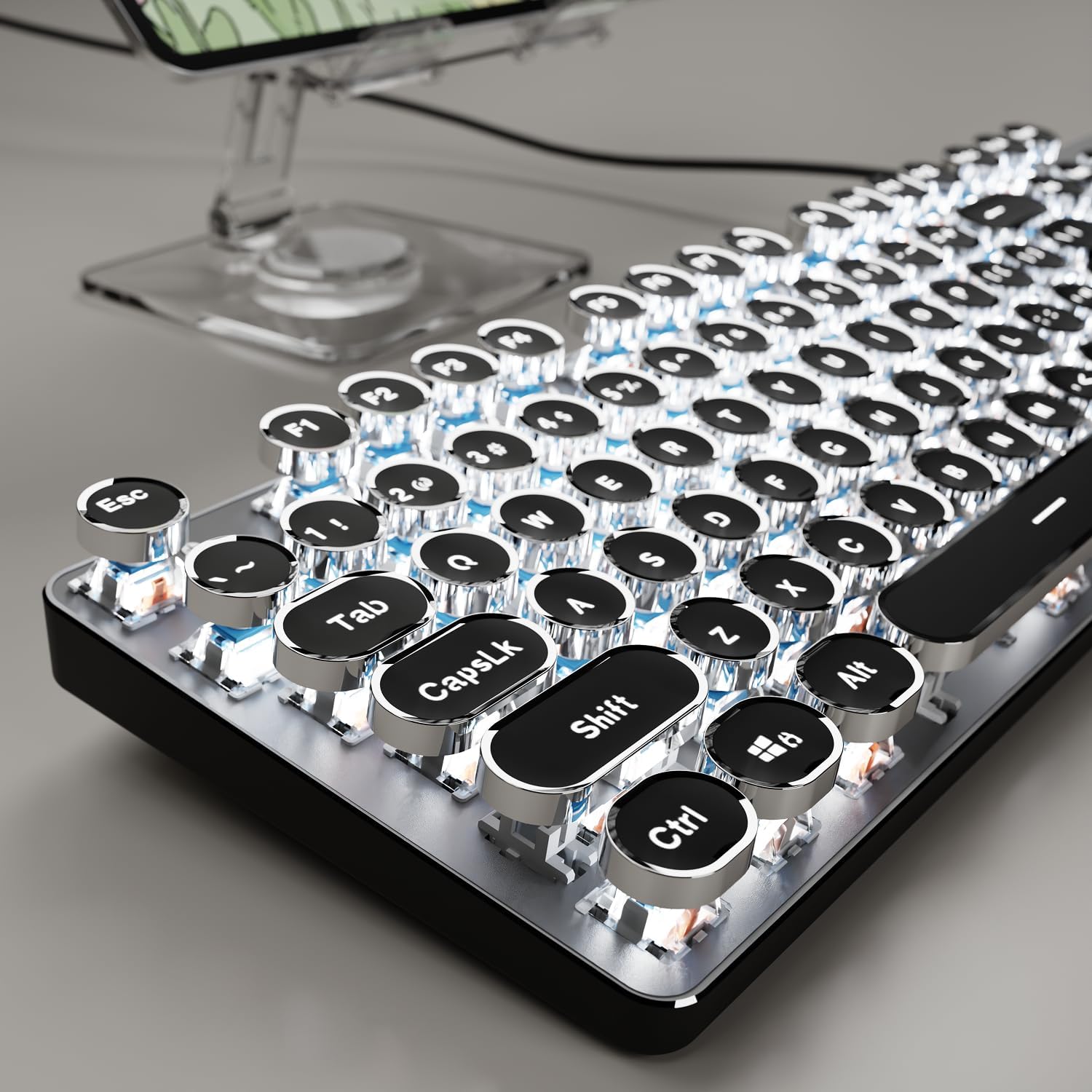
Image: The EWEADN TK100 keyboard connected and ready for use, highlighting its aesthetic design.
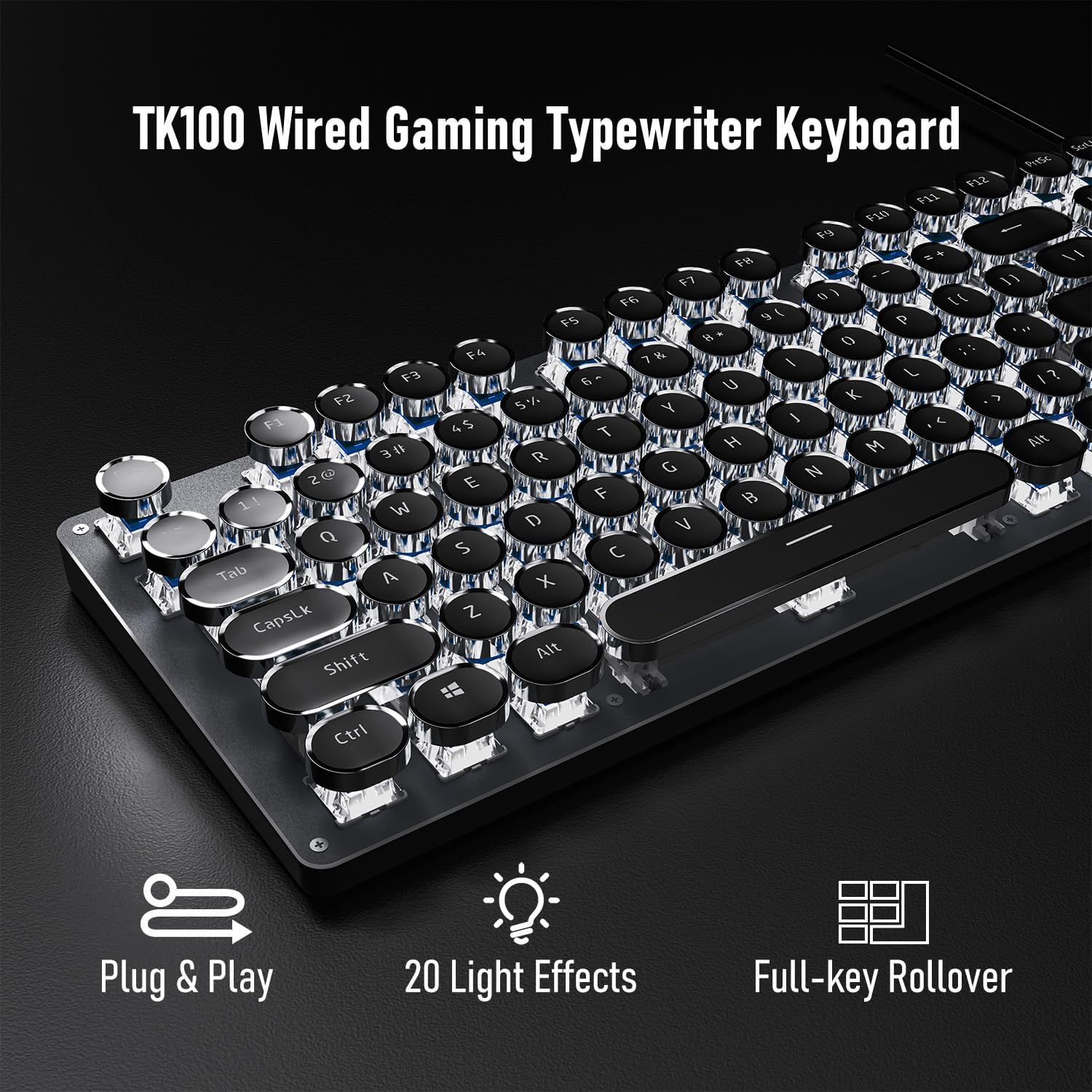
Image: Visual representation of the keyboard's plug-and-play functionality and full-key rollover capability.
4. ఆపరేటింగ్ సూచనలు
4.1 బ్యాక్లైట్ నియంత్రణ
The TK100 keyboard features a white LED backlight with various effects and brightness levels.
- కాంతి ప్రభావాలను మార్చండి: నొక్కండి FN + INS to cycle through 20 preset basic lighting effects.
- గేమ్ లైటింగ్ ప్రభావాలు: నొక్కండి FN + 6, 7, 8, 9, లేదా 0 to activate 4 specific game lighting effects.
- ప్రకాశం/వేగాన్ని సర్దుబాటు చేయండి: నొక్కండి FN + పైకి బాణం (↑ ↑ ↑) to increase brightness or breathing speed. Press FN + డౌన్ బాణం (↓ ↓ తెలుగు) to decrease brightness or breathing speed (5 levels available).
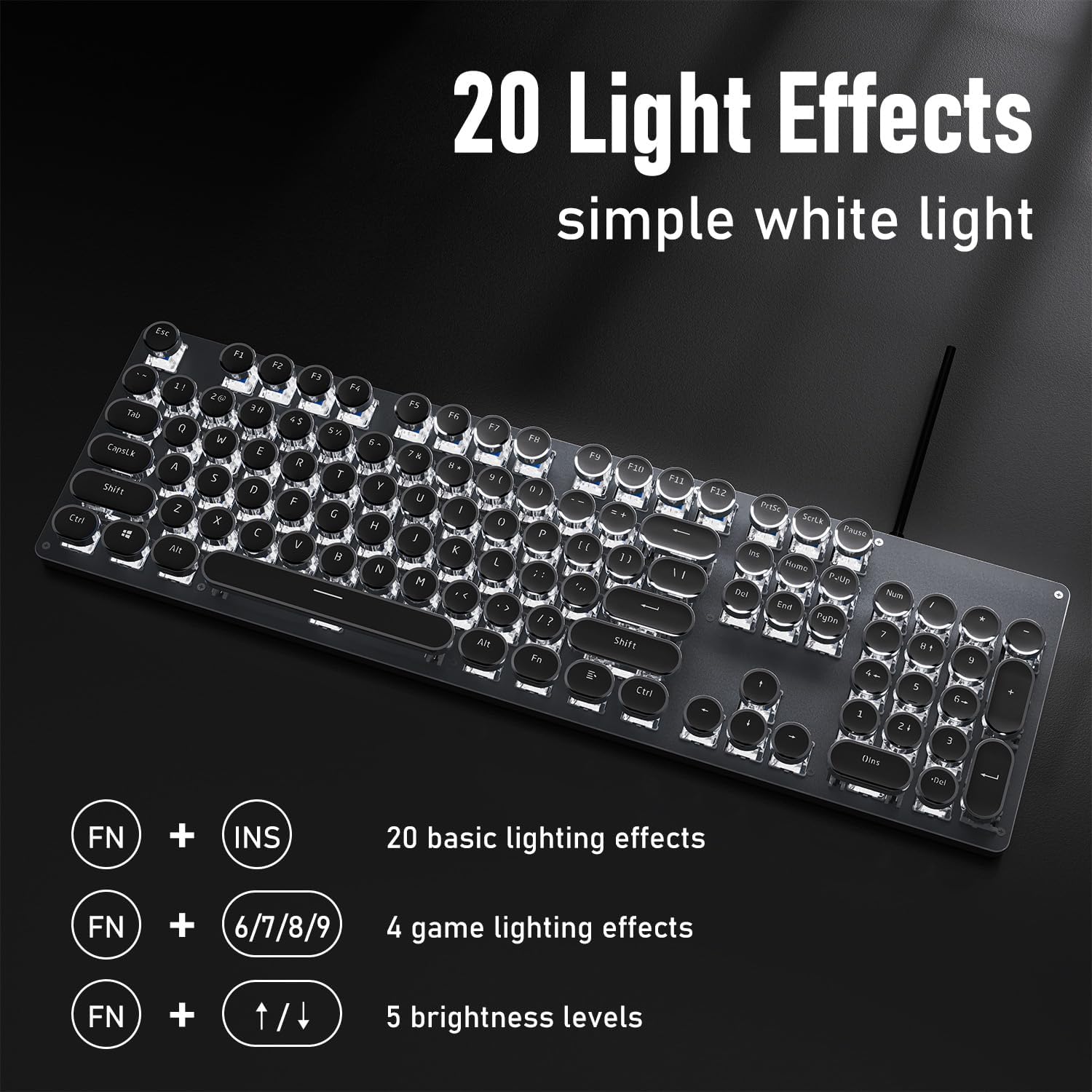
Image: The keyboard showcasing its 20 light effects and the FN key combinations for adjusting them.
4.2 ముఖ్య లక్షణాలు
- మెకానికల్ బ్లూ స్విచ్లు: The TK100 utilizes highly durable mechanical blue switches, known for their tactile feedback and crisp, audible click. This provides a satisfying typing experience and quick response time.
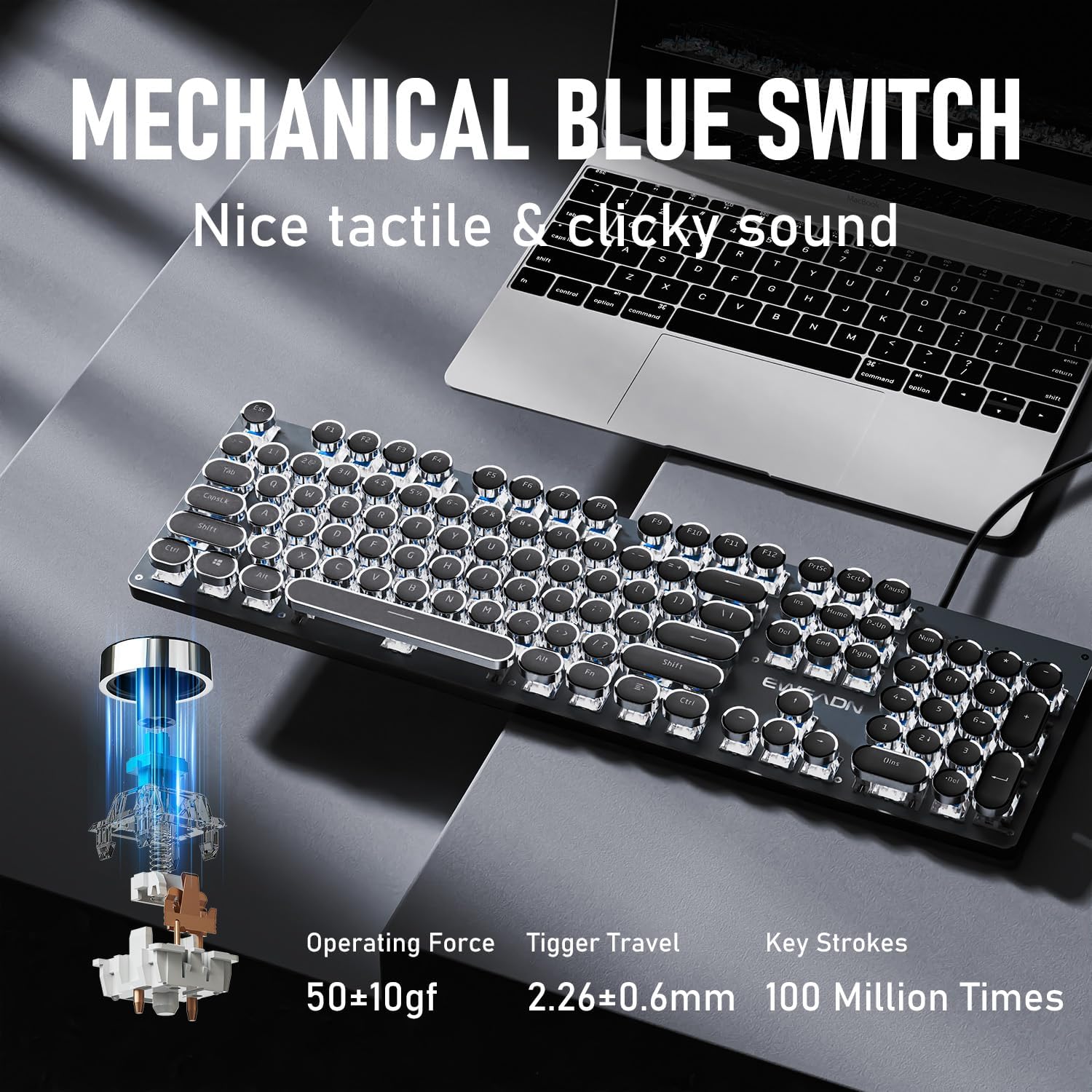
చిత్రం: వివరణాత్మకం view of the mechanical blue switch, highlighting its specifications for performance and durability.
- Retro Punk Round Keycaps: The keyboard features double-shot injection retro punk round keycaps. These keycaps are designed for durability, clear character visibility, and a comfortable typing feel.
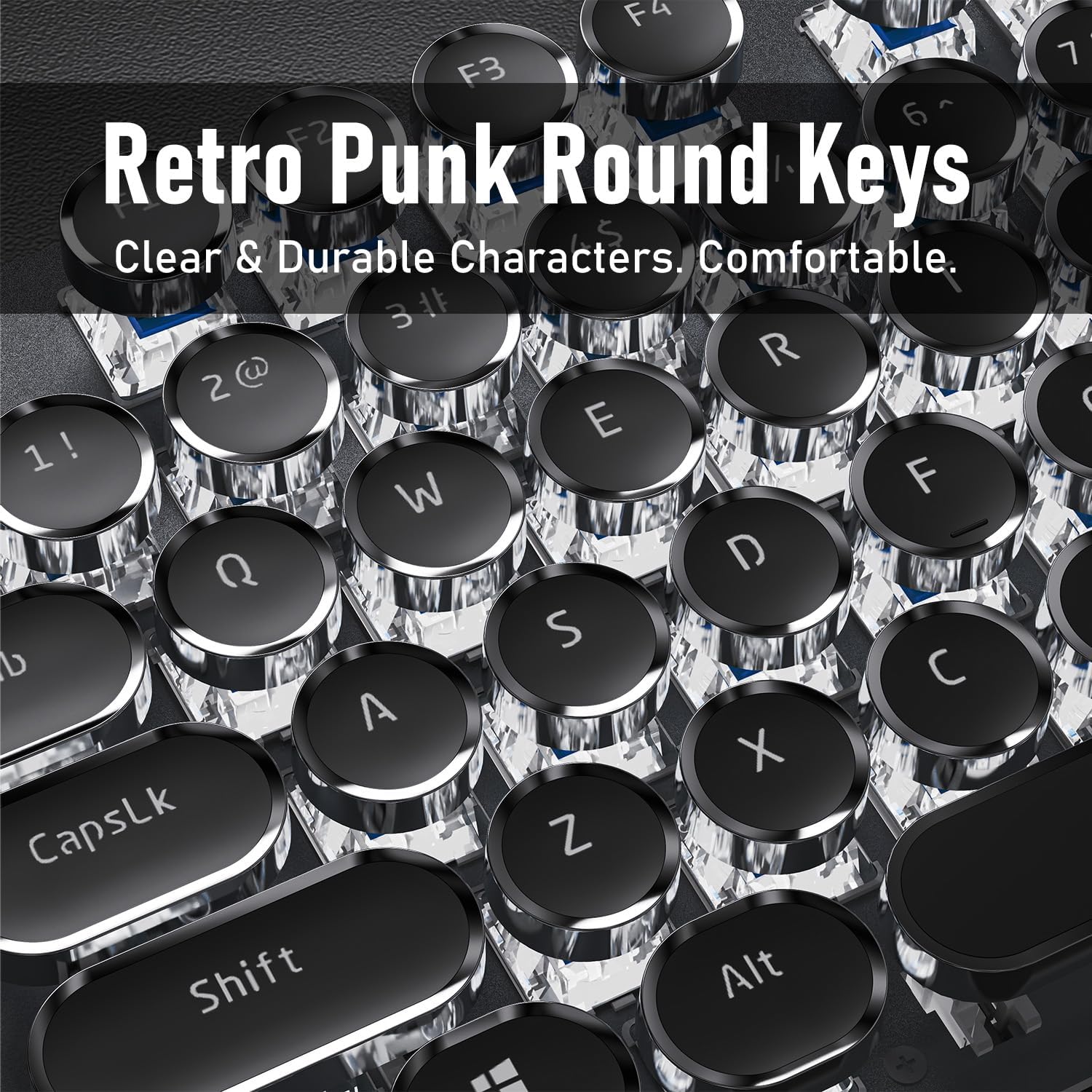
Image: A close-up of the unique retro punk round keycaps, showcasing their design and clarity.
- Anti-Ghosting & Full Key Rollover: Equipped with anti-ghosting technology, the TK100 ensures that every keystroke is accurately registered, even during rapid, multi-key commands. This full key rollover capability is essential for gaming and fast typing, preventing missed inputs.
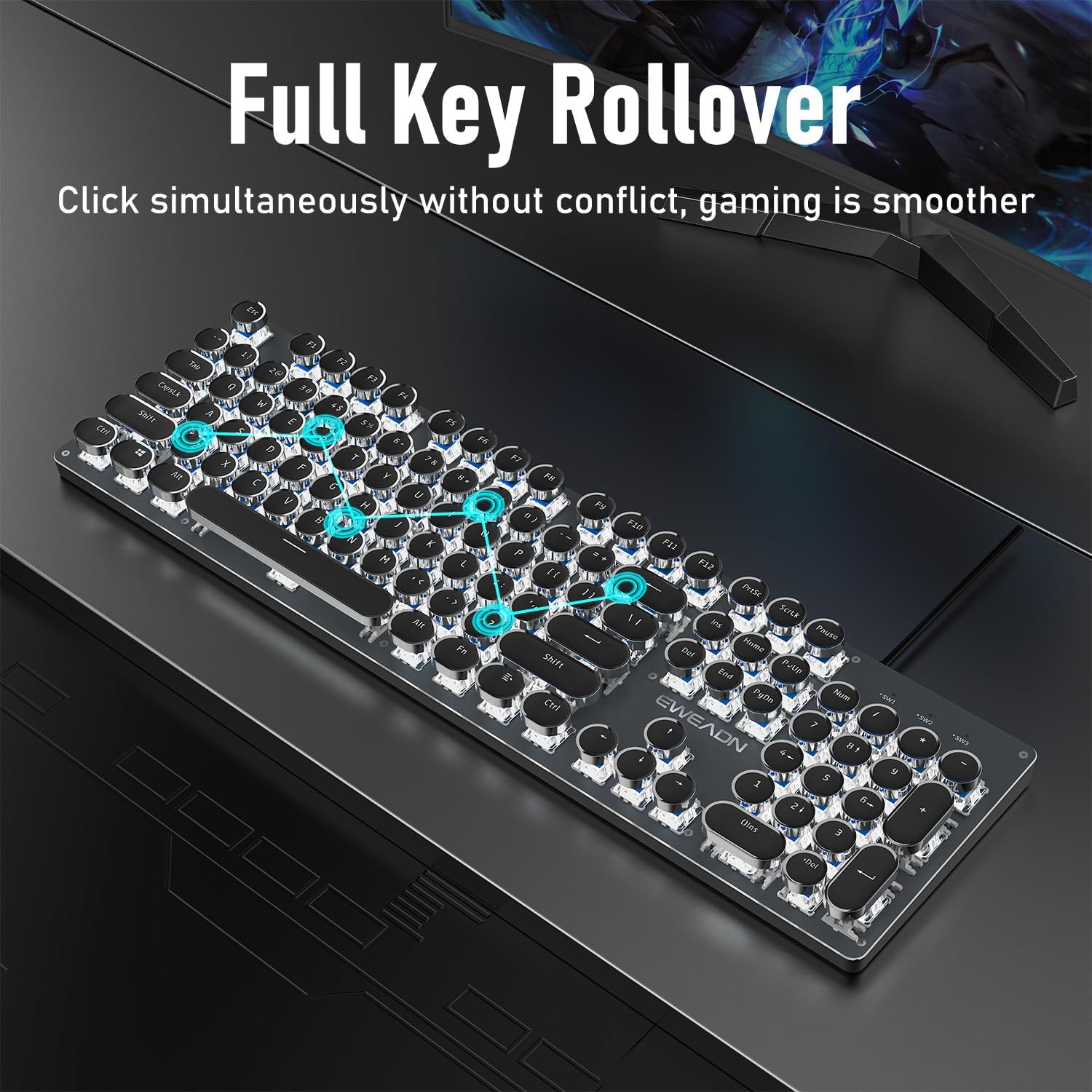
Image: The keyboard demonstrating its full key rollover feature, ensuring smooth and accurate input during simultaneous key presses.
- ఎర్గోనామిక్ డిజైన్: The keyboard features stepped floating keycaps that conform to your fingertips for comfortable typing. It also includes two-level adjustable foot supports, allowing you to set the keyboard angle for reduced fatigue during extended use.
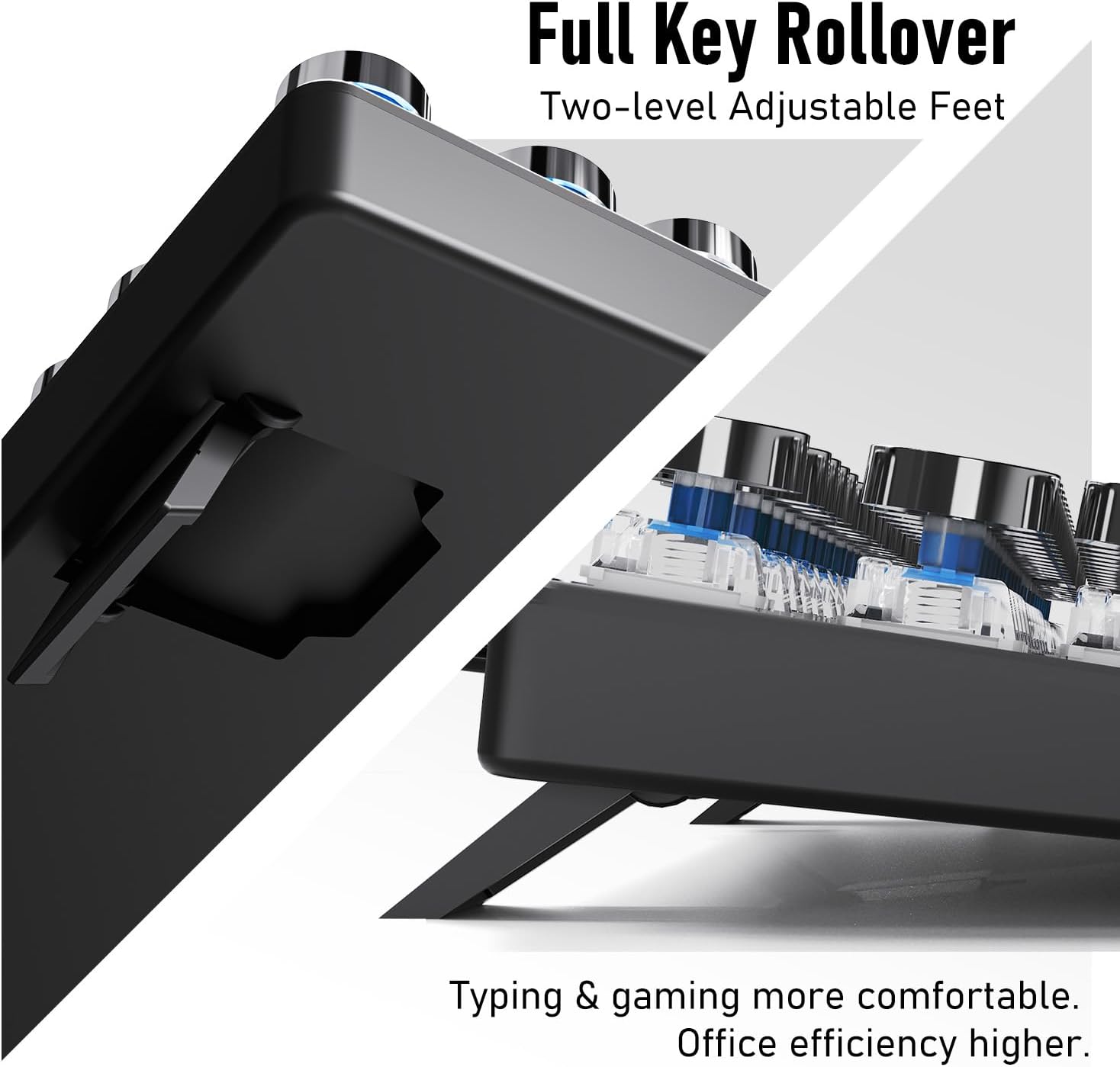
చిత్రం: ఎ view of the keyboard's adjustable feet, designed to enhance typing comfort and efficiency.
4.3 Multimedia & Hotkeys
The TK100 keyboard provides convenient access to multimedia controls:
- Dedicated quick-access buttons for volume control.
- Dedicated quick-access buttons for backlight effects.
- Dedicated quick-access buttons for play/pause and track switching.
5. నిర్వహణ
మీ EWEADN TK100 కీబోర్డ్ యొక్క దీర్ఘాయువు మరియు సరైన పనితీరును నిర్ధారించడానికి, ఈ నిర్వహణ మార్గదర్శకాలను అనుసరించండి:
- రెగ్యులర్ క్లీనింగ్: కొద్దిగా మెత్తని, మెత్తని బట్టను ఉపయోగించండి dampకీక్యాప్లు మరియు కీబోర్డ్ ఉపరితలాన్ని తుడిచివేయడానికి నీరు లేదా తేలికపాటి శుభ్రపరిచే ద్రావణంతో నానబెట్టండి. కఠినమైన రసాయనాలు లేదా రాపిడి పదార్థాలను నివారించండి.
- దుమ్ము తొలగింపు: Use compressed air to remove dust and debris from between the keycaps and under the switches.
- స్పిల్ నివారణ: కీబోర్డ్ మీద ద్రవాలు చిందకుండా ఉండండి. చిందినట్లయితే, వెంటనే మీ కంప్యూటర్ నుండి కీబోర్డ్ను డిస్కనెక్ట్ చేసి, తిరిగి కనెక్ట్ చేయడానికి ముందు పూర్తిగా ఆరనివ్వండి.
- నిల్వ: ఎక్కువసేపు ఉపయోగంలో లేనప్పుడు, కీబోర్డ్ను ప్రత్యక్ష సూర్యకాంతి మరియు తీవ్రమైన ఉష్ణోగ్రతలకు దూరంగా శుభ్రమైన, పొడి వాతావరణంలో నిల్వ చేయండి.
6. ట్రబుల్షూటింగ్
If you encounter issues with your EWEADN TK100 keyboard, please refer to the following common solutions:
- కీబోర్డ్ స్పందించడం లేదు:
- USB కేబుల్ కీబోర్డ్ మరియు కంప్యూటర్ యొక్క USB పోర్ట్ రెండింటికీ సురక్షితంగా కనెక్ట్ చేయబడిందని నిర్ధారించుకోండి.
- మీ కంప్యూటర్లోని కీబోర్డ్ను వేరే USB పోర్ట్కు కనెక్ట్ చేయడానికి ప్రయత్నించండి.
- సమస్య కీబోర్డ్లో ఉందా లేదా అసలు కంప్యూటర్లో ఉందా అని నిర్ధారించడానికి మరొక కంప్యూటర్లో కీబోర్డ్ను పరీక్షించండి.
- మీ కంప్యూటర్ని పునఃప్రారంభించండి.
- Backlight Not Working or Flickering:
- కీబోర్డ్ సరిగ్గా కనెక్ట్ చేయబడిందని మరియు విద్యుత్తు అందుతోందని నిర్ధారించుకోండి.
- నొక్కండి FN + పైకి బాణం (↑ ↑ ↑) to increase brightness.
- ఉపయోగించి వివిధ బ్యాక్లైట్ మోడ్ల ద్వారా సైకిల్ చేయండి FN + INS to see if the issue persists across all modes.
- Keys Not Registering or Double Typing:
- Ensure the keyboard is clean and free of debris that might be obstructing key presses.
- If specific keys are problematic, gently remove the keycap (if possible) and clean around the switch.
- Verify that no software or operating system settings are interfering with key input.
If these steps do not resolve your issue, please contact EWEADN customer support.
7. స్పెసిఫికేషన్లు
| ఫీచర్ | వివరాలు |
|---|---|
| మోడల్ సంఖ్య | TK100 |
| కనెక్టివిటీ టెక్నాలజీ | USB-A వైర్డ్ |
| కీబోర్డ్ వివరణ | Typewriter Style Mechanical Keyboard Wired |
| కీల సంఖ్య | 104 |
| కీ స్విచ్ రకం | బ్లూ మెకానికల్ స్విచ్ |
| బ్యాక్లైటింగ్ | తెలుపు LED, ఒకే రంగు |
| ప్రత్యేక లక్షణాలు | Backlit, Ergonomic, Hotkeys and Media Keys, Round Key, Anti-Ghosting, Full Key Rollover |
| అనుకూల పరికరాలు | ల్యాప్టాప్, పిసి, గేమింగ్ కన్సోల్, టాబ్లెట్, స్మార్ట్ఫోన్ |
| వస్తువు బరువు | 1.9 పౌండ్లు |
| ప్యాకేజీ కొలతలు | 19 x 7 x 2 అంగుళాలు |
8. వారంటీ మరియు మద్దతు
EWEADN stands by the quality of its products. The TK100 keyboard comes with a 48-month brand support period, ensuring assistance for any manufacturing defects or operational issues.
కస్టమర్ మద్దతు
For any inquiries, technical assistance, or warranty claims, please contact our expert support team:
ఇమెయిల్ మద్దతు: eweadnkeyboard@outlook.com
Our team is dedicated to providing prompt and helpful responses to ensure your satisfaction.


