1. భద్రతా సూచనలు
Please read these safety instructions carefully before using the MAMNV BR151 Robot Vacuum and Mop Combo. Keep this manual for future reference.
- ఈ ఉపకరణాన్ని 8 సంవత్సరాలు మరియు అంతకంటే ఎక్కువ వయస్సు ఉన్న పిల్లలు మరియు తక్కువ శారీరక, ఇంద్రియ లేదా మానసిక సామర్థ్యాలు లేదా అనుభవం మరియు జ్ఞానం లేని వ్యక్తులు సురక్షితమైన మార్గంలో ఉపకరణాన్ని ఉపయోగించడం గురించి పర్యవేక్షణ లేదా సూచనలను అందించినట్లయితే మరియు ప్రమాదాలను అర్థం చేసుకుంటే వాటిని ఉపయోగించవచ్చు. .
- పిల్లలు ఉపకరణంతో ఆడకూడదు. పర్యవేక్షణ లేకుండా పిల్లలచే శుభ్రపరచడం మరియు వినియోగదారు నిర్వహణ చేయరాదు.
- Only use the original power adapter provided with the product.
- తడి వాతావరణంలో లేదా నీటి వనరుల దగ్గర రోబోట్ను ఉపయోగించవద్దు.
- Ensure the charging dock is placed on a level surface against a wall, with adequate clear space around it.
- శుభ్రపరిచే మార్గం నుండి ఏవైనా వదులుగా ఉన్న కేబుల్స్, చిన్న వస్తువులు లేదా పెళుసుగా ఉండే వస్తువులను తొలగించండి, తద్వారా అవి చిక్కుకోకుండా లేదా దెబ్బతినకుండా ఉంటాయి.
- Do not add cleaning solvents to the water tank, as they may corrode the tank and shorten its service life.
2. ఉత్పత్తి ముగిసిందిview
The MAMNV BR151 is a 2-in-1 robot vacuum and mop combo designed for efficient home cleaning. It features powerful suction, intelligent navigation, and multiple cleaning modes.
కీ ఫీచర్లు
- 2-in-1 Mopping Robot Vacuum: Combines vacuuming and wet mopping functions with a 230ml electric control water tank for even penetration on hard floors.
- బ్రష్లెస్ సక్షన్ పోర్ట్: Designed to prevent pet hair entanglement, ideal for homes with pets.
- స్మార్ట్ యాప్ & వాయిస్ కంట్రోల్: Compatible with Tuya Smart App, Amazon Alexa, and Google Assistant for scheduled cleaning and voice commands. (Note: App supports 2.4GHz WiFi only).
- తెలివైన అడ్డంకి నివారణ: Advanced 3D precise obstacle avoidance sensors identify and avoid walls, stairs, and obstacles.
- స్లిమ్ డిజైన్: At 2.87 inches, it can reach under furniture and into narrow spaces.
- Long Runtime & Self-charging: 2500mAh battery provides up to 100 minutes of runtime, automatically returning to the charging base when low on battery or cleaning is complete.
- 4 అధిక సామర్థ్యం గల శుభ్రపరిచే పద్ధతులు: Auto, Spot, Edge, and Zig-zag cleaning modes to suit different needs.
ఏమి చేర్చబడింది
- BR151 Robotic Vacuum Cleaner
- రిమోట్ కంట్రోల్ (2 AAA బ్యాటరీలు చేర్చబడ్డాయి)
- ఛార్జింగ్ డాక్
- పవర్ అడాప్టర్
- 230mL Water Tank (with washable mopping cloth)
- 220mL Dustbin (with high-efficiency filter)
- 2 సైడ్ బ్రష్లు
- వినియోగదారు మాన్యువల్
- FQA
- నెట్వర్కింగ్ గైడ్
3. సెటప్
3.1 అన్ప్యాకింగ్ మరియు ప్లేస్మెంట్
Carefully remove all components from the packaging. Place the charging dock on a hard, level surface against a wall. Ensure there is at least 1 meter (3 feet) of clear space on both sides of the dock and 2 meters (6 feet) in front of it for optimal navigation.
3.2 ప్రారంభ ఛార్జ్
Connect the power adapter to the charging dock and plug it into a wall outlet. Place the robot vacuum onto the charging dock. The indicator lights will show charging status. Fully charge the robot before first use (approximately 4-5 hours).
3.3 యాప్ కనెక్షన్ (తుయా స్మార్ట్ యాప్)
To utilize smart features, download the Tuya Smart App from your device's app store. Register a new account or log in. Ensure your mobile device is connected to a 2.4GHz Wi-Fi network, as the robot does not support 5GHz Wi-Fi.
- డౌన్లోడ్ చేసి, ఇన్స్టాల్ చేయండి తుయా స్మార్ట్ యాప్.
- కొత్త ఖాతాను నమోదు చేయండి లేదా లాగిన్ చేయండి.
- Power on the robot by pressing and holding the power button for 3 seconds.
- Open the Tuya Smart App and tap 'Add Device'.
- Select 'Robot Vacuum (Wi-Fi)' under 'Small Home Appliances' or 'Clean'.
- To enter EZ mode, press and hold the recharge button on the robot for 3 seconds until the Wi-Fi indicator blinks rapidly.
- Confirm the indicator is blinking rapidly in the app.
- Enter your 2.4GHz Wi-Fi network password and proceed with the connection.
- Once connected, you can control the robot via the app.
Video: Instructions for connecting the MAMNV BR151 Robot Vacuum Cleaner to the Tuya Smart App.
4. ఆపరేటింగ్ సూచనలు
4.1 శుభ్రపరచడం ప్రారంభించడం/పాజ్ చేయడం
- రోబోట్ ద్వారా: శుభ్రపరచడం ప్రారంభించడానికి లేదా పాజ్ చేయడానికి రోబోట్లోని పవర్ బటన్ను నొక్కండి.
- యాప్ ద్వారా: Use the Tuya Smart App to start, pause, or stop cleaning.
- రిమోట్ కంట్రోల్ ద్వారా: Use the provided remote control to start, pause, or stop cleaning.
- వాయిస్ నియంత్రణ: If connected to Amazon Alexa or Google Assistant, use voice commands like "Alexa, turn on the robot vacuum."
వీడియో: ముగిసిందిview of the MAMNV BR151 Robot Vacuum and Mop, demonstrating its features including voice control and cleaning capabilities.
4.2 క్లీనింగ్ మోడ్లు
The BR151 offers four cleaning modes, selectable via the app or remote control:
- ఆటో క్లీనింగ్ మోడ్: ఆ రోబో తెలివిగా నావిగేట్ చేసి ఆ ప్రాంతమంతా శుభ్రం చేస్తుంది.
- స్పాట్ క్లీనింగ్ మోడ్: ఈ రోబోట్ ఒక నిర్దిష్ట ప్రాంతాన్ని మురి నమూనాలో శుభ్రపరుస్తుంది, ఇది సాంద్రీకృత ధూళికి అనువైనది.
- ఎడ్జ్ క్లీనింగ్ మోడ్: ఈ రోబో గోడలు మరియు ఫర్నిచర్ అంచులను శుభ్రపరుస్తుంది.
- Zig-zag Cleaning Mode: The robot cleans in an efficient back-and-forth pattern, covering a large area.
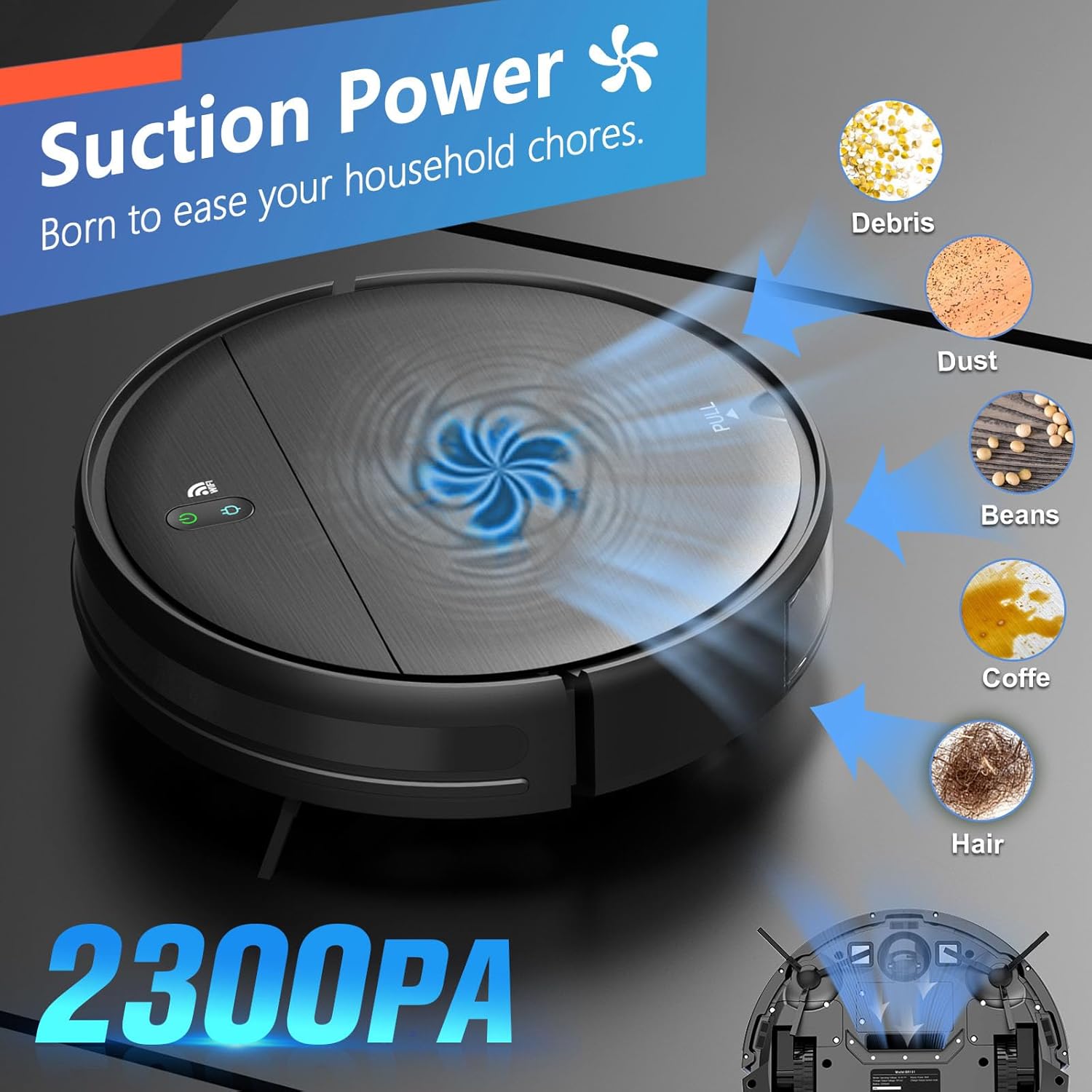
Image: The MAMNV BR151 Robot Vacuum demonstrating app and voice control functionality, compatible with Amazon Alexa and Google Assistant.
Video: Demonstration of the MAMNV BR151 Robot Vacuum Cleaner's various cleaning modes including auto, spot, edge, and zig-zag.
4.3 మాపింగ్ ఫంక్షన్
To use the mopping function, fill the 230ml water tank with clean water and attach the washable mopping cloth. Insert the water tank into the robot. The robot will automatically dispense water for wet mopping. Adjust water flow intensity via the app if available.

Image: The MAMNV BR151 Robot Vacuum demonstrating its 2-in-1 dry/wet dual-purpose cleaning, highlighting the 230ml water tank and two levels of water flow.
4.4 ఆటోమేటిక్ ఛార్జింగ్
When the battery is low or cleaning is complete, the robot will automatically return to its charging dock to recharge. Ensure the charging dock is accessible and free from obstructions.
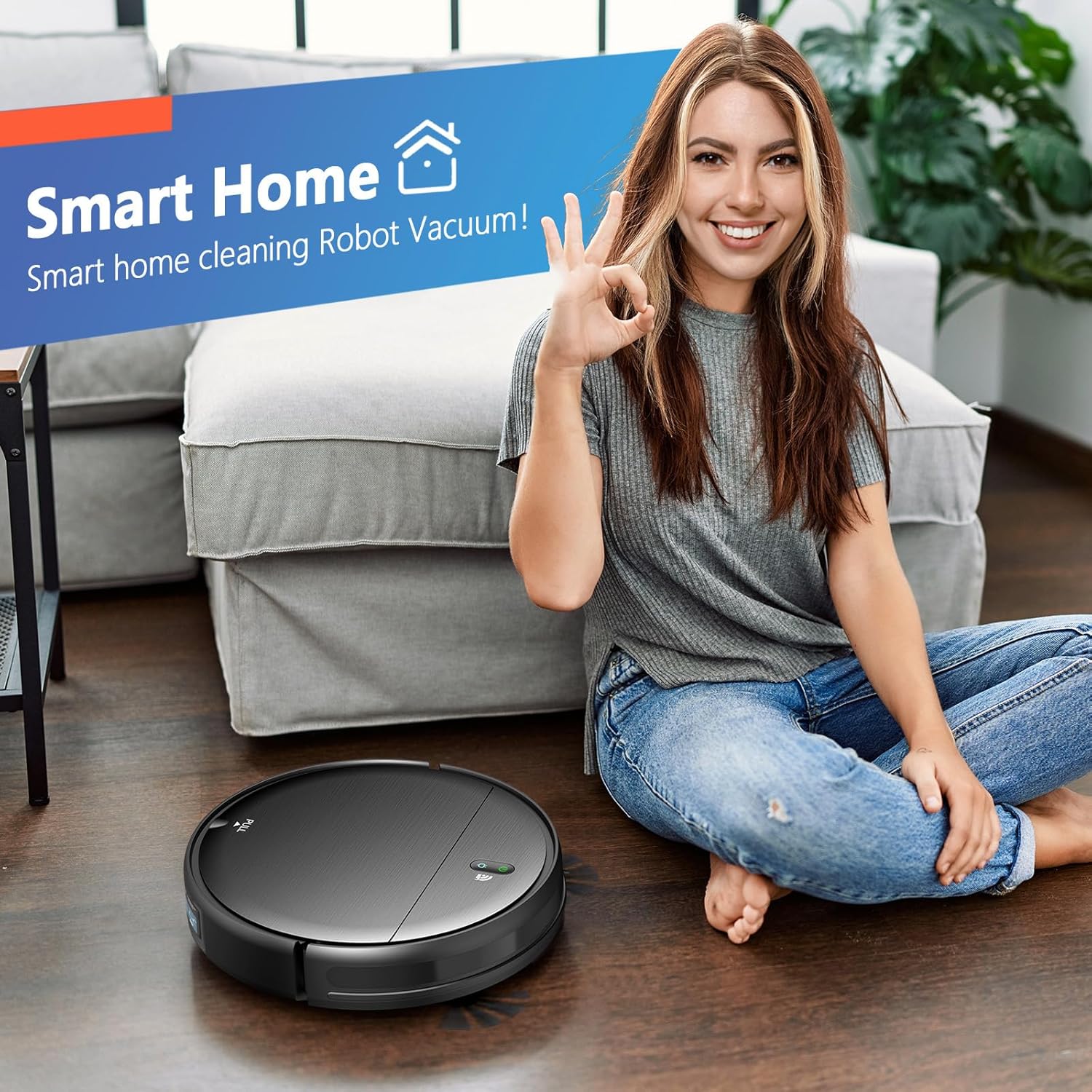
Image: The MAMNV BR151 Robot Vacuum automatically returning to its charging base after 100 minutes of runtime or when the battery is low.
5. నిర్వహణ
క్రమం తప్పకుండా నిర్వహణ సరైన పనితీరును నిర్ధారిస్తుంది మరియు మీ రోబోట్ వాక్యూమ్ యొక్క జీవితకాలాన్ని పొడిగిస్తుంది.
5.1 చెత్తబుట్టను ఖాళీ చేయడం
Empty the 220ml dustbin after each cleaning cycle. Open the top cover of the robot, remove the dustbin, and discard collected debris. Clean the high-efficiency filter as needed (washable type).
5.2 Cleaning the Water Tank and Mopping Cloth
After mopping, empty any remaining water from the 230ml water tank. Remove and wash the mopping cloth. Allow both to air dry completely before reassembling. Do not add cleaning solvents to the water tank.
5.3 క్లీనింగ్ సైడ్ బ్రష్లు
Regularly check the side brushes for tangled hair or debris. Remove and clean them. Replace worn brushes to maintain effective cleaning.
5.4 సెన్సార్లను శుభ్రపరచడం మరియు కాంటాక్ట్లను ఛార్జ్ చేయడం
Wipe the sensors and charging contacts on both the robot and the charging dock with a dry cloth to ensure proper function and charging.

Image: A set of replacement parts for the MAMNV BR151 Robot Vacuum, including two mopping cloths, two side brushes, and two high-efficiency filters.
6. ట్రబుల్షూటింగ్
If you encounter issues with your MAMNV BR151, refer to the following common problems and solutions:
- రోబోట్ ఆన్ చేయదు: Ensure the battery is charged. Place the robot on the charging dock and check if the indicator lights are on.
- రోబోట్ ఛార్జ్ చేయదు: Verify the power adapter is securely connected to the charging dock and a working power outlet. Clean the charging contacts on both the robot and the dock.
- రోబోట్ తరచుగా ఇరుక్కుపోతుంది: Clear obstacles, loose cables, and thick rugs from the cleaning area. The robot is designed for low-pile carpets, not long-pile carpets.
- పేలవమైన శుభ్రపరిచే పనితీరు: Empty the dustbin, clean or replace filters, and clean the side brushes. Ensure the water tank is filled for mopping.
- యాప్ కనెక్షన్ సమస్యలు: Confirm your Wi-Fi network is 2.4GHz. Restart your router and the robot. Follow the app connection steps carefully.
- Robot falls down stairs: Clean the cliff sensors located on the underside of the robot.
For further assistance, please consult the FQA guide included with your product or contact customer support.
7. స్పెసిఫికేషన్లు
| ఫీచర్ | వివరాలు |
|---|---|
| బ్రాండ్ | MAMNV |
| మోడల్ పేరు | BR151 రోబోట్ వాక్యూమ్ మరియు మాప్ కాంబో |
| ప్రత్యేక ఫీచర్ | Pet Hair Pick Up, Scheduling, Simultaneous Vacuuming & Mopping, Variable Suction Control, Wet/Dry |
| రంగు | నలుపు |
| ఉత్పత్తి కొలతలు | 11.8"లీ x 11.8"వా x 2.87"హ |
| ఫిల్టర్ రకం | Filter cotton (not washable), Three-layer high-efficiency filtration (washable) |
| బ్యాటరీ లైఫ్ | 100 minutes (runtime) |
| క్లీనింగ్ పాత్ వెడల్పు | 13.38 అంగుళాలు |
| వాల్యూమ్tage | 220 వోల్ట్లు |
| డస్ట్బిన్ కెపాసిటీ | 220 మిల్లీలీటర్లు |
| నీటి ట్యాంక్ సామర్థ్యం | 230 మిల్లీలీటర్లు |
| శక్తి మూలం | బ్యాటరీ ఆధారితమైనది |
| నియంత్రణ పద్ధతి | యాప్, రిమోట్, టచ్, వాయిస్ |
| అనుకూల పరికరాలు | అమెజాన్ ఎకో, గూగుల్ హోమ్, స్మార్ట్ఫోన్లు |
| ఫారమ్ ఫ్యాక్టర్ | రోబోటిక్ |
| వస్తువు బరువు | 5.73 పౌండ్లు |
| ఉపరితల సిఫార్సు | Hard Floor, Low Pile Carpet, Wood Floor, Tile Floor, Pet Hair |
8. వారంటీ మరియు మద్దతు
The MAMNV BR151 Robot Vacuum and Mop Combo comes with a 12-month service warranty. For any product inquiries, technical support, or warranty claims, please contact our professional customer service team. Refer to the contact information provided in the product packaging or on the official MAMNV webసైట్.


